


ZenWiFi AX (XT8)
ZenWiFi
WiFi Coverage Everywhere. Always Secure.
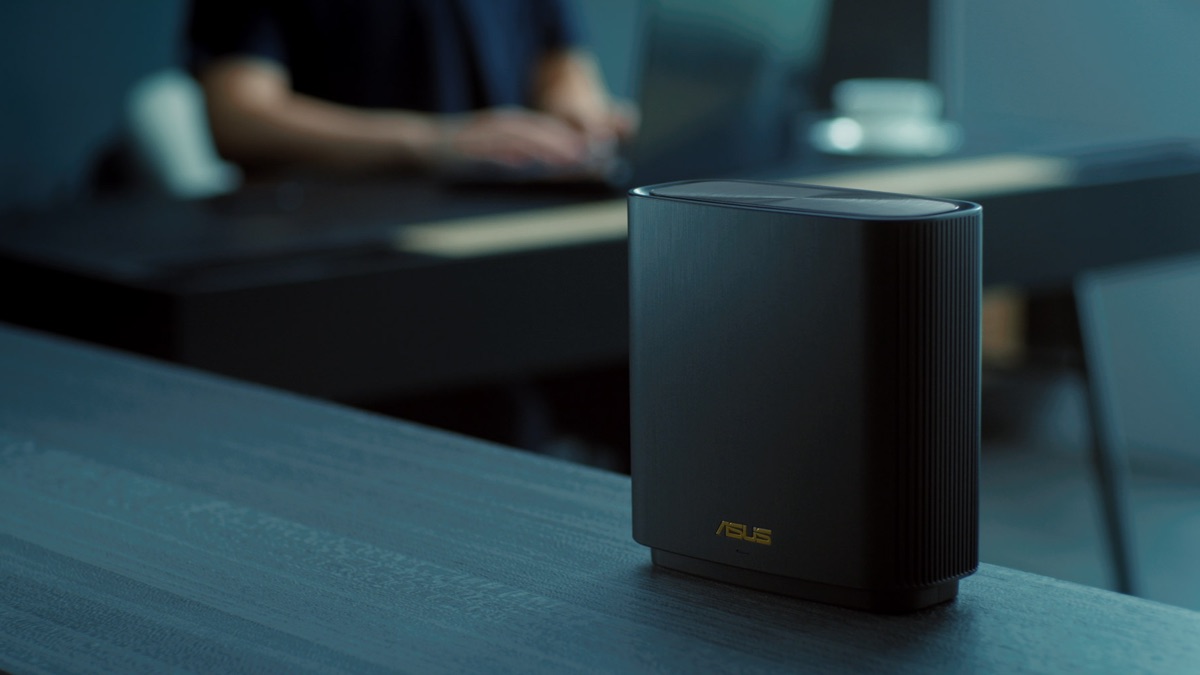

Whole-home Coverage
High speed tri-band. Stable WiFi.
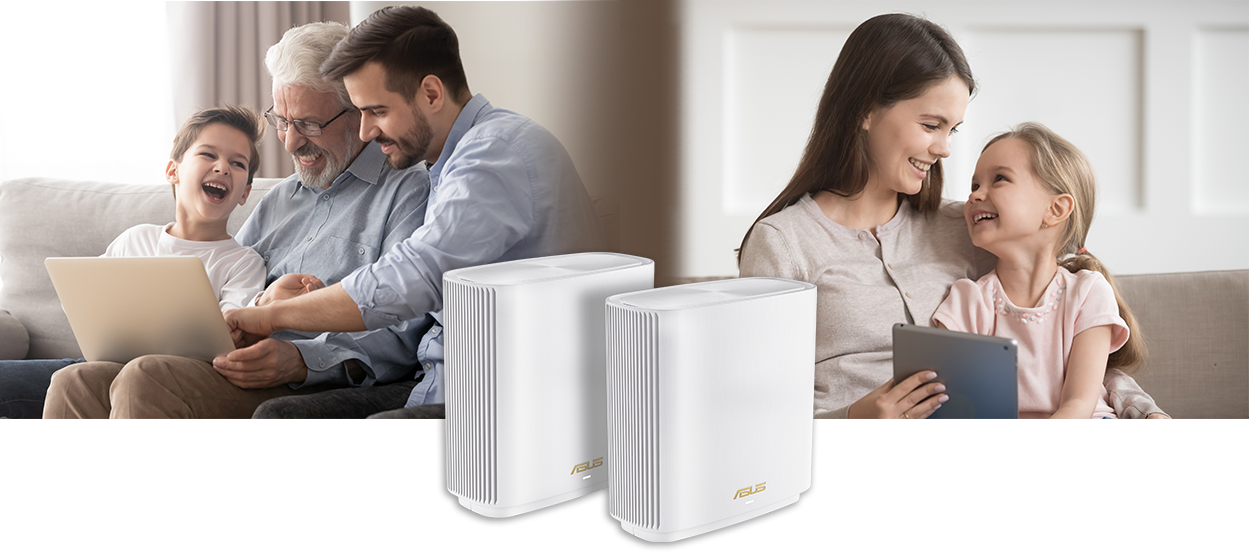
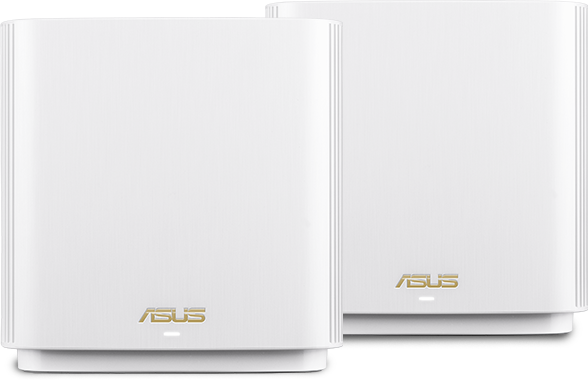
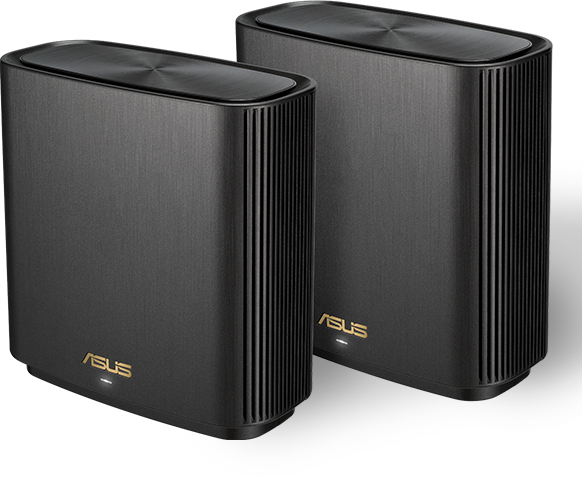
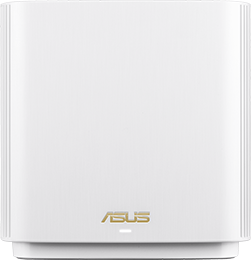
The ZenWiFi AX system consists of a pair of ASUS AX6600 WiFi 6 routers, featuring unique technologies that give you superfast, reliable and secure WiFi connections — inside or outside your home!





True 8K Streaming

ZenWiFi AX puts your WiFi into top gear! With a total bandwidth of up to of 6600 Mbps, it's up to 2.2X faster* than tri-band AC3000 (WiFi 5) routers **.
* The 160MHz bandwidth may be unavailable in the 5GHz band in some regions / countries due to regulatory restrictions.
* Compatible WiFi 6 device required.
** The data compares speed of 4x4 11ax on 5GHz 160MHz bandwidth with 1024QAM modulation to speed of 4x4 11ac on 5GHz 80MHz with 256QAM modulation.

The smoothest WiFi for all your devices
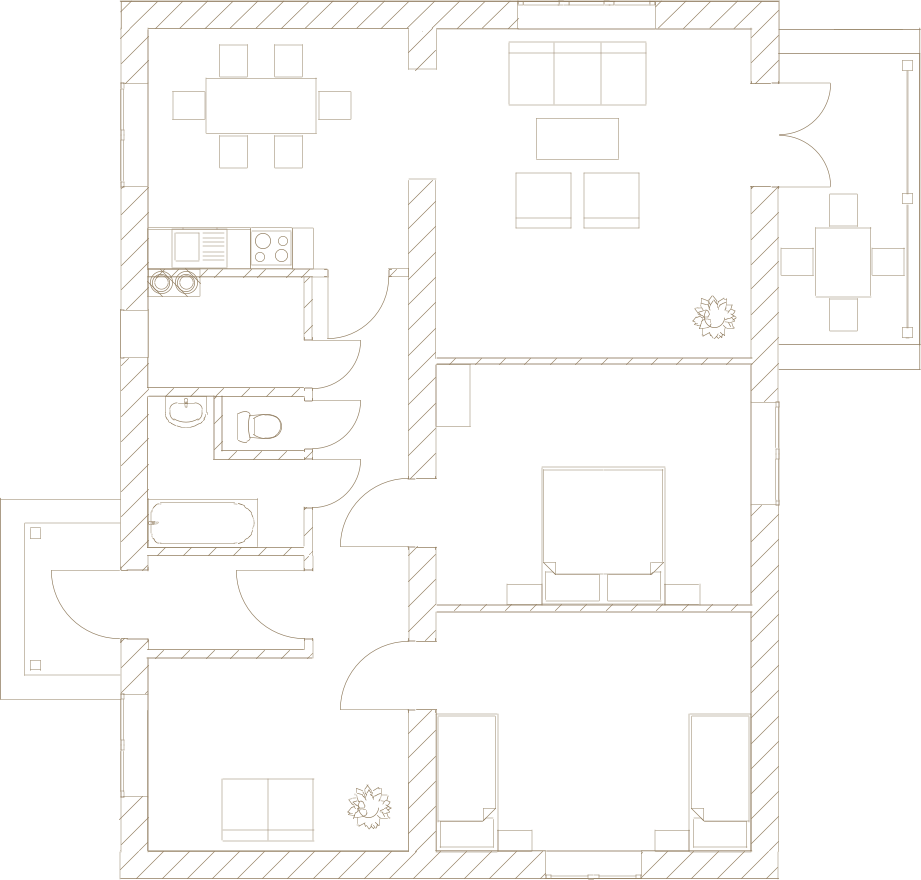
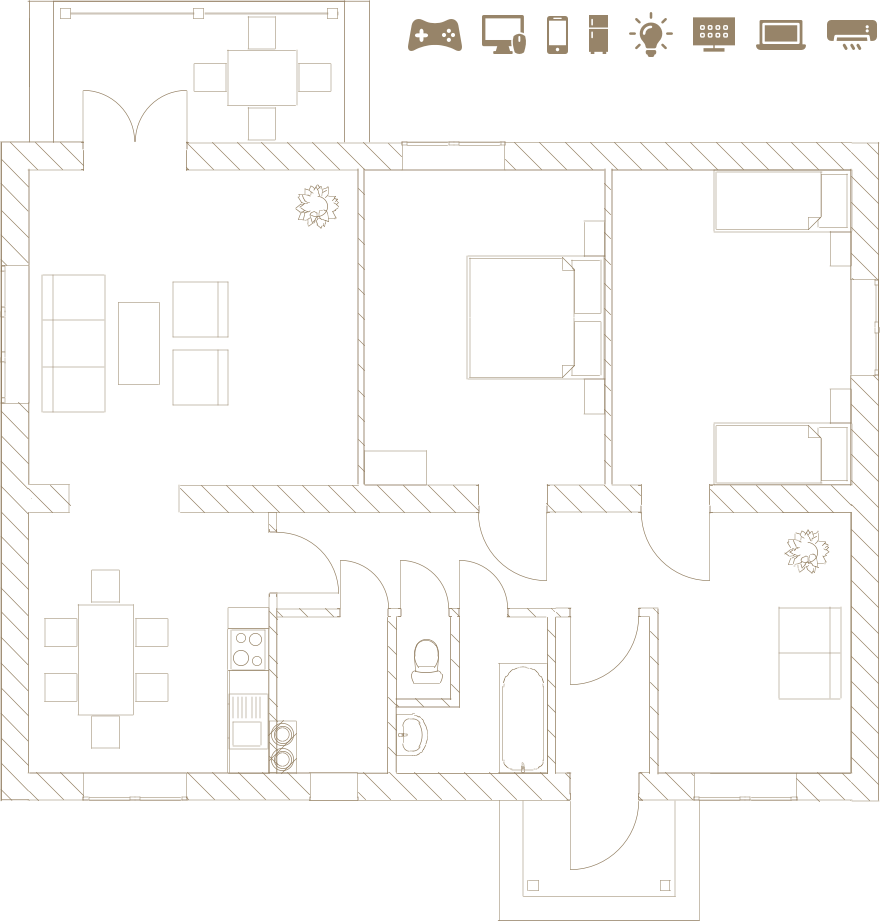
WiFi 6 (802.11ax) is engineered to cope with multiple devices, so even if your home's packed with WiFi devices, you'll still enjoy fast WiFi everywhere. WiFi 6 also uses special Target Wake Time technology that reduces the power consumption of connected devices by up to 7X, extending their battery life*.
* Compatible WiFi 6 device required

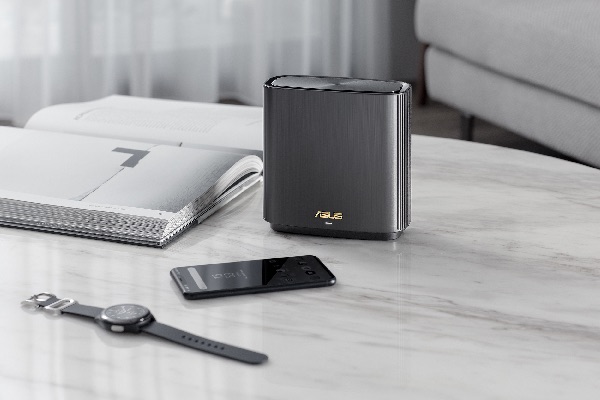
Works with any WiFi device
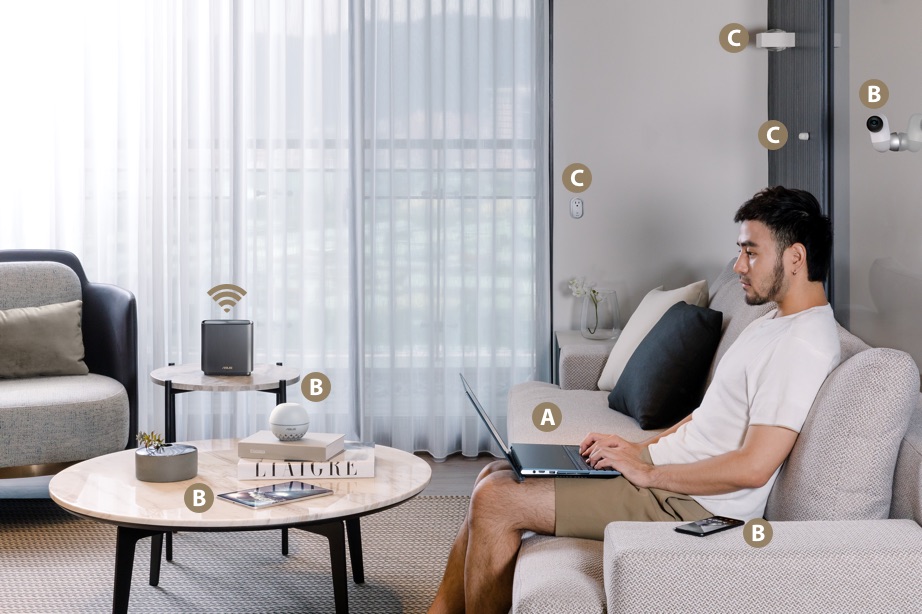
WiFi 6 is fully compatible with all generations of WiFi, so you can connect any device to ZenWiFi AX, no matter if it uses 8-lef02.11ac, 802.11n or other previous WiFi standards.


Flexible Network Naming
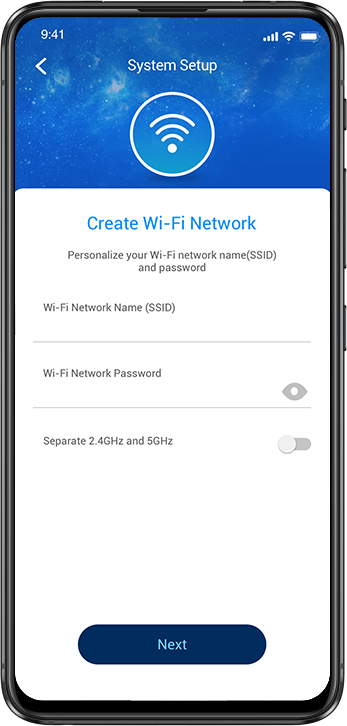
Uniquely, ZenWiFi AX lets you choose how you name your WiFi networks: a single name for everything, or separate names for each frequency band. The choice is yours!
Learn more about tri-band and back-haul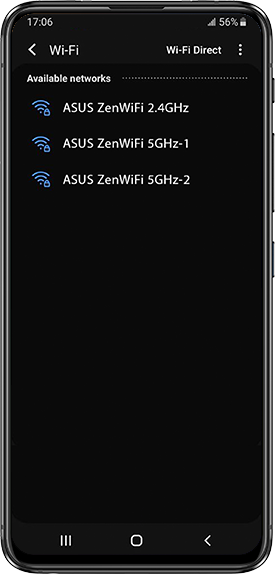
Tri-band. Zero slowdowns.
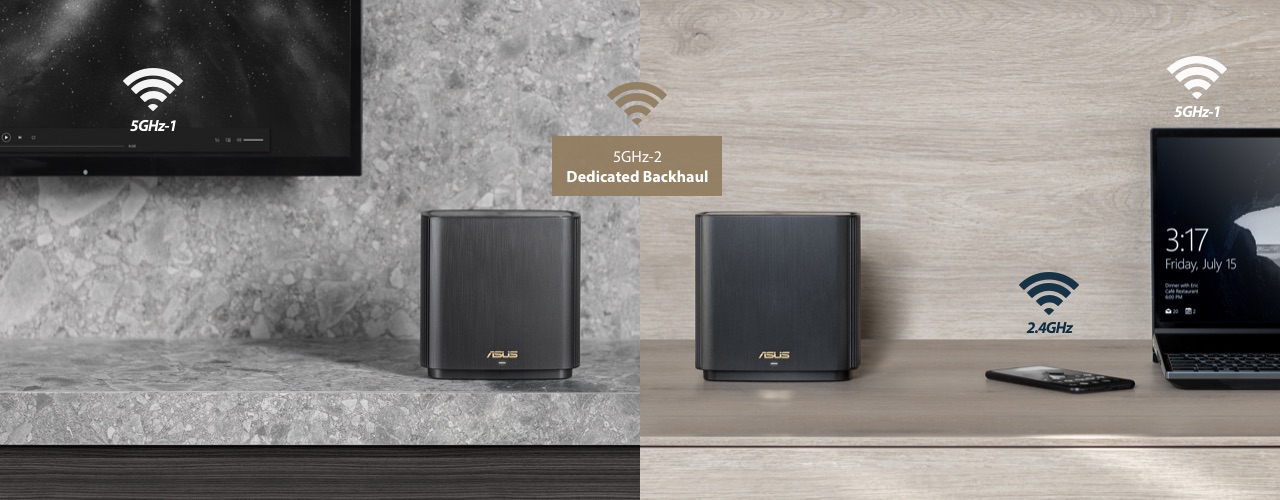
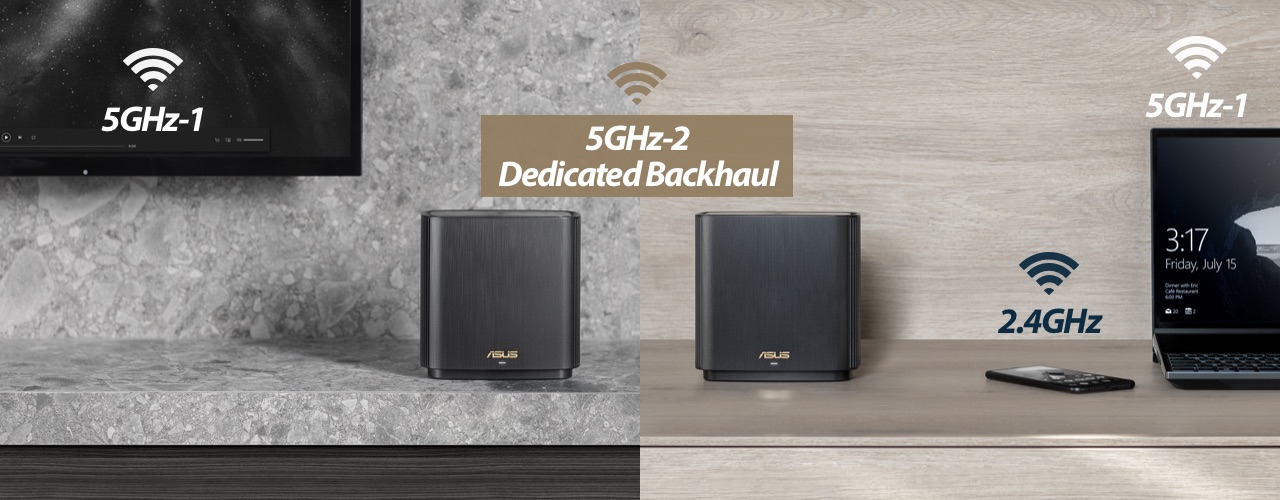
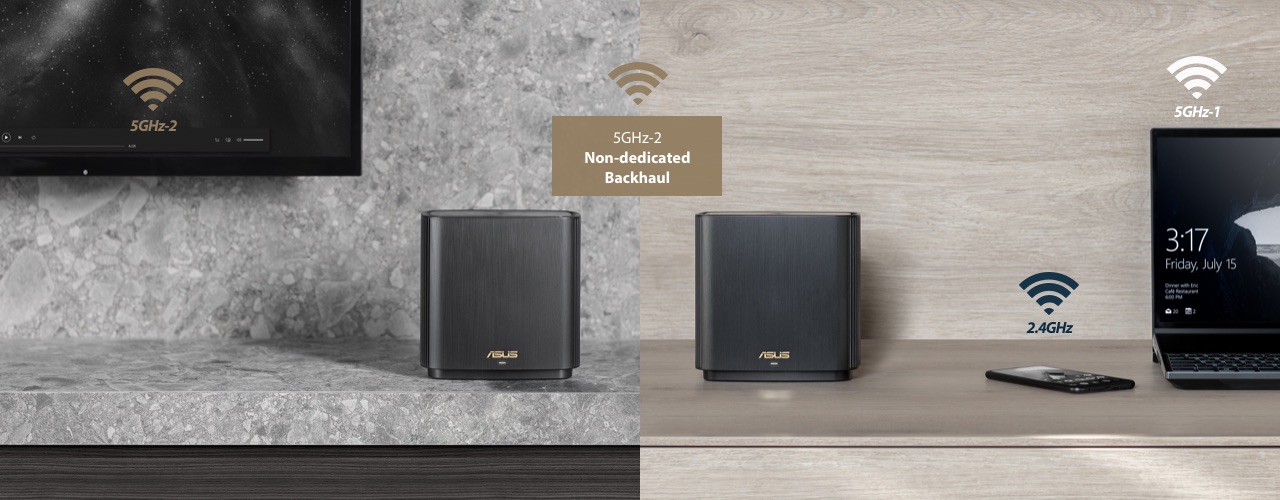
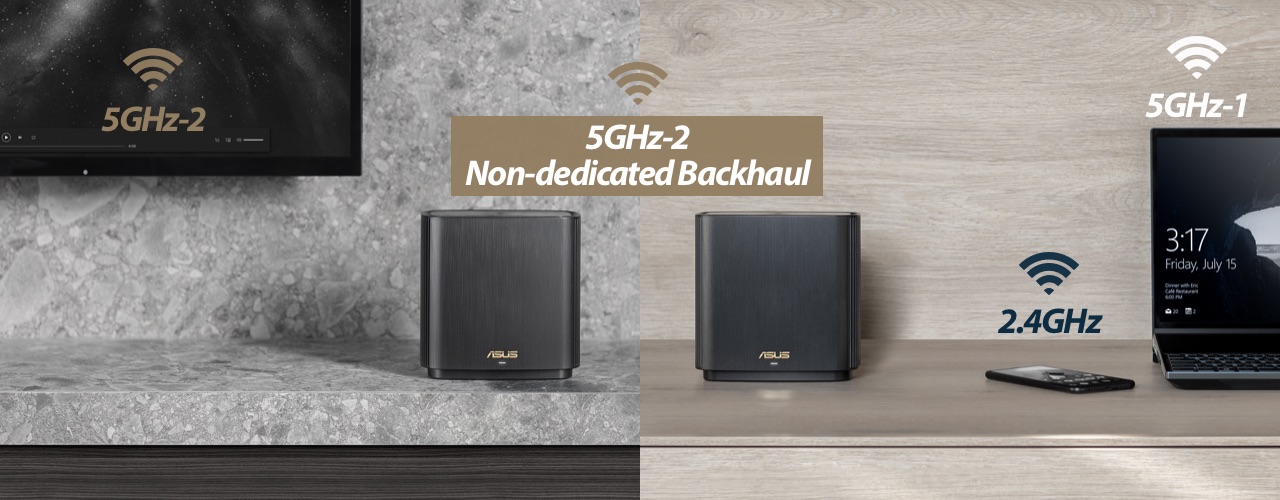
Unlike traditional dual-band mesh WiFi systems that sacrifice half of the total wireless bandwidth to the backhaul connection, ZenWiFi AX features a tri-band design with a full WiFi band for the backhaul, maximizing system performance and stability. With this upgraded design, you'll experience fast and stable WiFi, even when data transfers through multiple hubs to reach your device.

Backhaul Configuration
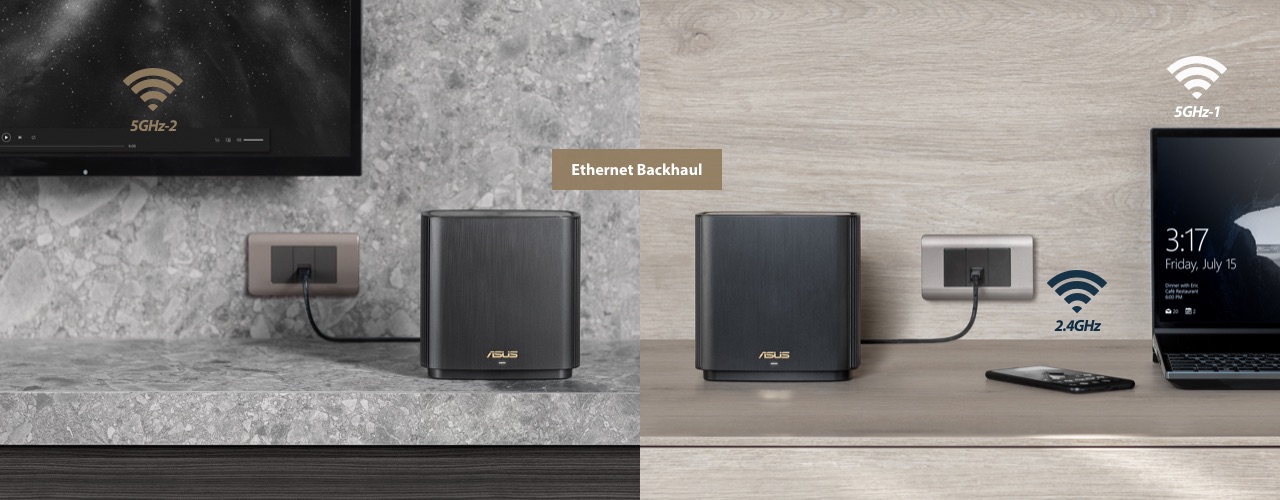
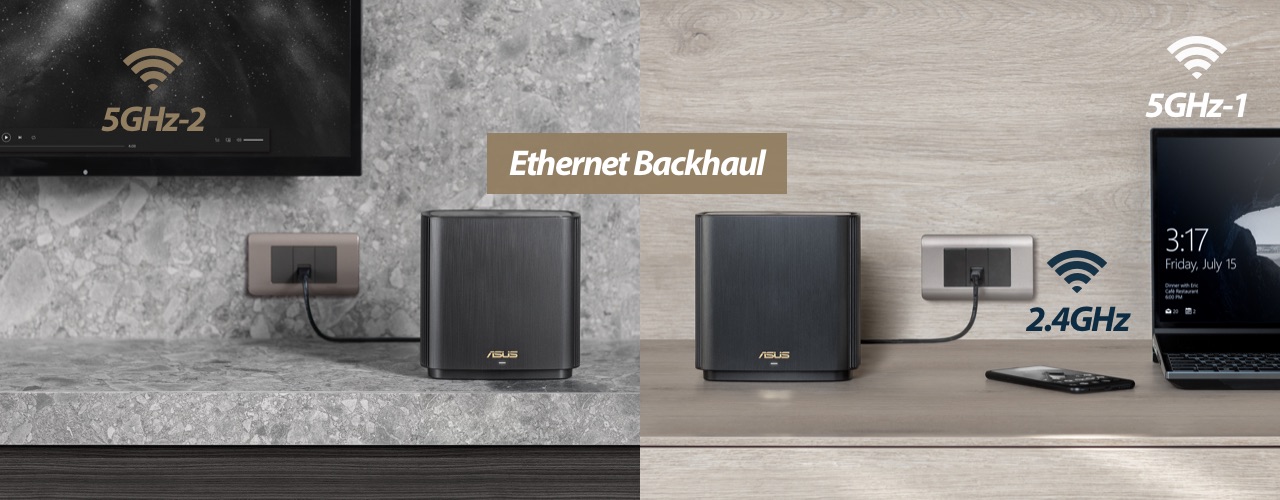
ZenWiFi AX allows flexible configuration of the backhaul connection. You can set the second 5GHz band as a dedicated or non-dedicated backhaul connection, enabling maximized backhaul speed or freeing up the fastest 5GHz band for connected devices. If you have Ethernet ports in your walls, you can also set ZenWiFi AX to use Ethernet backhaul, reserving all three WiFi bands for your wireless devices for even more stable and reliable networking.
Easier-than-ever Setup
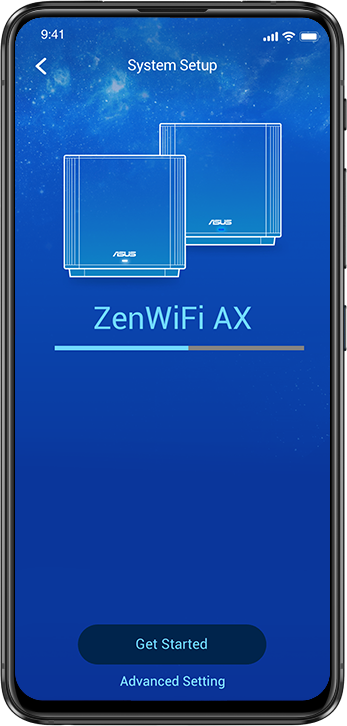
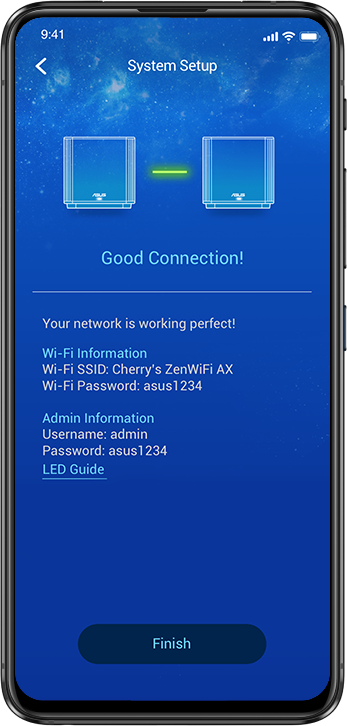
3-step setup with the ASUS Router app
1
Turn on ZenWiFi AX
2
Create a WiFi network name and an admin account
3
Wait for 3 minutes, and you're done!
What makes ZenWiFi AX setup so easy?
- One-time setup, with auto synchronization for all the hubs in each package
- Hassle-free: each unit can work as the main router or an extender node
Safer Place for Everyone
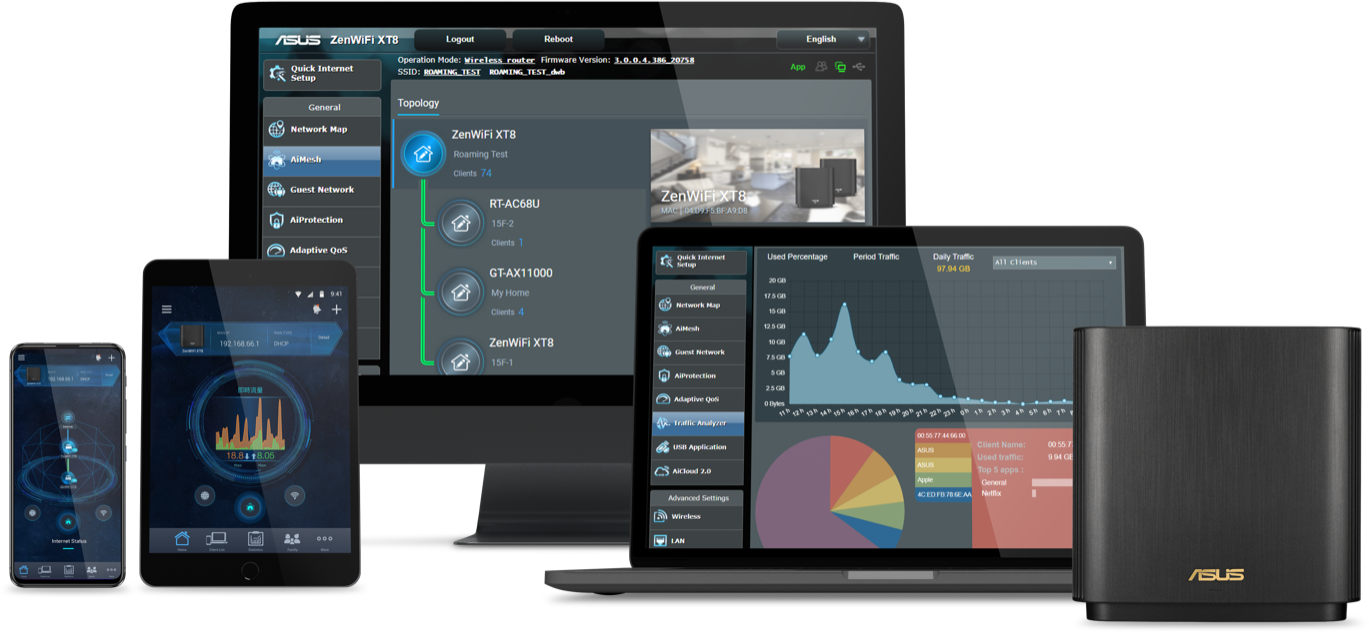
AiProtection Pro with Advanced Parental Controls is free for life. It gives you total peace of mind, and you can keep an eye on everything that's happening on your network via the mobile app.





Some routers only offer 3 years of protection, ASUS AiProtection has you covered for the life of your product.

Intrusion Prevention System (IPS) blocks all common internet-based attacks.

AiProtection uses Trend Micro's official database to identify and block known malicious sites, preventing infection even before you click.
Even if an already-infected device is connected to ZenWiFi, AiProtection prevents any personal data on the device from being compromised.
AiProtection has everything you need in one place: it's super-easy to view or change security settings on each of your family member's devices, so your kids can be safer when surfing!
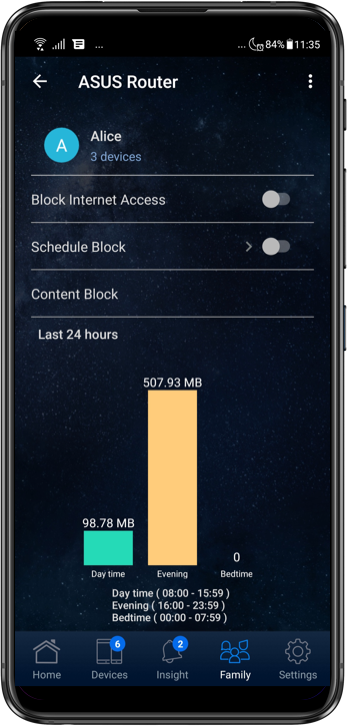
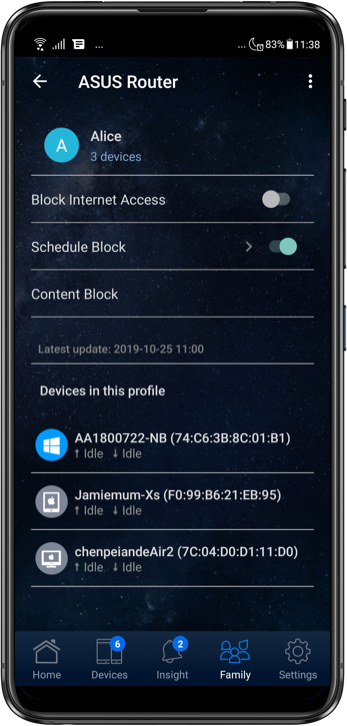
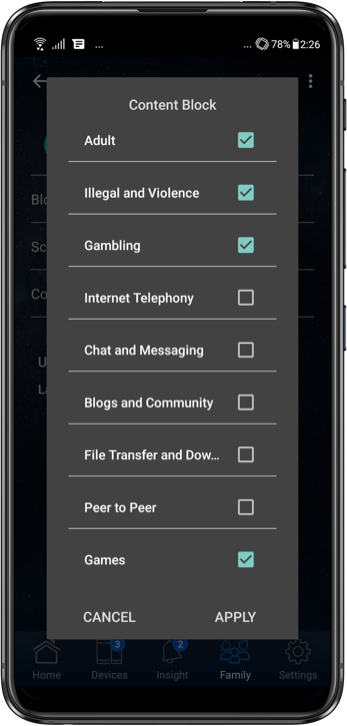

View each family member's internet activity on a clear graphical dashboard showing the peak time and what kind of content they are viewing. You can group devices that belong to your children to view aggregated data and apply scheduled block times and content filters with just a few taps.

Check the box when editing a device and profile, and the preset automatically applies filters for inappropriate content to all their devices.

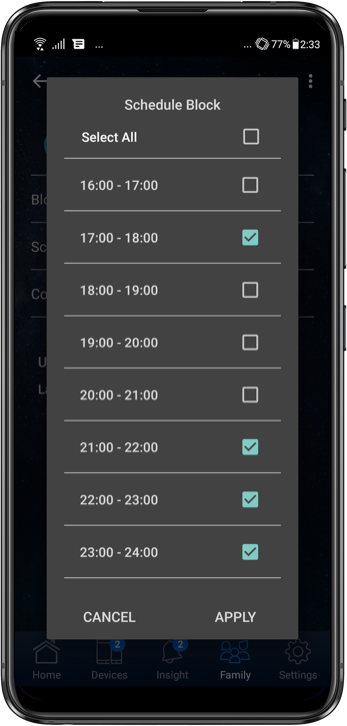
Reserve valuable family time or help your children develop responsible behavior by selecting scheduled time periods to block internet access on specific devices.

Block specific categories of mobile apps and websites, and apply these settings to all devices belonging to individual family members. The advanced filtering integrates Trend Micro's Deep Packet Inspection (DPI) engine to filter not only by website URL, but also by the internet packets themselves, which means it filters content viewed not only in a web browser, but also within mobile apps on your devices.
Internet Activity Dashboard
View each family member's internet activity on a clear graphical dashboard showing the peak time and what kind of content they are viewing. You can group devices that belong to your children to view aggregated data and apply scheduled block times and content filters with just a few taps.
Kid-Safe Preset
Check the box when editing a device and profile, and the preset automatically applies filters for inappropriate content to all their devices.
Schedule Block Time
Reserve valuable family time or help your children develop responsible behavior by selecting scheduled time periods to block internet access on specific devices.
Content Filter
Block specific categories of mobile apps and websites, and apply these settings to all devices belonging to individual family members. The advanced filtering integrates Trend Micro's Deep Packet Inspection (DPI) engine to filter not only by website URL, but also by the internet packets themselves, which means it filters content viewed not only in a web browser, but also within mobile apps on your devices.
Smart Looks for Smart Homes
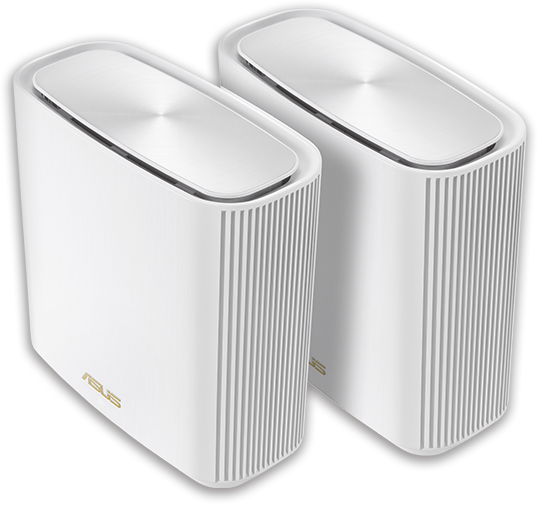
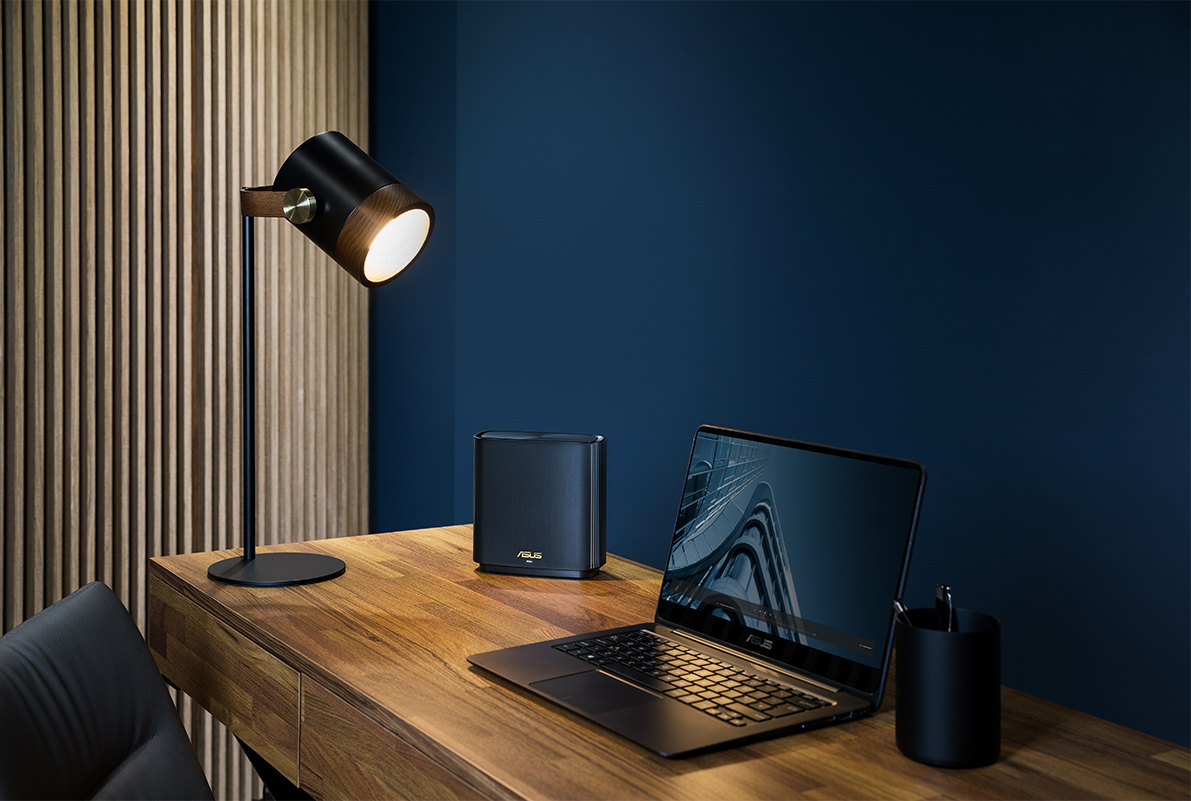
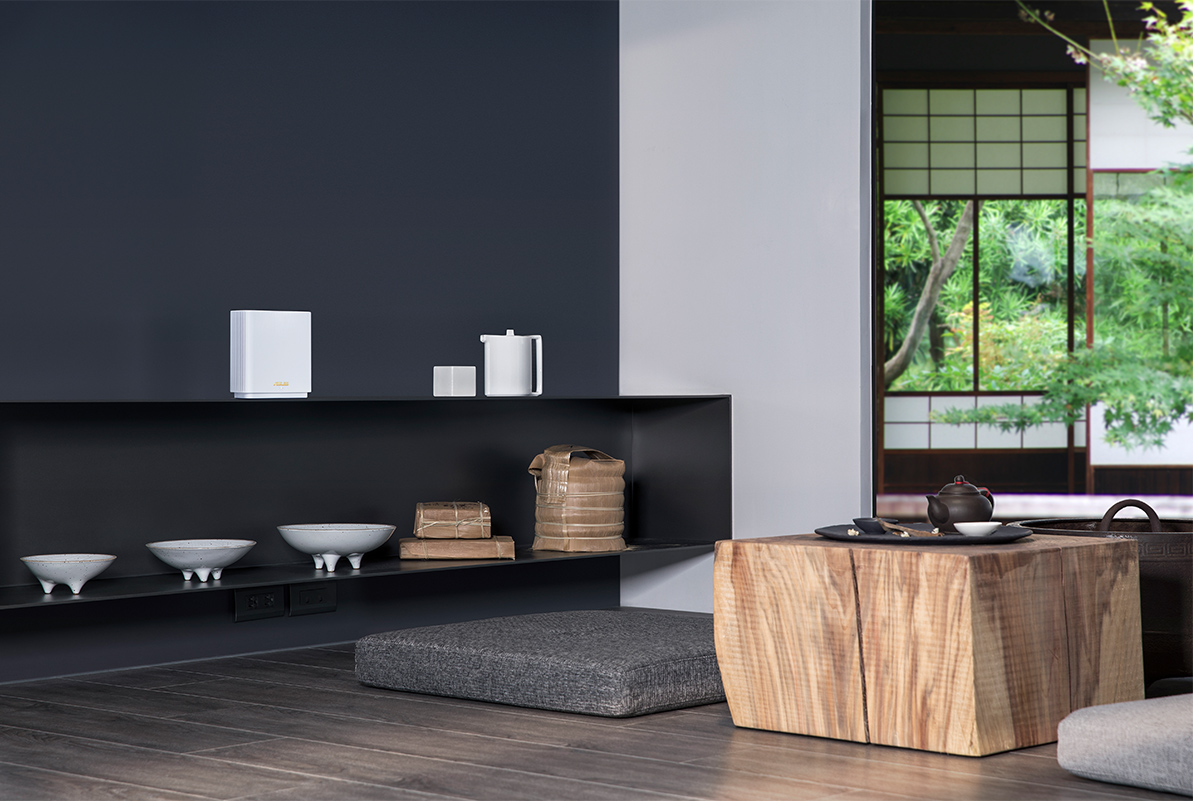
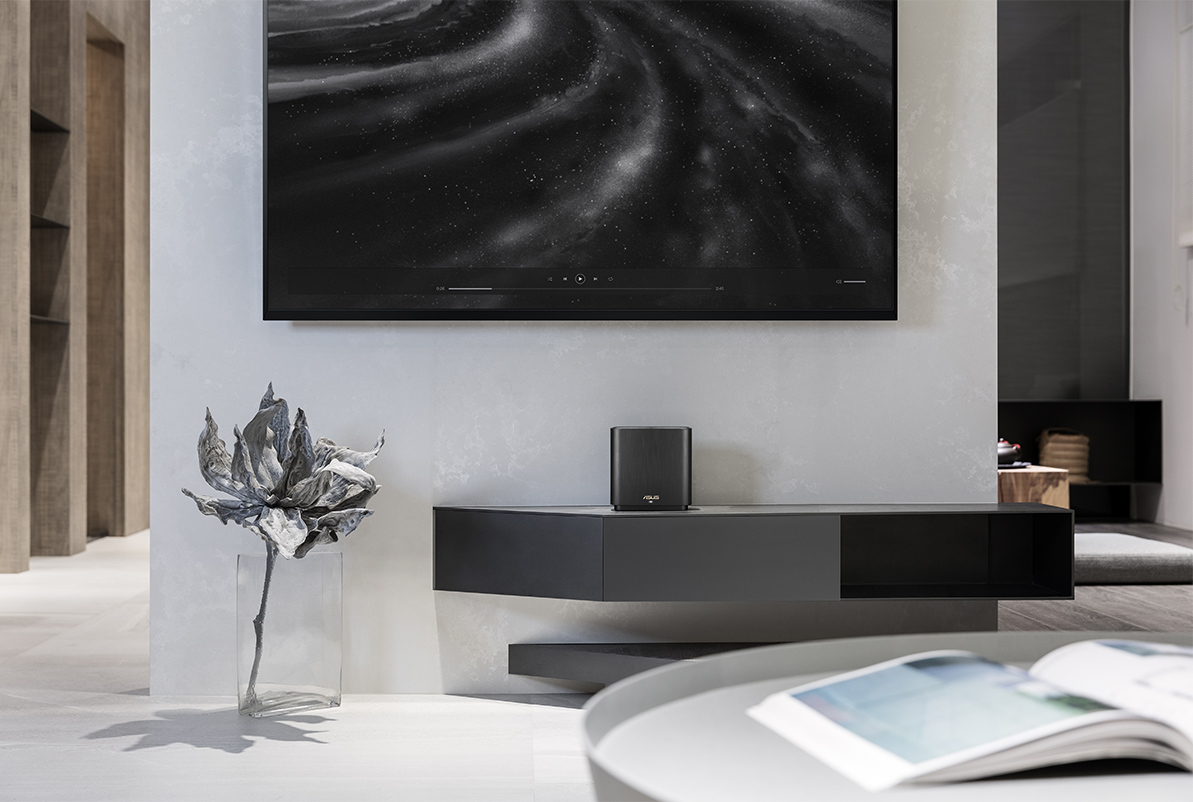
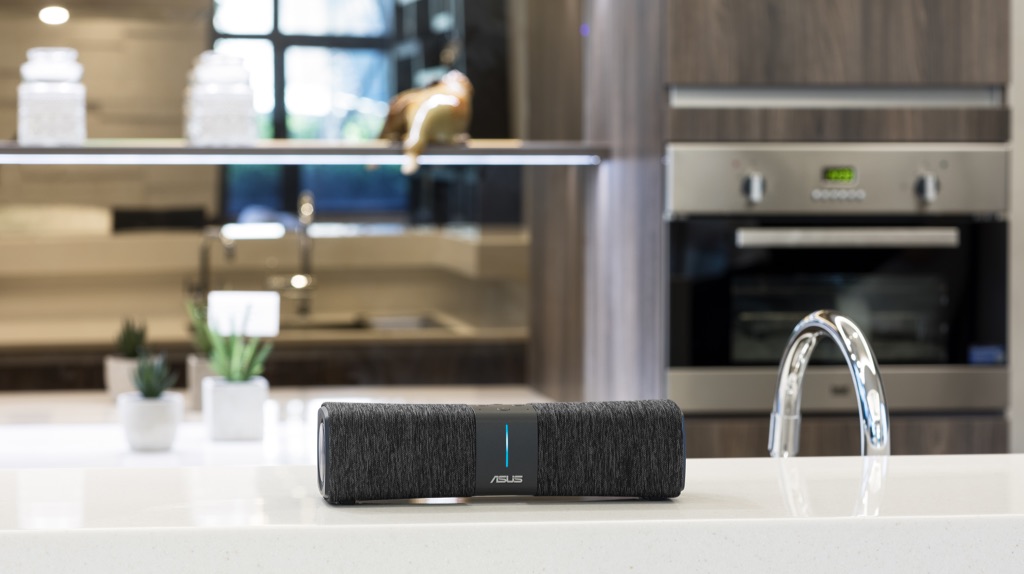
ZenWiFi AX works perfectly with smart-home services — including Alexa skills and IFTTT — and is available in black or white to suit your décor.
Read more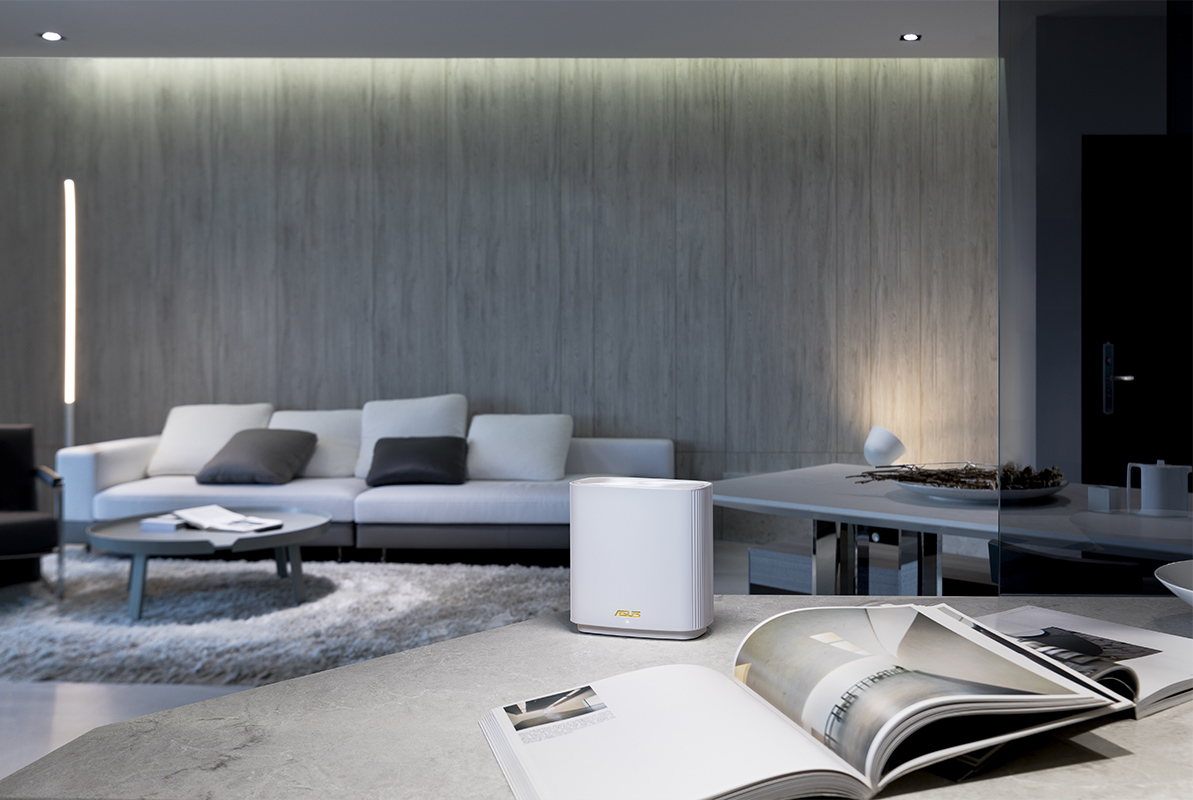

AiMesh Technology
Easy setup. Flexible management.
Even non-experts can quickly set up AiMesh technology, while more experienced users will appreciate the comprehensive advanced networking features.
How do I expand my network?
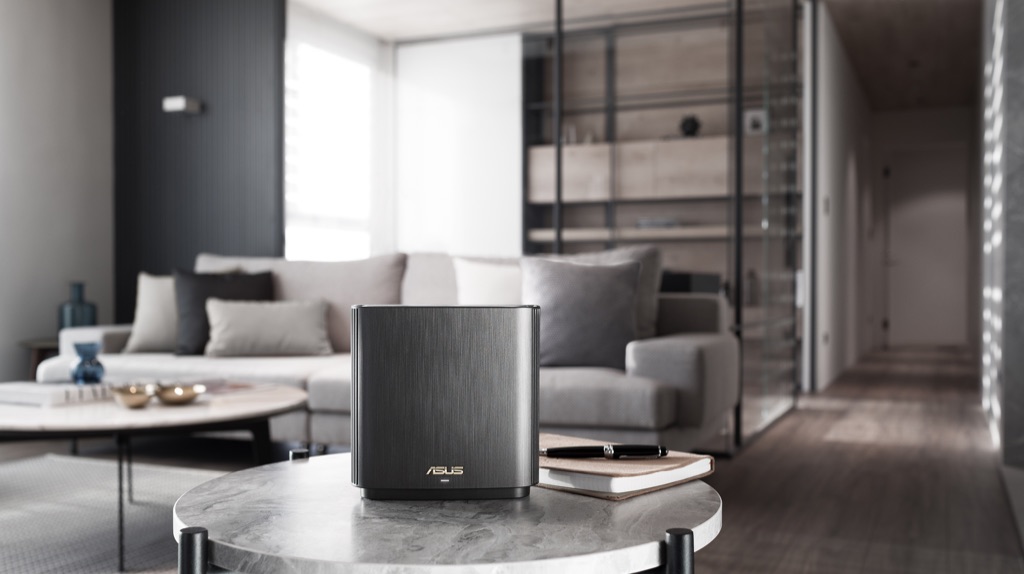
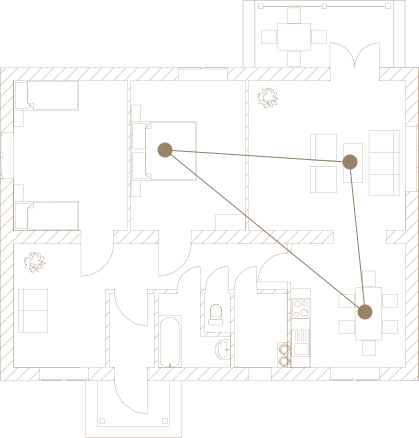
Flexible and Scalable Wireless Networking
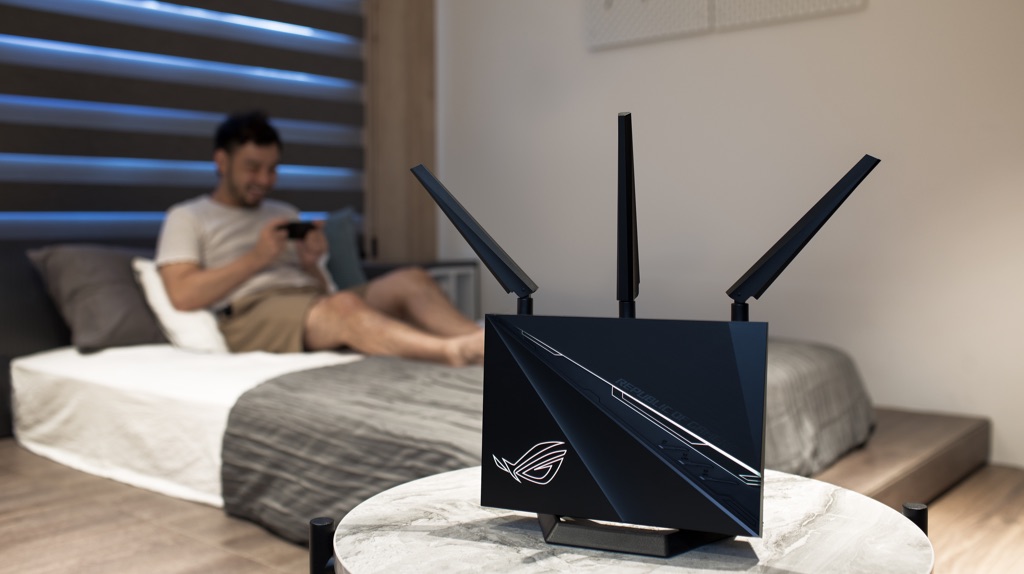
If you need more coverage or new functions, you can simply add another compatible router to your AiMesh network at any time!
Learn more about AiMesh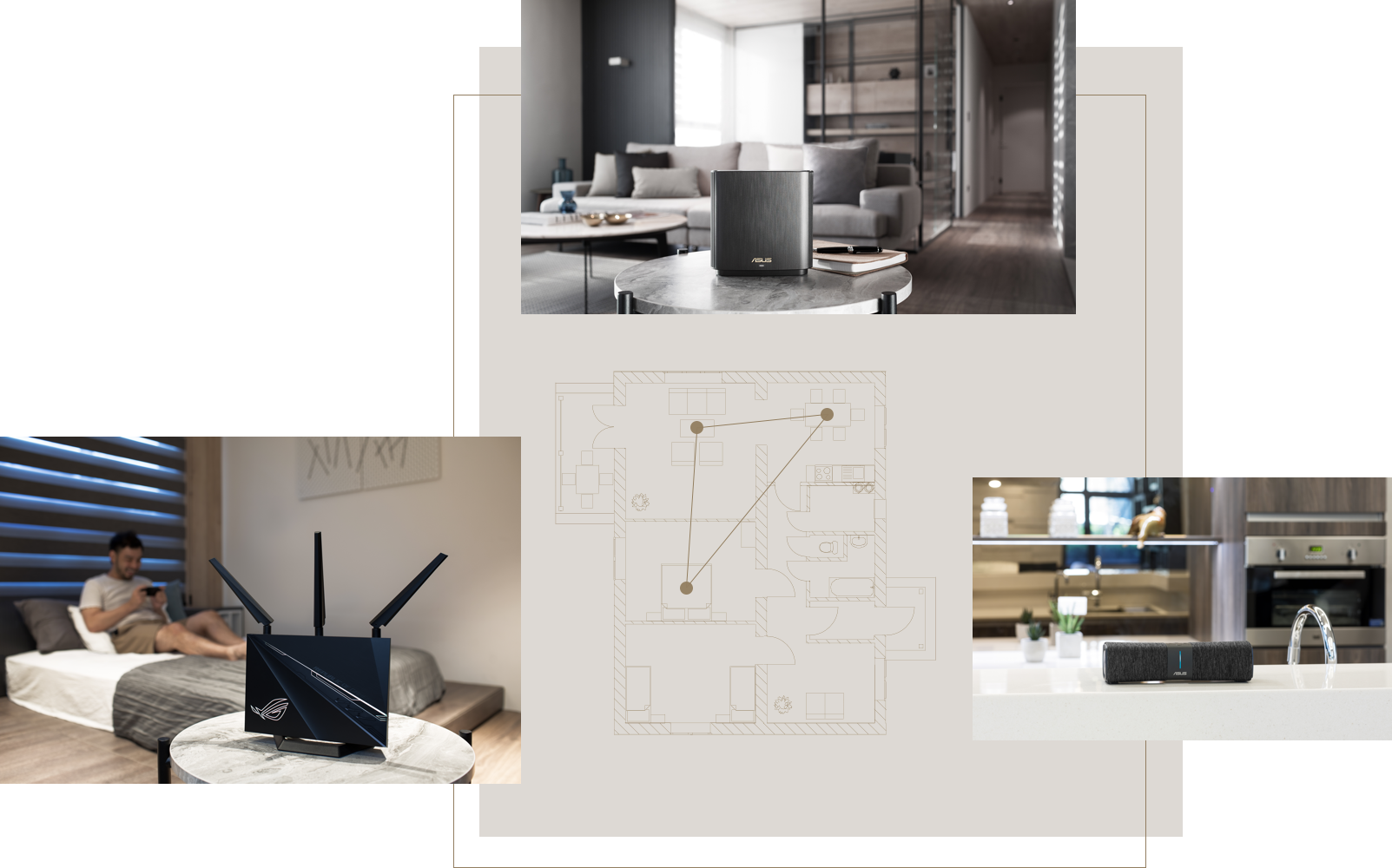
Performance
Through Engineering
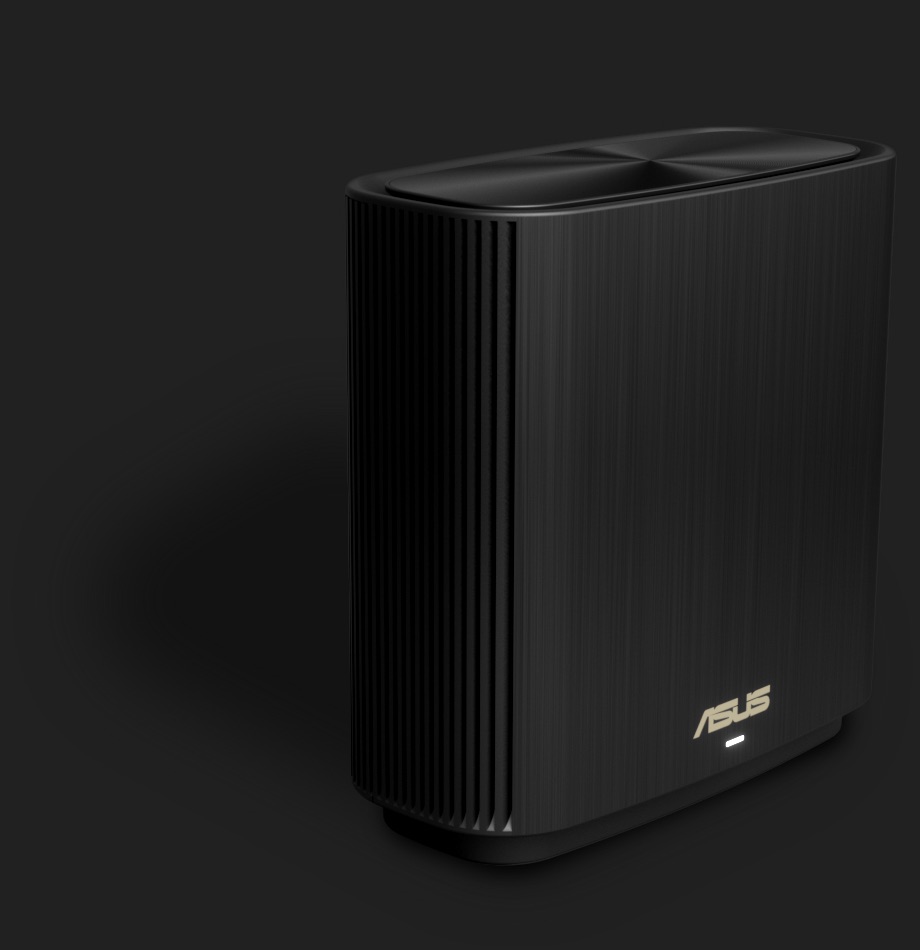
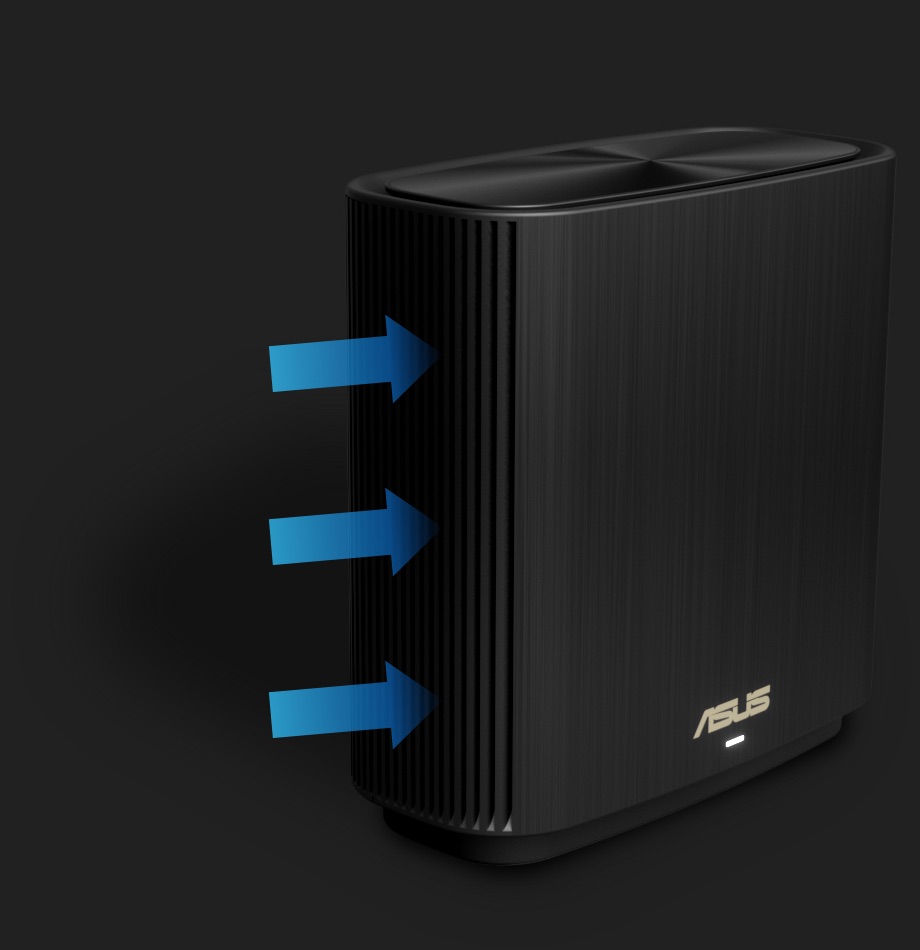
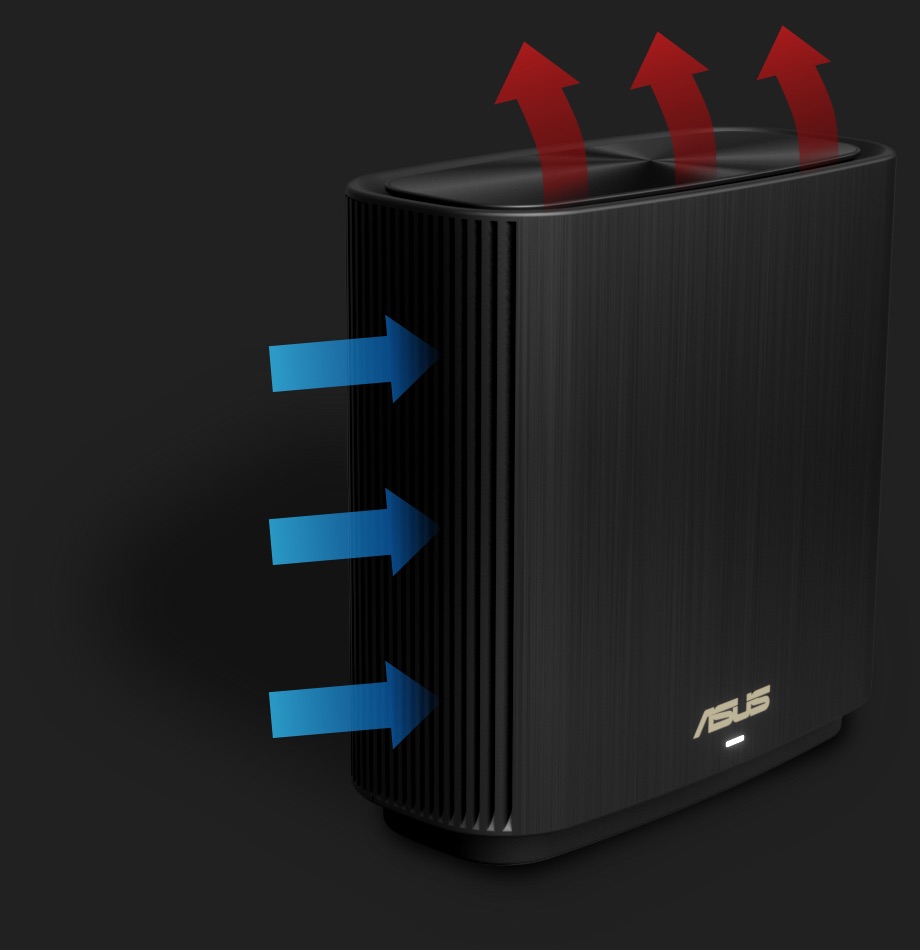
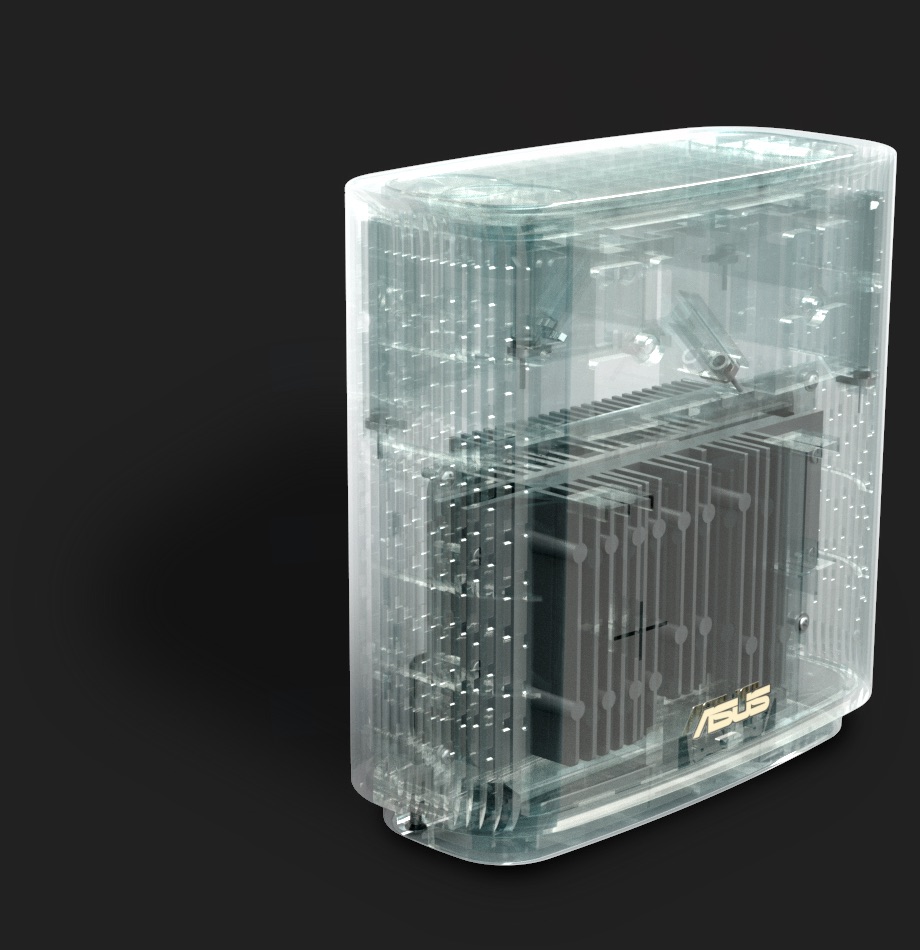
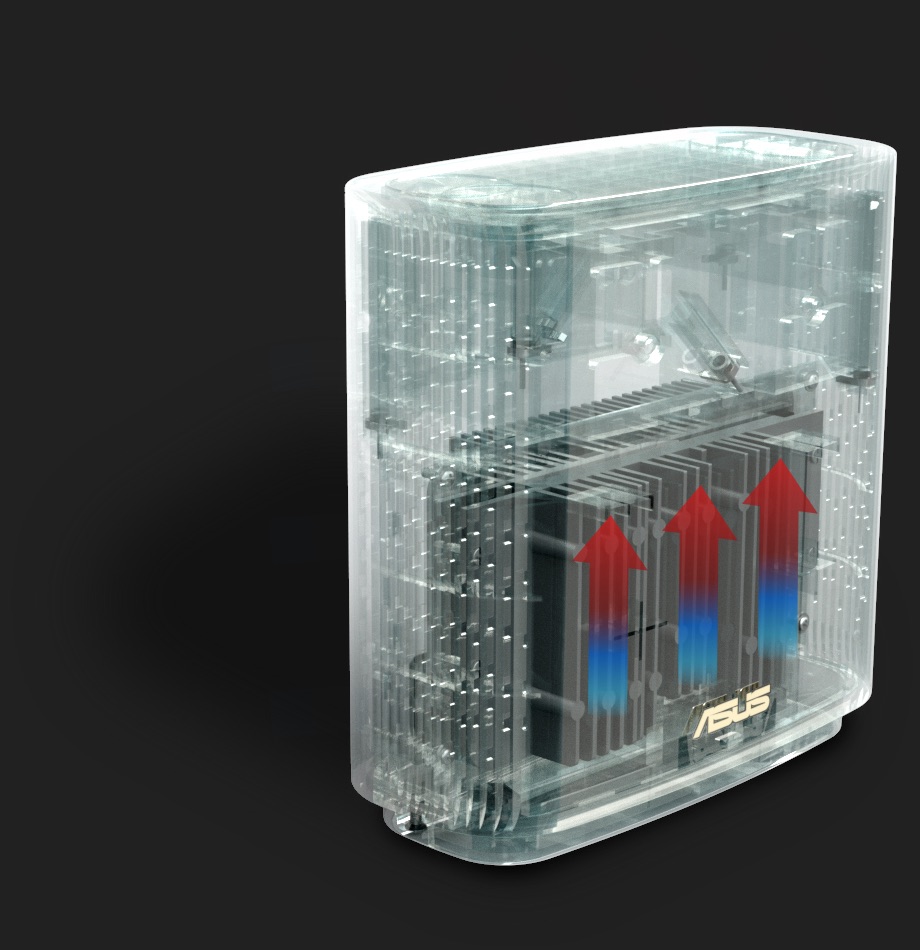
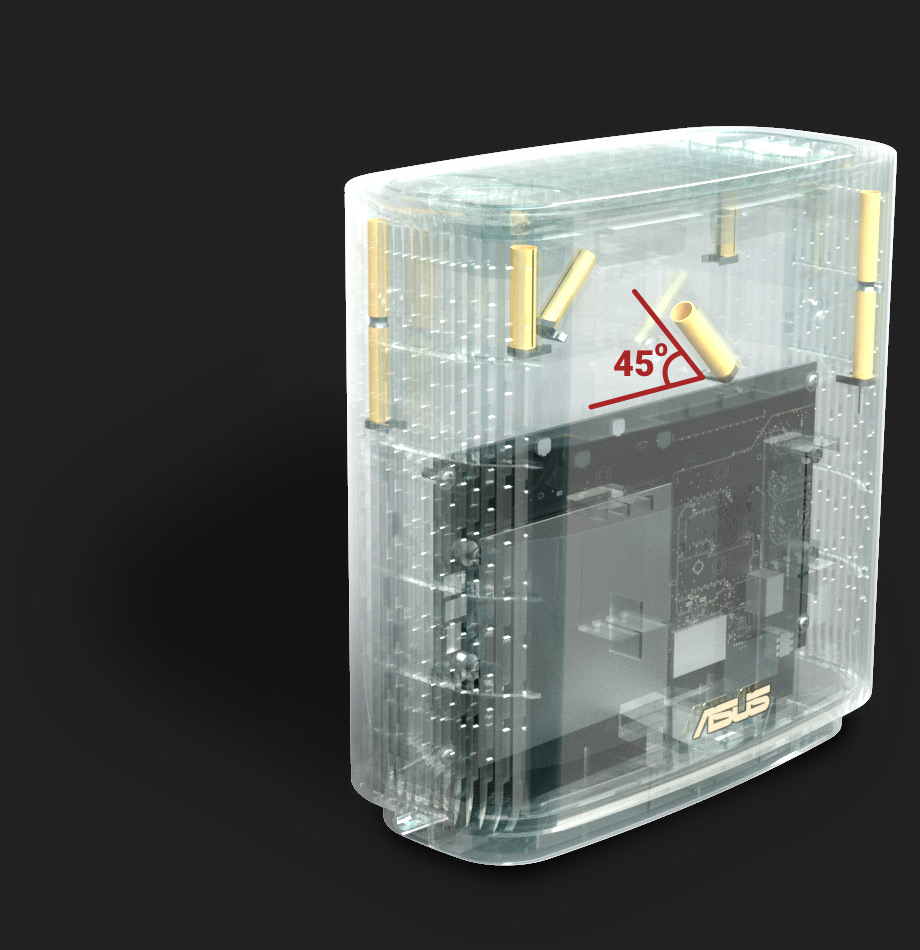
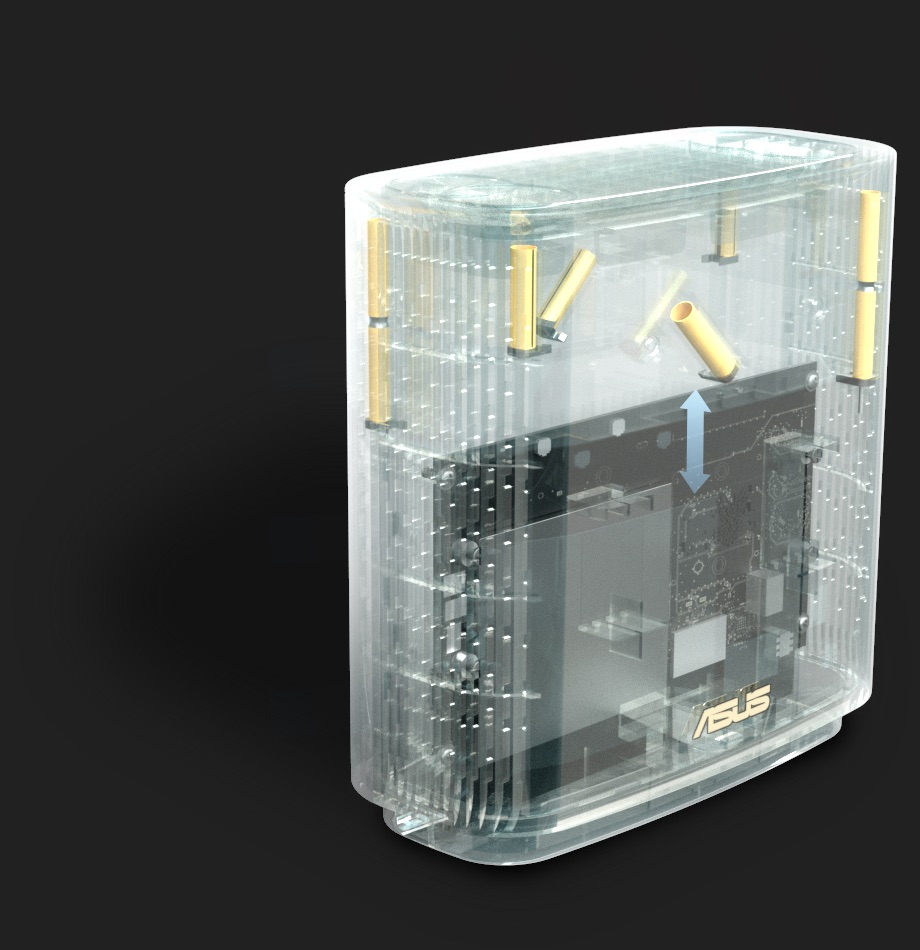
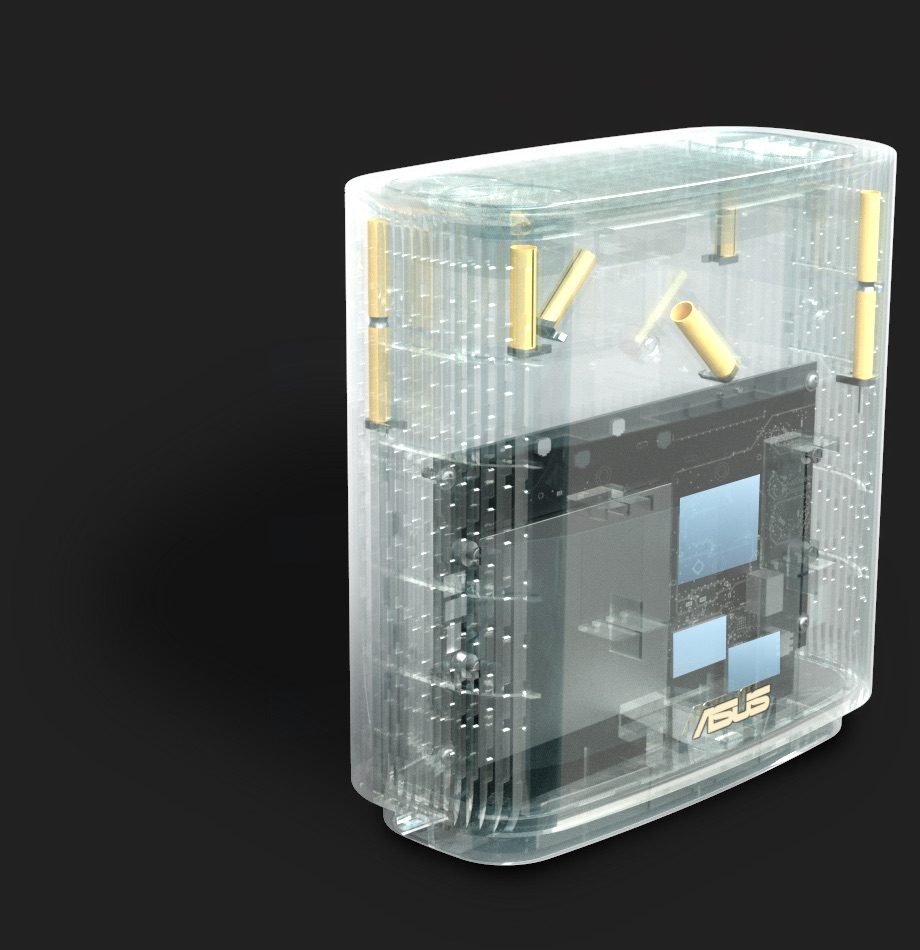
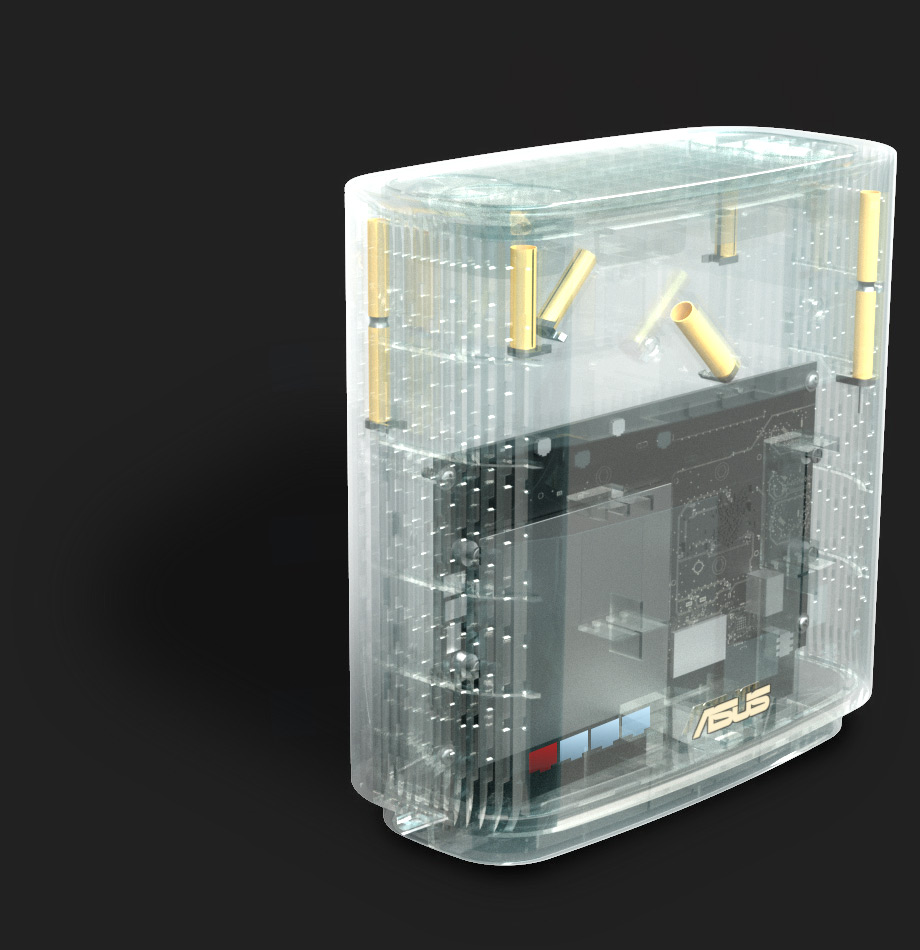
ZenWiFi AX features a quad-core CPU to deliver the full performance potential of WiFi 6. Its vertical housing holds a specially designed antenna and circuit board that optimizes WiFi signal strength and provides better airflow, improving thermal performance for reliable operation.


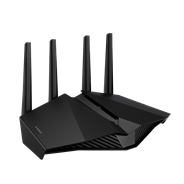
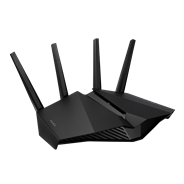
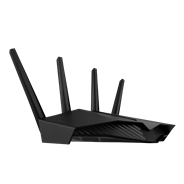
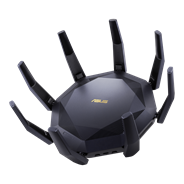
- WiFi 6
- AX5400, 2.4GHz AX: 2x2 + 5GHz AX: 4x4
- Very Large homes
- Gaming features: Gaming port , Mobile game mode, PS5 compatible
- ASUS features: AiMesh, AiProtection
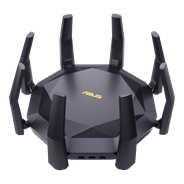
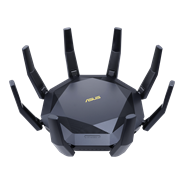
- WiFi 6
- AX6000, 2.4GHz AX: 4x4 + 5GHz AX: 8x8
- Very large homes
- Gaming features: Mobile game mode
- ASUS features: AiMesh, AiProtection
- Produkter certificeret af Federal Communications Commission og Industry Canada vil blive distribueret i USA og Canada. Besøg ASUS's websites for USA og Canada for oplysninger om lokalt tilgængelige produkter.
- Alle specifikationer kan ændres uden varsel. Spørg din forhandler angående de præcise tilbud. Produkter er muligvis ikke til rådighed overalt.
- Specifikationer og funktioner varierer fra model til model, og alle billeder er vejledende. Kik på siderne med specifikationer for at få alle oplysninger.
- PCB farver og medfølgende softwareversioner kan ændres uden varsel.
- Mærke- og produktnavne er varemærker tilhørende de respektive firmaer.
- Ordene HDMI og HDMI High-Definition Multimedia Interface, HDMI trade dress og HDMI logoerne er varemærker eller registrerede varemærker tilhørende HDMI Licensing Administrator, Inc. i USA og andre lande.
- Den faktiske overførselshastighed for USB 3.0, 3.1, 3.2 og/eller Type-C vil variere afhængigt af mange faktorer, herunder værtsenhedens behandlingshastighed, filattributter og andre faktorer relateret til systemkonfiguration og dit driftsmiljø.
- Den faktiske datagennemstrømning og WiFi-dækning vil variere afhængigt af netværksforhold og miljømæssige faktorer, herunder mængden af netværkstrafik, byggematerialer og konstruktion samt netværksoverhead, hvilket kan resultere i lavere faktisk datagennemstrømning og trådløs dækning.
- Angivne netværkshastigheder og båndbredde er baseret på de aktuelle IEEE 802.11ac-specifikationer. Den faktiske ydeevne kan påvirkes af faktorer relateret til netværk og tjenesteudbyder, interfacetype og andre forhold. Tilsluttede enheder skal være 802.11ac-kompatible for at opnå de bedste resultater.
- WPA/WPA2 Enterprise er kun tilgængelig på en enkelt router og er ikke tilgængelig i AiMesh-tilstand.
- Når traditionel QoS er aktiveret, vil der være begrænsninger på grund af den faktiske internetbåndbredde og forskellige miljøer, og der kan være risiko for hastighedsreduktion.
- På grund af de forskellige strømforsyningskrav til USB-ekstern harddisk og 4G/5G-modemenhed skal du, for at sikre at den eksterne enhed kan bruges stabilt, bruge en uafhængig ekstern strømforsyning, hvis den eksterne USB-enhed overskrider standardkravene til strømforsyning for USB 2.0 (5V/500mA) og USB 3.1 Gen 1 (5V/900mA).
- Hvis du bruger produktet sammen med en tredjepartstjeneste, er du ansvarlig for at overholde tredjepartsudbyderens vilkår og betingelser samt privatlivspolitik, og du påtager dig også risikoen ved en sådan brug. ASUS yder ikke support eller garanterer kontinuerlig integrationssupport til produkter, der ikke er en del af ASUS.
- For modeller med Time Machine-support understøtter Time Machine fra og med macOS 26 (Tahoe) ikke længere oprettelse af nye sikkerhedskopier på USB-tilsluttede lagerenheder. Eksisterende Time Machine-drev, der tidligere var konfigureret, forbliver kompatible og kan fortsat bruges til sikkerhedskopiering og gendannelse.