[Phone/Pad] Troubleshooting - I cannot launch the Camera
When you find that you can't launch the camera , please follow the below steps for troubleshooting:
The Front/ Rear camera function are not normally working
1. Reboot your phone/pad and launch the camera again. (Check if both front & rear camera are working)
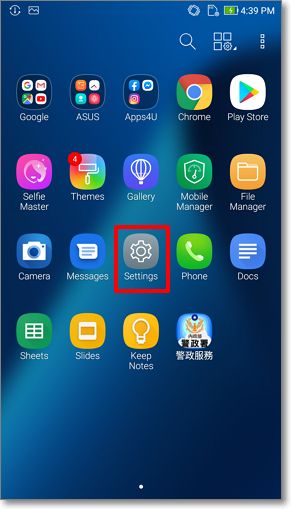
2. Clear the camera data and cache : Go to Settings > Apps & notifications > App info > Camera > Storage & memory > Clear data and Clean cache. (Example : Android 8)


3. Update the Camera app from Google Play:Then start the Camera ( front & rear camera) again.
4. Update the firmware to the latest version :Settings > System > System updates > Check now.
5. Access to Safe Mode : By long pressing the power key > Tap and hold Power Off option in menu> Tap OK. If your phone works well in the Safe Mode but cannot work normally after you restart the device , such situation might result from the third-party applications. We suggest you backup all your data and perform the factory data reset.
6. Backup your data and Perform factory data reset.
Note: Once the factory data reset is completed, all data, apps, settings and personal information will be deleted after initialization.