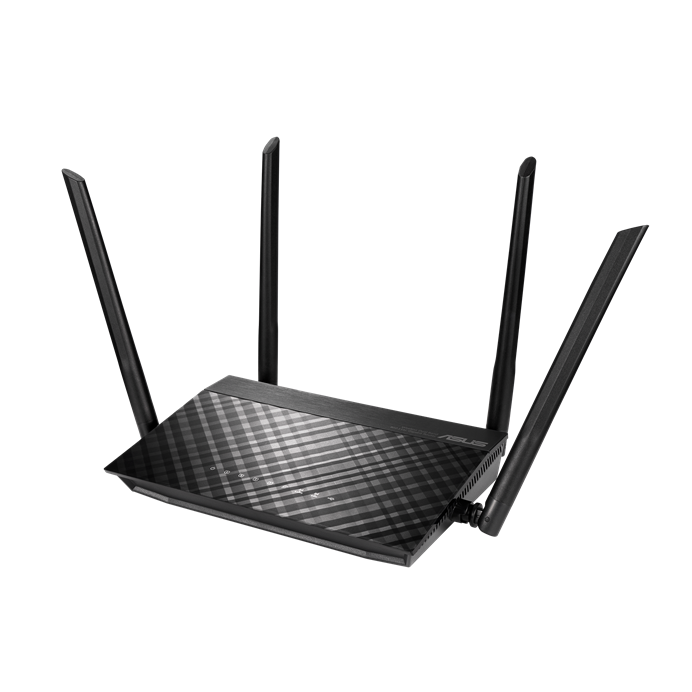
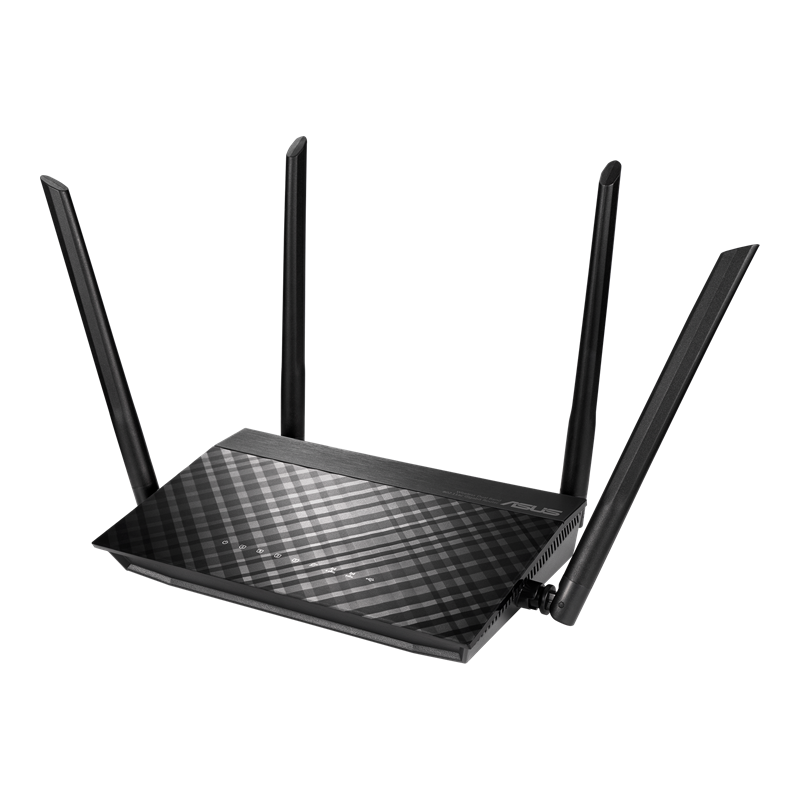
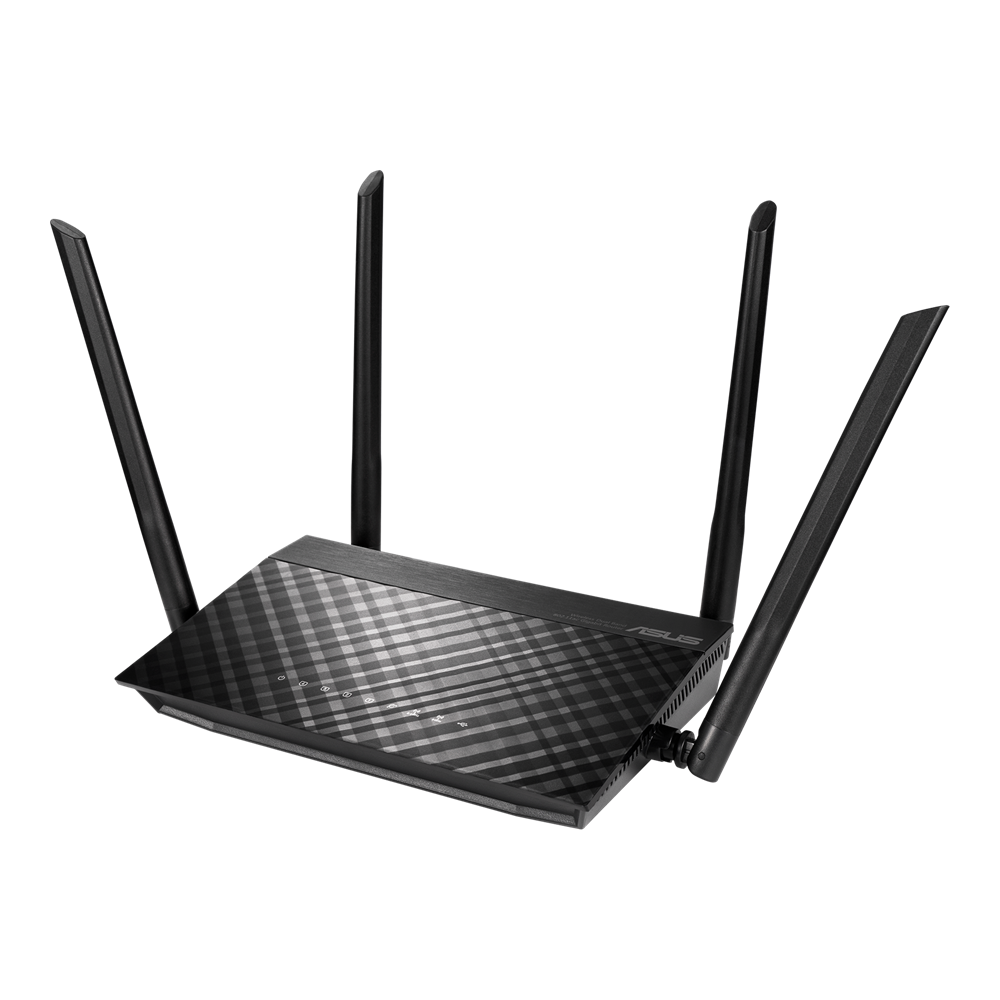

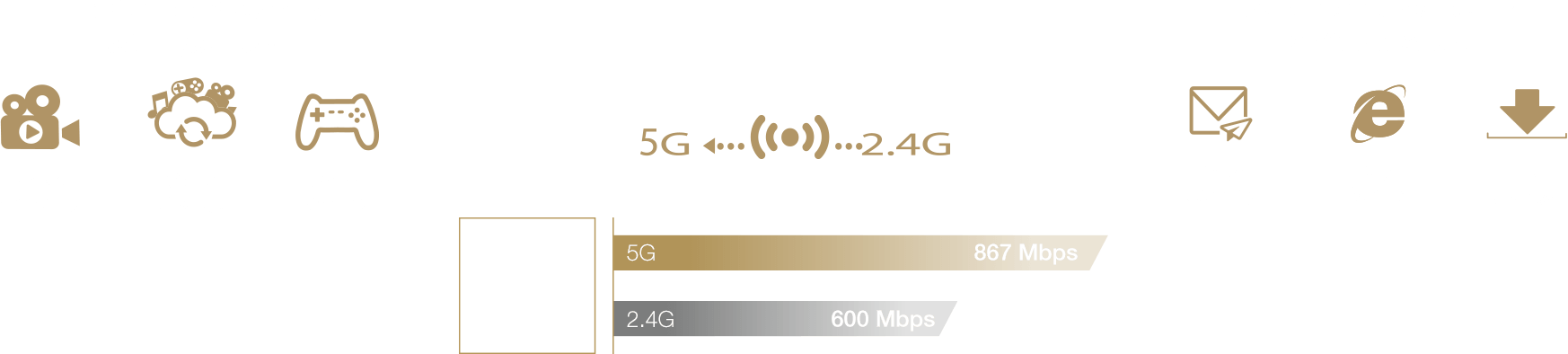
AC1500 Dual Band WiFi Router with MU-MIMO and Parental Controls for smooth streaming 4K videos from Youtube and Netflix
  • 600 Mbps (2.4GHz) and 867 Mbps (5GHz) for fast wireless performance.
  • 4 x Gigabit LAN port Speeds can be up to 10× faster than 100 Base-T Ethernet connections.
  • 1 x USB 2.0 port ASUS AiDisk offers network file sharing both locally and remotely.
  • Enjoy the ASUSWRT dashboard UI for easy setup and manage your router.
  • Improved coverage and multi-device performance with four external antennas.
RT-AC59U
Videos
Dalam sesi LIVE ini kita akan buat comprehensive testing bagi produk rangkaian enterprise terbaru keluaran ASUS iaitu ASUS ExpertWiFi EBM68 dan dalam waktu yang sama kita akan sama-sama bincangkan isu-isu rangkaian semasa yang menarik seperti masalah Internet, 5G, WiFi dll.
Router dari ASUS yang satu ini merupakan produk yang menarik karena harganya yang terbilang murah untuk spesifikasi dan fitur yang ditawarkan. RT-AC59U ini merupakan router dengan 4 port Gigabit Ethernet, rating AC1500, kemampuan modern, serta fitur yang membuatnya pun bisa jadi "cloud storage" di rumah!
4 ANTENA, DIJAMIN INTERNET NGEBUT!!! (GET WHAT YOU PAID FOR)
Asus Rapture GT -AX6000 - The new wifi 6 of the ASUS #Short

Super-fast concurrent Wi-Fi

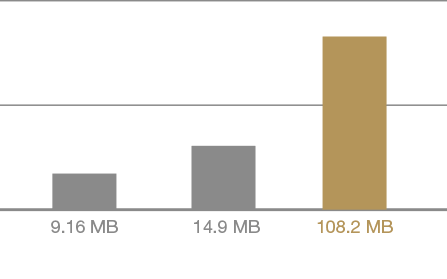
Powered by 5th-generation Wi-Fi (5G Wi-Fi), the 802.11ac chipset gives the RT-AC59U super-fast wireless speeds. RT-AC59U delivers up to 867 Mbps at 5 GHz, also with 4x4 600 Mbps at 2.4 GHz which is 2X faster than current 300 Mbps routers.
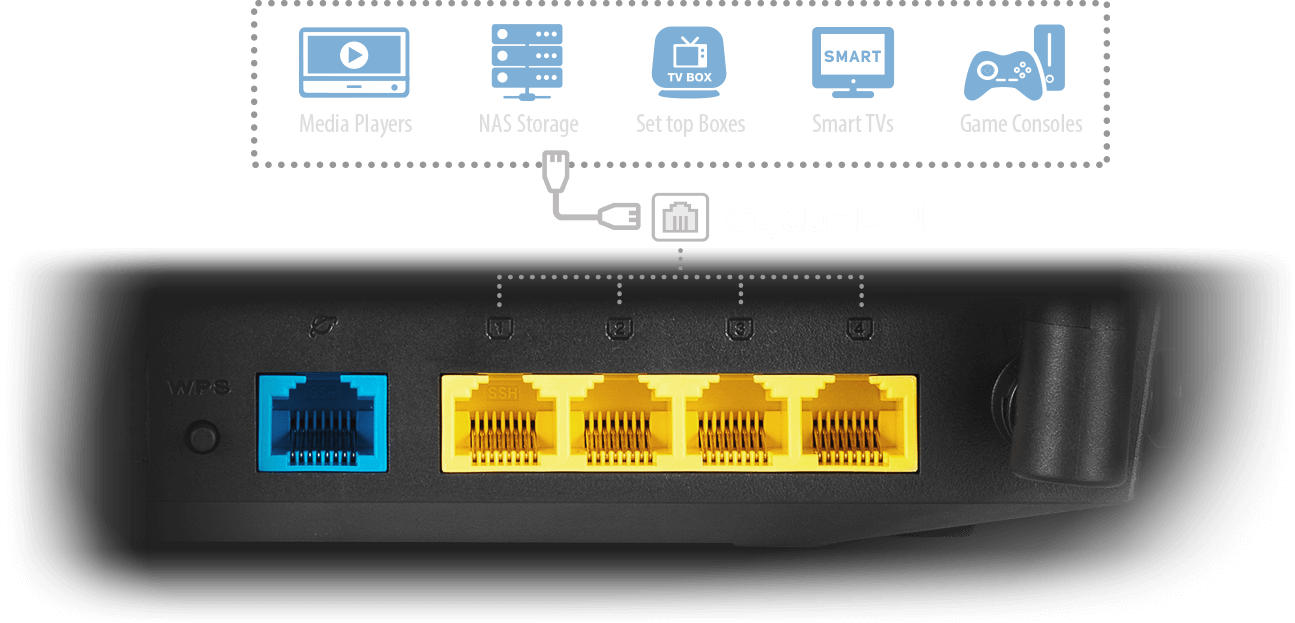

Extensive Connectivity Options

The RT-AC59U is equipped with four Gigabit LAN ports that can pump up to 4Gbps simultaneously. Smart TVs, game consoles, cable boxes, media players, NAS storage devices and more can now have their own dedicated ports, making the RT-AC59U your home's lag-free media hub.

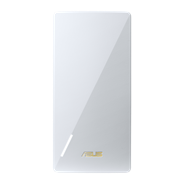
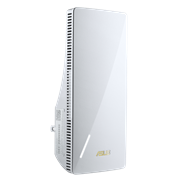
WiFi range extender that works perfectly with any wifi router

Optimized for your On-Line Game and HD Streaming

ASUS QoS ensure inbound and outbound bandwidth on both wired and wireless connections, you could define your online gaming and HD streaming as highest priority, stop all your lagging issues.

Extend Seamless AiMesh WiFi System.

Incredible performance with incredible control

ASUS RT-AC59U high power gigabit wireless router delivers incredible performance and coverage range. With ASUSWRT UI, quickly setup your network, customize user access, and monitor signal strength.

Upgrade with uninterrupted Wi-Fi coverage

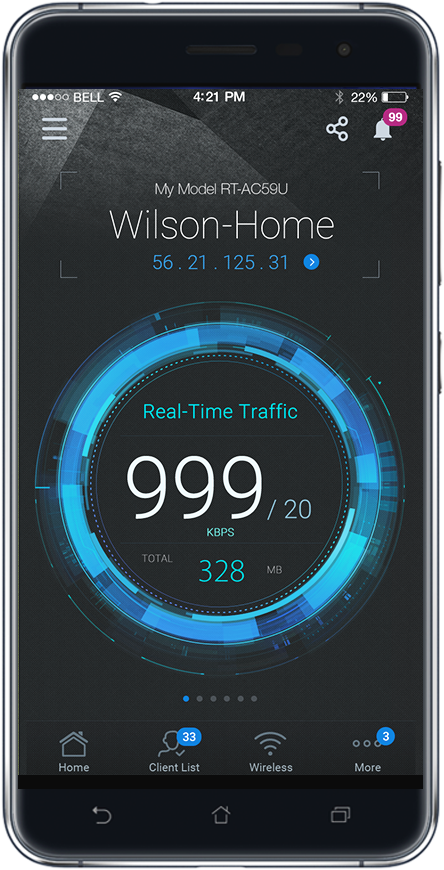
ASUS Router APP Control Your Network Anywhere

In your increasingly mobile-enabled life, having control over your network via an app is more important than ever. The new ASUS Router App is built from the ground-up to be both intuitive and robust, allowing you to setup your router, manage network traffic, diagnose connection issues and even update firmware, all without needing to boot up a PC. » Learn more

Click below to download

Get it on Google Play Download on the App Store
You can access your ASUS Router anywhere with ASUS Router App.

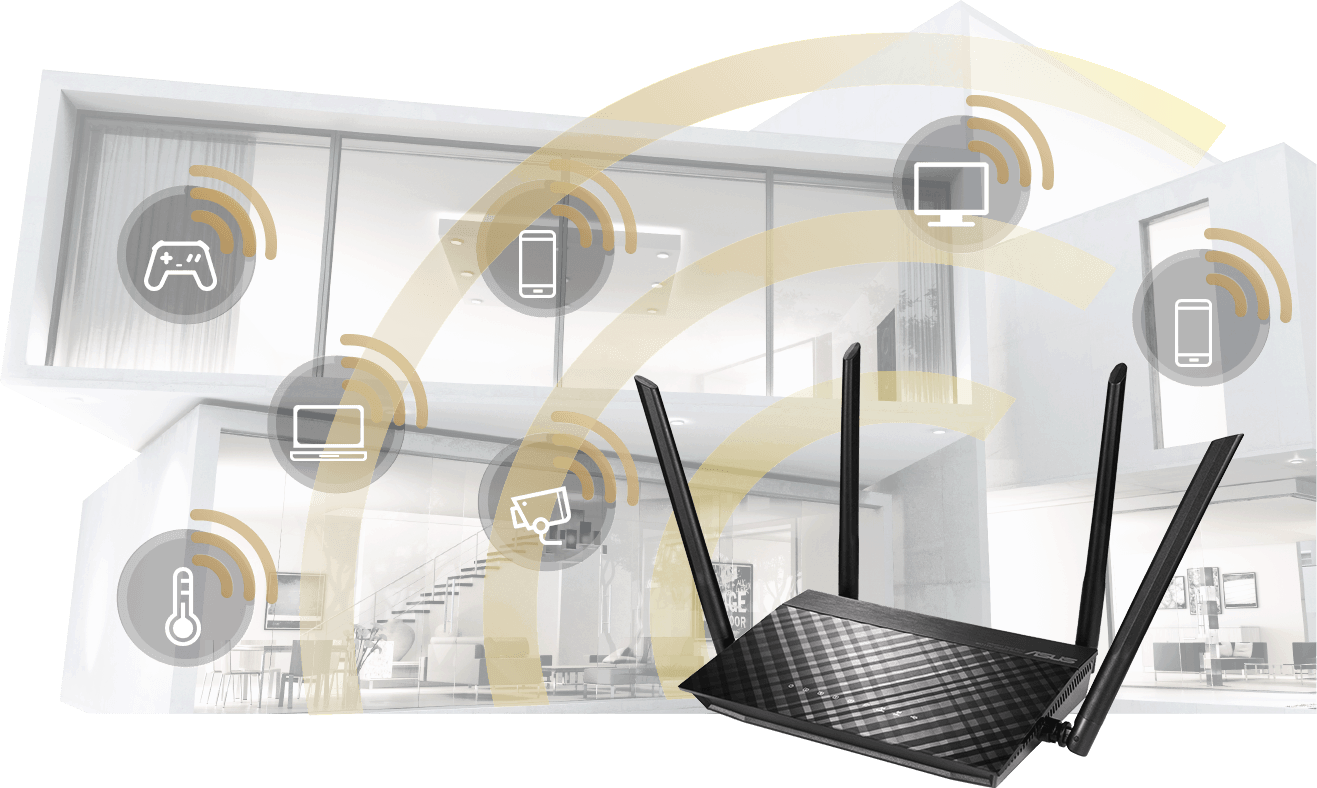
Improved Wi-Fi Range

The four external high performance antennas on RT-AC59U improve the Wi-Fi range and multi-device performance in your home.

Extend Seamless AiMesh WiFi System.

Focus on Your Family

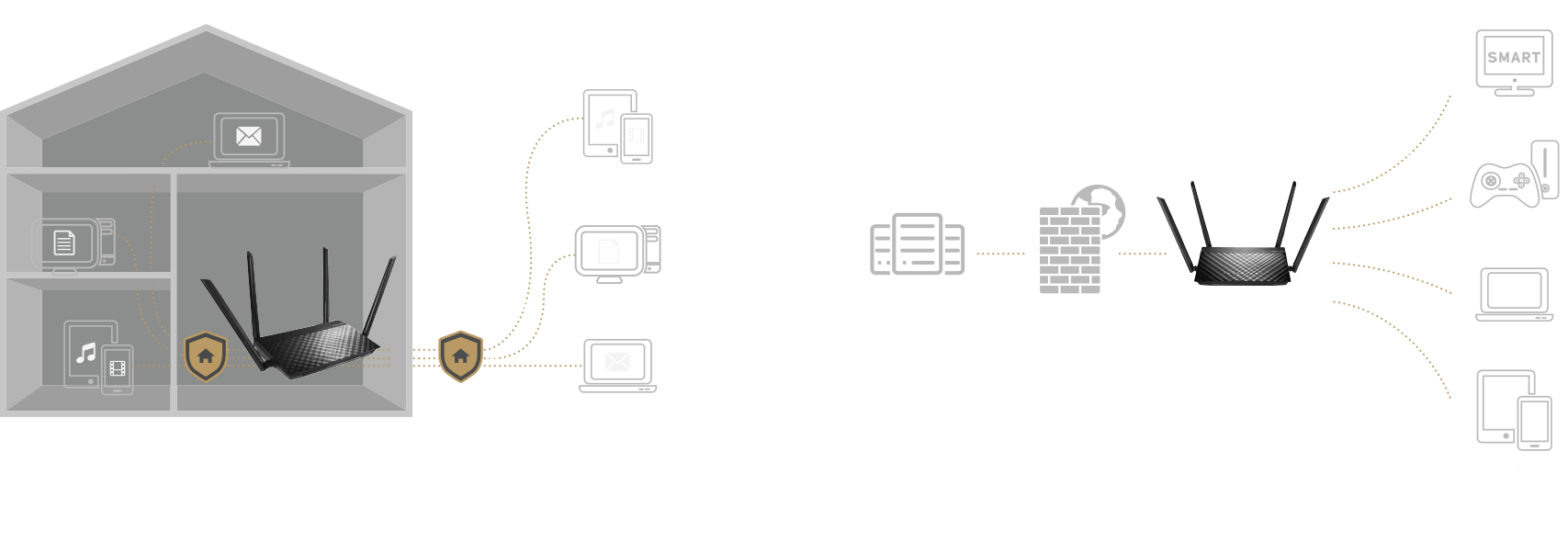
Keep your kids safe when they explore the internet. All the management functions you need in one place and the intuitive interface makes it super easy to view and apply security settings to all the devices owned by individual family members.

VPN server enabled

Easily set up a VPN server to browse the web and access data with encrypted connection — no matter where you are.

WiFi range extender that works perfectly with any wifi router

Robust control and optimization with ASUSWRT

With the ASUSWRT dashboard UI, setup, monitor, and control network applications all in one intuitive area. With 30-second setup, multi-device detection, and flexible settings, ASUSWRT makes the most of your network performance.

Disclaimer:
*The external hard drive may need an external power to work with USB application

Related products
previous image
next image
  • Products certified by the Federal Communications Commission and Industry Canada will be distributed in the United States and Canada. Please visit the ASUS USA and ASUS Canada websites for information about locally available products.
  • All specifications are subject to change without notice. Please check with your supplier for exact offers. Products may not be available in all markets.
  • Specifications and features vary by model, and all images are illustrative. Please refer to specification pages for full details.
  • PCB color and bundled software versions are subject to change without notice.
  • Brand and product names mentioned are trademarks of their respective companies.
  • The terms HDMI and HDMI High-Definition Multimedia Interface, HDMI trade dress and the HDMI Logos are trademarks or registered trademarks of HDMI Licensing Administrator, Inc. in the United States and other countries.
  • The actual transfer speed of USB 3.0, 3.1, 3.2, and/or Type-C will vary depending on many factors including the processing speed of the host device, file attributes and other factors related to system configuration and your operating environment.
  • Actual data throughput and WiFi coverage will vary from network conditions and environmental factors, including the volume of network traffic, building material and construction, and network overhead, result in lower actual data throughput and wireless coverage.
  • Quoted network speeds and bandwidth based on current IEEE 802.11ac/802.11ax specifications. Actual performance may be affected by network and service provider factors, interface type, and other conditions. Connected devices must be 802.11ac/802.11ax compatible for best results.
  • WPA/WPA2 enterprise is only available on single router, is not available under AiMesh mode.
  • When traditional QoS is enabled, there will be limitations due to the actual Internet service bandwidth and different environment, and there may be a risk of speed reduction.
  • Due to the different power supply requirements on USB external hard disk and 4G/5G Modem device, to ensure that the external device can be used stably, if the USB external device exceeds the standard USB 2.0 (5V/500mA) and USB 3.1 Gen 1 (5V/900mA) power supply requirements, you need to use it with an independent external power supply.
  • If you use the product in conjunction with a third party service, you are responsible for complying with the third party provider's terms and conditions and privacy policy and are also at the risk of such use. ASUS does not provide support or guarantee continuous integration support for products that are not part of ASUS.
  • For models with Time machine support, starting with macOS 26 (Tahoe), Time Machine no longer supports creating new backups on USB-connected storage devices. Existing Time Machine drives that were previously configured remain compatible and can continue to be used for backup and restoration.