

VG248QE
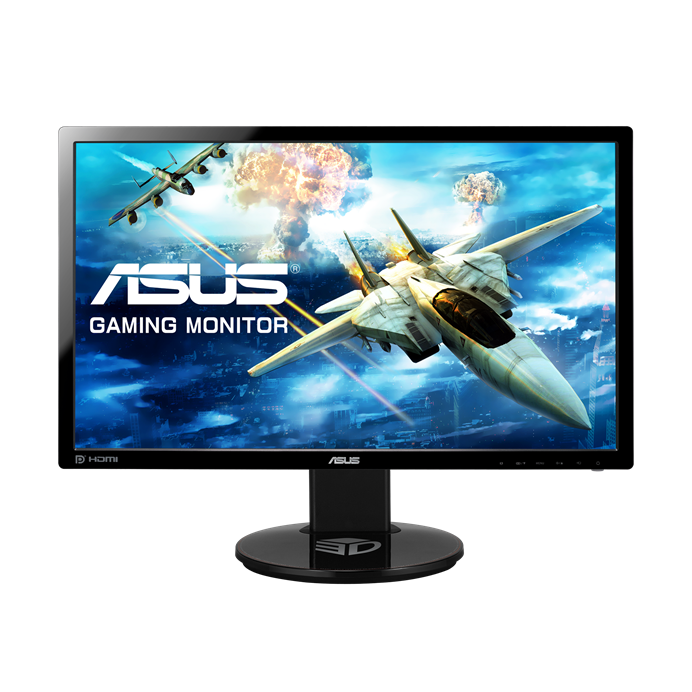
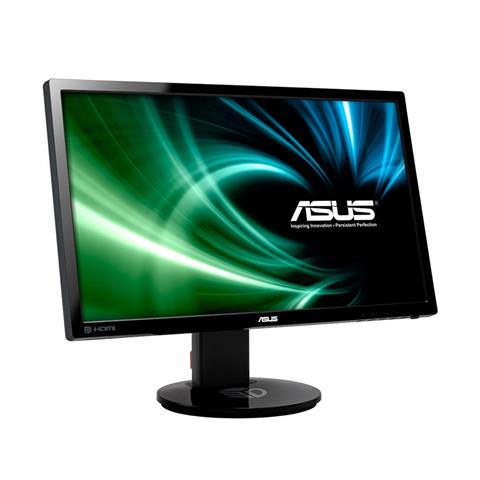
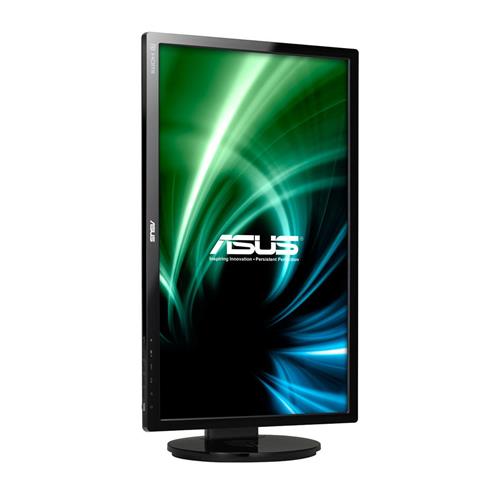
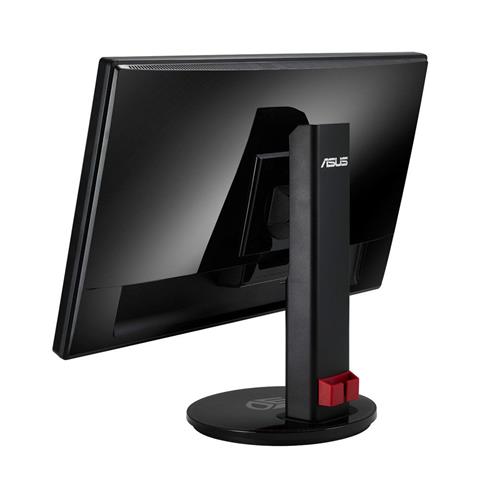
ASUS VG248QE Gaming Monitor -24" FHD (1920x1080) , 1ms, up to 144Hz, 3D Vision Ready
- Ultra smooth action with 144Hz rapid refresh rate and 1ms (GTG) response time
- Full HD 1920x1080, 80,000,000:1 ASUS Smart Contrast Ratio, and 350cd/m² of brightness for like-like visuals
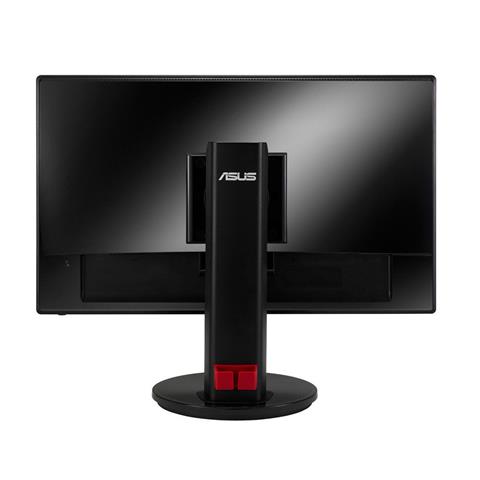
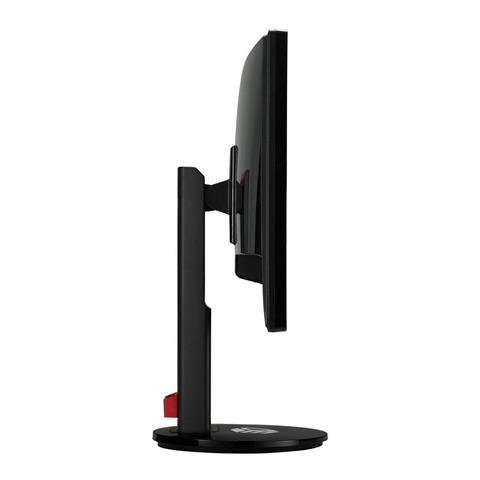
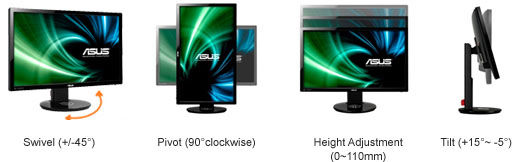
- A comfortable viewing experience with ergonomic tilt, swivel pivot, and height adjustment
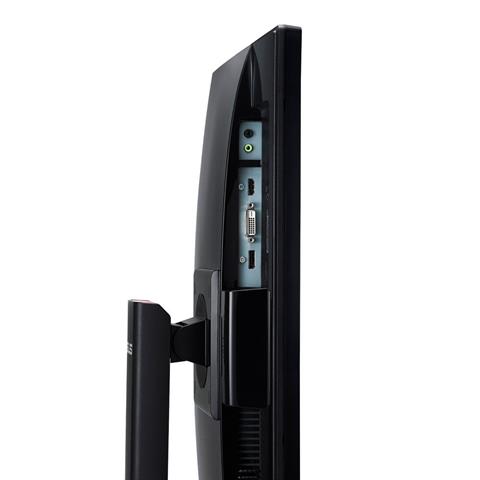
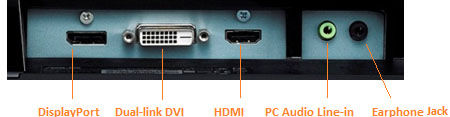
- Featuring DisplayPort, Dual-link DVI-D, and HDMI ports for multi device connections
- Built-in 2W stereo speakers for an immersive home entertainment experience
Uporedi
Video recenzije
This gaming screen is very delicious, but for whom? | Review Asus Rog Strix XG309cm
Review Gaming Screen - ASUS ROG Strix XG309cm | Mega Technology
Instructions on how to choose a graphic screen for everyone
Screen with heat sink: ROG Swift OLED 49Inch 1800R | Computex 2023

 Sluggish motion scenes in 144Hz refresh rate
 Sluggish motion scenes in 60Hz refresh rate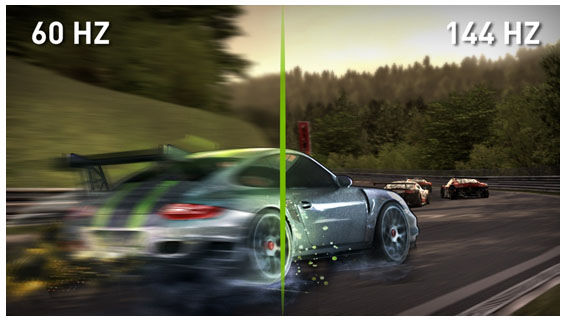




 The ASUS exclusive GamePlus function can be activated via a designated hotkey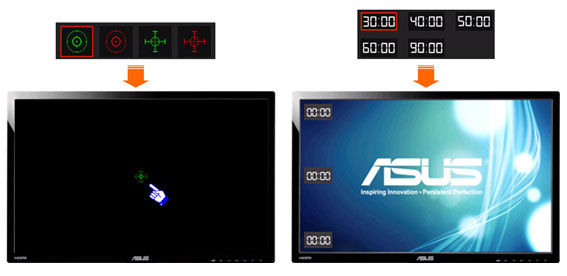


Preporučeno za Vas



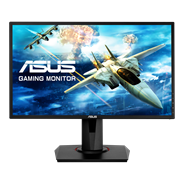
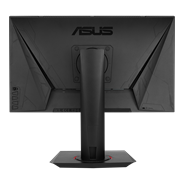
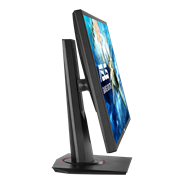
ASUS VG248QG Gaming Monitor - 24”, Full HD, 0.5ms*, overclockable 165Hz (above 144Hz),G-SYNC Compatible, FreeSync Premium
Prikaži manje
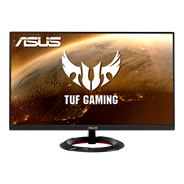
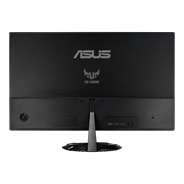

TUF Gaming VG249Q1R Gaming Monitor – 24 inch (23.8 inch viewable) Full HD (1920 x 1080), IPS, Overclockable 165Hz(Above 144Hz), 1ms MPRT, Extreme Low Motion Blur™, FreeSync™ Premium, 1ms (MPRT), Shadow Boost
Prikaži manje
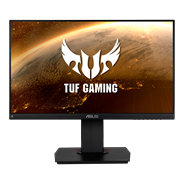
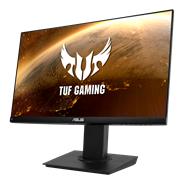
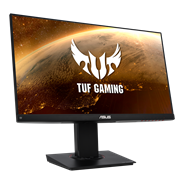
TUF Gaming VG249Q Gaming Monitor – 24 inch (23.8 inch viewable) Full HD (1920x1080), 144Hz, IPS, Extreme Low Motion Blur™, Adaptive-sync, FreeSync™,1ms (MPRT)
Prikaži manje
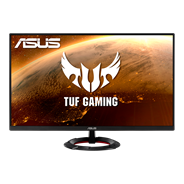
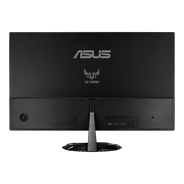
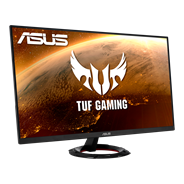
TUF Gaming VG279Q1R Gaming Monitor – 27 inch Full HD (1920 x 1080), IPS, 144Hz, 1ms MPRT, Extreme Low Motion Blur™, FreeSync™ Premium, Shadow Boost
Prikaži manje
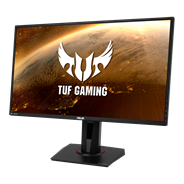
TUF Gaming VG27AQE IPS HDR Gaming Monitor – 27 inch WQHD (2560x1440), 155Hz, Extreme Low Motion Blur Sync™, Adaptive-sync, FreeSync™,1ms (MPRT),HDR10
Prikaži manje
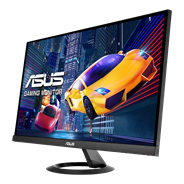
ASUS VX279HG Gaming Monitor – 27 inch, IPS, Full HD, 1ms MPRT, 75Hz, Adaptive-Sync/FreeSync™, ELMB, Low Blue Light, Flicker Free
Prikaži manje
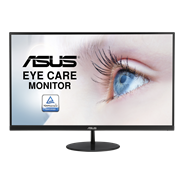
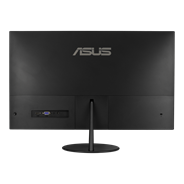
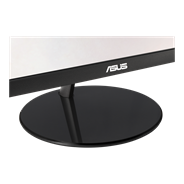
VL249HE Eye Care Monitor – 24 inch (23.8 inch viewable), IPS, 75Hz, Adaptive-Sync/FreeSync™, Frameless, Slim, Wall Mountable, Flicker Free, Blue Light Filter
Prikaži manje
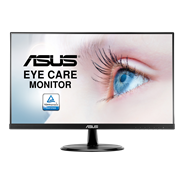
ASUS VP249HE Eye Care Monitor – 24 inch (23.8 inch viewable), Full HD, IPS, Frameless, Flicker Free, Blue Light Filter
Prikaži manje
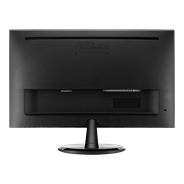
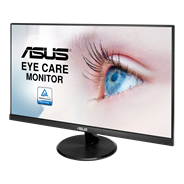
ASUS VP249HR Eye Care Monitor – 24 inch (23.8 inch viewable), Full HD, IPS, 75Hz, Frameless, Flicker Free, Blue Light Filter
Prikaži manje
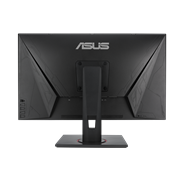
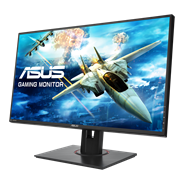
ASUS VG278QF Gaming Monitor- 27 inch FullHD(1920 X 1080), 165Hz (above 144Hz), 0.5ms*, FreeSync/Adaptive Sync
Prikaži manje
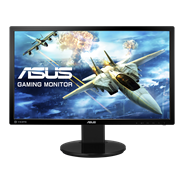
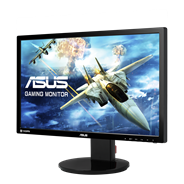
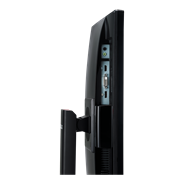
ASUS VG248QZ Gaming Monitor -24" FHD (1920x1080) , 1ms, up to 144Hz
Prikaži manje
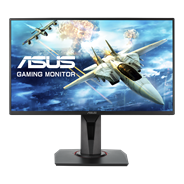
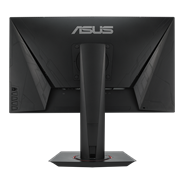
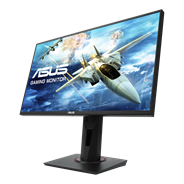
ASUS VG258Q Gaming Monitor - 25 inch (24.5 inch viewable), Full HD, 1ms, 144Hz, G-SYNC Compatible, FreeSync Premium
Prikaži manje


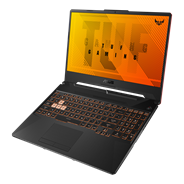
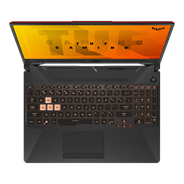
15.6"
- Windows 10 Pro
- Up to GeForce RTX™ 2060
- Up to AMD Ryzen™ 9 4900H
- Up to 15.6-inch FHD 144Hz
- MIL-STD-810H standards
Prikaži manje
- Requires NUC Assembly Element and Compute Element
- The modular design of NUC Elements simplifies serviceability and makes upgrading your systems easier.
- Small size for a wide range of deployments
- Easy upgrades with forward-compatible components
- Qualified for 24x7 operation
Prikaži manje
Windows 11 Pro.
Ultra-compact mini PC with AMD Ryzen™ 7000 and 6000 Series Processors and AMD Radeon ™ Graphics, supports Quad-4K displays and 8K resolution, 2x PCIe® Gen4x4 M.2 NVMe™ SSD, 2.5 Gb LAN, WiFi 6E
Ultra-compact mini PC with AMD Ryzen™ 7000 and 6000 Series Processors and AMD Radeon ™ Graphics, supports Quad-4K displays and 8K resolution, 2x PCIe® Gen4x4 M.2 NVMe™ SSD, 2.5 Gb LAN, WiFi 6E
Prikaži manje
Windows 11 Pro.
Ultracompact computer with AMD Ryzen 5000H series processor and support for triple 4K displays, with up to 64 GB DDR4 RAM, 1TB M.2 SSD, WiFi 6E, dual M.2 SSD and onboard dual HDMI.
Ultracompact computer with AMD Ryzen 5000H series processor and support for triple 4K displays, with up to 64 GB DDR4 RAM, 1TB M.2 SSD, WiFi 6E, dual M.2 SSD and onboard dual HDMI.
Prikaži manje
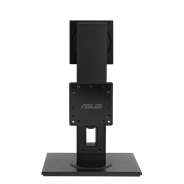
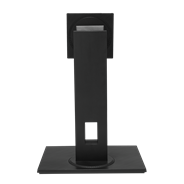
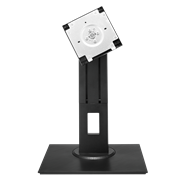
ASUS MHS11 Monitor Stand - Ergonomic stand, Tilt, Swivel, Pivot, Height adjustments, VESA 100x100mm Compatible
Prikaži manje
Windows 11 Pro.
Ultra-powerful computer with 11th Gen Intel Core desktop processor, Intel Iris Xe graphics, dual Thunderbolt, Intel Optane™ H20 SSD, USB Power Delivery with input, 2.5 Gbps LAN, WiFi 6, Intel GNA for AI noise reduction, and embedded power adapter.
Ultra-powerful computer with 11th Gen Intel Core desktop processor, Intel Iris Xe graphics, dual Thunderbolt, Intel Optane™ H20 SSD, USB Power Delivery with input, 2.5 Gbps LAN, WiFi 6, Intel GNA for AI noise reduction, and embedded power adapter.
Prikaži manje


- Sve specifikacije su podložne promenama bez prethodne najave. Molimo vas da kod svog dobavljača proverite preciznu ponudu. Proizvodi možda neće biti dostupni na svim tržištima.
- Specifikacije i karakteristike variraju u zavisnosti od modela, a sve slike su informativnog karaktera. Za potpune detalje, molimo pogledajte stranice sa specifikacijama konkretnog proizvoda.
- Boja štampane ploče (PCB) i verzije pratećeg softvera mogu se promeniti bez prethodne najave.
- Nazivi brendova i proizvoda navedeni na ovoj stranici su zaštićene robne marke njihovih matičnih kompanija.
- Termini HDMI i HDMI High-Definition Multimedia Interface, HDMI vizuelni identitet (trade dress) i HDMI logotipi su zaštitni znaci ili registrovani zaštitni znaci kompanije HDMI Licensing Administrator, Inc. u Sjedinjenim Državama i drugim zemljama.
- The actual transfer speed of USB 3.0, 3.1, 3.2, and/or Type-C will vary depending on many factors including the processing speed of the host device, file attributes and other factors related to system configuration and your operating environment.