


- Boost Your Existing Wi-Fi - Extend your 802.11ac dual-band Wi-Fi network with speeds up to 733Mbps.
- Easy Setup: Find the best location with the smart LED signal strength indicator, and set up with the intuitive ASUS Extender app or the WPS button.
- Flexible Mode Options - Repeater, access point and media bridge modes in one device.
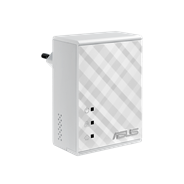
- AC Pass-Through - Keeps the power outlet free for use.
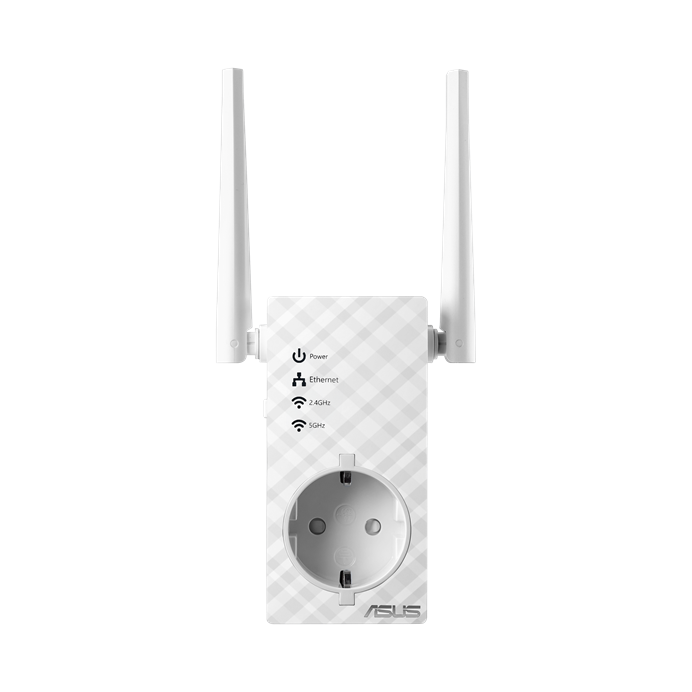
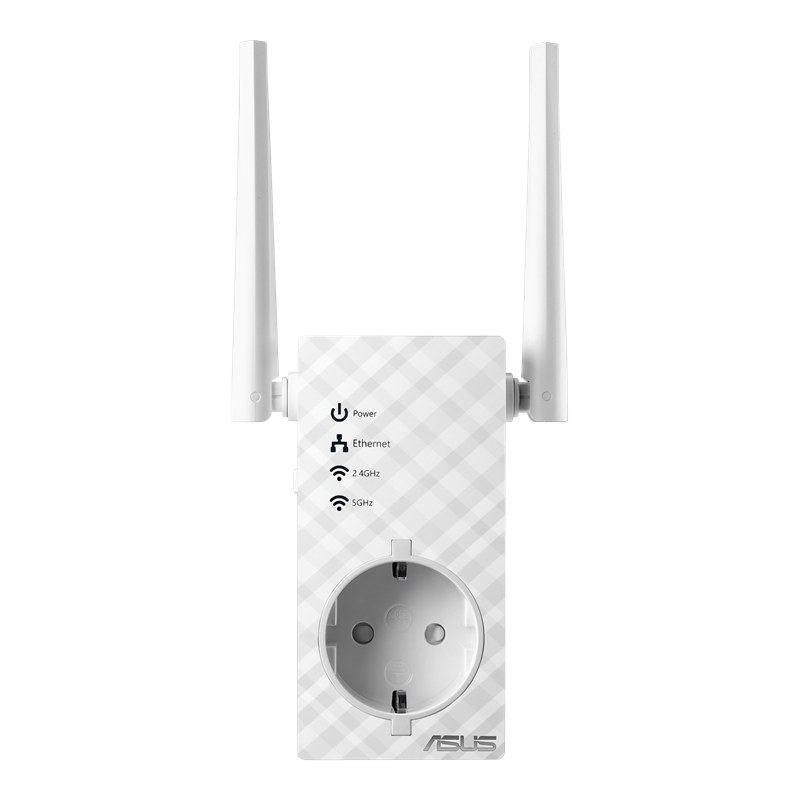


Faster Wi-Fi that Goes Further!
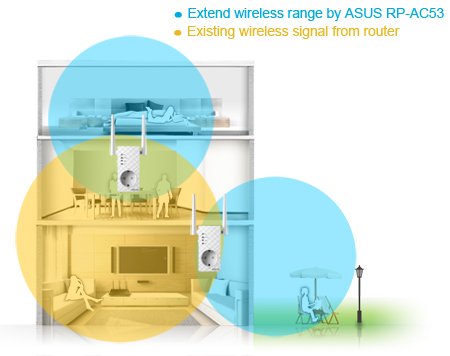
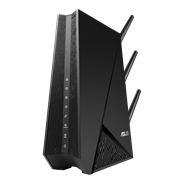
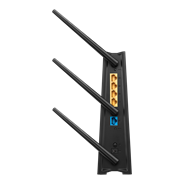
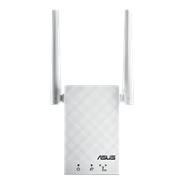
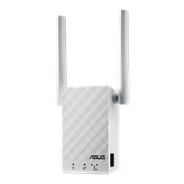
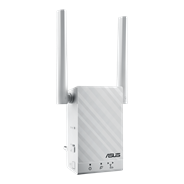
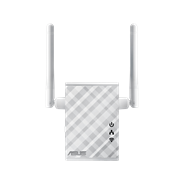
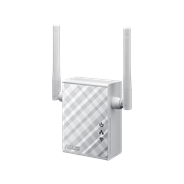
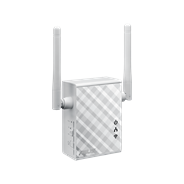
The RP-AC53 wireless repeater has powerful external antennas that help eliminate Wi-Fi dead zones and improve the coverage of any existing wireless router. It works as a range booster, which means it can extend wireless networking to every corner of your home — even to those difficult, hard-to-reach spots. With blindingly-fast 802.11ac speeds of up to 733Mbps, it’s ideal for extending your existing 802.11ac Wi-Fi network, giving you reliable high-speed internet coverage everywhere for devices such as laptops, tablets, smartphones, game consoles and smart TVs.
ASUS Extender App
Easy Setup in Your Hand
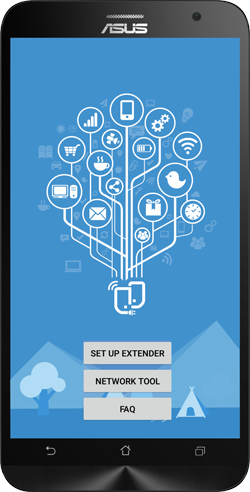
The ASUS Extender app is the easy and intuitive way to set up your ASUS repeater. With just a few taps, you can easily transfer your router’s login information to the repeater, and there are easy instructions to help you find the ideal location for RP-AC53. It’s all PC-free and available in your hand!
Click below to download


One-Touch Setup for Worry-Free Connectivity
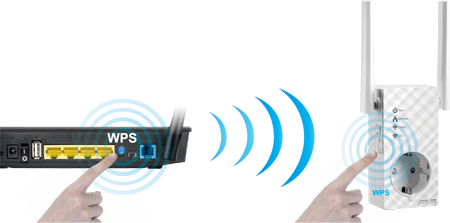
Setting up your RP-AC53 wireless repeater doesn’t require messing with discs, or even a mouse and keyboard. The ASUS Extender app is an easy and intuitive way to set up RP-AC53, but if you prefer you can use the WPS buttons on RP-AC53 and your router for instant automatic setup. Optimized performance is assured for a seamless and smooth internet experience. For advanced settings, you can connect RP-AC53 to a PC via a network cable and access the web-based configuration menu directly.
Find the Perfect Location with Ease!
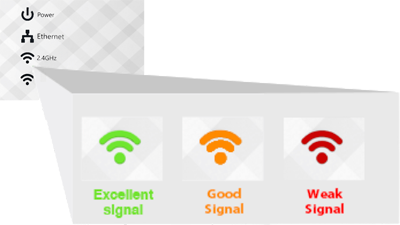
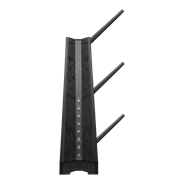
For the best performance, RP-AC53 needs to be within range of a strong and stable router signal, and should be placed between the router and the location where you need better wireless coverage— you can check this by simply using the signal strength LED on the front panel.
3-in-1 Repeater, Access Point and Media Bridge Modes
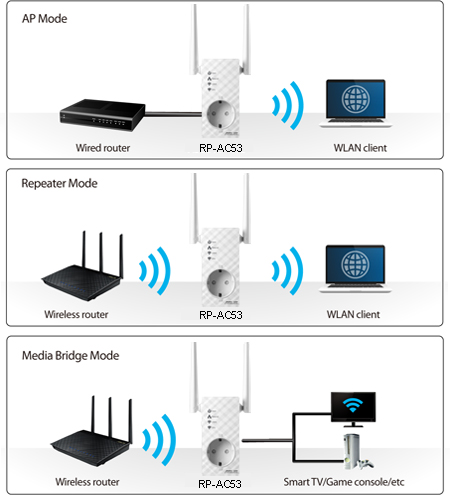
RP-AC53 has three convenient modes to make it even more flexible. As well as a repeater, it can also work as a wireless access point (AP) or as a media bridge. In AP mode, it can be connected to any wired LAN — for example, a hotel’s internet connection — to create a personal Wi-Fi hotspot, allowing the internet connection to be accessed from laptops, phones or other Wi-Fi devices.
In Media Bridge mode, it can be connected to any Ethernet-compatible device — such as a smart TV, multimedia player, game console or PC — to give it Wi-Fi capability. It’s a great way to reduce cable mess!
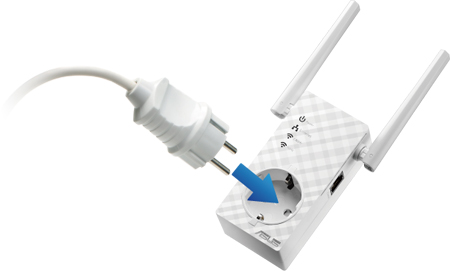
AC Pass-Through Keeps the Power Outlet Free
The convenient AC pass-through socket keeps the power outlet free when you plug RP-AC53, so you don’t have to sacrifice a power outlet!
Keep Up to Date!
Remember to always keep your device’s firmware up to date so you can benefit from the very latest service and security enhancements — and get exciting new features! Learn more about updating new firmware.
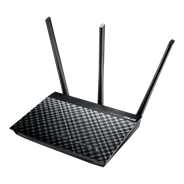
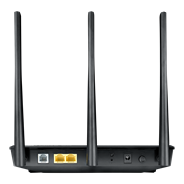
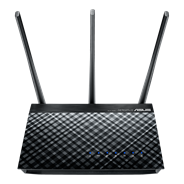
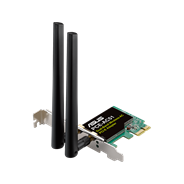
- WiFi 7
- BE3600, 2.4GHz BE: 2x2 + 5GHz BE: 2x2
- Large homes
- ASUS features: AiMesh
- WiFi 6
- AX3000, 2.4GHz AX: 2x2 + 5GHz AX: 2x2
- Large homes
- ASUS features: AiMesh



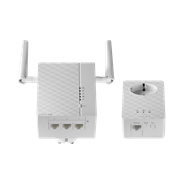
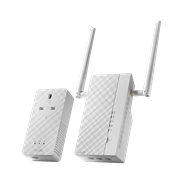
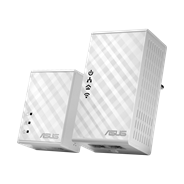
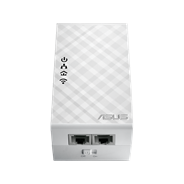




- WiFi 6E PCI-E Adapter
- Supporting 6GHz band, 160MHz
- AXE5400, 2.4GHz AX: 2x2 + 5GHz AX: 2x2 + 6GHz AX: 2x2
- Bluetooth 5.2, WPA3 network security, OFDMA and MU-MIMO

- Products certified by the Federal Communications Commission and Industry Canada will be distributed in the United States and Canada. Please visit the ASUS USA and ASUS Canada websites for information about locally available products.
- All specifications are subject to change without notice. Please check with your supplier for exact offers. Products may not be available in all markets.
- Specifications and features vary by model, and all images are illustrative. Please refer to specification pages for full details.
- PCB color and bundled software versions are subject to change without notice.
- Brand and product names mentioned are trademarks of their respective companies.
- The terms HDMI and HDMI High-Definition Multimedia Interface, HDMI trade dress and the HDMI Logos are trademarks or registered trademarks of HDMI Licensing Administrator, Inc. in the United States and other countries.
- The actual transfer speed of USB 3.0, 3.1, 3.2, and/or Type-C will vary depending on many factors including the processing speed of the host device, file attributes and other factors related to system configuration and your operating environment.
- Actual data throughput and WiFi coverage will vary from network conditions and environmental factors, including the volume of network traffic, building material and construction, and network overhead, result in lower actual data throughput and wireless coverage.
- Quoted network speeds and bandwidth based on current IEEE 802.11ac specifications. Actual performance may be affected by network and service provider factors, interface type, and other conditions. Connected devices must be 802.11ac-compatible for best results.
- If you use the product in conjunction with a third party service, you are responsible for complying with the third party provider's terms and conditions and privacy policy and are also at the risk of such use. ASUS does not provide support or guarantee continuous integration support for products that are not part of ASUS.