


BE27AQLB
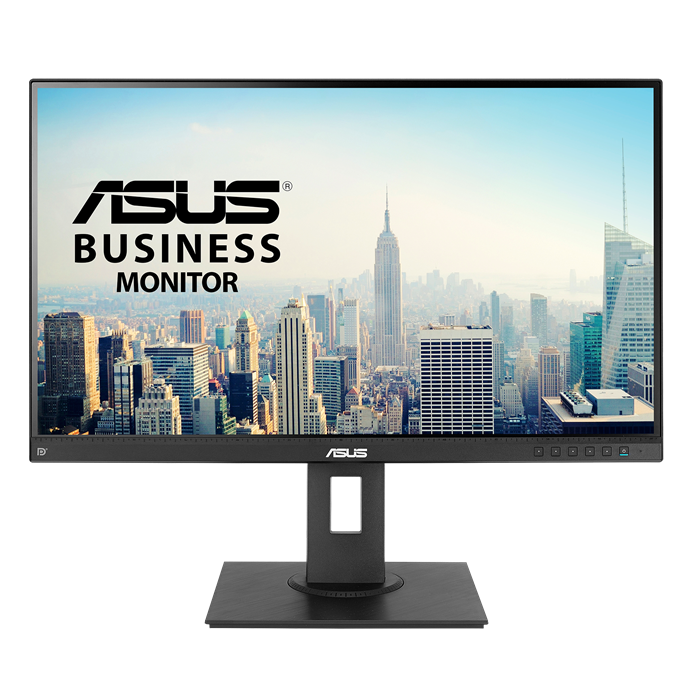
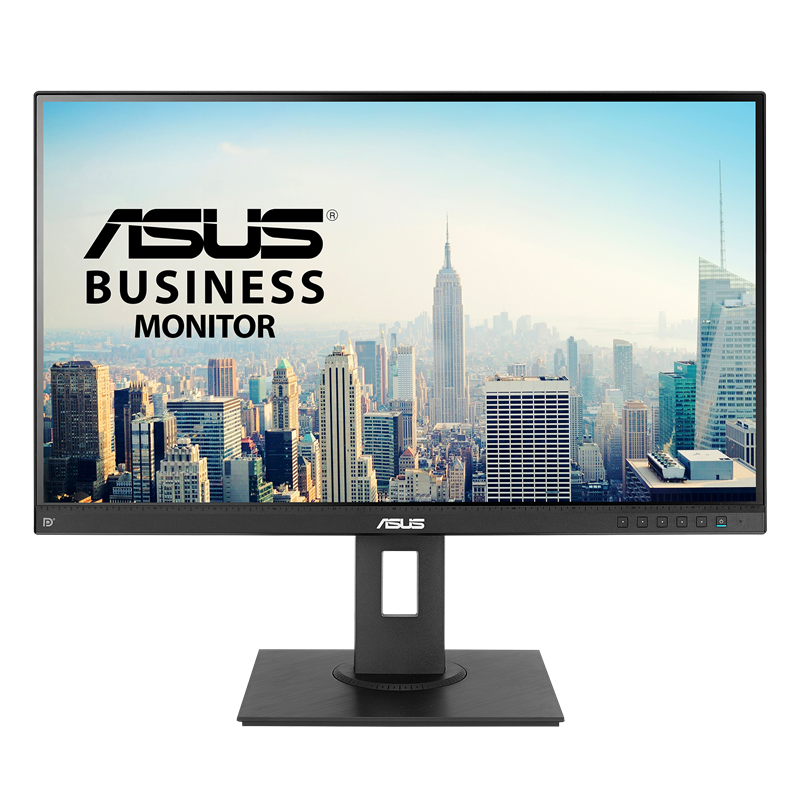
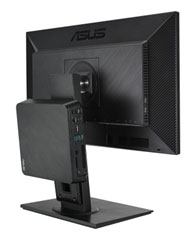
ASUS BE27AQLB Business Monitor – 27-inch WQHD(2560x1440), IPS, HDMI, DisplayPort, Frameless, Mini-PC Mount Kit, Flicker free, Low Blue Light, Ergonomic Stand
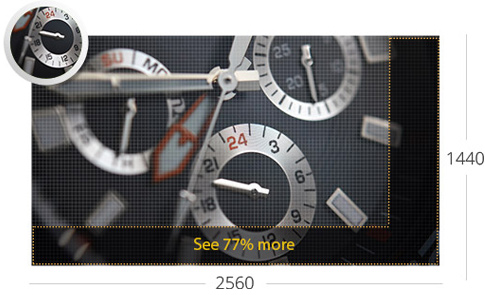
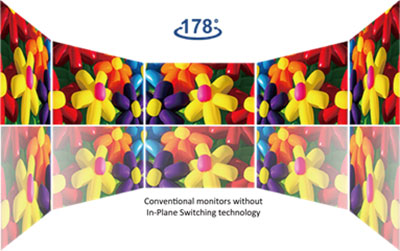
- 27-inch WQHD frameless IPS panel with wide viewing angles for edge-to-edge brilliance
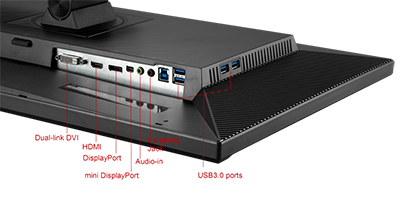
- Extensive connectivity with mini DisplayPort, DisplayPort, HDMI, Dual-link DVI-D, Audio in, Earphone jack plus four USB 3.0 ports for the most flexibility
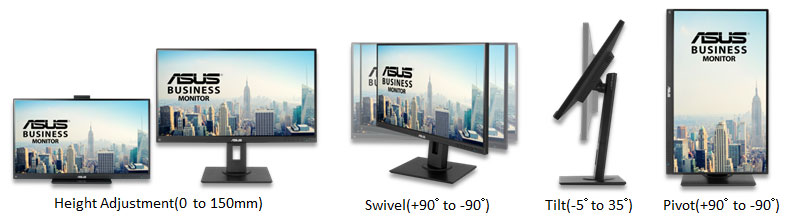
- Ergonomic design with tilt, swivel, pivot and height adjustments for a comfortable viewing experience
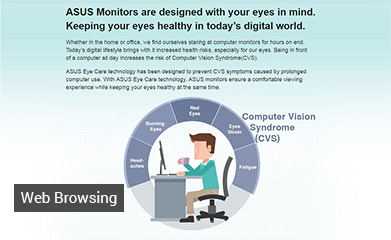
- TÜV Rheinland Certification for Flicker-free and Low Blue Light technology to ensure a comfortable viewing experience
Compare


Videos
This gaming screen is very delicious, but for whom? | Review Asus Rog Strix XG309cm
Review Gaming Screen - ASUS ROG Strix XG309cm | Mega Technology
Instructions on how to choose a graphic screen for everyone
Screen with heat sink: ROG Swift OLED 49Inch 1800R | Computex 2023












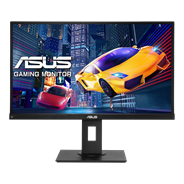
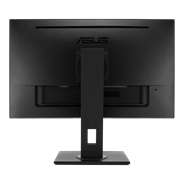
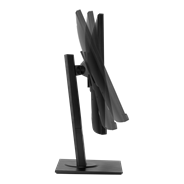
ASUS VP279QGL Gaming Monitor – 27 inch, IPS, Full HD, 1ms MPRT, 75Hz, Adaptive-Sync/FreeSync™, ELMB, Low Blue Light, Flicker Free, Ergonomic Design
See less
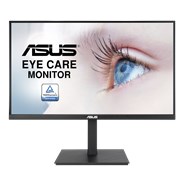
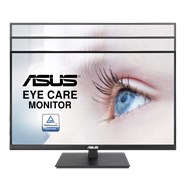
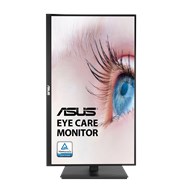
ASUS VA27AQSB Eye Care Monitor – 27 inch, WQHD (2560 x 1440), IPS, Frameless, 75Hz, Adaptive-Sync, DisplayPort, HDMI, Eye Care, Low Blue Light, Flicker Free, Wall Mountable, Ergonomic Stand
See less
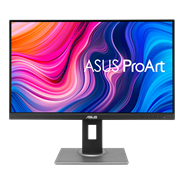
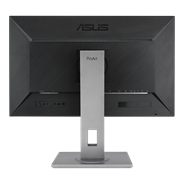
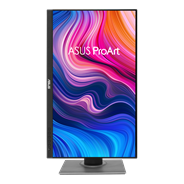
ASUS ProArt Display PA278QV Professional Monitor - 27-inch, IPS, WQHD (2560 x 1440), 100% sRGB, 100% Rec. 709, Color Accuracy ΔE < 2, Calman Verified, ProArt Preset, ProArt Palette, Ergonomic Stand
See less
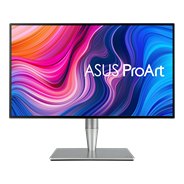
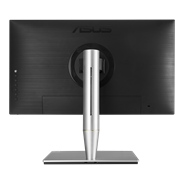
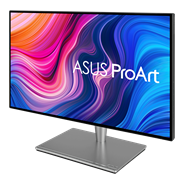
ASUS ProArt Display PA27AC HDR Professional Monitor - 27-inch, WQHD, HDR-10, 100% of sRGB, color accuracy ΔE < 2, Thunderbolt™ 3, Hardware Calibration
See less
- Intel® Core™ Ultra 9/7 ARL-HX processors and next-gen NVIDIA® graphics.
- Housed in a sleek 3L chassis.
- With Intel® Killer™ Wi-Fi 7 AX1750x, 802.11be, up to 5.8 Gbps w/ 2x2, 320 MHz, 4K QAM + Bluetooth® 5.4 (Key-E M.2 Slot), stay fast, responsive, and uniquely connected.
- Up to Five 4K Displays
- Dual-channel DDR5-5600 SODIMM slots (*DDR5-6400-CSODIMM) 1.1V, 96GB max Intel® XMP 3.0 memory compatible
- Two M.2 22x80 SSD NVMe slots* (One PCIe x4 Gen 4, One PCIe x4 Gen5) Toolless Mount
- Intel® 2.5 Gb Ethernet port
- 1x Thunderbolt™ 4 with DP 2.1 and (5V@3A / 5V@1.5A / 9V@2A / 12V@1.5A) fast charging profiles, 2x HDMI Ports, 2x DP Ports, 6x USB 3.2 Gen2 Ports, 1x USB-C (Front)
See less
Experience elevated video conferencing solution enabled by powerful compute system, expandable speakerphones, and AI-powered PTZ cameras for vivid visuals
See less
- Featuring 12th Gen Intel® Core™ and Celeron® processors
- Intel Wi-Fi 6E AX211 soldered-down
- 4GB to 16GB soldered-down LPDDR5 memory
- Support for up to quad 4k@60Hz displays
- Generation agnostic heat-spreader thermal interface
- Supports integration into both stationary and mobile system designs
- Qualified for 24x7 operation
See less
- Windows 11 Pro - ASUS recommends Windows 11 Pro for business
- Breakthrough Performance at the Edge ASUS NUC 13 Compute Element Cost-efficiently build or refresh edge solutions with the ASUS NUC Compute Element.
See less
- Requires NUC Compute Element
- NUC Assembly Elements are ideal for providers creating integrated systems.
- Pair an NUC Board/Assembly Element with a compatible NUC Compute Element to build a small, integrated, high-performance system for a range of verticals.
- Sustained operations and feature and an internal DC connector.
- With added rack and thermal solutions, they are qualified for 24x7 operation
See less
- Requires NUC Assembly Element and Compute Element
- The modular design of NUC Elements simplifies serviceability and makes upgrading your systems easier.
- Small size for a wide range of deployments
- Easy upgrades with forward-compatible components
- Qualified for 24x7 operation
See less
Windows 11 Pro.
Ultra-compact mini PC with AMD Ryzen™ 7000 and 6000 Series Processors and AMD Radeon ™ Graphics, supports Quad-4K displays and 8K resolution, 2x PCIe® Gen4x4 M.2 NVMe™ SSD, 2.5 Gb LAN, WiFi 6E
Ultra-compact mini PC with AMD Ryzen™ 7000 and 6000 Series Processors and AMD Radeon ™ Graphics, supports Quad-4K displays and 8K resolution, 2x PCIe® Gen4x4 M.2 NVMe™ SSD, 2.5 Gb LAN, WiFi 6E
See less
ASUS ZenScreen Stand MTS02D - Ergonomic stand, Tilt, Pivot, Height adjustments, 1/4” Tripod Socket compatible
See less

- Products certified by the Federal Communications Commission and Industry Canada will be distributed in the United States and Canada. Please visit the ASUS USA and ASUS Canada websites for information about locally available products.
- All specifications are subject to change without notice. Please check with your supplier for exact offers. Products may not be available in all markets.
- Specifications and features vary by model, and all images are illustrative. Please refer to specification pages for full details.
- PCB color and bundled software versions are subject to change without notice.
- Brand and product names mentioned are trademarks of their respective companies.
- The terms HDMI and HDMI High-Definition Multimedia Interface, HDMI trade dress and the HDMI Logos are trademarks or registered trademarks of HDMI Licensing Administrator, Inc. in the United States and other countries.
- Product Security Update Support Periods : 3 years (until 31/12/2026)
- The actual transfer speed of USB 3.0, 3.1, 3.2, and/or Type-C will vary depending on many factors including the processing speed of the host device, file attributes and other factors related to system configuration and your operating environment.
- Please avoid hanging headphones or attaching any items that don't belong to the monitor itself to prevent reducing the monitor’s lifespan.