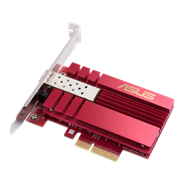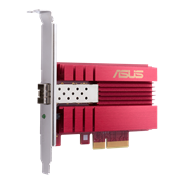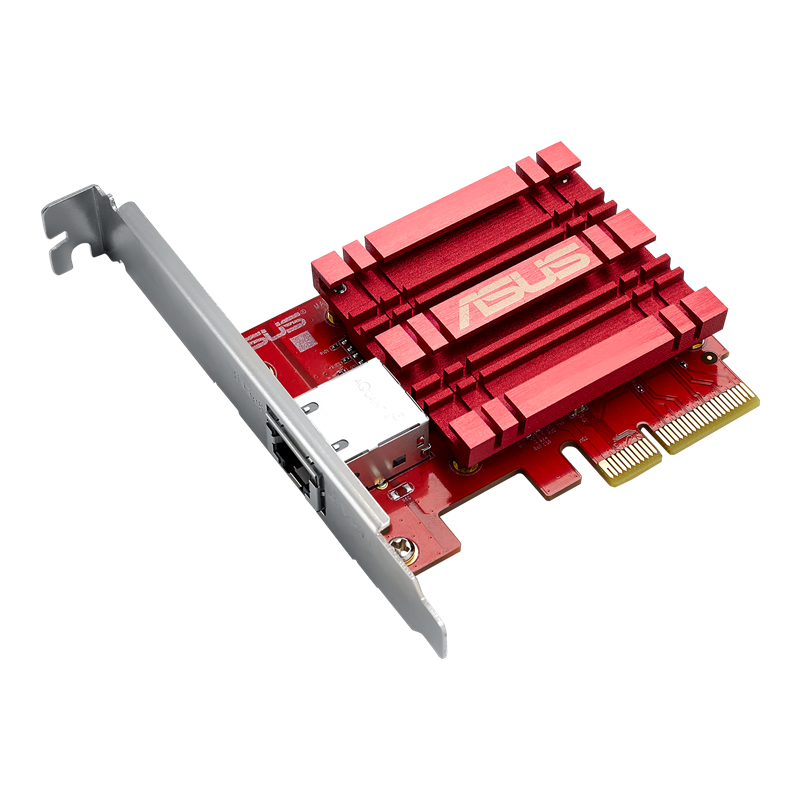
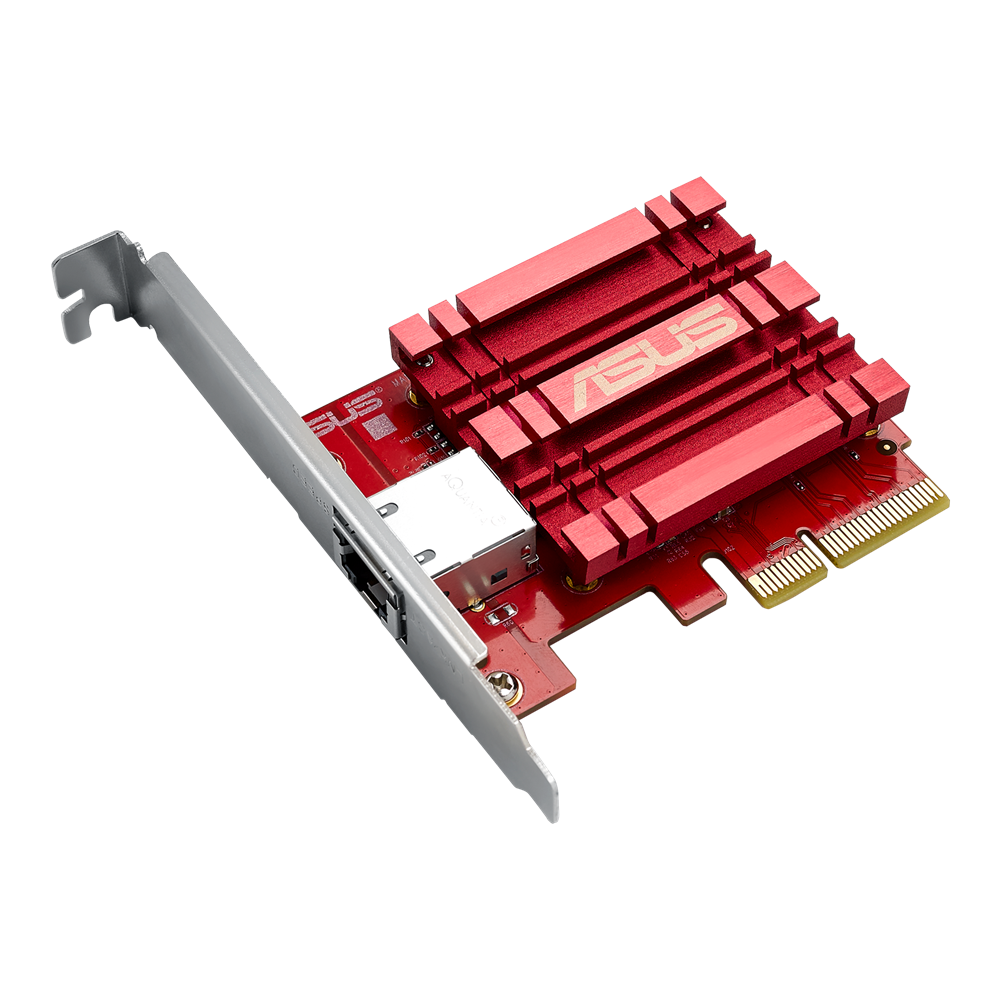
10GBase-T PCIe Network Adapter with backward compatibility of 5/2.5/1G and 100Mbps ; RJ45 port and built-in QoS

  • Hyper-fast 10Gbps Networking – Enjoy up to 10X-faster data-transfer speeds for bandwidth-demanding tasks.
  • Complete Compatibility – XG-C100C is compatible with current network standards, including 10/5/2.5/1Gbps and 100Mbps, for seamless backward compatibility.
  • Windows and Linux Support- flexible OS integration with Windows 10/8.1/8/7 and Linux Kernel 4.4/4.2/3.6/3.2.
  • RJ45 Port for Easy Migration – Easily upgrade to 10Gbps networking using standard copper network cables.
  • Prioritize Your Games – Built-in Quality-of-Service (QoS) technology lets you prioritize bandwidth and supported gaming packets for a smooth gaming experience.

XG-C100C

Hyper-fast 10Gbps Networking

XG-C100C uses next-generation 10GBase-T (10G) networking technology to deliver speeds of up to 10Gbps –10X faster than standard gigabit Ethernet. It enables ultra-fast 10Gbps network access for desktop PCs, so you can easily handle the most data-intensive tasks in your office or at home.
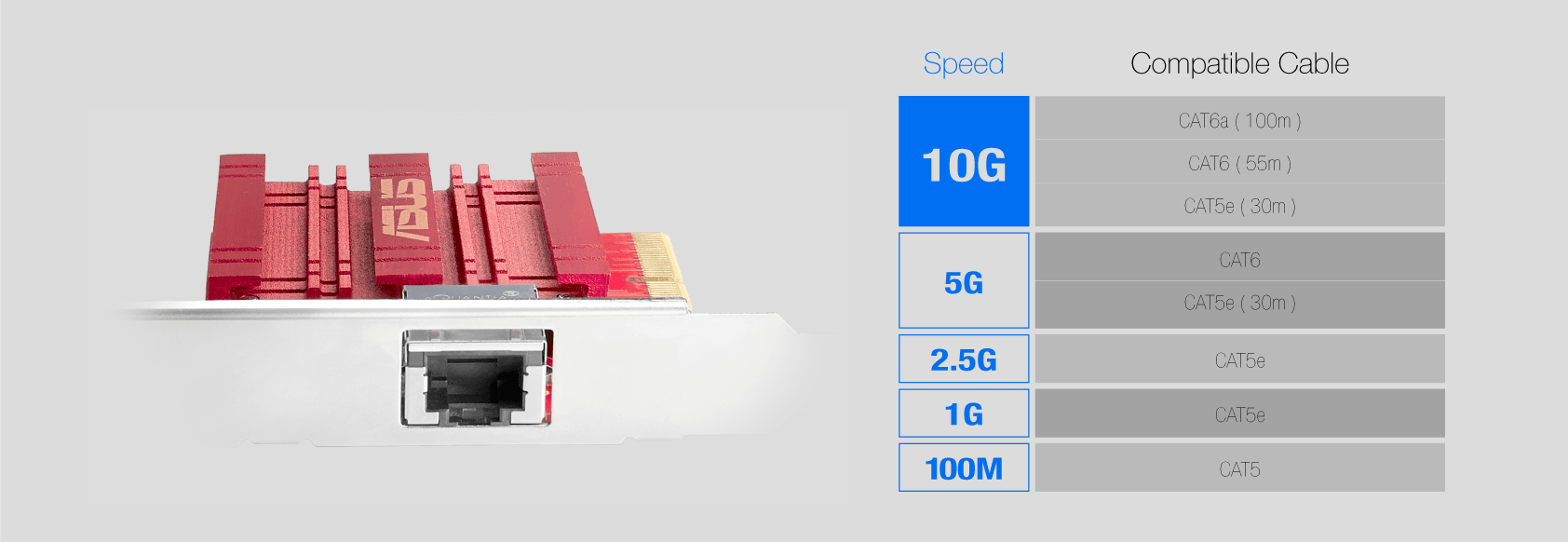
*Minimum Category 5e network cables (within 30m range) required for 10Gbps operation according to ASUS testing result.


10GBast-T speed  on 10G network card, XG-C100C, provides 10G speed for 10 times faster data transferring.

Complete Compatibility

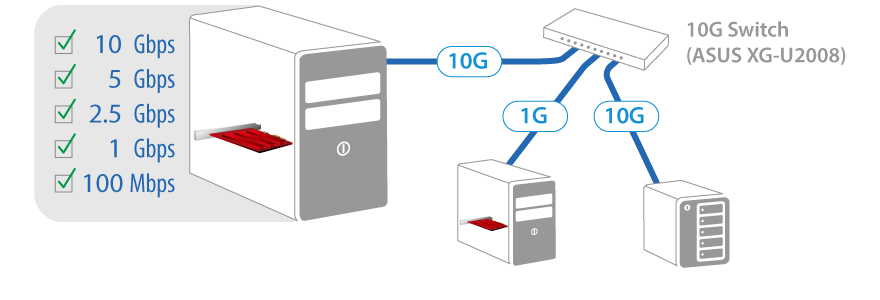
XG-C100C supports 10/5/2.5/1Gbps and 100Mbps networking standards. It's designed to provide you with the latest technology, while ensuring full backward compatibility with your existing network infrastructure. Full compatibility with Windows 10 and Linux Kernel 4.4 allows flexible OS integration.

XG-C100C provides complete backwards compatibility with 5G, 2.5G, 1G, and 100Mbps, ensuring the best flexibility.

RJ45 Port for Easy Migration

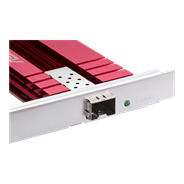
XG-C100C has a standard RJ45 LAN port so you can easily upgrade to 10Gbps networking using standard, readily available copper network cables, avoiding the need to install costly optical fiber cables.

The RJ45 port on XG-C100C gives you easy migration to futuristic 10G speed on acessible copper network cable.

Prioritize Your Games

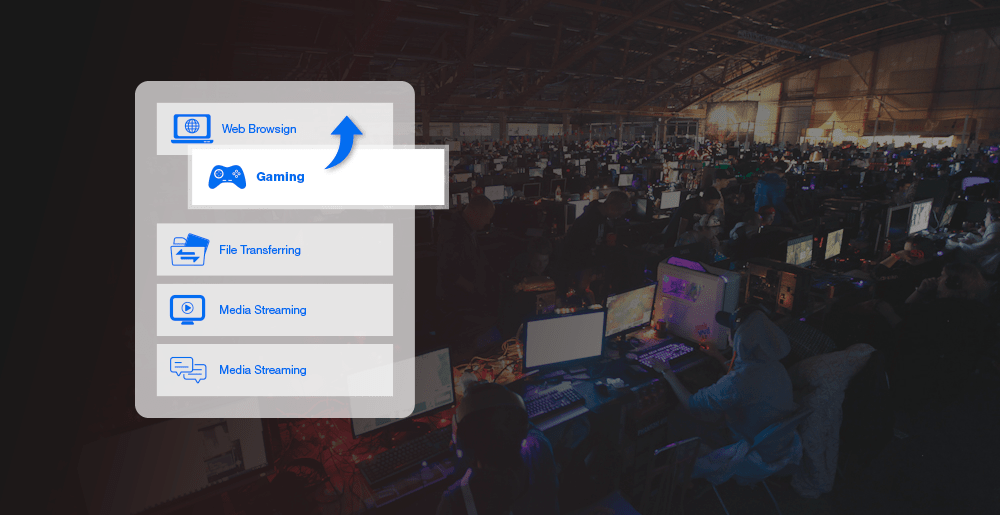
Built-in Quality-of-Service (QoS) technology automatically prioritizes bandwidth for gaming packets, so you can enjoy a smooth, latency-free gaming experience.

Quality of Service(QoS) on XG-C100C prioritize bandwidth for game packets so you can enjoy optimal gaming experience all the time.
المنتجات المشابهة
next image
previous image
  • سيتم توزيع المنتجات المعتمدة من قبل هيئة الاتصالات الفيدرالية و Industry Canada في الولايات المتحدة وكندا. يرجى زيارة مواقع ASUS USA و ASUS Canada للحصول على معلومات حول المنتجات المتوفرة محليًا.
  • جميع المواصفات عرضة للتغيير دون إشعار مسبق. يرجى مراجعة المورد الخاص بك للحصول على العروض الدقيقة. قد لا تكون المنتجات متوفرة في جميع الأسواق.
  • تختلف المواصفات والميزات حسب الطراز ، وجميع الصور توضيحية. يرجى الرجوع إلى صفحات المواصفات للحصول على التفاصيل الكاملة.
  • لون ثنائي الفينيل متعدد الكلور وإصدارات البرامج المجمعة عرضة للتغيير دون إشعار.
  • أسماء العلامات التجارية والمنتجات المذكورة هي علامات تجارية لشركاتها المعنية.
  • تُعد مصطلحات HDMI ، و HDMI High-Definition Multimedia Interface ، والمظهر التجاريHDMI ، وشعارات HDMI ، علامات تجارية أو علامات تجارية مسجلة لشركة HDMI Licensing Administrator, Inc.
  • The actual      transfer speed of USB 3.0, 3.1, 3.2, and/or Type-C will vary depending on many      factors including the processing speed of the host device, file attributes and      other factors related to system configuration and your operating environment.
  • Actual data throughput and WiFi coverage will vary from network conditions and environmental factors, including the volume of network traffic, building material and construction, and network overhead, result in lower actual data throughput and wireless coverage.
  • Quoted network speeds and bandwidth based on current IEEE 802.11ac specifications. Actual performance may be affected by network and service provider factors, interface type, and other conditions. Connected devices must be 802.11ac-compatible for best results.