[Phone] Change Vibration settings
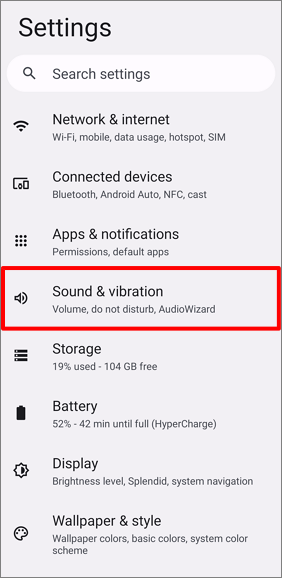
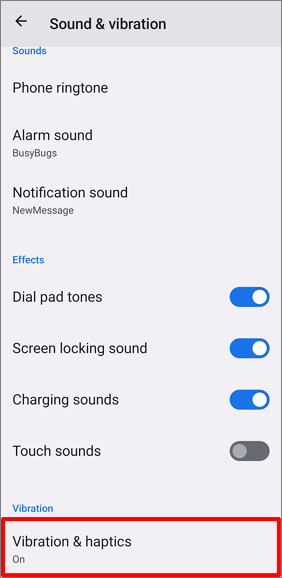
1. Go to "Settings" > "Sound & vibration" > "Vibration & haptics".
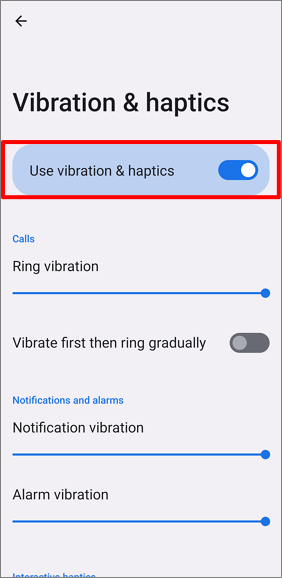
2. Enable "Use vibration & haptics" to turn on the vibration function.
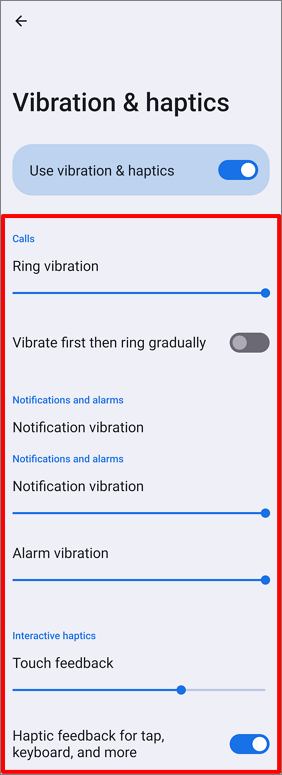
3. Tap the setting items to set more details.
[Phone] Change Vibration settings
1. Go to "Settings" > "Sound & vibration" > "Vibration & haptics".
2. Enable "Use vibration & haptics" to turn on the vibration function.
3. Tap the setting items to set more details.