ZenScreen MB16AC
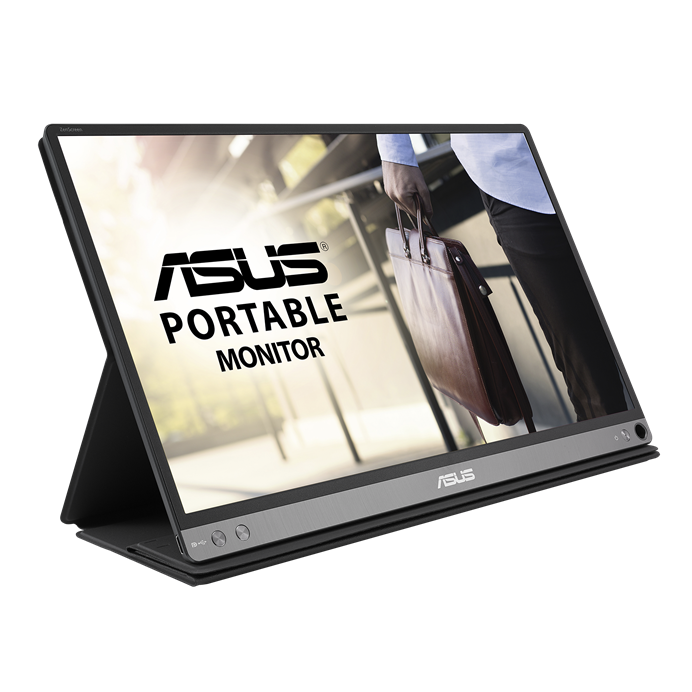
ASUS ZenScreen MB16AC 可攜式顯示器—15.6 吋 Full HD、混合式傳輸、USB C 型、不閃屏、超低藍光
  • 支援電源和視訊混合式傳輸,適用於任何具有 USB C 型或 A 型連接埠的筆記型電腦。
  • 自動螢幕方位感應,將顯示器切換成橫向或縱向模式。
  • 重量僅 780 克,厚度僅 8 公釐,讓您輕便外出同時具備高工作效率。
  • 折疊式智慧保護套設計,能夠轉變成支架,在橫向及縱向顯示模式下立起顯示器。
  • 具備經德國萊茵TÜV Rheinland雙認證的ASUS Eye Care超低藍光、不閃屏護眼技術,提供眼睛舒適的觀賞體驗。
Adobe 3 month bundle
ZenScreen MB16AC
ZenScreen MB16AC 15.6 inch Portable Monitor

Extend your vision. Free your world.

ASUS ZenScreen™ MB16AC is designed to keep you productive, wherever you are. It's the world's first portable monitor with a hybrid-signal solution, which means that it only needs a single USB connector cable to be fully compatible with almost any laptop. With a super-slim 8mm profile, and weighing just 0.78kg, ZenScreen MB16AC is also the world's lightest 15.6-inch companion display monitor.
ZenScreen MB16AC features an hybrid-signal solution for USB Type-A and USB Type-C support

Hybrid-signal solution: USB Type-A and Type-C support

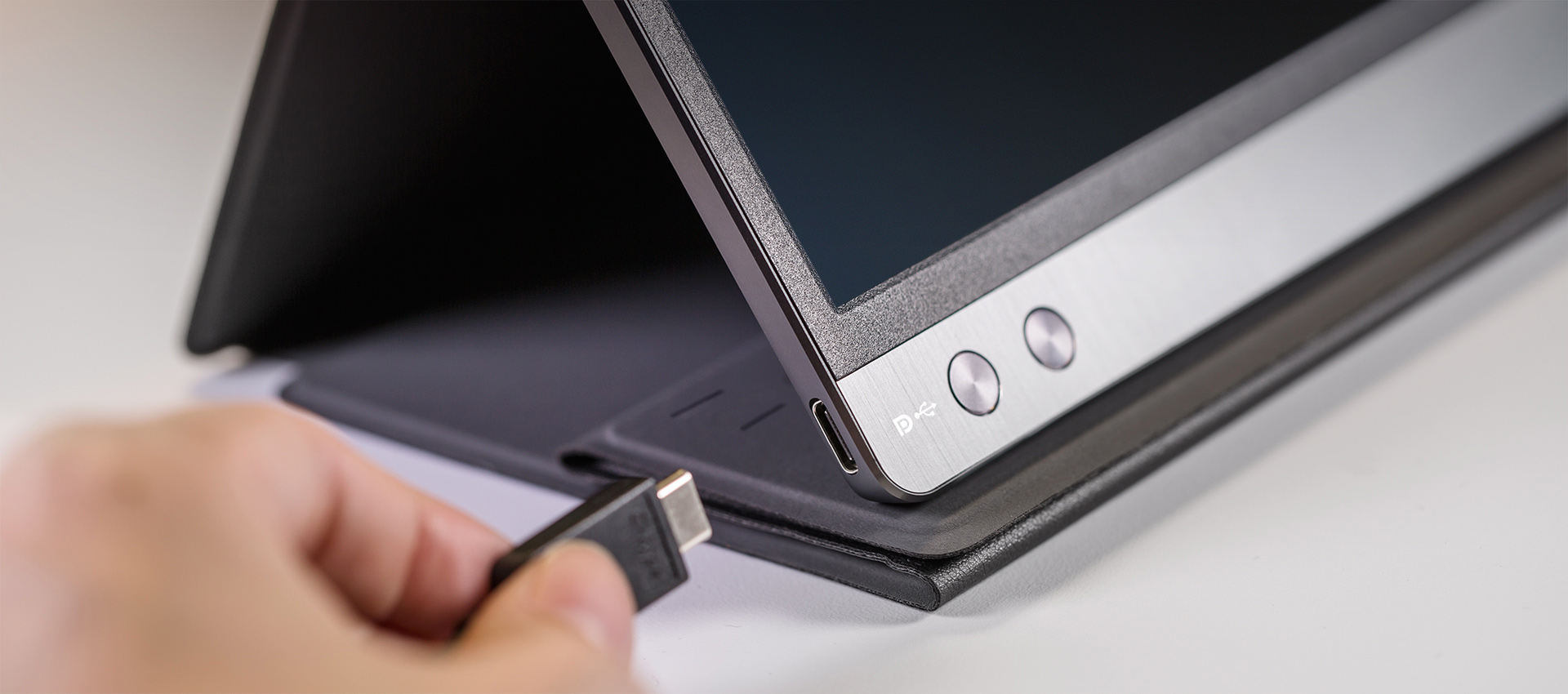
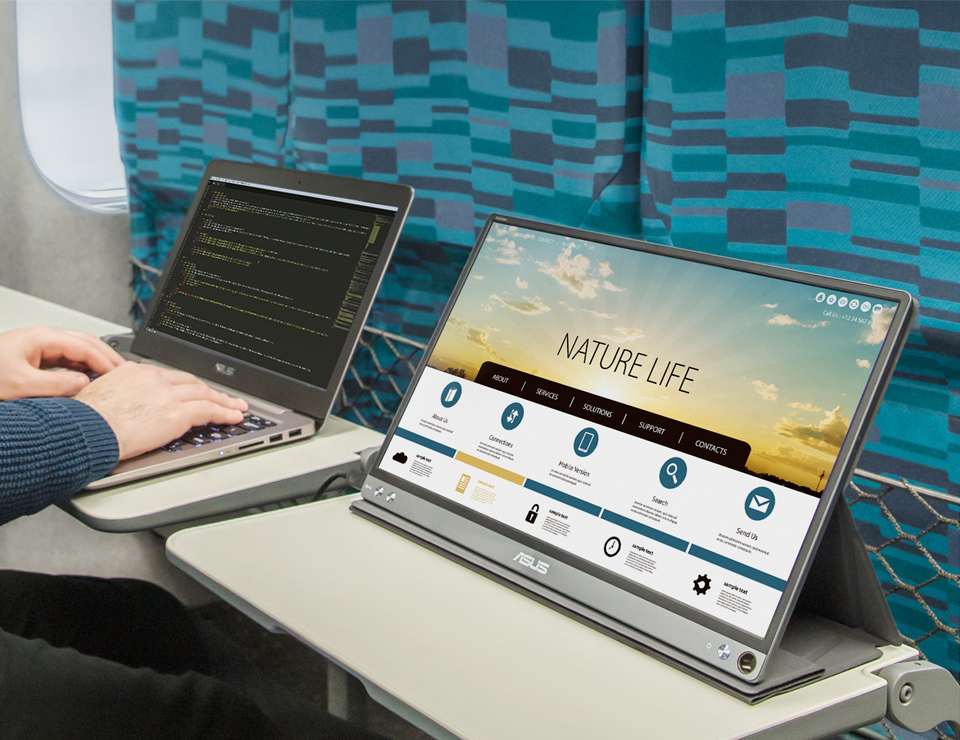
ZenScreen™ MB16AC only requires a single USB connection for both power and video transmission from your host device. It features an innovative hybrid-signal solution with native support for USB Type-C™ (USB-C™) connections, and uses an installed driver to support USB Type-A connectors for full compatibility. The reversible, any-way-up USB-C design enables quick, hassle-free connection to any device.
ZenScreen MB16AC is designed for on the go

Slim and stylish ultraportable design

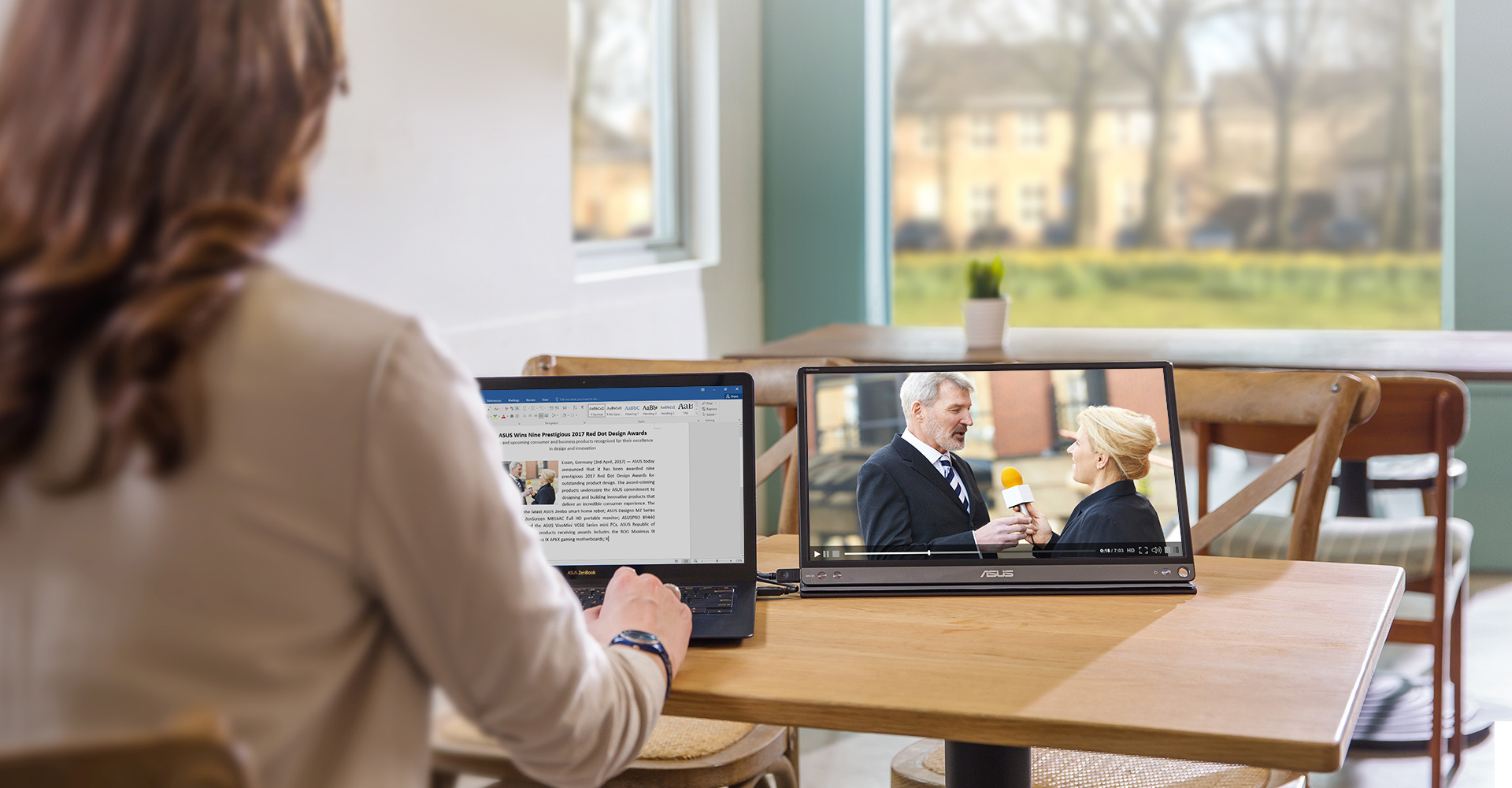
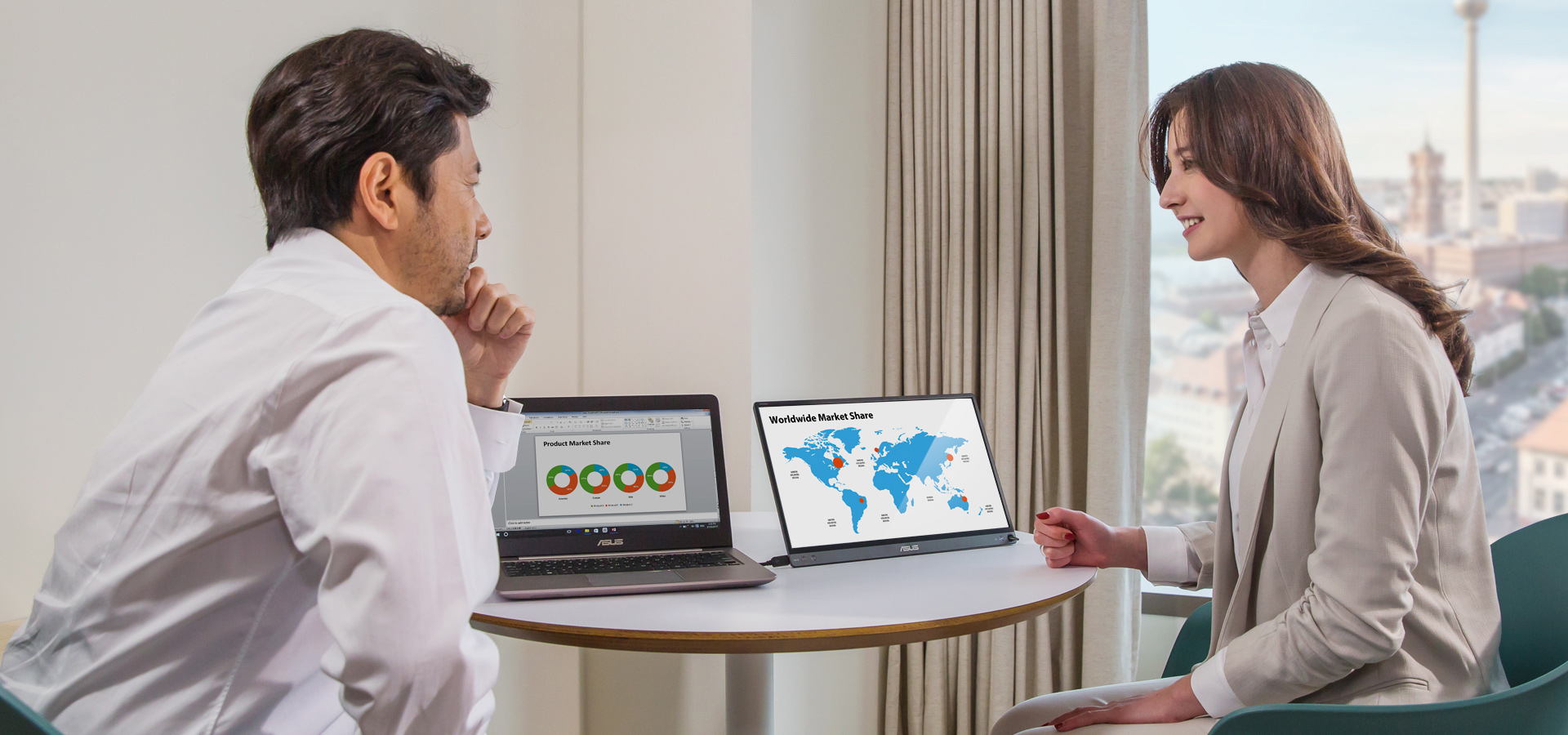
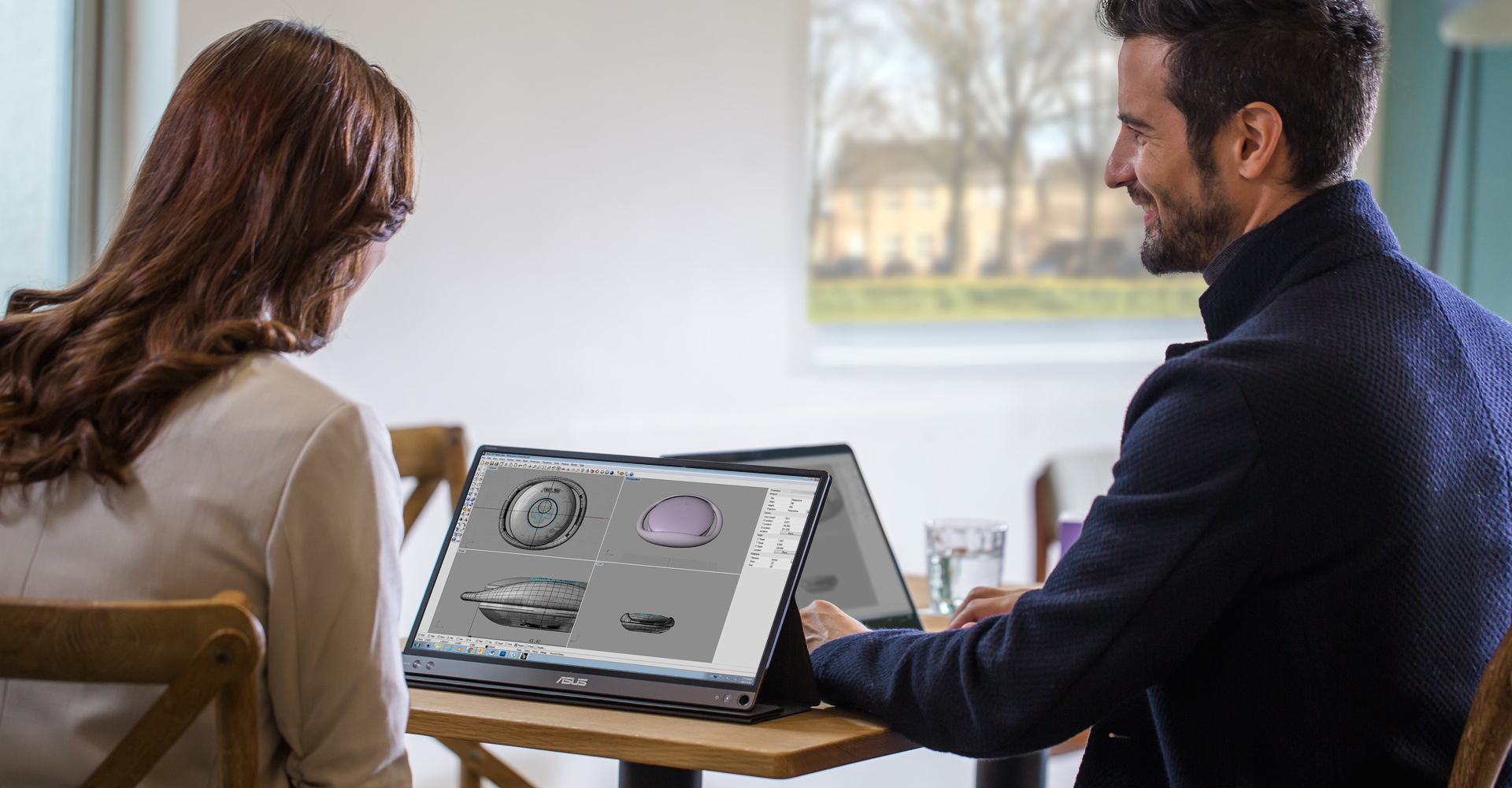
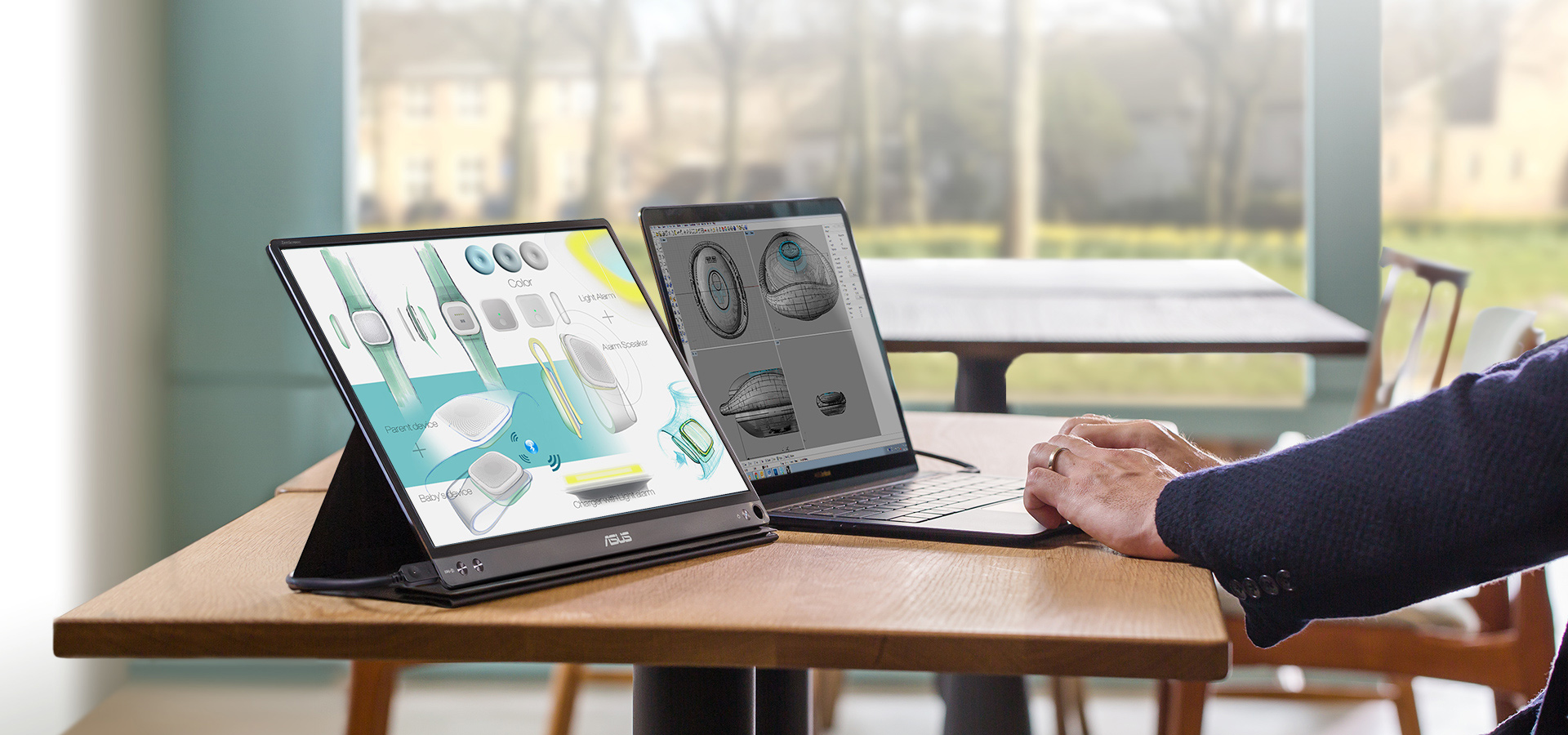
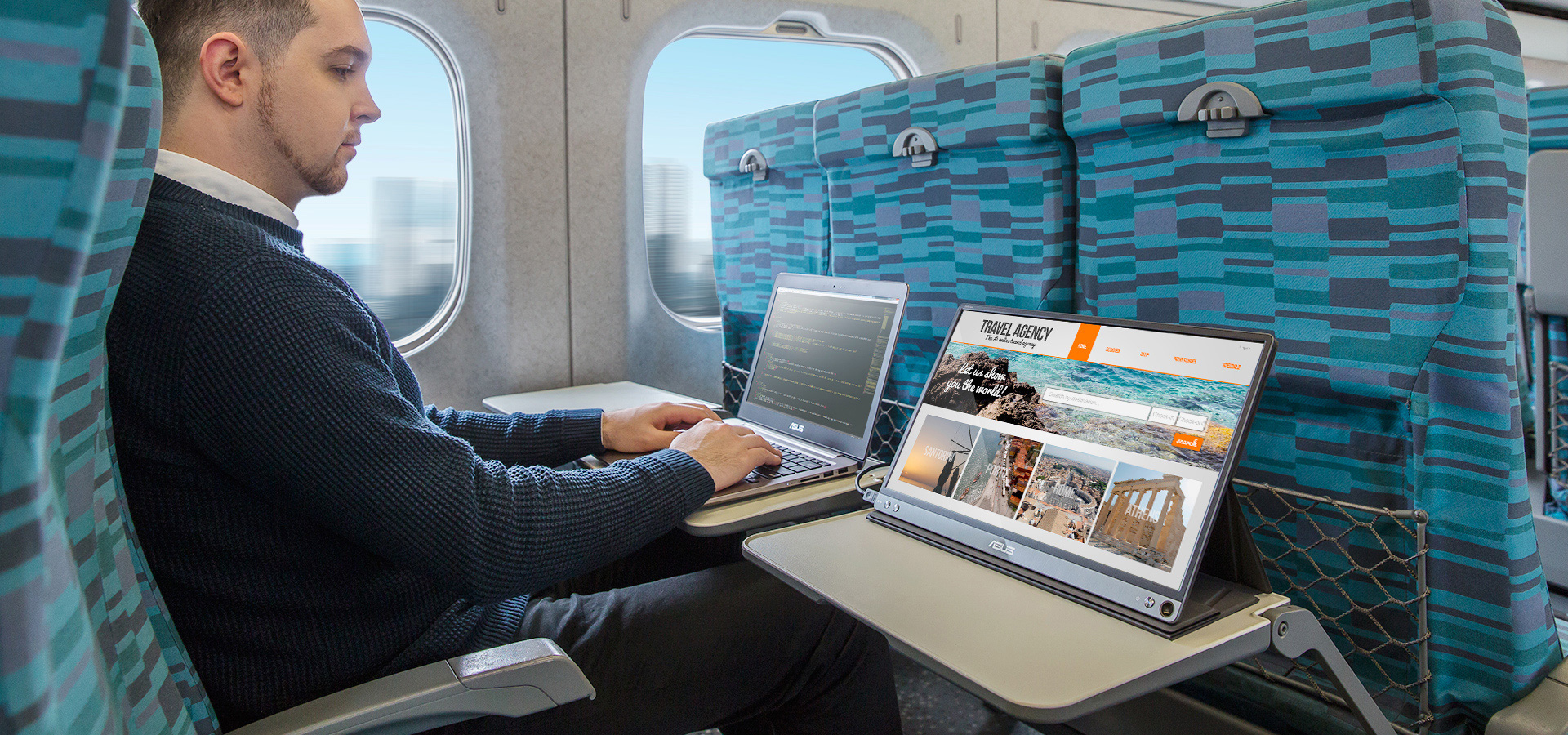
ZenScreen™ MB16AC is ideal for use as a secondary monitor for dual-monitor presentations, and its versatility helps you get things done more efficiently when you're on the go. It barely tips the scales at a lightweight 0.78kg, and with its ultra-slim 8mm profile it fits easily in any travel bag.
ZenScreen MB16AC ultraslimdesign
ZenScreen MB16AC is designed for on the go ZenScreen MB16AC ultraportable design
ZenScreen MB16AC is designed for on the go
ZenScreen MB16AC is designed for on the go ZenScreen MB16AC can automatically sense its orientation and switch the monitor between landscape and portrait modes

Automatic screen orientation

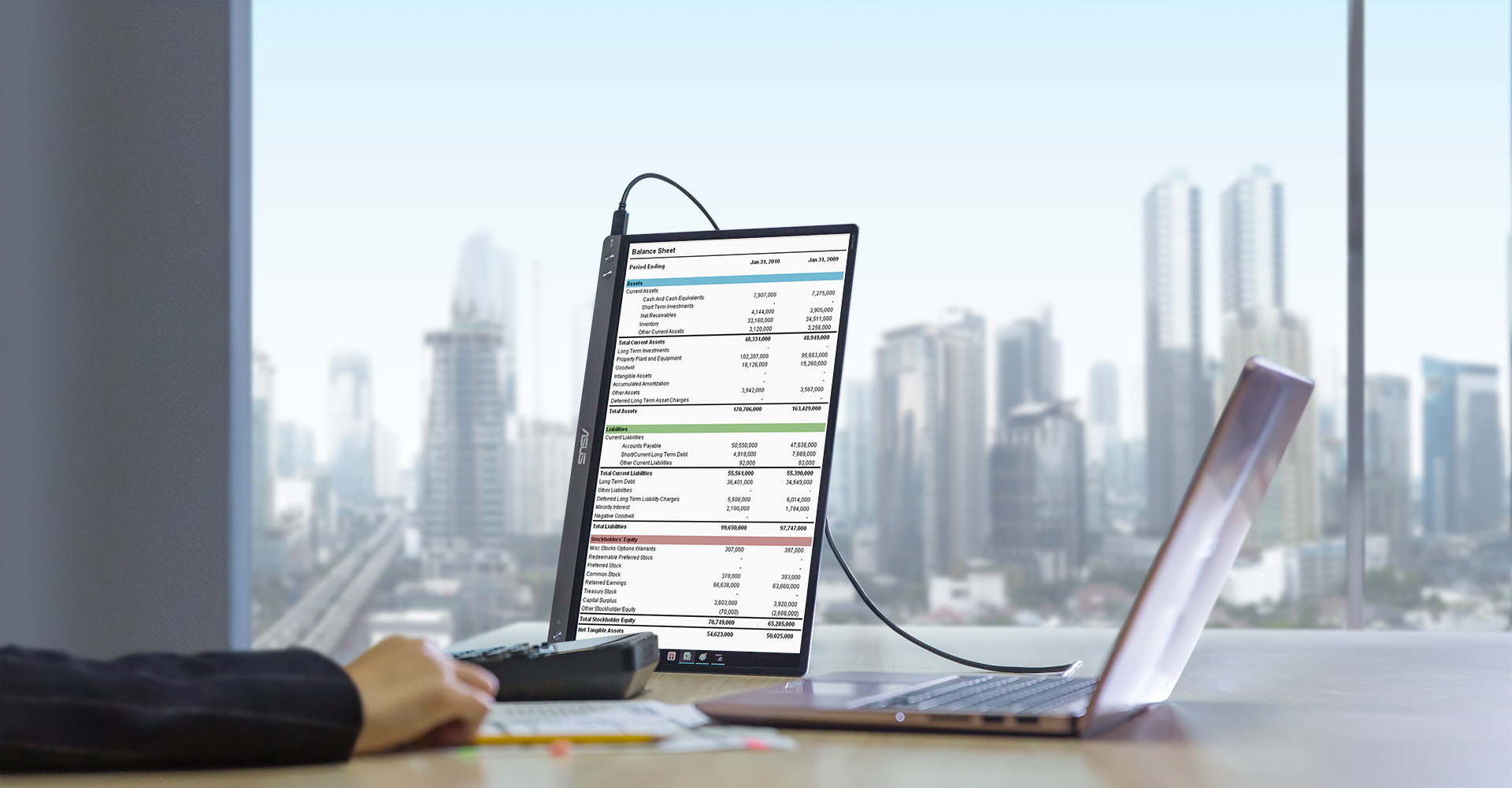
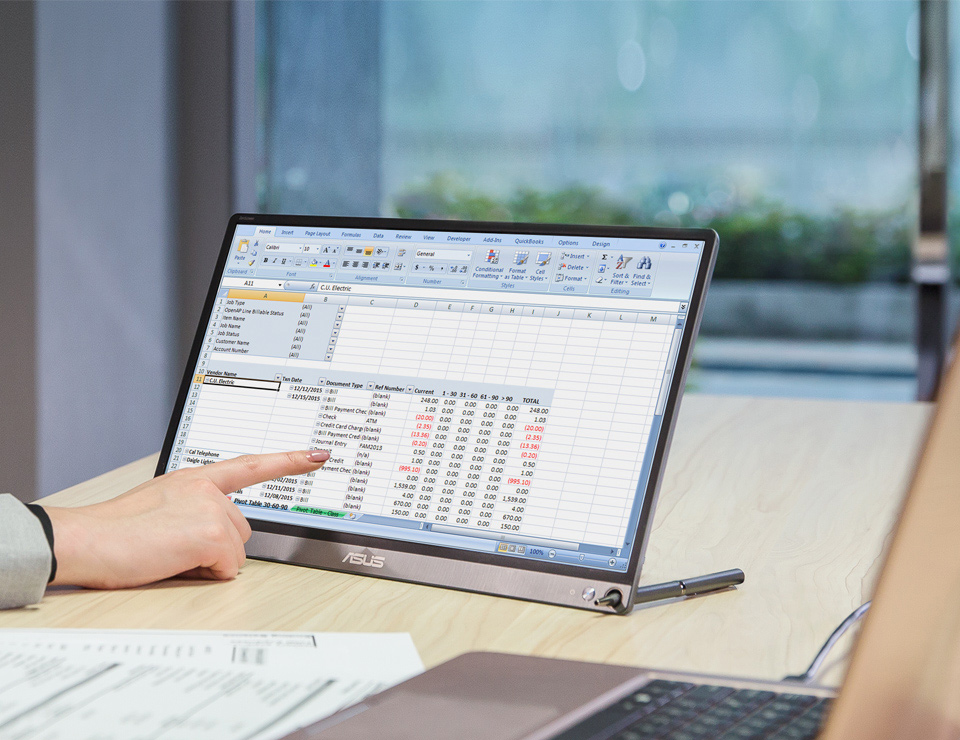
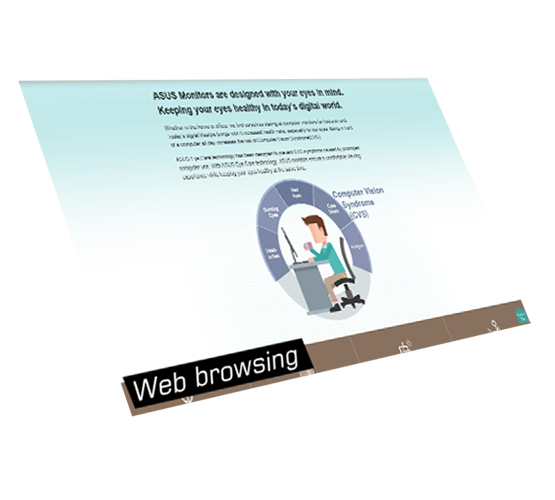
With DisplayWidget software*, ZenScreen™ MB16AC can automatically sense its orientation and switch the monitor between landscape and portrait modes. Landscape mode is ideal for presentations and Excel sheets, while Portrait mode gives you a perfect view of items such as documents, books or mobile websites.

*Driver required. Auto Rotate function only works with Windows OS

ZenScreen MB16AC is designed for on the go
ZenScreen MB16AC is designed for on the go ZenScreen MB16AC uses IPS technology to give you more flexibility when extending your screen

Wide viewing angles

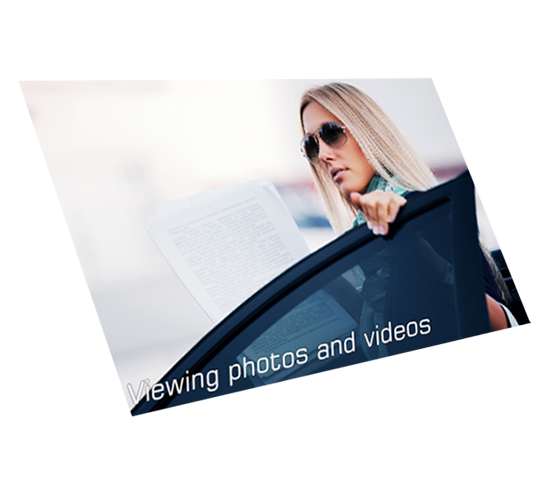
ZenScreen™ MB16AC features a Full HD panel that delivers stunning 1920 x 1080 resolution visuals with outstanding color reproduction. It uses IPS technology to give you more flexibility when extending your screen, so you still get superb color and contrast - even from extreme viewing positions.
ZenScreen MB16AC is designed for on the go
ZenScreen MB16AC is designed for on the go ZenScreen MB16AC smart case can be folded into a stand to prop the monitor up in either portrait or landscape orientation

Foldable smart case

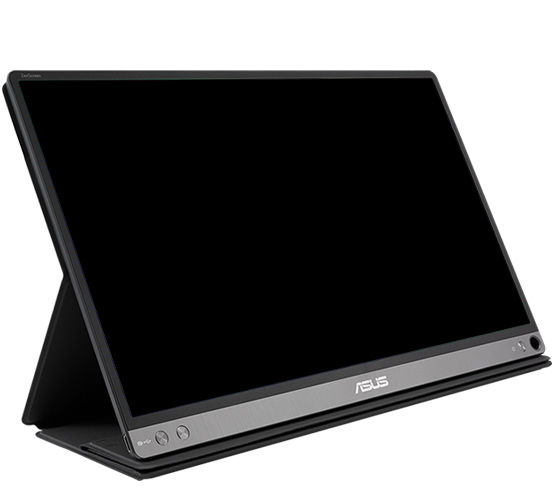
An innovative foldable smart case protects ZenScreen™ MB16AC from dust and scratches. The case can be folded into a stand to prop the monitor up in either portrait or landscape orientation. ZenScreen MB16AC also has a smart pen hole in the bottom right-hand corner, where you can insert a pen to prop the screen up when not using the smart case.
ZenScreen MB16AC has a smart pen hole to insert a pen to prop the monitor up

Protect your eyes with ASUS Eye Care technology

ASUS Blue Light Filter protects viewers from harmful blue-light; it has four different filter settings
ASUS Blue Light Filter protects viewers from harmful blue-light; it has four different filter settings ASUS Blue Light Filter protects viewers from harmful blue-light; it has four different filter settings ASUS Blue Light Filter protects viewers from harmful blue-light; it has four different filter settings ASUS Blue Light Filter protects viewers from harmful blue-light; it has four different filter settings ASUS Blue Light Filter protects viewers from harmful blue-light; it has four different filter settings

ASUS blue light filter

Exclusive ASUS Ultra-Low Blue Light technology protects you from harmful blue light. It offers four blue-light filter settings that are easily accessed through the onscreen display menu via the hotkey.

Blue Light Filter Level

  • 0
  • 1
  • 2
  • 3
  • 4

ASUS Flicker-free technology

It's time to say goodbye to those tired, strained eyes. ZenScreen MB16AC features TÜV Rheinland-certified ASUS Flicker-free technology to reduce flicker for a comfortable viewing experience. This technology helps minimize instances of eyestrain and other damaging ailments, especially when you spend long, countless hours in front of a display watching favorite videos.
  • ASUS Flicker-Free technology can help reduce onscreen flicker for a more comfortable viewing experience

    With ASUS Flicker-free technology

  • ASUS Flicker-Free technology can help reduce onscreen flicker for a more comfortable viewing experience

    Without ASUS Flicker-free technology

相關產品
previous image
next image
  • 經FCC和加拿大工業部認證的產品將在美國和加拿大銷售。請參閱華碩美國和華碩加拿大網站,瞭解有關當地可用產品的資訊。
  • 所有規格如有更改,恕不另行通知。請與您的供應商/經銷商確認確切的報價。產品可能並非在所有市場都可用。
  • 規格和功能或內建軟體因型號而異,所有圖像僅供參考。有關完整詳細資訊,請參閱規格頁面。
  • 產品顏色可能會因拍照光線誤差或螢幕設定而與實際產品有所差異。
  • 商標聲明:本網站所談論到的產品名稱僅做識別之用,而這些名稱可能是屬於其他公司的註冊商標或是版權。
  • HDMI、HDMI高畫質多媒體介面及HDMI 標誌為HDMI Licensing Administrator, Inc.在美國及其他國家的商標或註冊商標。
  • Product Security Update Support Periods : 3 years (until 31/12/2026)
  • The actual      transfer speed of USB 3.0, 3.1, 3.2, and/or Type-C will vary depending on many      factors including the processing speed of the host device, file attributes and      other factors related to system configuration and your operating environment.