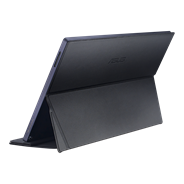
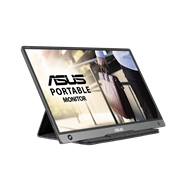
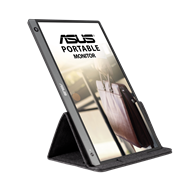
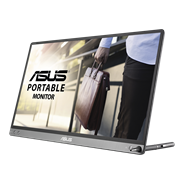
ASUS ZenScreen MB249C portable monitor – 24-inch (23.8 viewable) FHD (1920 x 1080), frameless panel, IPS technology, anti-glare, USB-C®, speakers, carrying handle/kickstand design, C-clamp, partition hook, Green sustainability
  • Frameless 23.8-inch FHD IPS display with anti-glare surface coating for seamless multi-monitor setups and improved viewing experiences
  • Sleek, ultraslim profile and 2.8 kg overall weight enable effortless portability
  • Multiple stand options and accessories, including an integrated carrying handle/kickstand, height-adjustable C-clamp with Z-axis adjustment, and partition hook kit for flexible placement
  • Rich connectivity options include a full-function USB-C® with 60-watt power delivery, HDMI®, and earphone jack
  • Environmentally friendly design with ENERGY STAR®-certified energy efficiency, and packaged in FSC® certified paper
ASUS ZenScreen MB249C
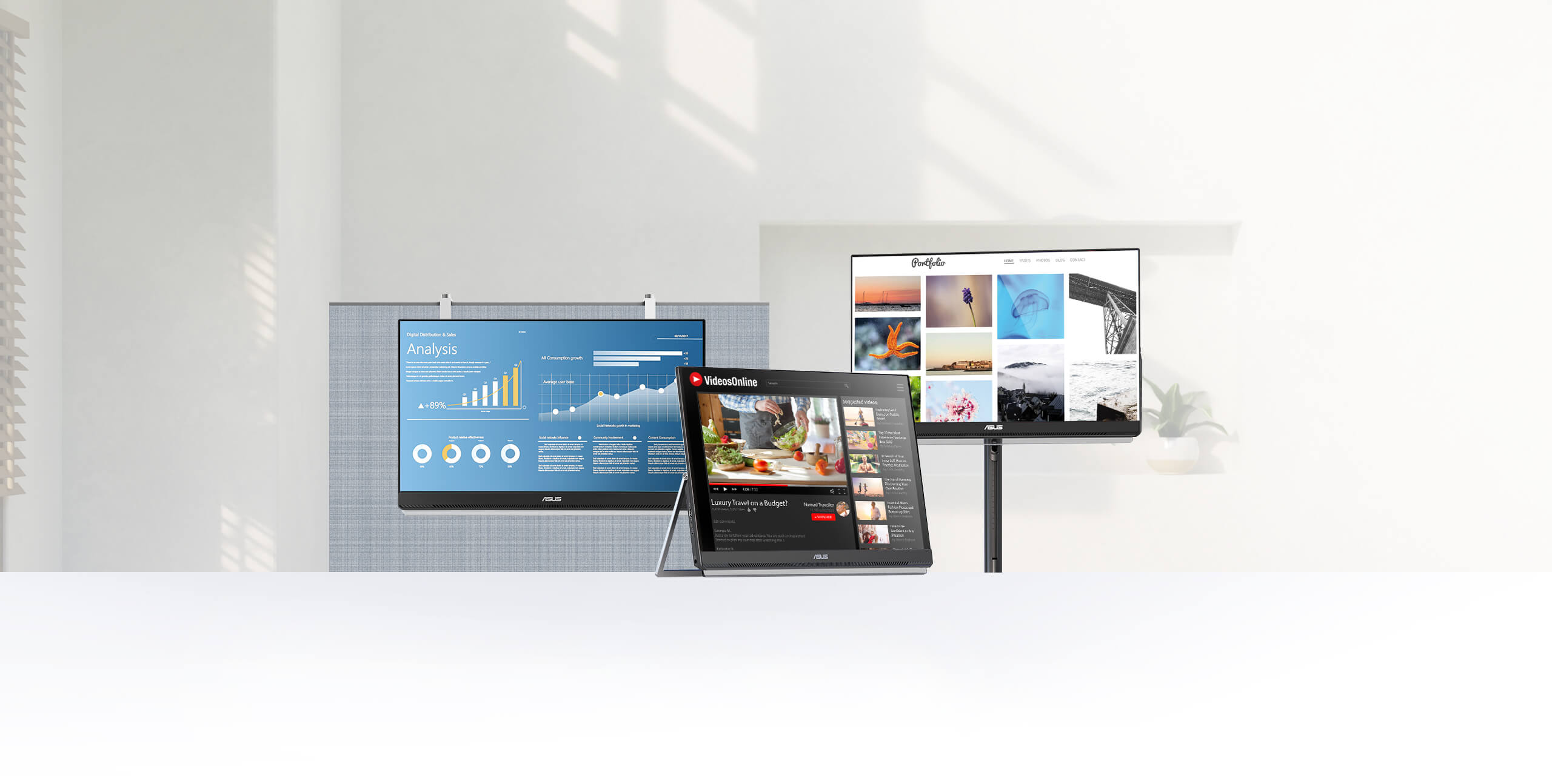
ZenScreen MB249C setup in three ways, partition mount, kickstand mode and install with c-clam arm

Redefine
Your Workspace

ASUS ZenScreen MB249C is designed to give multitasking a boost, with its large, frameless 23.8-inch FHD panel. Its sleek 7.6mm profile and light 2.8 kg weight ensure effortless portability around the home, office, or co-working spaces. Plus, multiple stand options offer complete versatility, so you can configure MB249C to meet any need. Its versatility lets you turn any space into a productive nook.
  • IPS Ultra-wide Viewing Angles
  • Ergo kick stand
  • Monitor Arm

  • USB Type-C Monitor
  • Stereo Speakers
  • ENERGY STAR logo

Design with ergo in mind

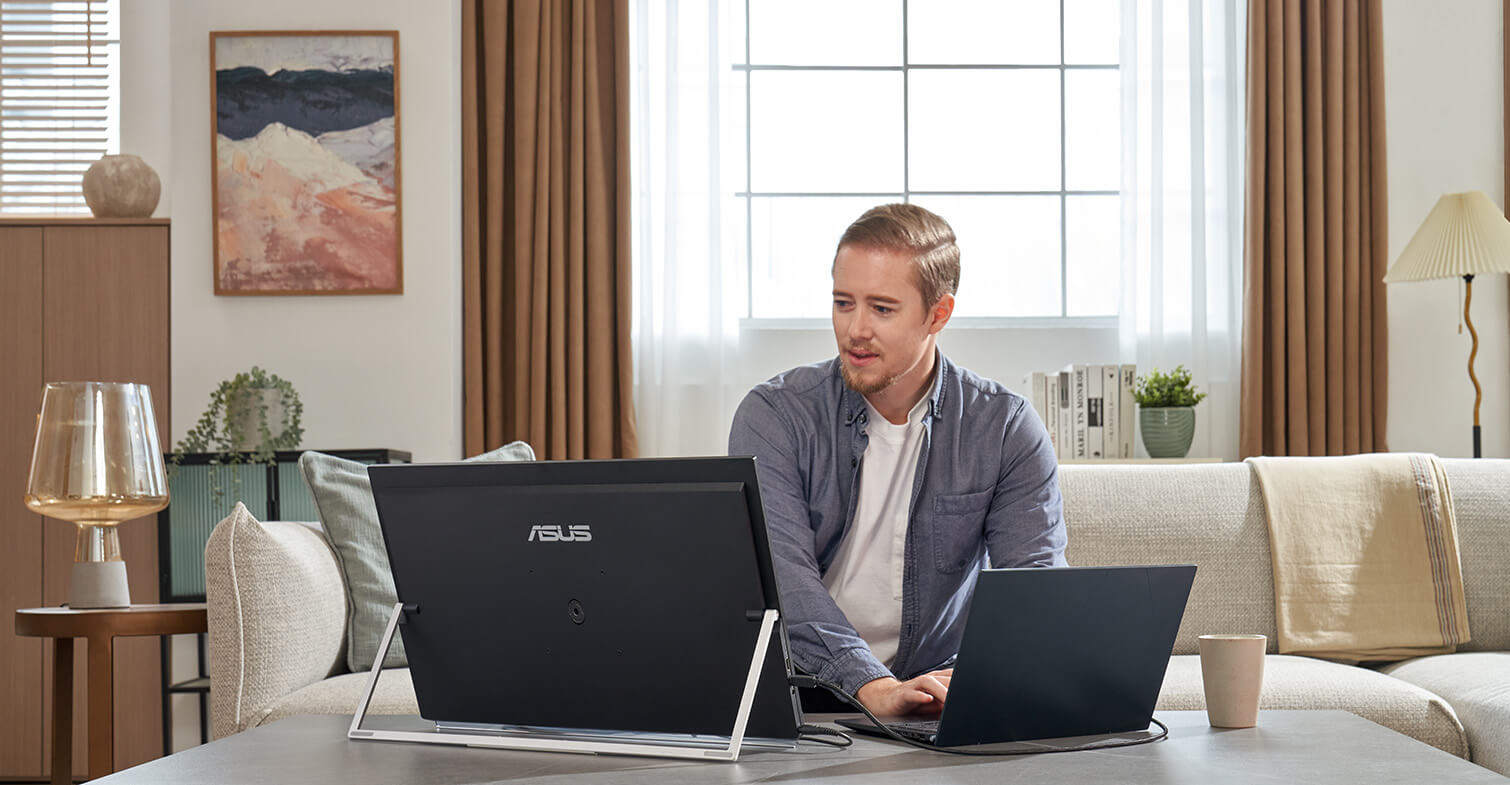
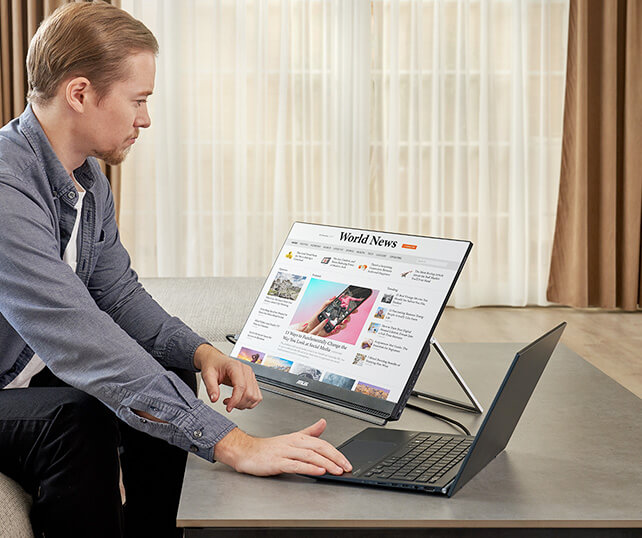
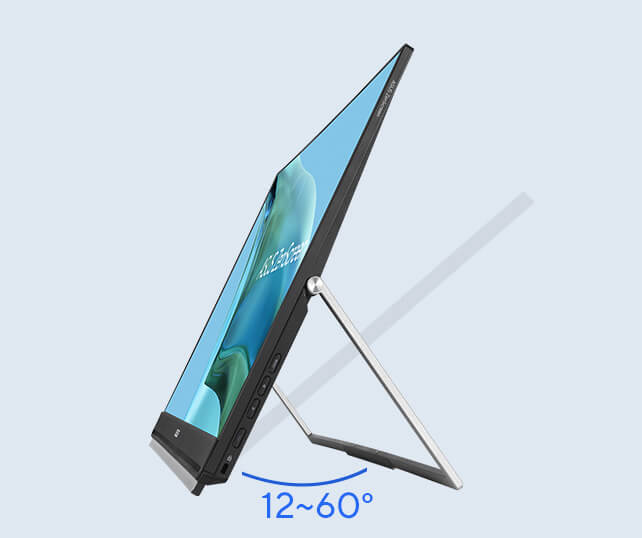
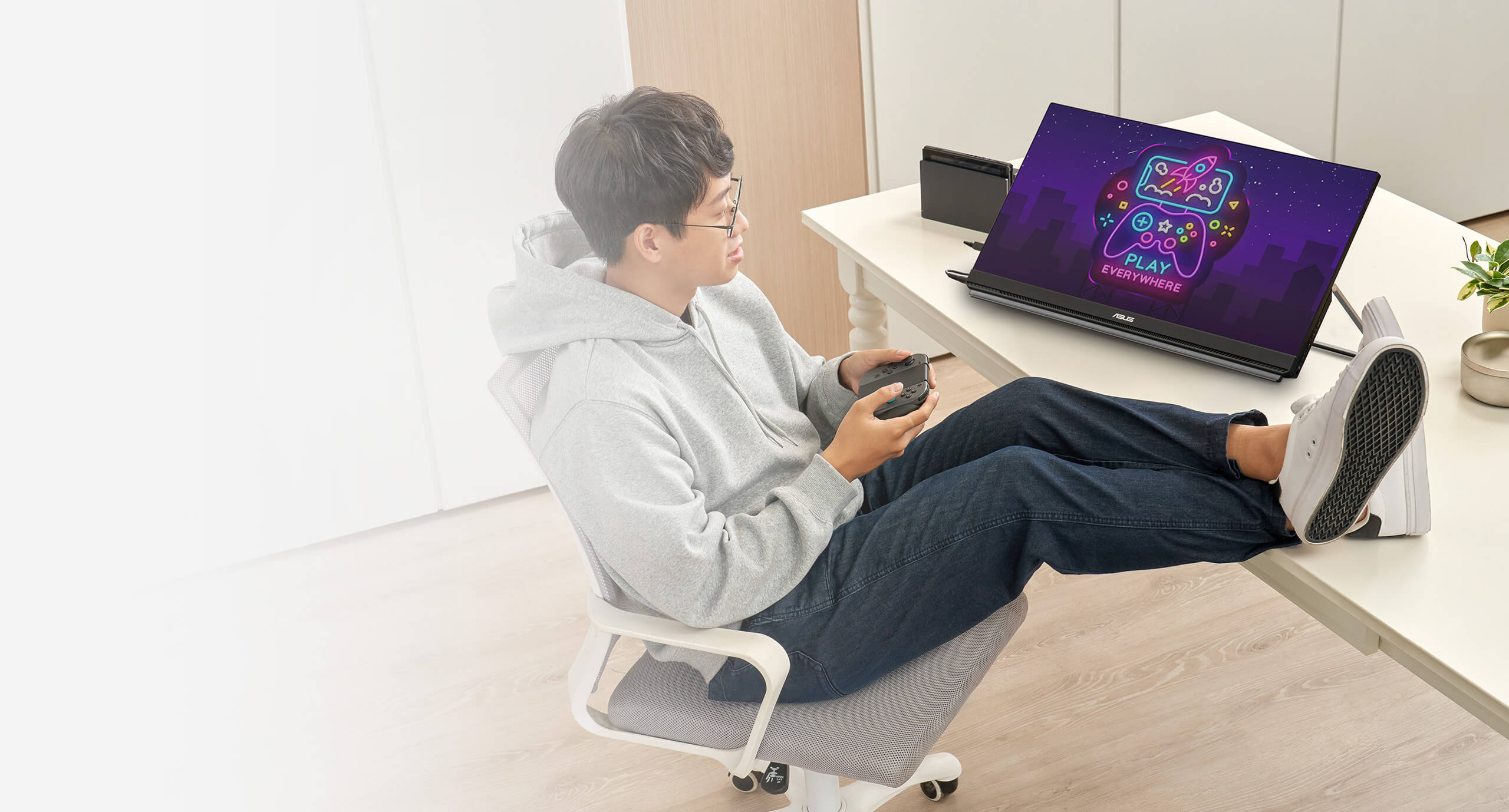
  • Side view of a man works from home using ZenScreen MB249C in kickstand mode at lower cafe table Ergo kickstand with up at 12~60° on any flat surface

    Fold-out kickstand

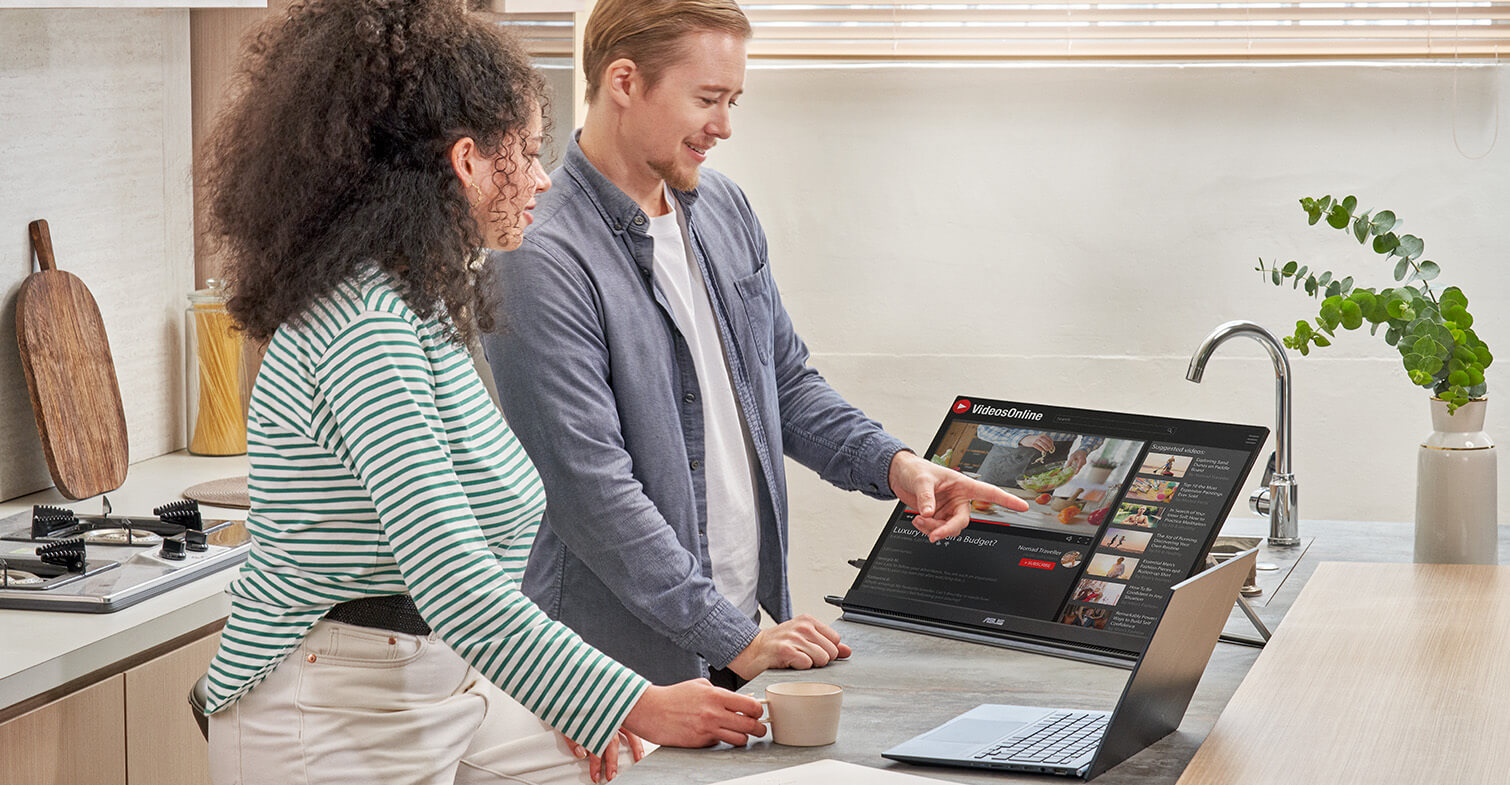
    The carrying handle does double duty as a handy kickstand to securely prop ZenScreen MB249C up at 12–60° on any flat surface, ensuring comfortable viewing angles. It’s perfect for multitasking or for demonstrations to small groups.

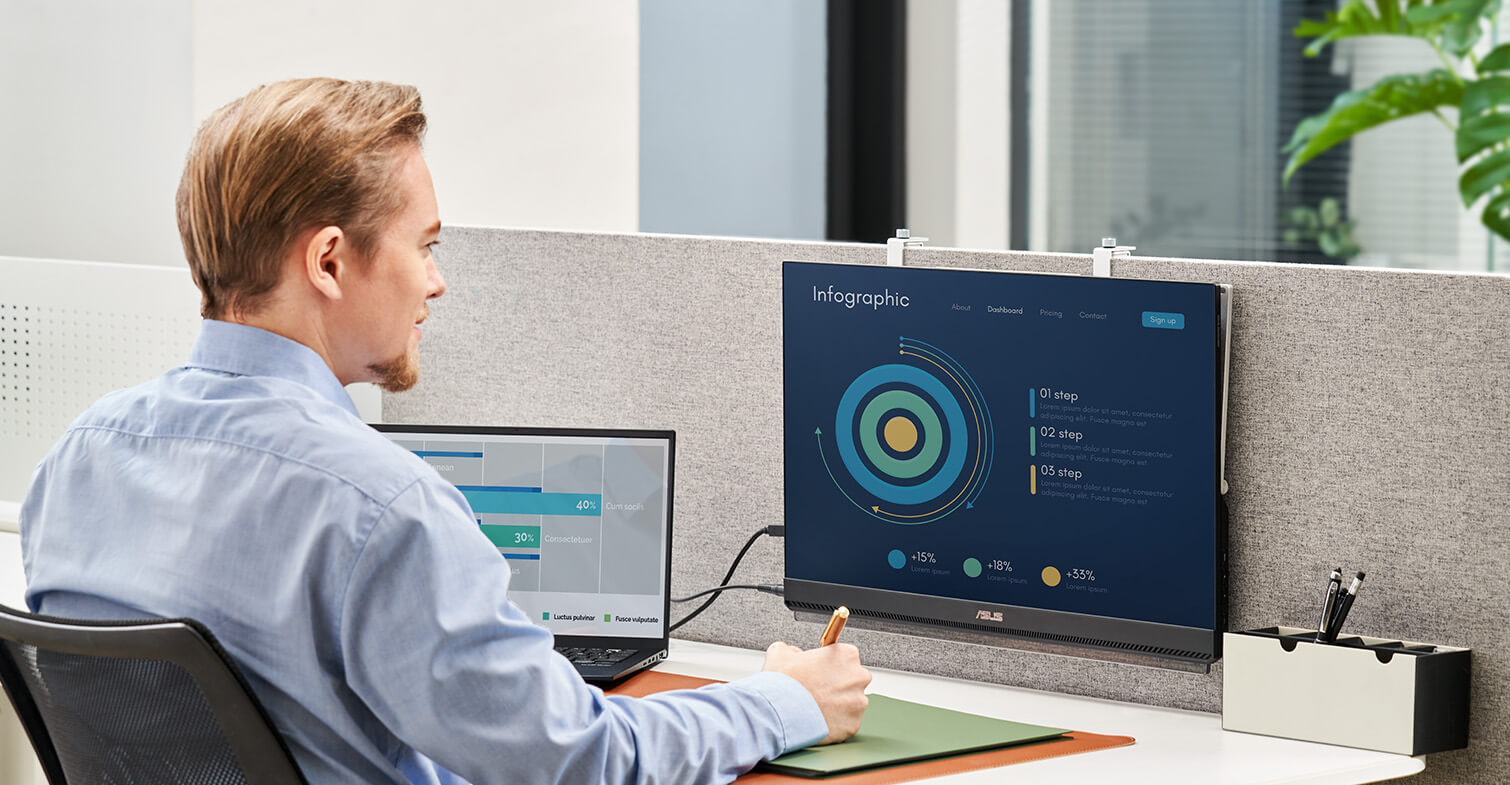
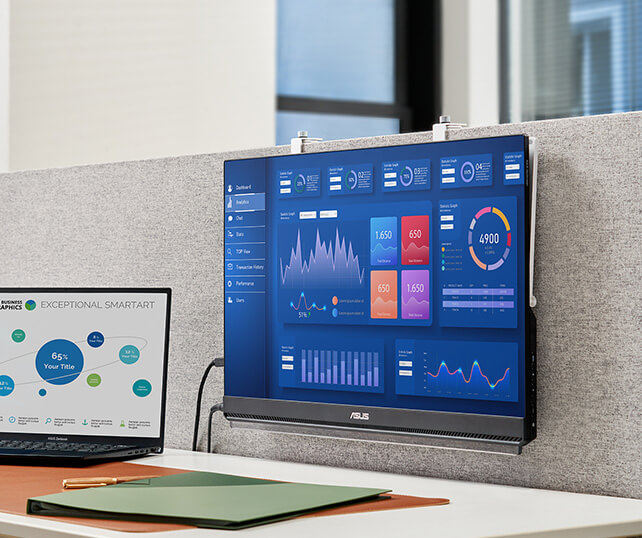
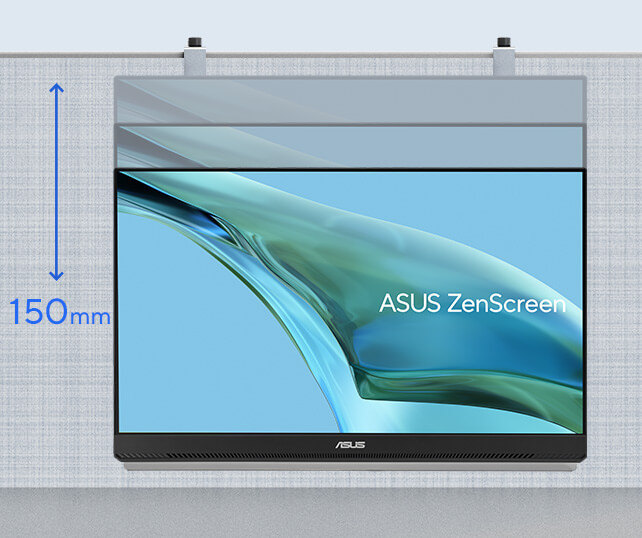
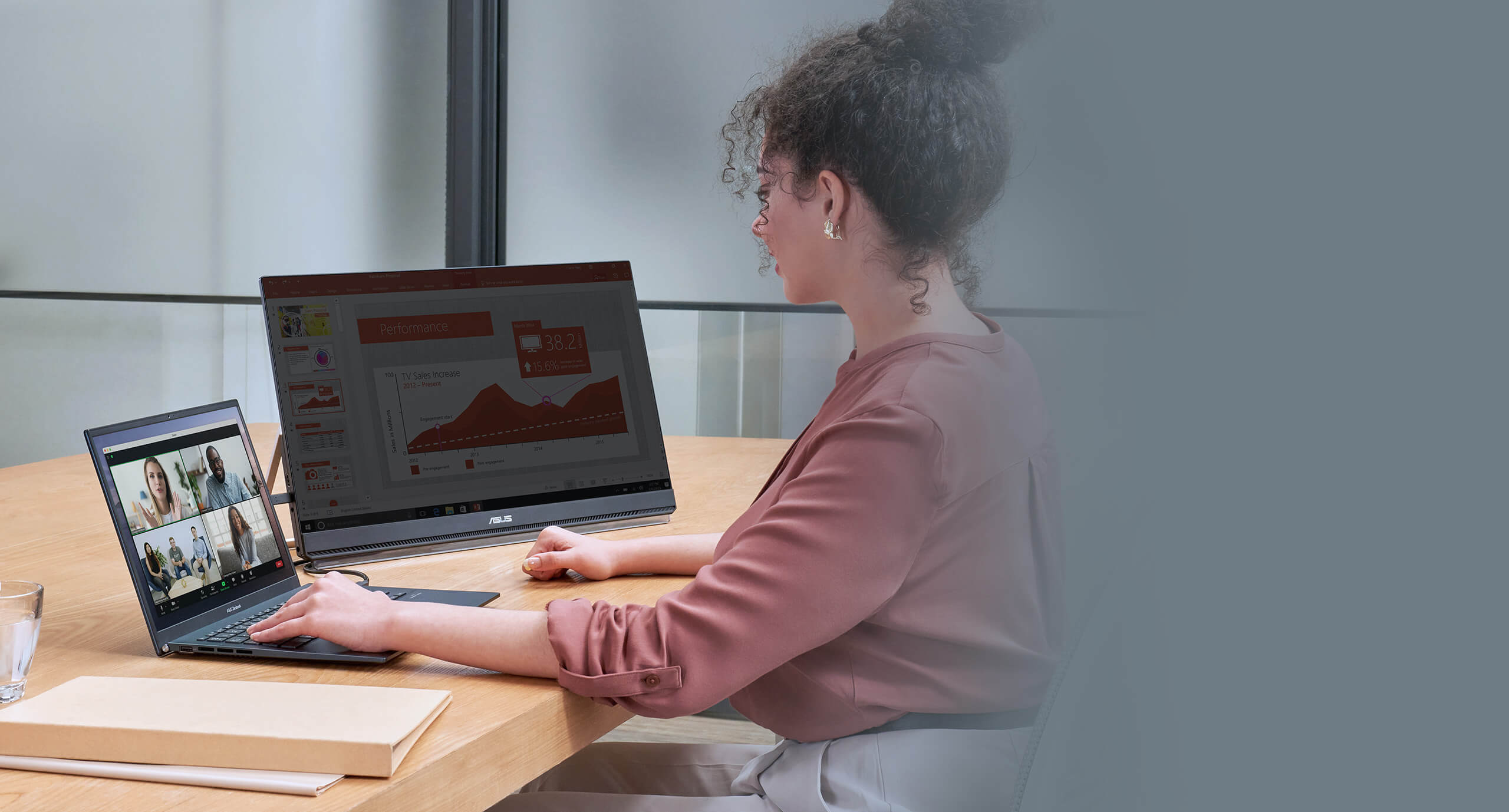
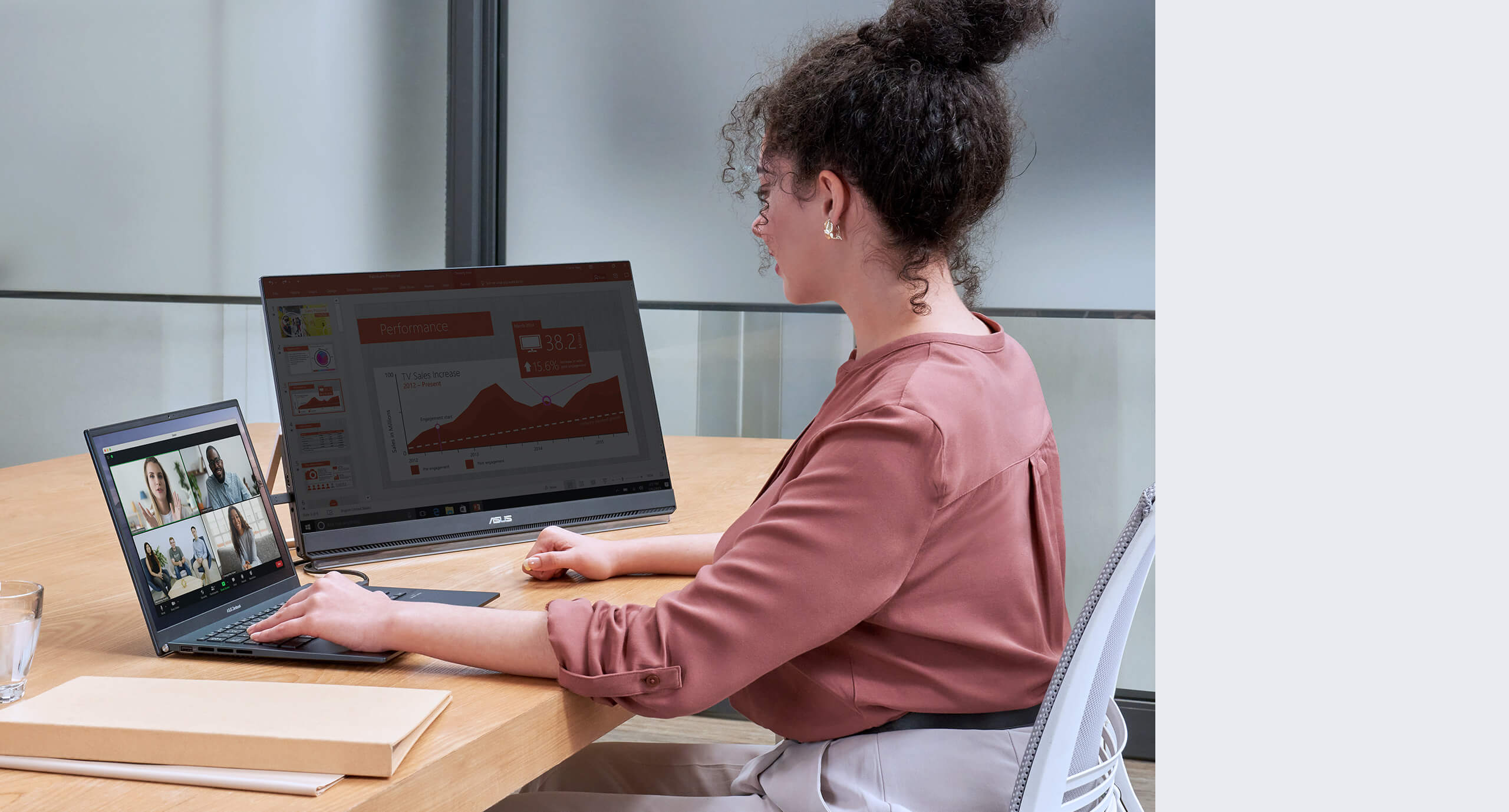
  • Side view of an office desksetup with a laptop and and ZenScreen MB249C in Partition mount mode 150 mm of height adjustment of partition hook

    Partition-mounted

    The unique partition hook kit helps you free up precious desktop space by enabling you to hang ZenScreen MB249C from cubicle partitions or dividers. Offering 150 mm of height adjustment, the hanger kit lets you raise or lower the screen to eye level for perfect viewing.

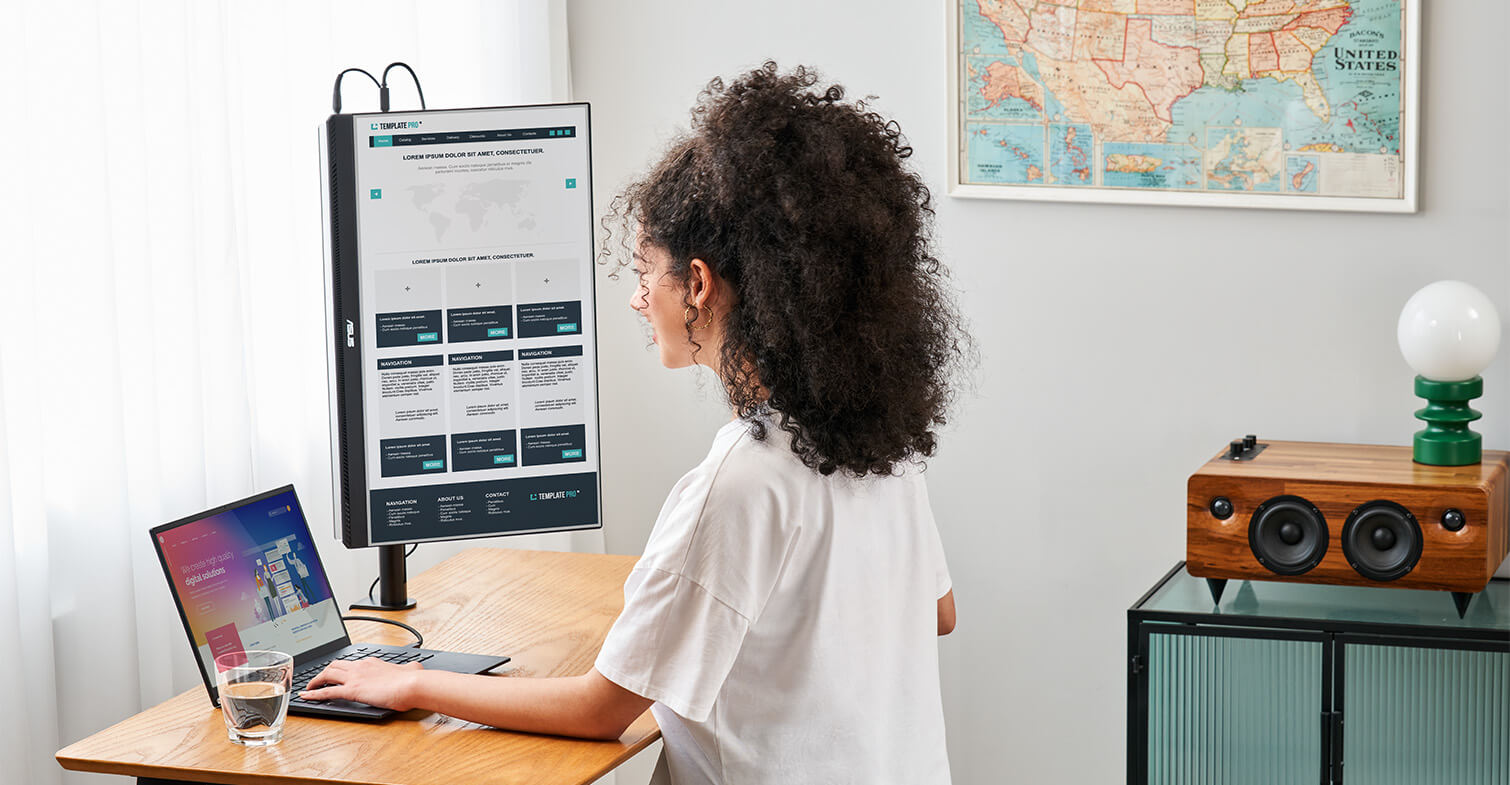
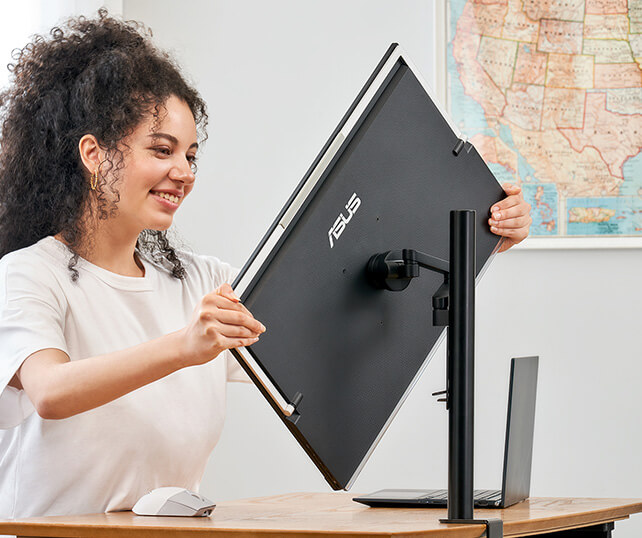
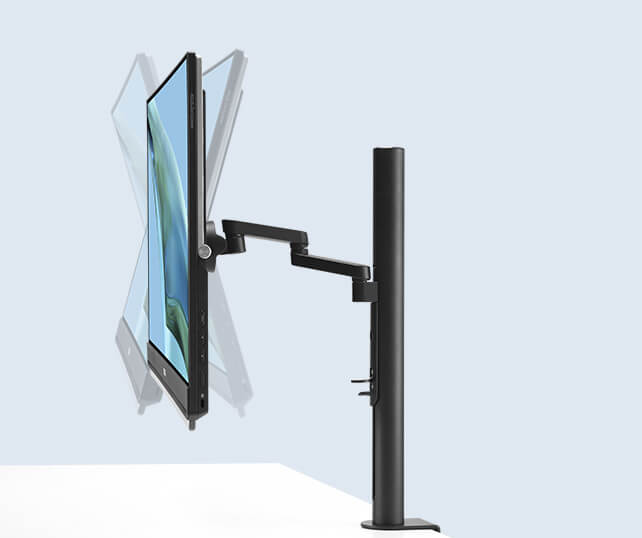
  • A woman adjust the angle of the ZenScreen MB249C The clamp stand offers 5~20° tilt -15~20° swivel, 0~90° pivot, and extend / retract 0-180mm

    C-clamp arm

    The C-clamp arm allows you to tilt and pan ZenScreen MB249C for ideal viewing at eye level. It offers -5˚-20˚ tilt, -90-90˚swivel, 0-90˚ pivot, and extension/retraction adjustments of up to 144mm. A quick-release mechanism allows you to easily mount or detach the monitor from the stand.

Watch here for the setup video

Full connectivity

A variety of I/O ports ensure compatibility with a wide range of devices. Integrated USB-C connectivity provides audiovisual signal transmission along with 60-watt power delivery, and HDMI® and an earphone jack offer convenience.

*DP Alt mode support required for attached device.

How to identify your laptop USB-C port support DP out function?

  • Video Signal

  • Power Delivery

I/O ports with one USB-C with 60-watt power delivery, and HDMI® and an earphone jack

The MB249C needs to be powered by its included adapter

Big on convenience

ZenScreen MB249C is larger than most portable monitors, and its frameless FHD IPS panel delivers up to 24-inch stunning diagonal visuals and wide, 178° viewing angles.

The anti-glare panel reduces reflections and glare, enabling you to comfortably work near a window or share content with a group.

And with its 2.8 kg design and carrying handle, MB249C makes hotdesking easy―so any space can be transformed into a productive work area.

Show the ZenScreen MB249C wide 178° viewing angles and 23.8-inch screen size

*This image is for reference purpose only.

Immersive audiovisuals for work and play

Two embedded 1-watt speakers and an amplifier deliver incredible sound, so you can enjoy immersive audio when watching videos, listening to music, or when gaming.

Show the ZenScreen MB249C with two embedded 1-watt speakers

ASUS Eye Care technology

ASUS Ultra-Low Blue Light technology protects you from potentially harmful blue light emissions. Included special features are especially beneficial to those who spend extended hours in front of a display.

  • ASUS Flicker Free technology
The TÜV Rheinland-certified ASUS Blue Light Filter can be easily engaged via the onscreen display menu, with an intuitive slider allowing you to set your preferred filter level. All ASUS displays undergo stringent performance tests, and ZenScreen MB249C has been certified by TÜV Rheinland laboratories, a global provider of technical, safety, and certification services.

Static image without low blue light filter without Low Blue Light
Static image with blue light filter Low Blue Light

FAQ

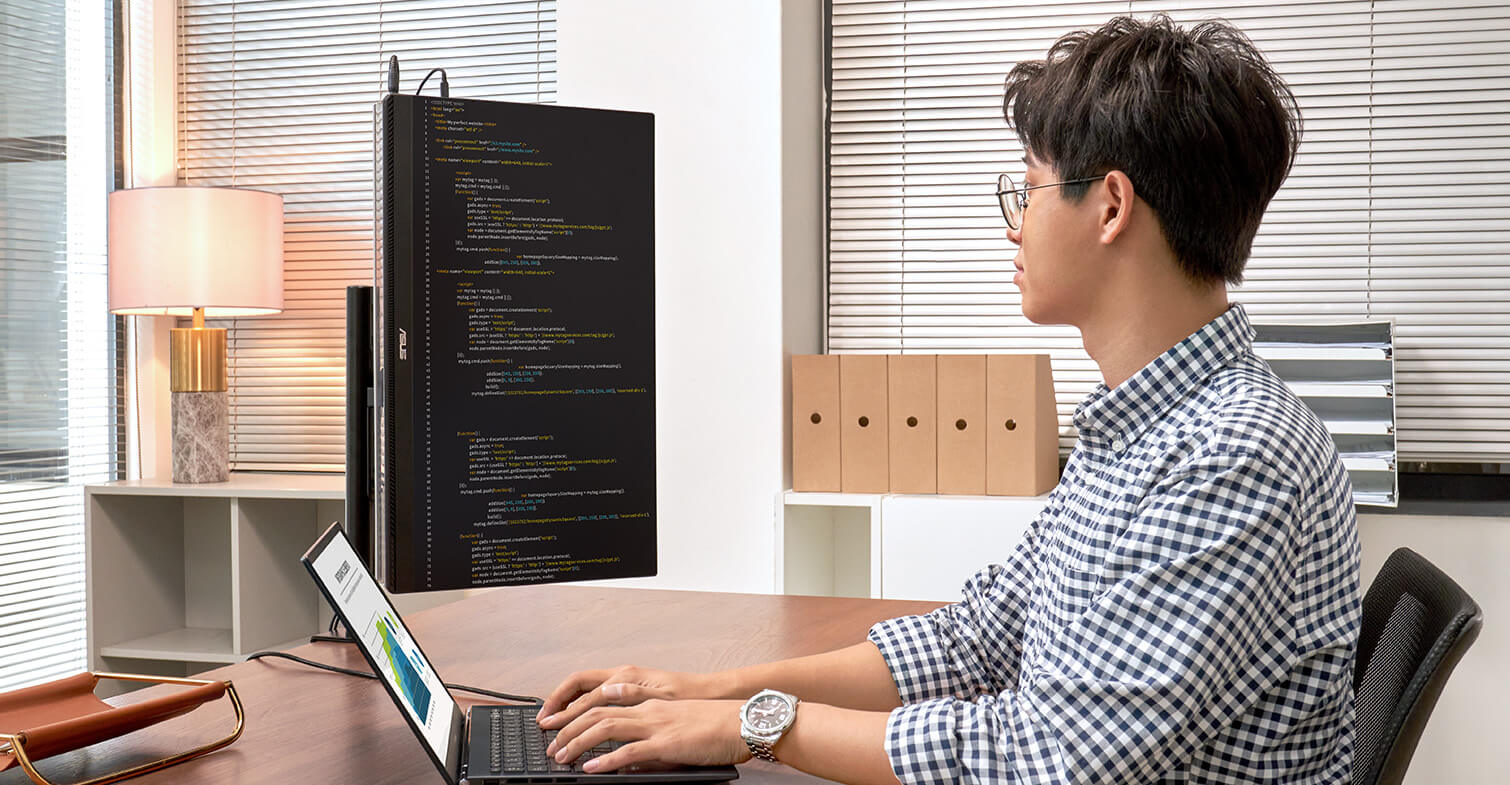
  • Yes, all ASUS's portable monitors can support portrait mode. Here are two ways to enable this function:


    • Use ASUS Software DisplayWidget Center
      • Download the latest software from ASUS site https://www.asus.com/content/monitor-software-osd-displaywidgetcenter/
      • Run the app on PC. Then The screen content will automatically adjust when the monitor is physically rotated between landscape and portrait modes.
      • If the auto-rotation is disabled, manually adjust rotation degree angle under in Splendid -> Image -> Rotation in DisplayWidget Center.
    • Use OSD
      • Manually adjust the OSD settings on your PC to switch enable portrait mode.

    For Windows: Go to Display Settings -> Orientation -> Portrait

    For MacOS: System Settings -> Displays-> Rotation

  • Not necessarily.

    • For those device supports DisplayPort Alt Mode, when connected via USB-C to a laptop, it can draw power directly from the device.
    • For HDMI connections, you'll need to supply power via the other USB-C port using a USB-C power adapter

    ✅ Tip: Using external power adaptor can improve brightness and stability.

    ✅ Tip: Use the bundled USB-C cable. It can transfer power and signal at the same time.

  • Absolutely!

    USB-C laptops : Use a USB-C to USB-C cable. If your laptop does not support USB-C DP Alt mode (support power and video transmission), please use HDMI connection and USB-C adaptor as power outlet.
    HDMI laptops : Use a mini-HDMI to HDMI cable and connect power via HDMI port and external power supply through USB-C port.

    ✅ Tip: Most modern laptops are compatible. No drivers are needed for Windows/macOS/Linux.

    ✅ Tip: If your laptop's USB-C port can't support DP Alt Mode, use HDMI port for signal and USB-C adapter to supply power.

    ✅ Compatible USB-C Ports
    Not all USB-C ports support power and video transmission—some only handle data or charging.
    See the image below for which USB-C ports work with ASUS ZenScreen portable monitor.

    Supports Thunderbolt & DisplayPort Alt Mode: Ports labeled with the Thunderbolt (⚡) or DisplayPort (DP) symbol support video over USB-C. / Unmarked USB-C:Capability varies—check your device's manual/spec sheet to confirm DP Alt Mode support. / Not supported:Ports labeled only USB / SS / SS 5/10/20 are data-only and do not support video (no DP Alt Mode).
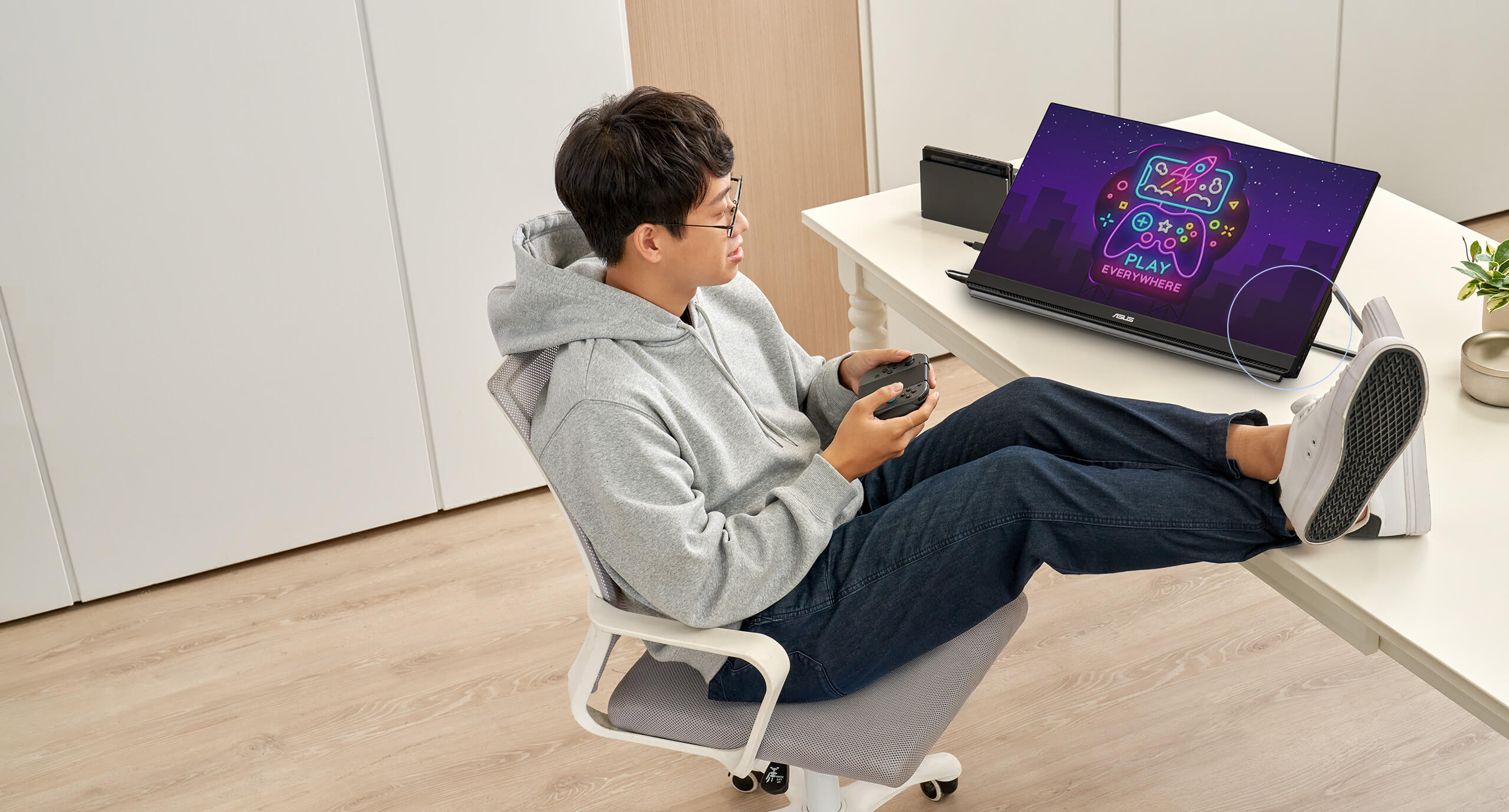
  • Yes, you can connect via HDMI port with XBOX and PlayStation series or Nintendo switch with its included dock.

Environmental Certification

ASUS ZenScreen MB249C is stringently tested to meet the requirements of world-leading sustainability certifications. These tests include a comprehensive database of up-to-date criteria, independent verification, and a structured system for continuous improvement.

ENERGY STAR logo
  • Eco-friendly Packaging

    The ZenScreen MB249C portable monitor is FSC Mix-certified, thanks to its sustainable packaging. An exclusive insert-molding process gives the monitor its light weight and thin profile while, cutting down on materials used. The Eco-Friendly Packaging-Paper-based materials is not only light weight and overall volume is as low as possible, for more efficient shipping.

  • Energy-Efficient Features

    ZenScreen MB249C meets the requirements of the ENERGY STAR® Computers Specification Version 8.0.

Anbefalt for deg


ASUS ZenScreen Touch MB16AMT USB portable monitor — 16 inch (15.6 inch viewable), IPS, Full HD, 10-point Touch, Built-in Battery, Hybrid Signal Solution, USB Type-C, Micro-HDMI, Compatible with Laptops, Smartphones, Gaming Consoles, and Cameras
Se mindre


ASUS ZenScreen MB16AH Portable USB Monitor- 16 inch (15.6 inch viewable), IPS, Full HD, USB Type-C, Micro-HDMI, Flicker Free, Blue Light Filter, Anti-glare surface
Se mindre


ASUS ZenScreen MB16AC Portable USB Monitor- 16 inch (15.6 inch viewable) Full HD, Hybrid Signal Solution, USB Type-C, Flicker Free, Blue Light Filter
Se mindre


ASUS ZenScreen Stand MTS02D - Ergonomic stand, Tilt, Pivot, Height adjustments, 1/4” Tripod Socket compatible
Se mindre


ASUS ZenScreen MB229CF portable monitor – 22-inch (21.5 viewable) FHD (1920 x 1080), IPS technology, 100Hz, USB-C® PD 60W, speakers, carrying handle/kickstand design, C-clamp, partition hook, sub-woofer, 2.1 channel audio, green sustainability
Se mindre


ASUS BE24ECSBT Multi-touch Monitor – 24 inch (23.8 inch viewable), FHD (1920x1080), 10-point Touch, IPS, USB-C with Power Delivery, HDMI, DisplayPort Daisy Chain, Height Adjustable, Ergonomic Stand, Eye Care, Low Blue Light, Flicker Free, Wall Mountable, Auto Brightness Adjustment
Se mindre


ASUS VA24EQSB-W Business Monitor – 24 inch (23.8 inch viewable), Full HD, IPS, Frameless, 75Hz, Adaptive-Sync, Low Blue Light, Flicker Free, Ergonomic Design, Wall Mountable
Se mindre


ASUS VA27ECPSN Docking Monitor – 27 inch, Full HD, IPS, Frameless, USB-C, RJ45, 75Hz, Adaptive-Sync, Stereo Speakers, Low Blue Light, Flicker Free, Ergonomic Design, Wall Mountable
Se mindre


ASUS VA24ECPSN Docking Monitor – 24 inch (23.8 inch viewable), Full HD, IPS, Frameless, USB-C, RJ45, 75Hz, Adaptive-Sync, Stereo Speakers, Low Blue Light, Flicker Free, Ergonomic Design, Wall Mountable
Se mindre


ASUS ZenScreen Go MB16AWP Wireless Portable Monitor- 16 inch (15.6 inch viewable), Wireless mirroring, IPS, USB Type-C, mini HDMI, Built-in battery, Flicker Free, Blue Light Filter, Anti-glare surface, Tripod socket
Se mindre


ASUS VA24EQSB Eye Care Monitor – 23.8 inch, Full HD, IPS, Frameless, 75Hz, Adaptive-Sync, Low Blue Light, Flicker Free, Ergonomic Design, Wall Mountable
Se mindre


ASUS BE24ECSNK Video Conferencing Monitor – 24 inch (23.8 inch viewable), Full HD, IPS, Frameless, Full HD Webcam, Mic Array, AI Noise-canceling, Zoom Certified, Face Auto Exposure, USB-C Docking, RJ45, Stereo Speakers, Height Adjustable, Ergonomic Design, HDMI, Daisy-chain, Eye Care, Low Blue Light, Flicker Free, Wall Mountable
Se mindre
previous image
next image
Relaterte produkter
previous image
next image
Produktet har High-Definition Multimedia Interface.
  • Alle spesifikasjoner kan endres når som helst uten varsel. Snakk med forhandleren din for å få et nøyaktig tilbud. Produktene er kanskje ikke tilgjengelige i alle markeder.
  • PCB-farge og versjoner opå vedlagte programmer kan endres når som helst uten varsel.
  • Merker og navn som nevnes, er varemerker som tilhører sine respektive selskaper.
  • Uttrykkene HDMI og HDMI High-Definition Multimedia Interface, HDMI trade dress og HDMI-logoen, er varemerker eller registrerte varemerker som tilhører HDMI Licensing Administrator, Inc. i USA og andre land.
  • Støtteperioder for produktsikkerhetsoppdatering : 3 år (til 31/12/2026)
  • Den faktiske overføringshastigheten til USB 3.0, 3.1, 3.2 og/eller Type-C vil variere avhengig av mange faktorer, inkludert behandlingshastigheten til vertsenheten, filattributter og andre faktorer relatert til systemkonfigurasjon og driftsmiljøet.