Relaterte emner
[Motherboard] Integrated WiFi Driver Support introduce
Integrated WiFi Driver Support: Pre-installed WiFi driver: Allows users to connect to the Internet during Windows installation; no need to use a USB flash drive to install the driver, making the setup process faster and more convenient.
Supported Operating System: Windows 11
1. How to check models that support pre-installed WiFi driver
You can check whether the product supports it in the motherboard official product website (technical specifications).
As shown in the example below, using ROG CROSSHAIR X870E GLACIAL:

2. Please install your operating system first, you can refer to: [Motherboard] How to install Windows 11 operating system?
3. Log into the Windows desktop
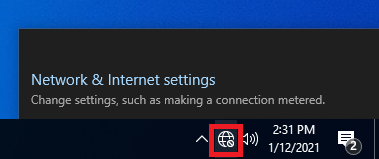
4. You will see the network driver installation screen in the bottom right corner of the window, click [Install now]

5. The network driver installation has been completed

6. You can connect to an available network, a password may be required
Frequently Asked Questions:
[Motherboard] How to install Windows 11 operating system?
Install other drivers and software [Motherboard] Introduction to ASUS DriverHub
[Motherboard] Troubleshooting - How to solve motherboard wireless network problems