Redefine
Your Workspace
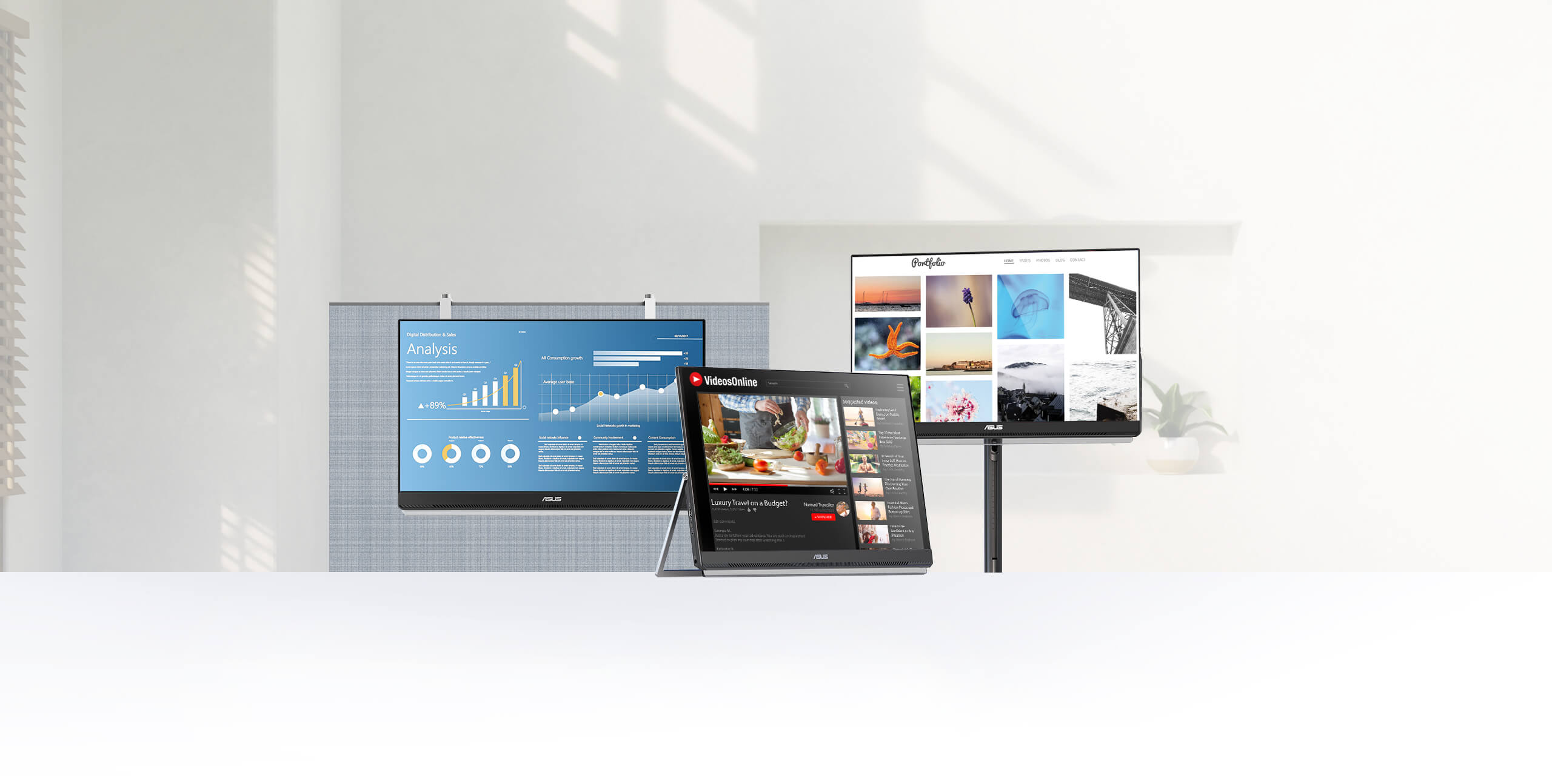
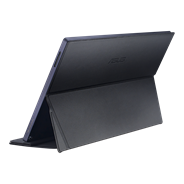
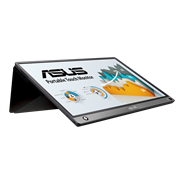
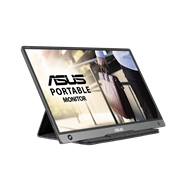
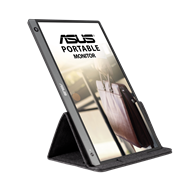
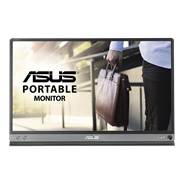
ASUS ZenScreen MB249C is designed to give multitasking a boost, with its large, frameless 23.8-inch FHD panel. Its sleek 7.6mm profile and light 2.8 kg weight ensure effortless portability around the home, office, or co-working spaces. Plus, multiple stand options offer complete versatility, so you can configure MB249C to meet any need. Its versatility lets you turn any space into a
Make the most out of any workstation
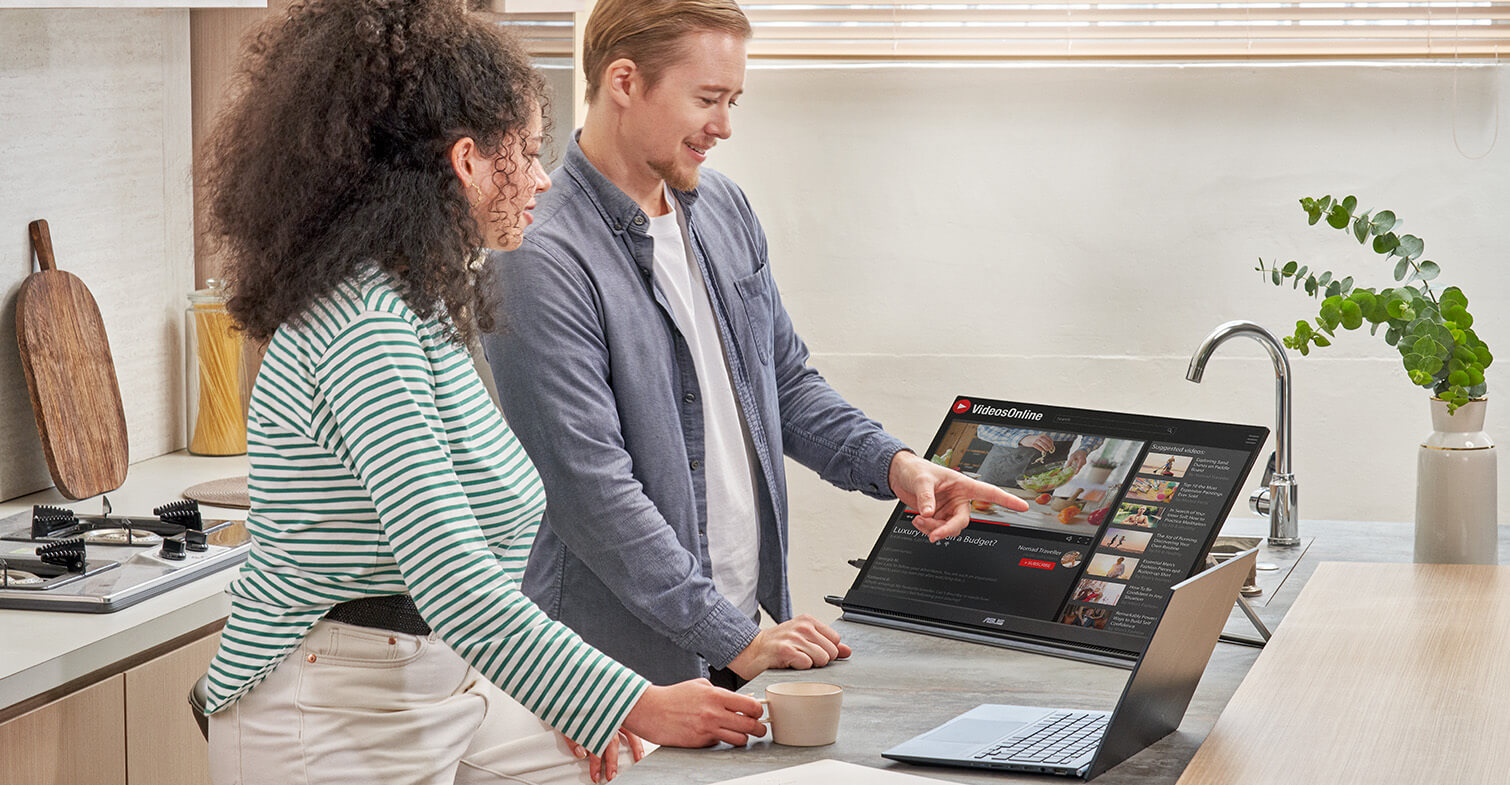
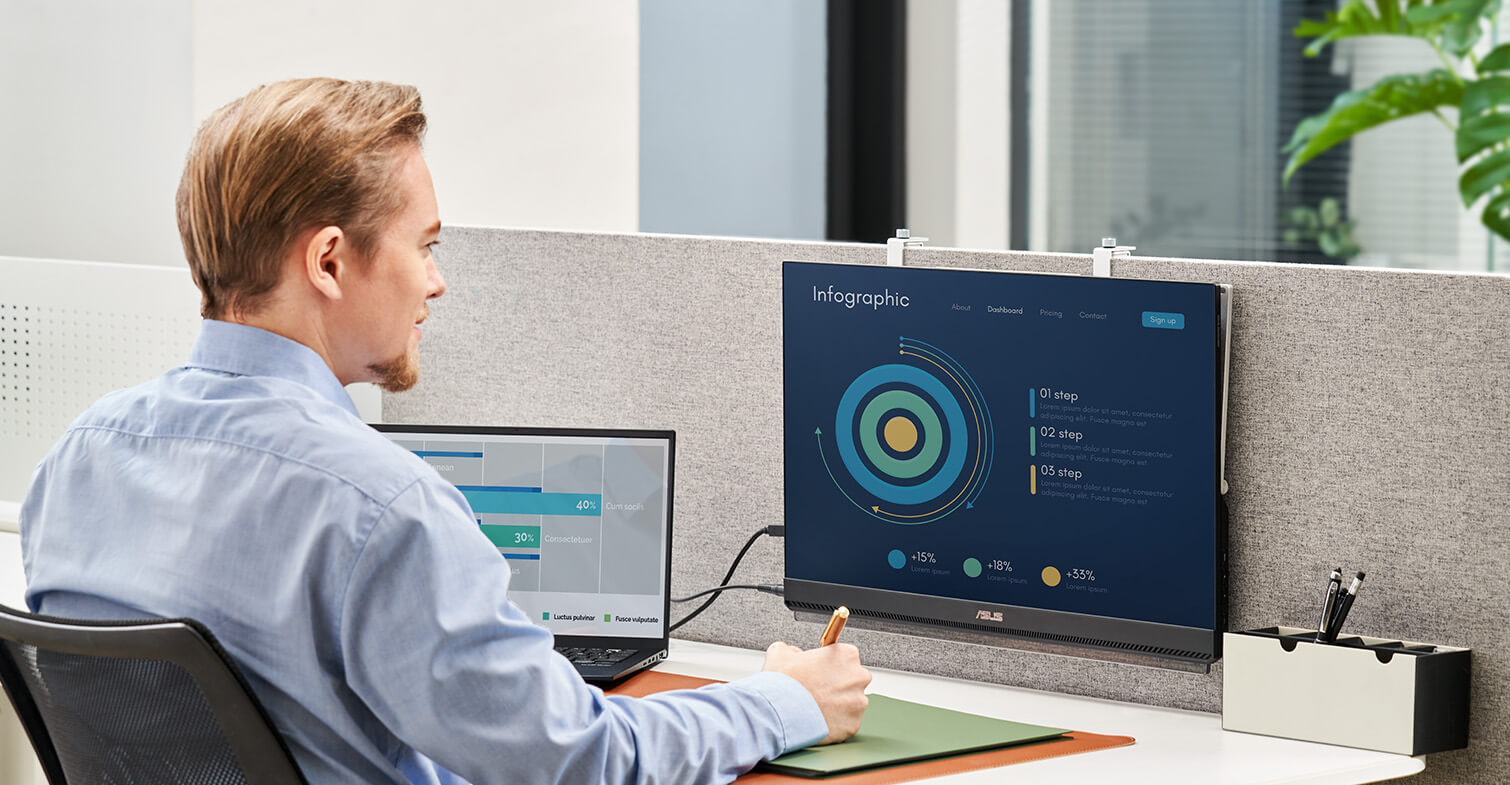
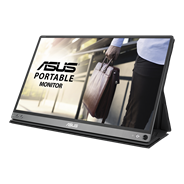
ZenScreen MB249C has an integrated carrying handle that doubles as a kickstand to prop the monitor at various angles for comfortable viewing. MB249C also includes an ergonomic C-clamp arm and a bundled partition hook kit. The arm offers Z-axis adjustment for comfortable viewing positions, while the hook kit enables versatile placement for those looking to maximize desktop space―so it’s perfect for any confined area.

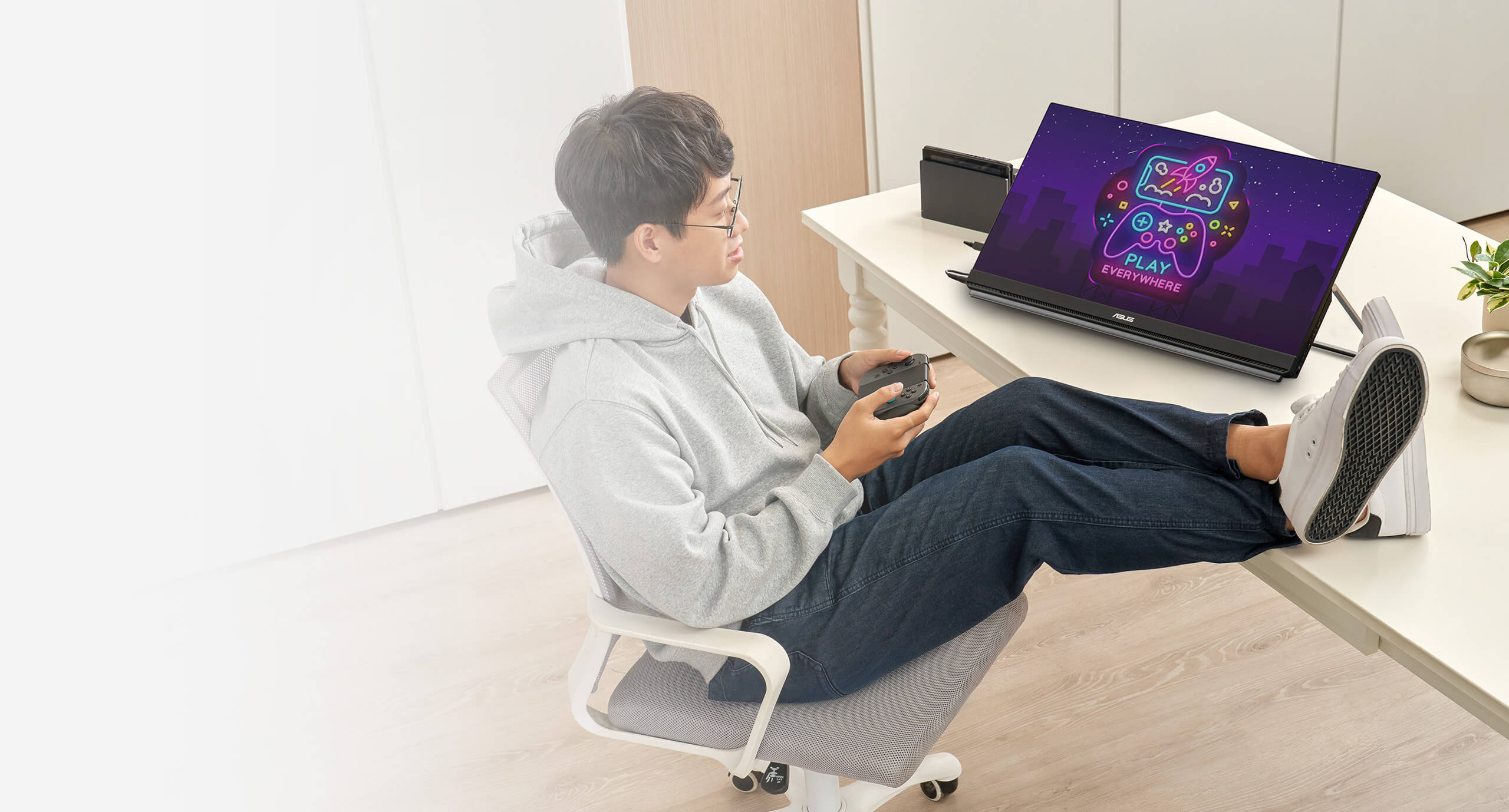
HOME
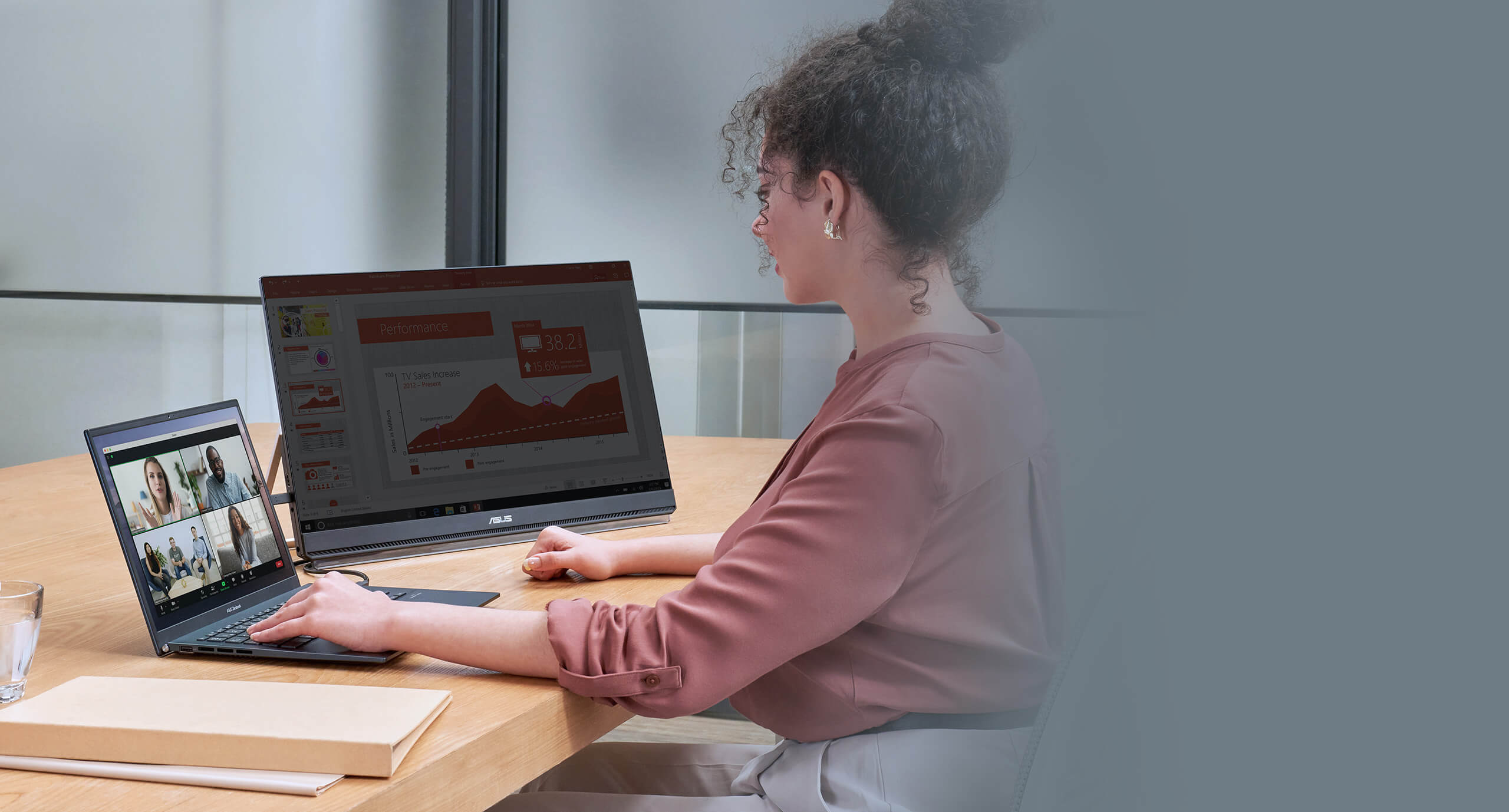
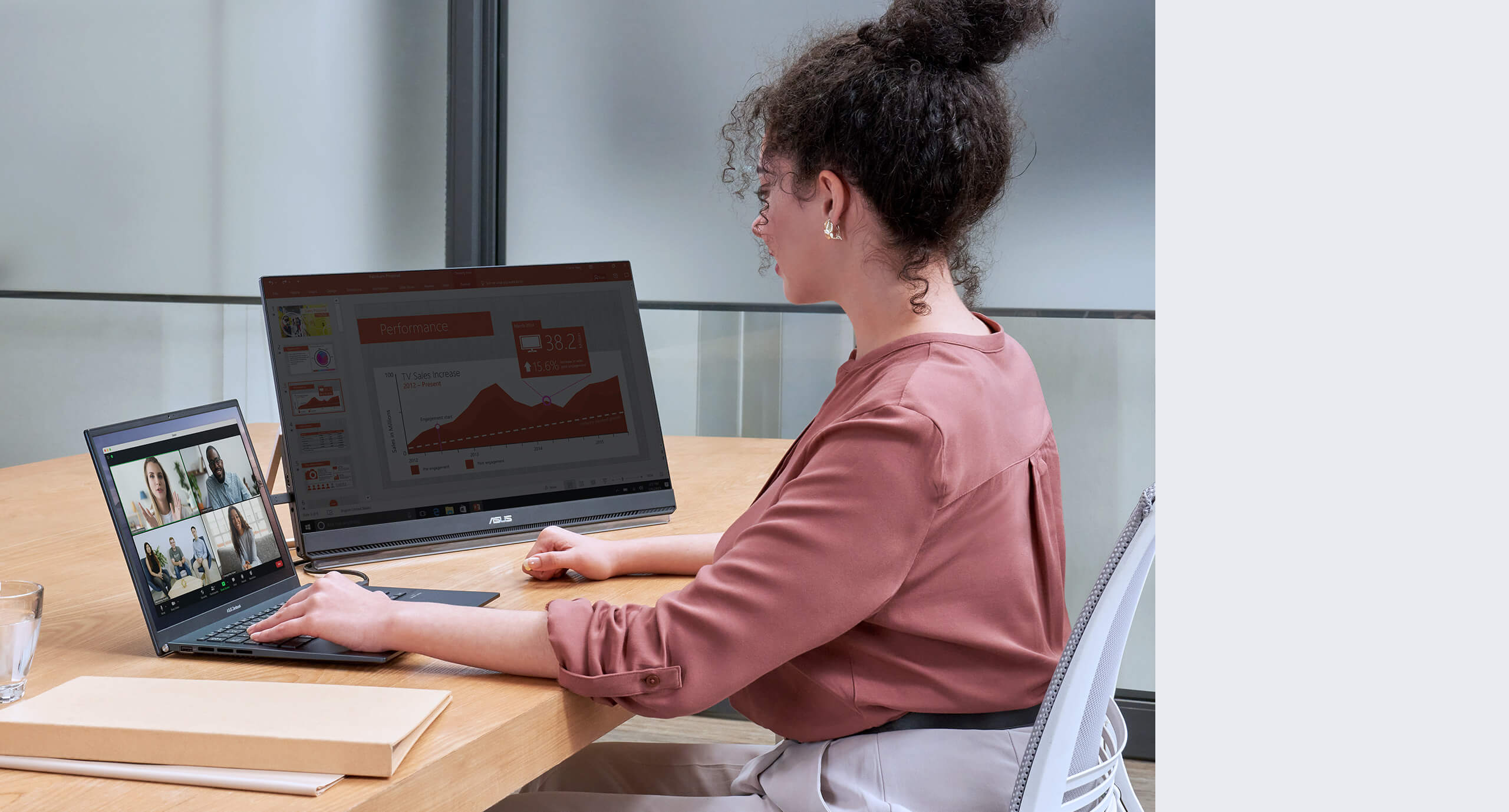
OFFICE
Design with ergo in mind
-
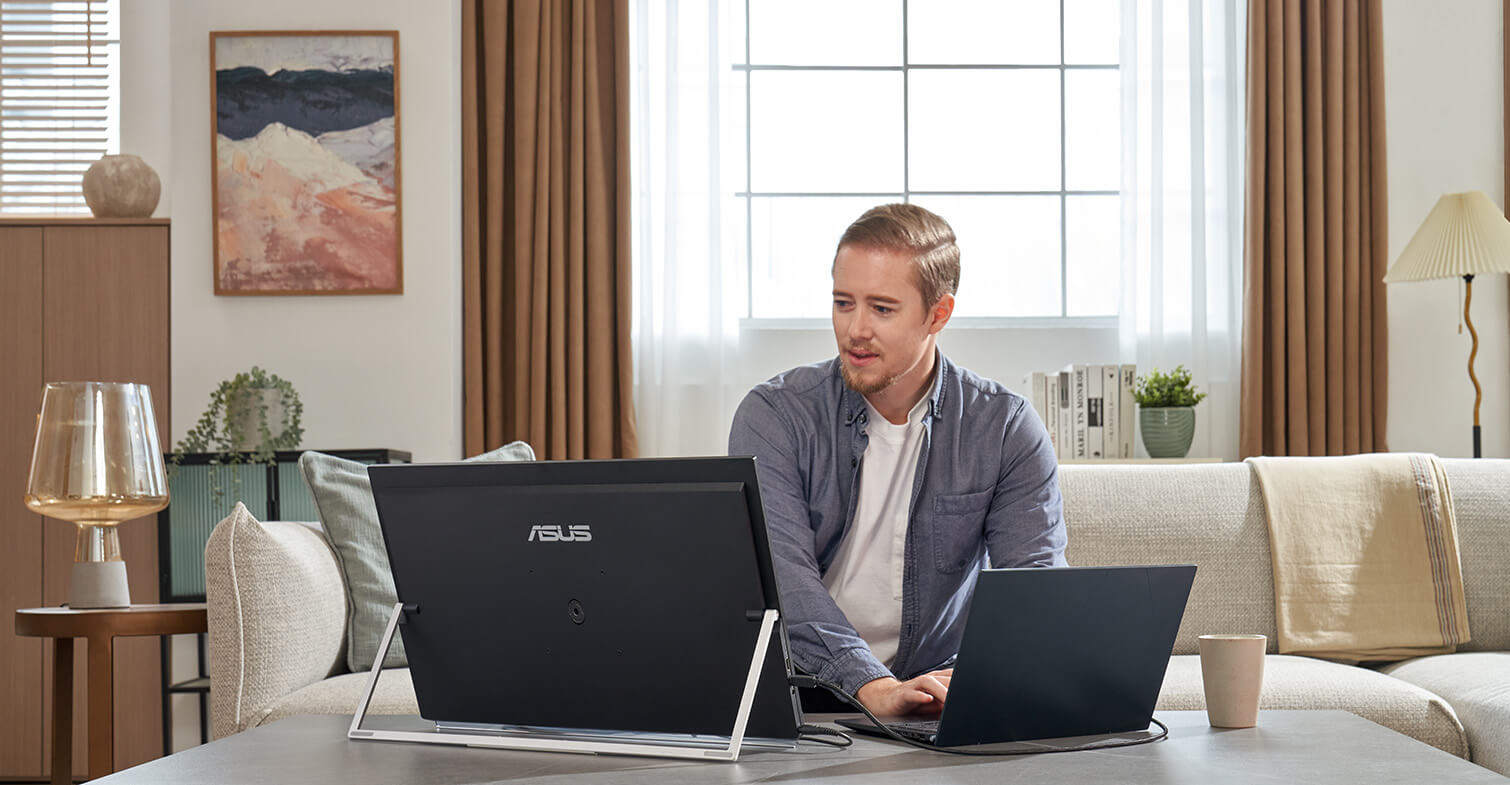
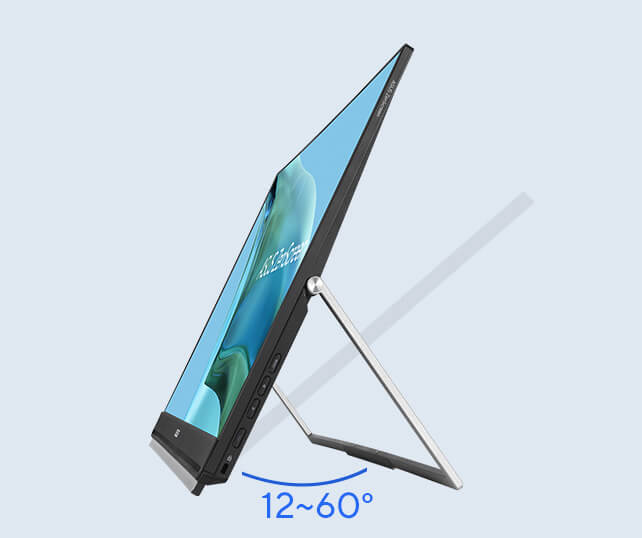
Fold-out kickstand
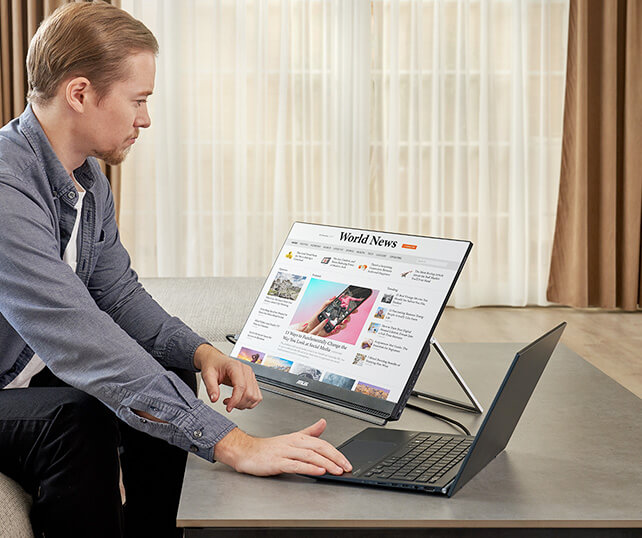
The carrying handle does double duty as a handy kickstand to securely prop ZenScreen MB249C up at 12–60° on any flat surface, ensuring comfortable viewing angles. It’s perfect for multitasking or for demonstrations to small groups.
-
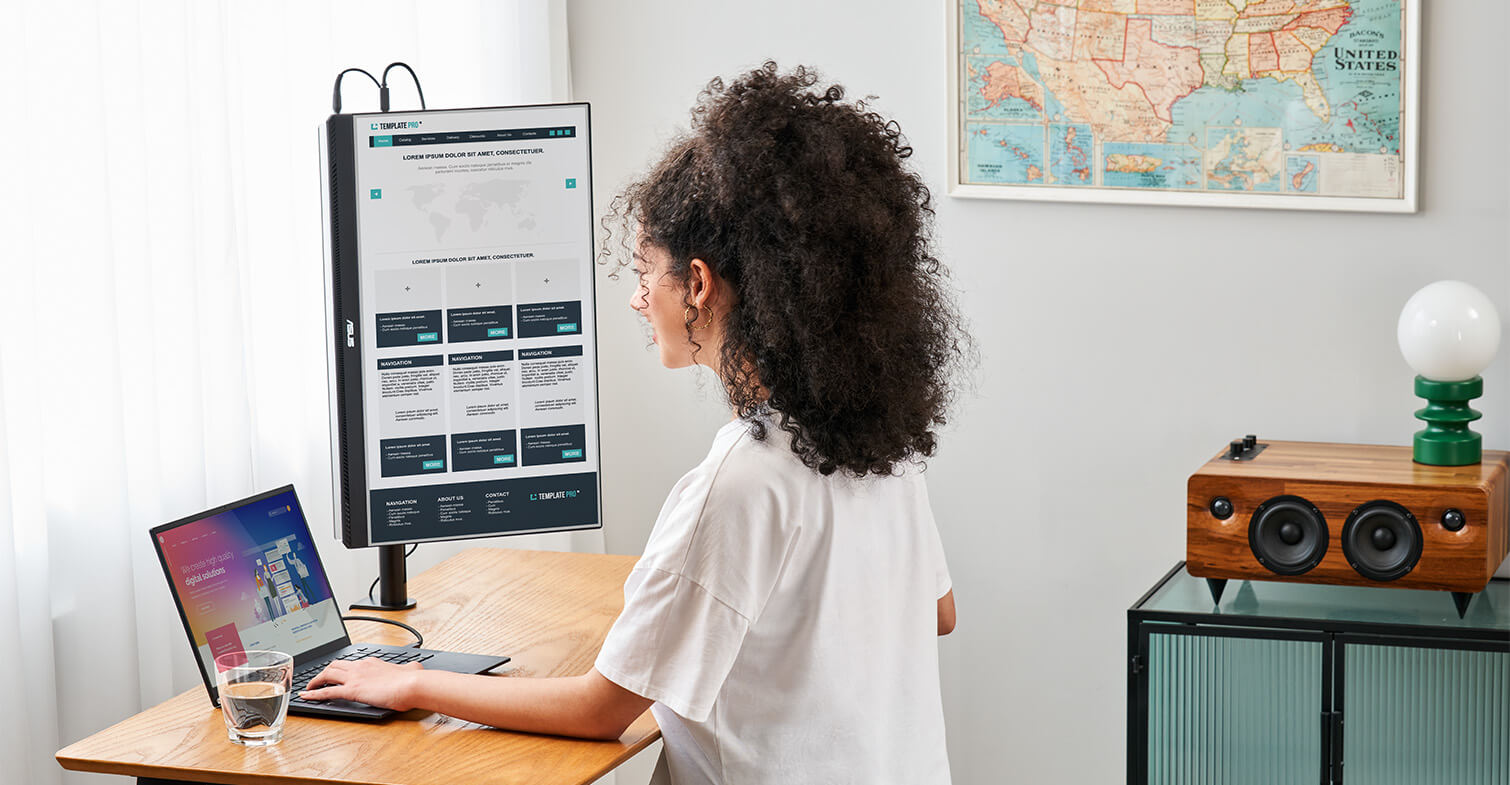
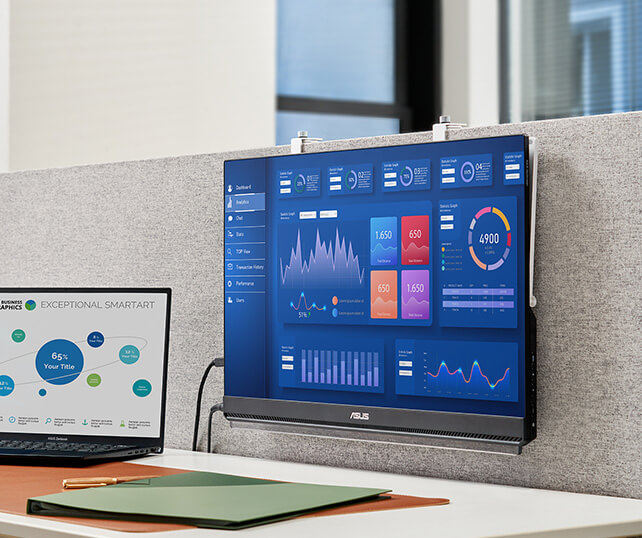
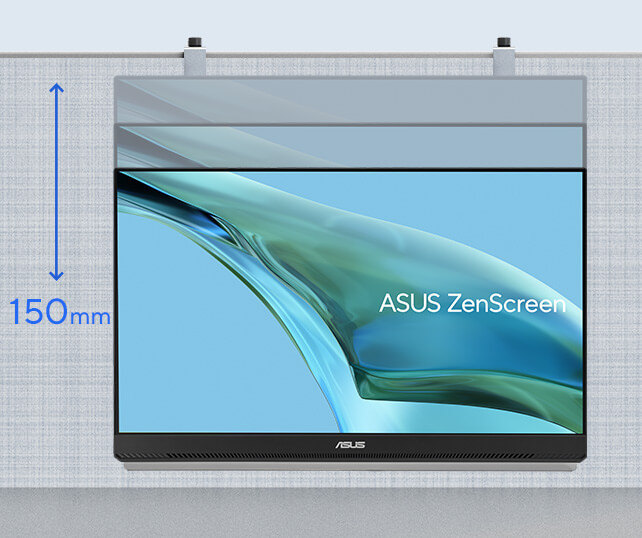
Partition-mounted
The unique partition hook kit helps you free up precious desktop space by enabling you to hang ZenScreen MB249C from cubicle partitions or dividers. Offering 150 mm of height adjustment, the hanger kit lets you raise or lower the screen to eye level for perfect viewing.
-
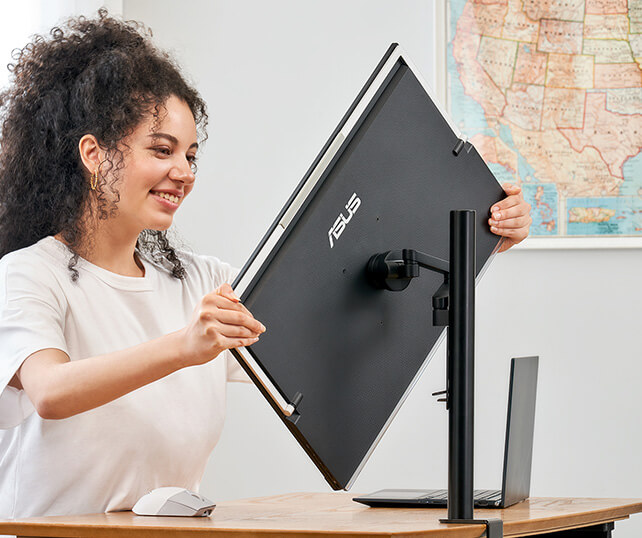
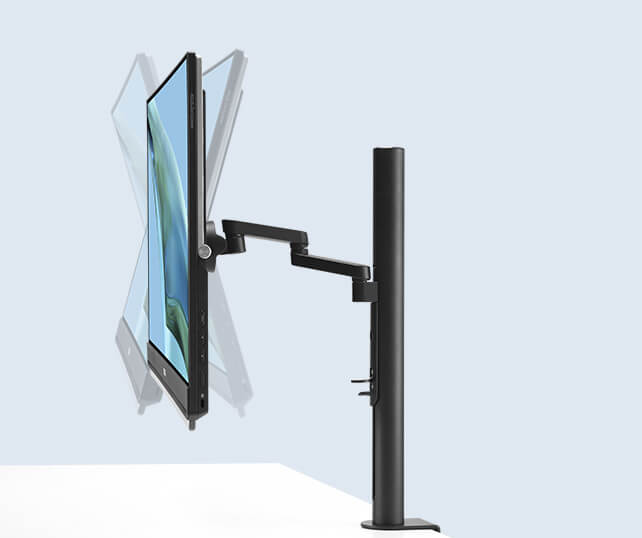
C-clamp arm
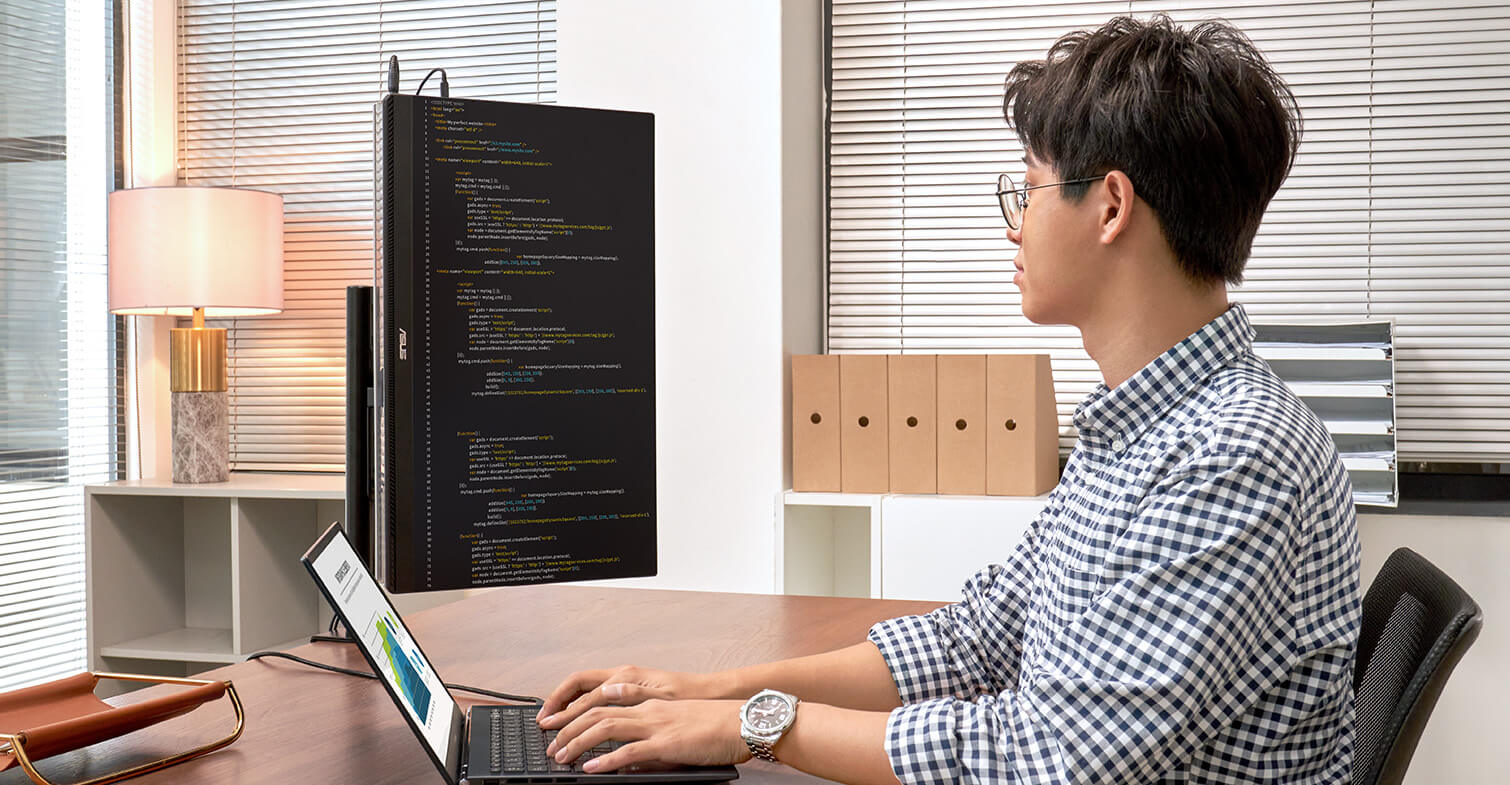
The C-clamp arm allows you to tilt and pan ZenScreen MB249C for ideal viewing at eye level. It offers -5˚-20˚ tilt, -90-90˚swivel, 0-90˚ pivot, and extension/retraction adjustments of up to 144mm. A quick-release mechanism allows you to easily mount or detach the monitor from the stand.
Full connectivity
A variety of I/O ports ensure compatibility with a wide range of devices. Integrated USB-C connectivity provides audiovisual signal transmission along with 60-watt power delivery, and HDMI® and an earphone jack offer convenience.
*DP Alt mode support required for attached device.How to identify your laptop USB-C port support DP out function?
-
Video Signal
-
Power Delivery
The MB249C needs to be powered by its included adapter
Big on convenience
ZenScreen MB249C is larger than most portable monitors, and its frameless FHD IPS panel delivers up to 24-inch stunning diagonal visuals and wide, 178° viewing angles.
The anti-glare panel reduces reflections and glare, enabling you to comfortably work near a window or share content with a group.
And with its 2.8 kg design and carrying handle, MB249C makes hotdesking easy―so any space can be transformed into a productive work area.
*This image is for reference purpose only.
Immersive audiovisuals for work and play
Two embedded 1-watt speakers and an amplifier deliver incredible sound, so you can enjoy immersive audio when watching videos, listening to music, or when gaming.
ASUS Eye Care technology
ASUS Ultra-Low Blue Light technology protects you from potentially harmful blue light emissions. Included special features are especially beneficial to those who spend extended hours in front of a display.
ASUS Blue Light Filter
ASUS Flicker Free technology
The TÜV Rheinland-certified ASUS Blue Light Filter can be easily engaged via the onscreen display menu, with an intuitive slider allowing you to set your preferred filter level. All ASUS displays undergo stringent performance tests, and ZenScreen MB249C has been certified by TÜV Rheinland laboratories, a global provider of technical, safety, and certification services.
without Low Blue Light
Low Blue Light
TÜV Rheinland-certified ASUS Flicker Free technology eliminates flicker, ensuring comfortable viewing experiences. This technology helps minimize eyestrain and other ailments typically associated with extended hours of viewing.
With ASUS Flicker Free technology
Without ASUS Flicker Free technology

FAQ
-
Yes, all ASUS's portable monitors can support portrait mode. Here are two ways to enable this function:
- Use ASUS Software DisplayWidget Center
- Download the latest software from ASUS site https://www.asus.com/content/monitor-software-osd-displaywidgetcenter/
- Run the app on PC. Then The screen content will automatically adjust when the monitor is physically rotated between landscape and portrait modes.
- If the auto-rotation is disabled, manually adjust rotation degree angle under in Splendid -> Image -> Rotation in DisplayWidget Center.
-
Use OSD
- Manually adjust the OSD settings on your PC to switch enable portrait mode.
For Windows: Go to Display Settings -> Orientation -> Portrait
For MacOS: System Settings -> Displays-> Rotation - Use ASUS Software DisplayWidget Center
-
Not necessarily.
• For those device supports DisplayPort Alt Mode, when connected via USB-C to a laptop, it can draw power directly from the device.
• For HDMI connections, you'll need to supply power via the other USB-C port using a USB-C power adapter
✅ Tip: Using external power adaptor can improve brightness and stability.
✅ Tip: Use the bundled USB-C cable. It can transfer power and signal at the same time. -
Absolutely!
• USB-C laptops : Use a USB-C to USB-C cable. If your laptop does not support USB-C DP Alt mode (support power and video transmission), please use HDMI connection and USB-C adaptor as power outlet.
• HDMI laptops : Use a mini-HDMI to HDMI cable and connect power via HDMI port and external power supply through USB-C port.
✅ Tip: Most modern laptops are compatible. No drivers are needed for Windows/macOS/Linux.
✅ Tip: If your laptop's USB-C port can't support DP Alt Mode, use HDMI port for signal and USB-C adapter to supply power.
✅ Compatible USB-C Ports
Not all USB-C ports support power and video transmission—some only handle data or charging.
See the image below for which USB-C ports work with ASUS ZenScreen portable monitor.
-
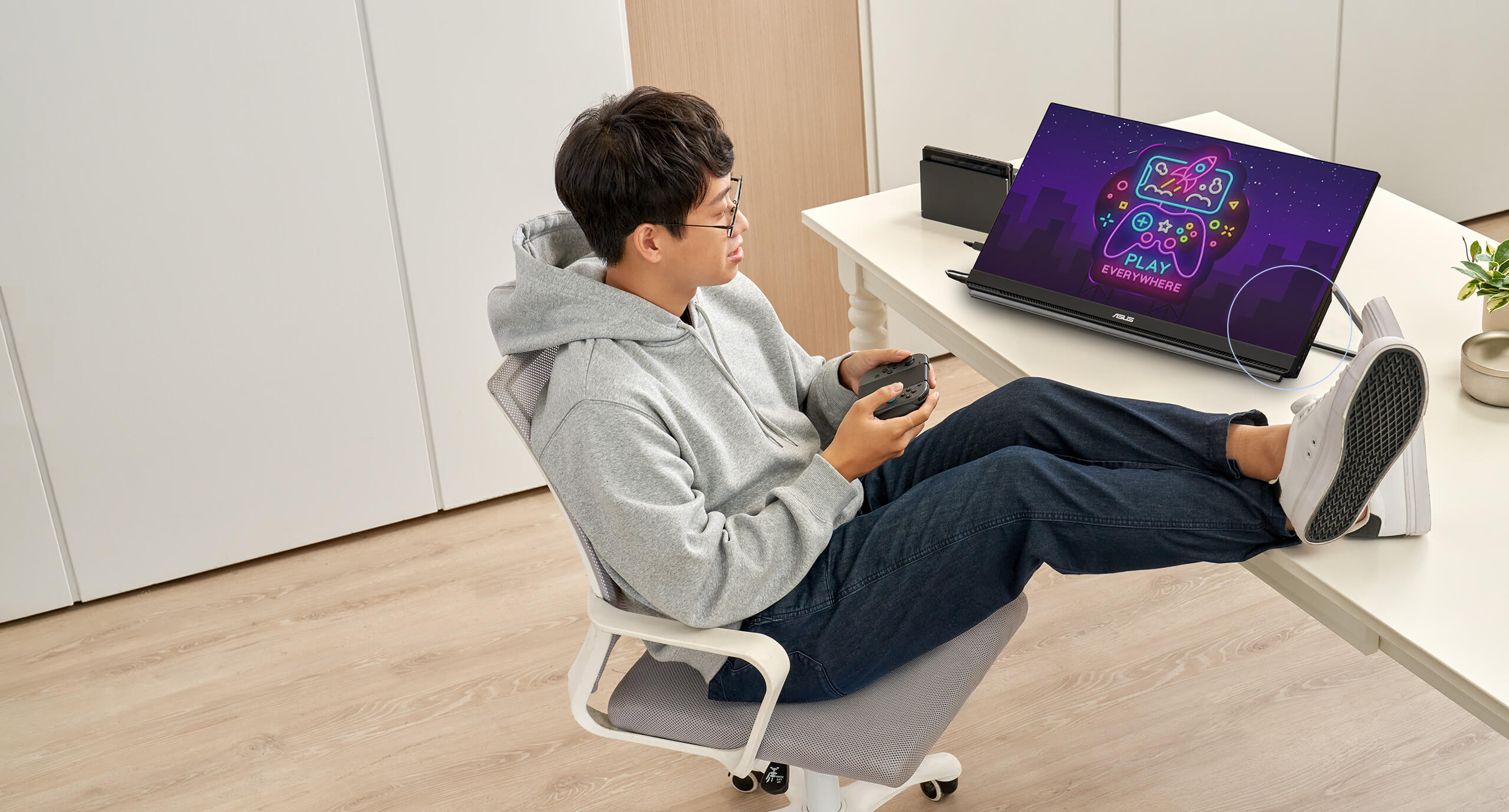
Yes, you can connect via HDMI port with XBOX and PlayStation series or Nintendo switch with its included dock.
Environmental Certification
ASUS ZenScreen MB249C is stringently tested to meet the requirements of world-leading sustainability certifications. These tests include a comprehensive database of up-to-date criteria, independent verification, and a structured system for continuous improvement.
-
Eco-friendly Packaging
The ZenScreen MB249C portable monitor is FSC Mix-certified, thanks to its sustainable packaging. An exclusive insert-molding process gives the monitor its light weight and thin profile while, cutting down on materials used. The Eco-Friendly Packaging-Paper-based materials is not only light weight and overall volume is as low as possible, for more efficient shipping.
-
Energy-Efficient Features
ZenScreen MB249C meets the requirements of the ENERGY STAR® Computers Specification Version 8.0.