[Phone] Touch Gesture - Introduction
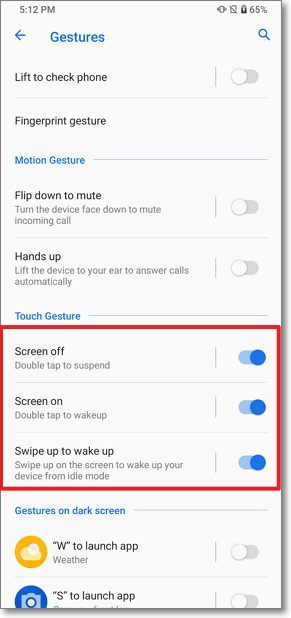
With the simple touch gesture actions, you can do:
1. Screen off: Double-tap the screen to quickly suspend the screen
2. Screen on: Double-tap the screen to quickly wake up the screen
3. Swipe up to wake Screen: Swipe up on the screen to wake up your device from idle mode.
Please follow the steps below to access the function settings:
Tap Settings > Advanced > Gesture > Touch Gesture.