Product
VivoWatch, VivoWatch (HC-A01B)
Some phones may have a difficulty while connecting with VivoWatch.
Please refer to the following method.
Method 1: Re-pair VivoWatch with your phone
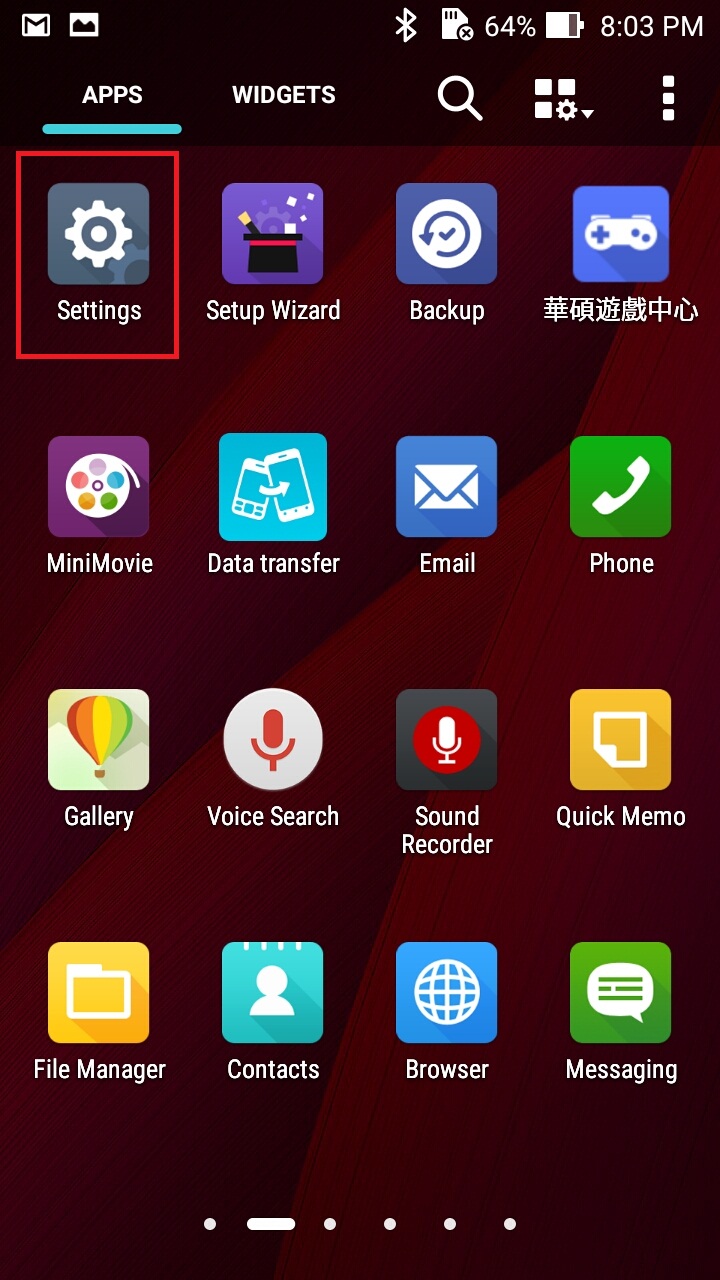
Tap "Settings" from the APPS
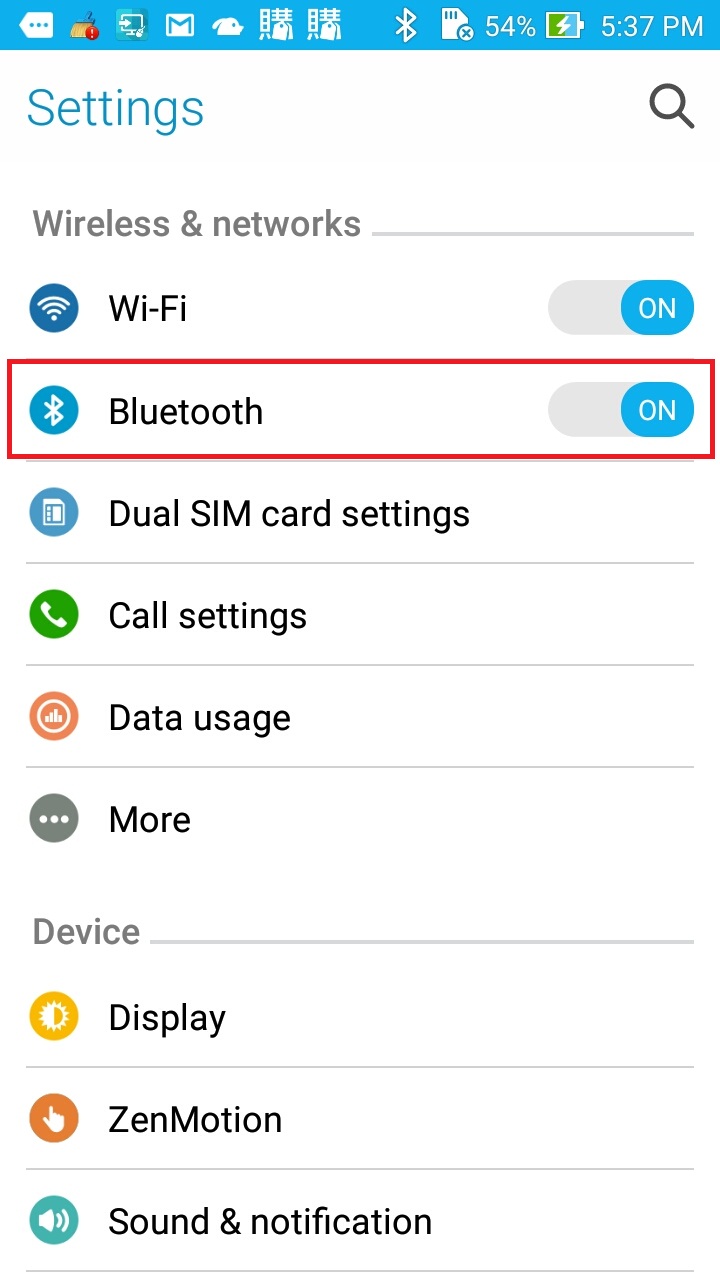
Select "Bluetooth"
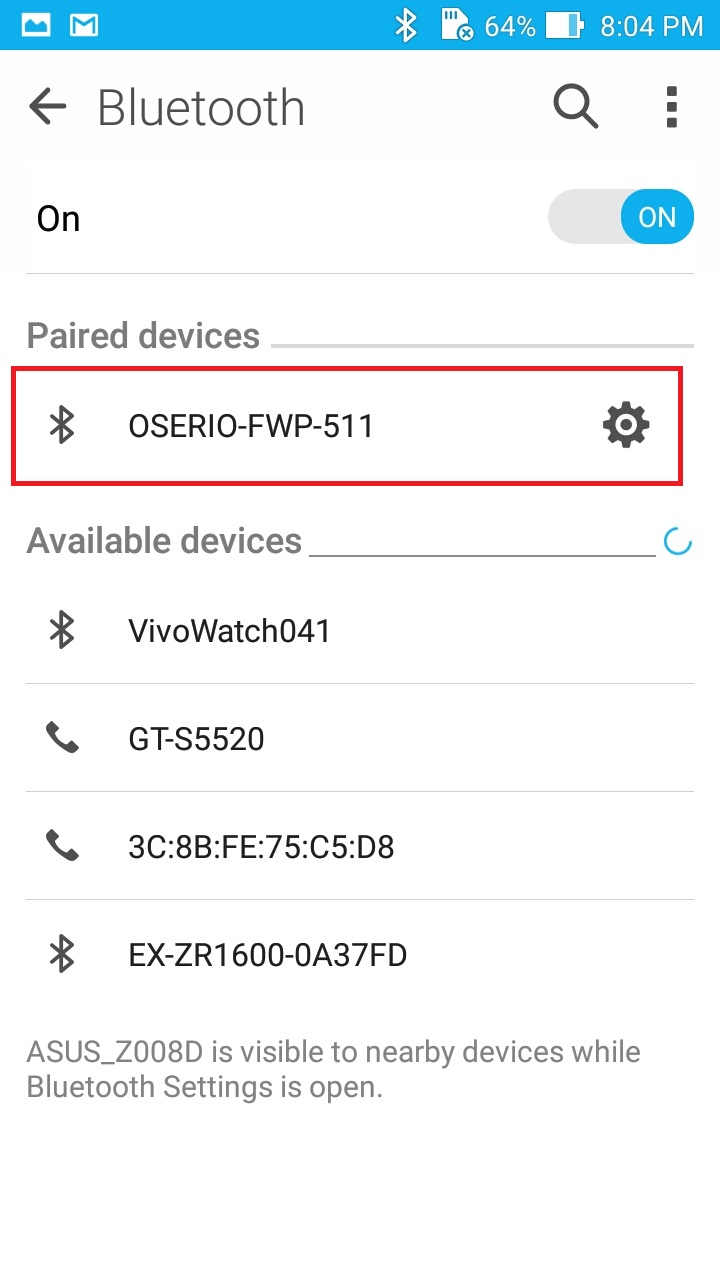
Select the device → Tap「Cancle paired」→ Reboot the phone → Paired device as the same way
Method 2: Delete Bluetooth setup files
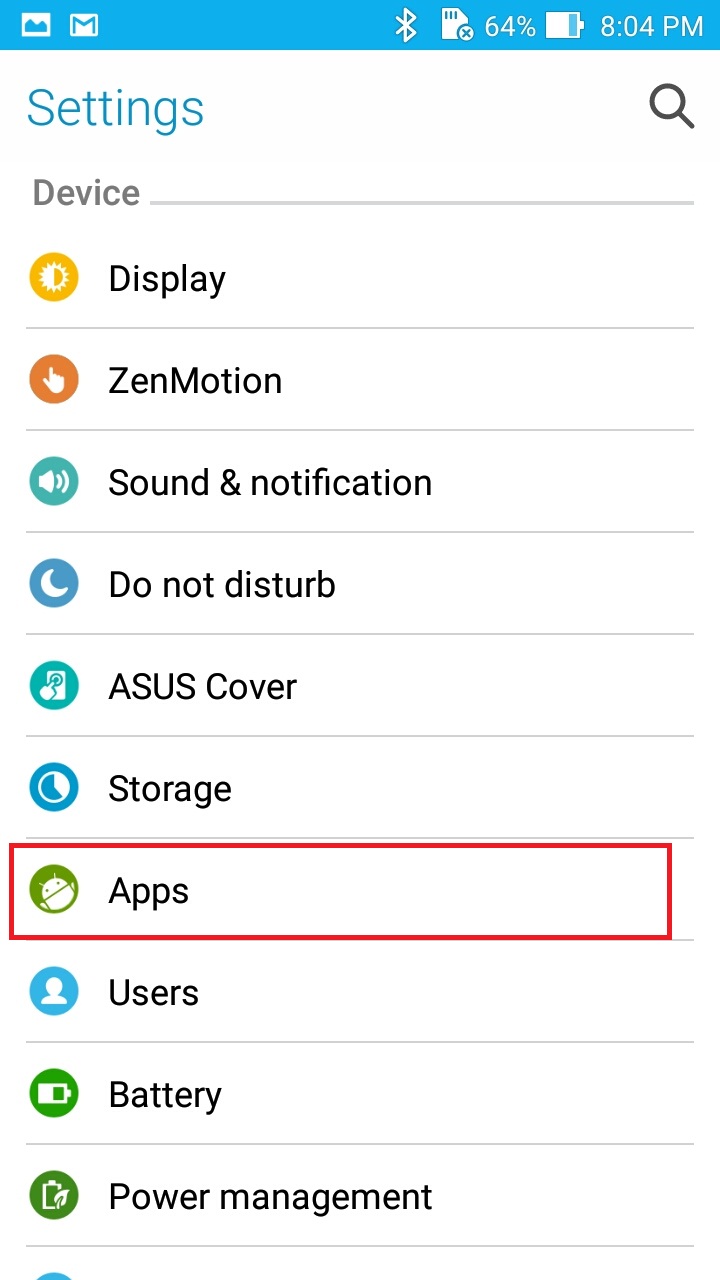
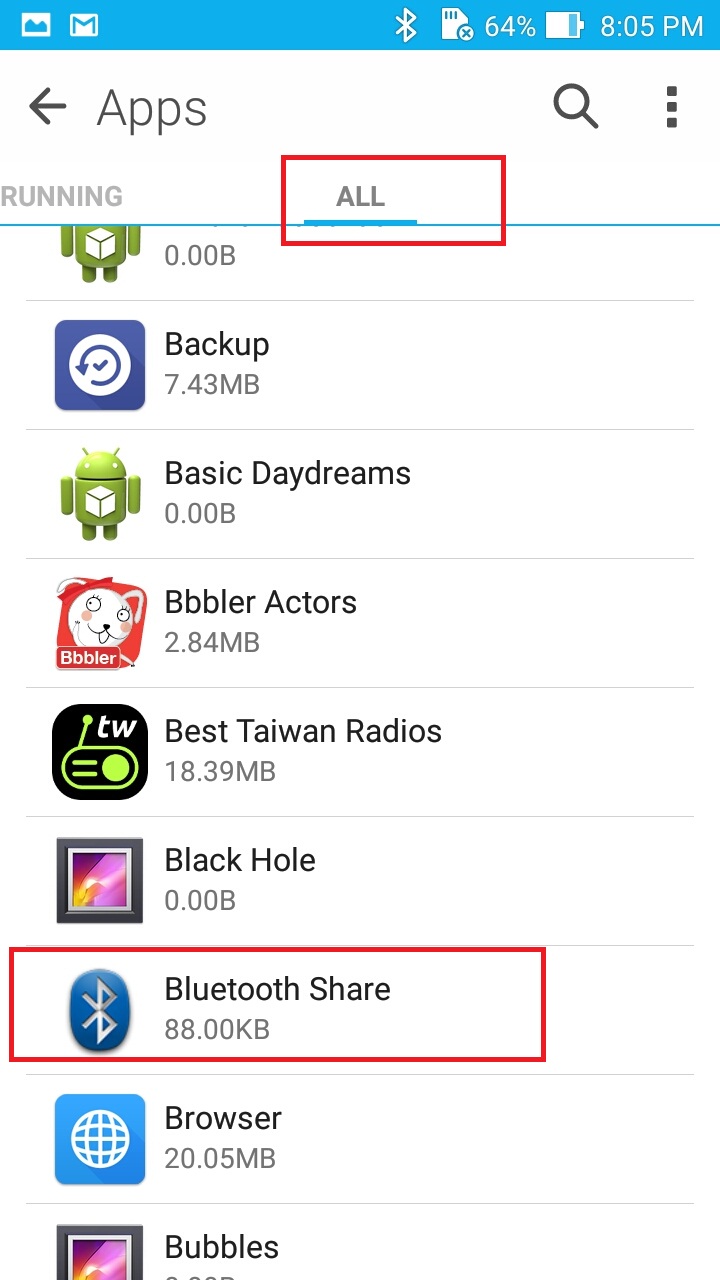
Tap "Settings" from the APPS → Select "Apps"
Tap the settings icon on the upper right corner and tap "Bluetooth Share"
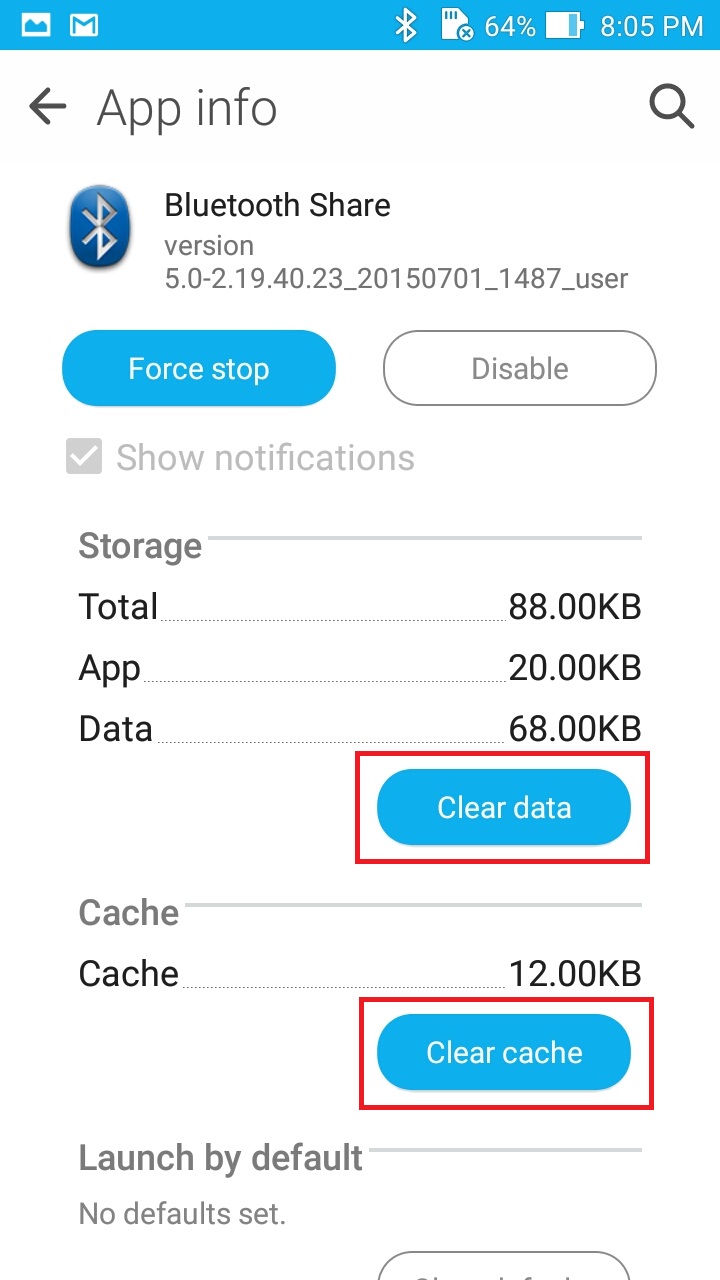
Select "Clear data" and "Clear cache"→ Restart your smartphone
If you have any issue about the content below, please consult with ASUS Service Center.