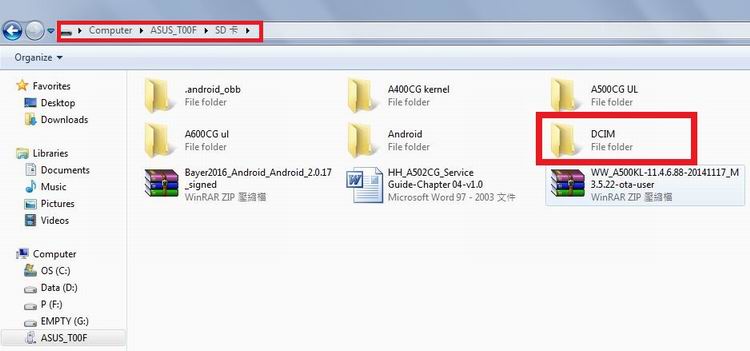
How to save photos to external memory card?
When we take photos by Camera, the preset storage path is internal space of phone.
To change the storage path to external Micro SD card.
Steps
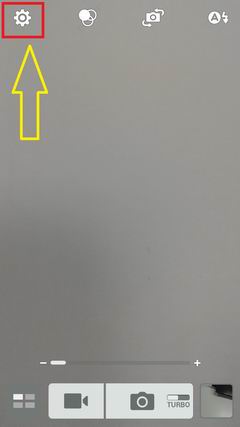
1. Launch Camera app, and tap uper-left gear icon to access settings.
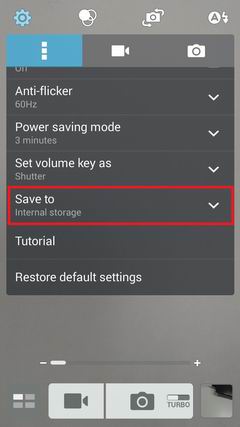
2. Slide the screen and tap "Save to".
3. The option of "Micro SD" is available when a card is inserted in the phone.
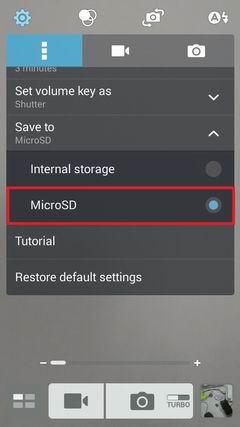
4. The path will be changed as shown below.