[Phone] Flip Camera Features Introduction
Please follow the below steps:
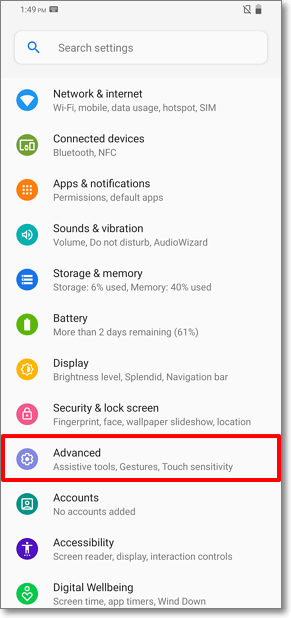
1. Go to Settings > Advanced.
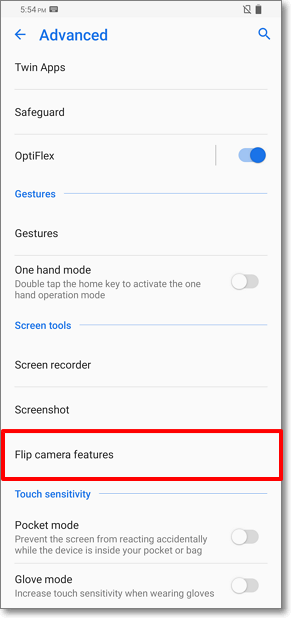
2. In Advanced, tap Flip camera features.
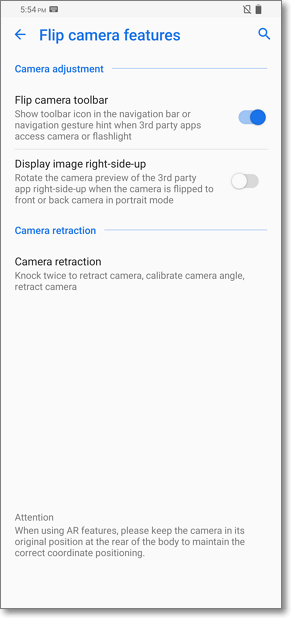
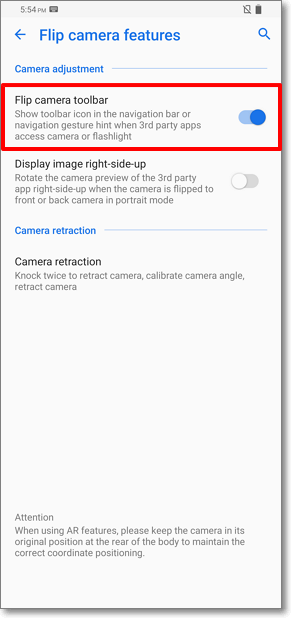
3. Flip camera toolbar: show toolbar icon in navigation bar when 3rd party apps access camera or flashlight.
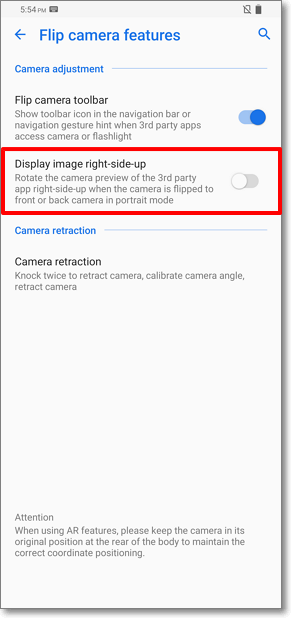
4.Display Image right-side-up: Rotate the camera preview of the 3rd party app right-side up.
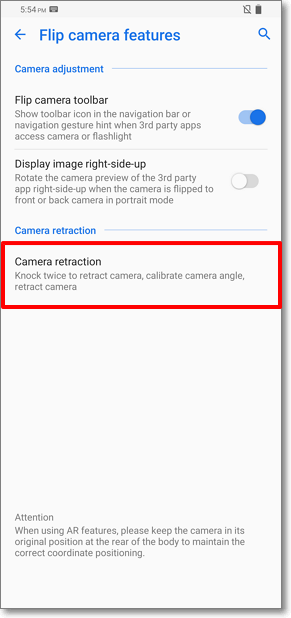
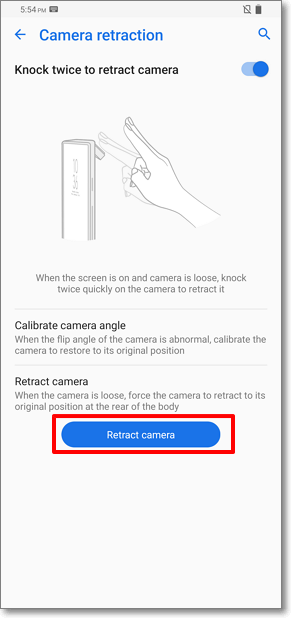
5. Camera retraction: Knock twice: Knock the camera twice quickly to retract it.
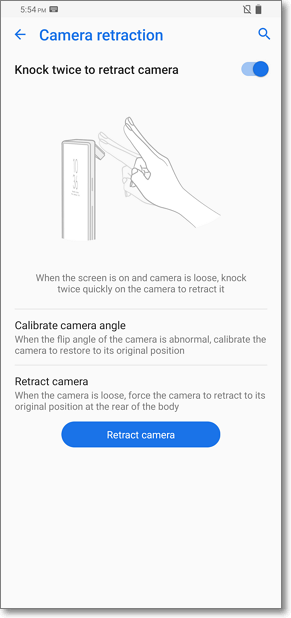
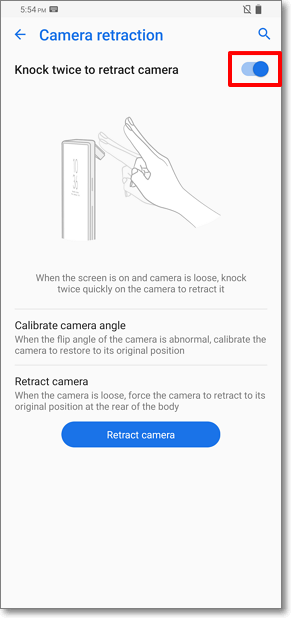
5.1 Knock twice to retract camera: When the screen is on and camera is loose, knock twice quickly on the camera to retract it.
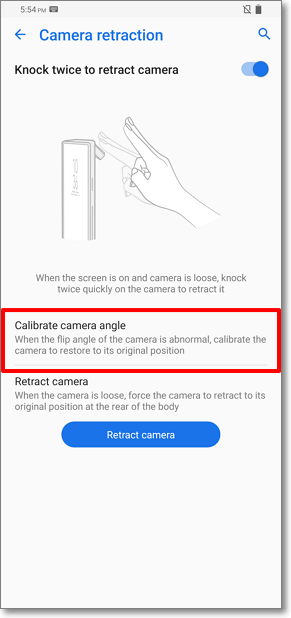
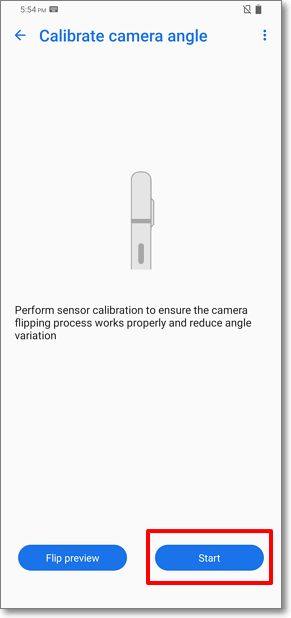
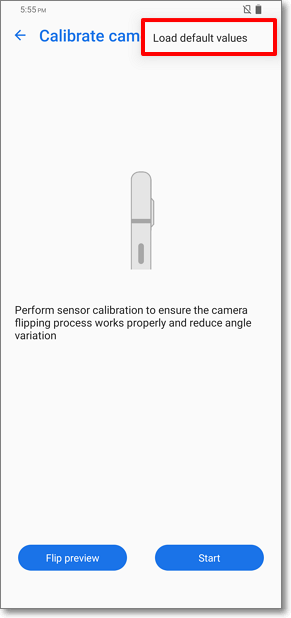
5.2 Calibrate camera angle: You may use Calibrate camera angle or Load default values functions to calibrate the camera to restore to its original position.
5.3 Retract camera: You may force the camera to retract to its original position.
⦁ When phone got hit/ dropped caused structure shift and lead flip angle of camera abnormal or the flip blocked messages pop-out, we suggest users that following the steps below to resolve the issue:
1. Remove LCD protector or other object to avoid covering the P-sensor.
2. Upgrade the firmware to the latest version.
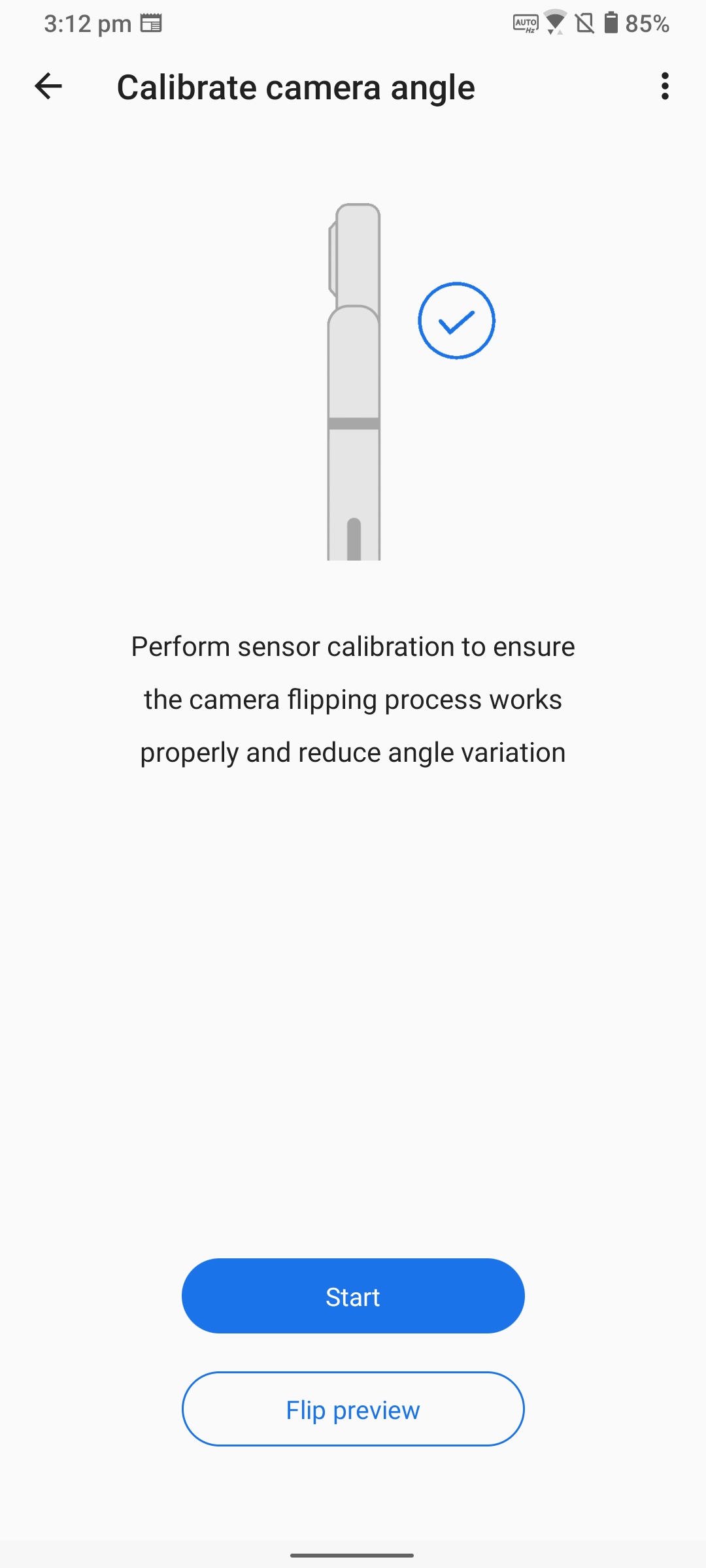
3. Calibrate camera module to restore it to the original position.
Please go to the settings item and follow the instruction to calibrate the camera module:
Go to Settings > Advanced> Flip camera features > Camera retraction > Calibrate camera angle.
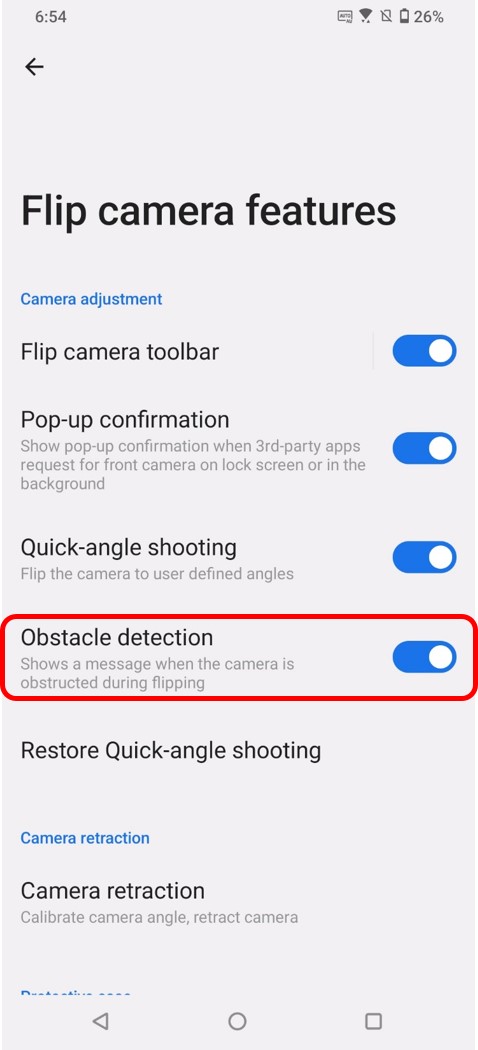
4. If you don't want the message pop-out again, please go to the settings item below and disable Obstacle detection function.
Go to Settings > Advanced > Flip camera features > Obstacle detection.
(If you don't see this option in the Settings, please upgrade the device firmware to the latest version.)