[Phone] Introduction of Screen Saver function
1. Please follow the steps below to access the settings of Screen saver function:
Go to "Settings" > "Display" > "Screen saver"

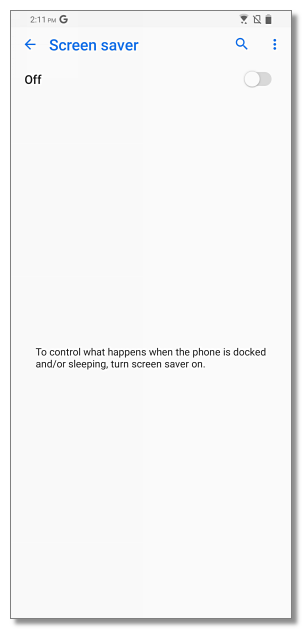
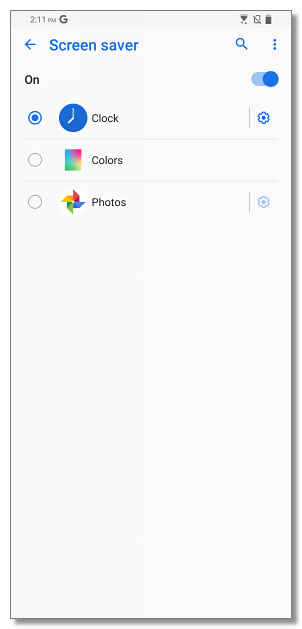
2. Turn on Screen saver function, then you have three options for Screen saver : Clock / Colors / Photos.

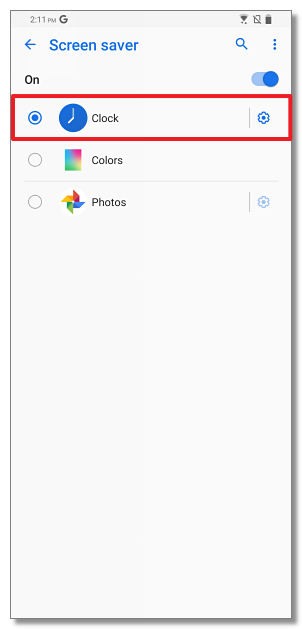
3. For "Clock", you can choose Digital or Analog styles, and choose Night mode for dark rooms.
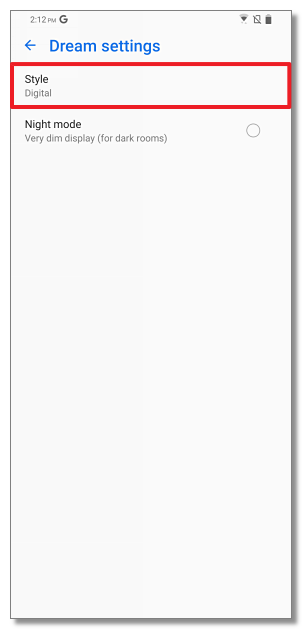
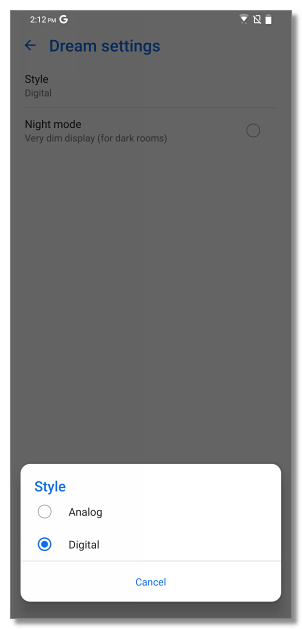
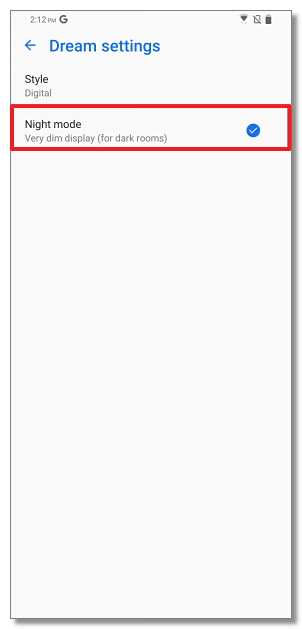
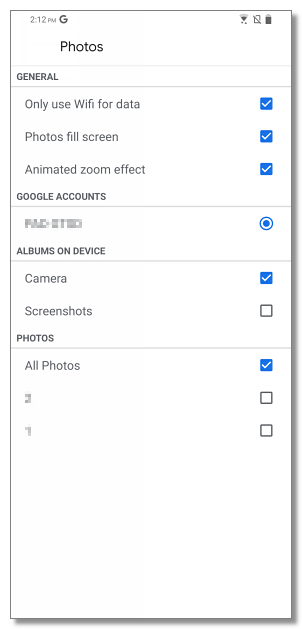
4. For "Photos", you can use the photos or screenshots you took in phone as Screen saver pictures.