[Phone] How do I check the memory usage on my phone?
※ Information in this FAQ might not be applied to all series of phone/pad products. Part of options/screenshots or operation procedures may vary from different versions of software.
1. Please follow the steps below to access the function settings:
Android 7:go to "Settings" > "Memory"
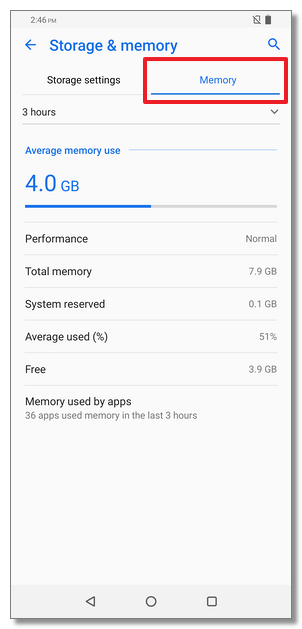
Android 8/9:go to "Settings" > "Storage & memory" > "Memory"
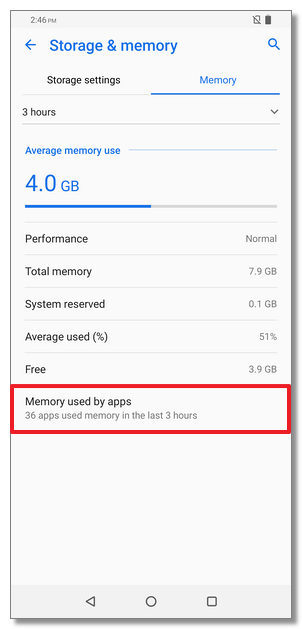
2. Tap "Memory used apps" and then you will see the RAM memory consumption of the applications on the phone.