[Phone] How to enable "Captions" function?
※Information in this FAQ might not be applied to all series of phone/pad products. Part of options/screenshots or operation procedures may vary from different versions of software.
This function can help deaf and hard-of hearing users interact with their phone more easily.
1. Please follow the steps below to access the function settings:
go to "Settings" > "Accessibility" > "Captions"


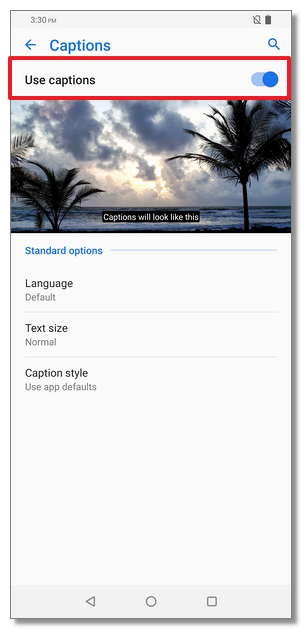
2. Turn on "Use captions" to enable the function settings.
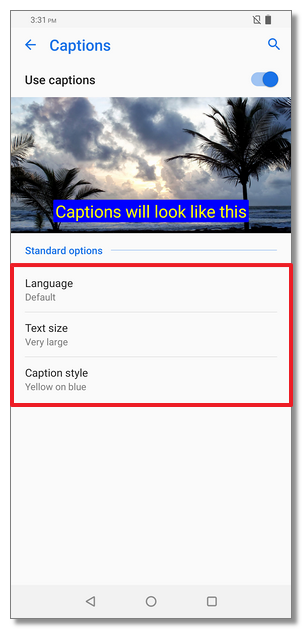
3. You can change the options for "Language", "Text size" and "Caption style".