Product
ZenEye
[IP camera] Can I disable my ZenEye Cam's ASUS Cloud recording?
Yes, you can disable your ZenEye Cam's camera storing its video on your cloud storage. Follow the steps below to complete this process.
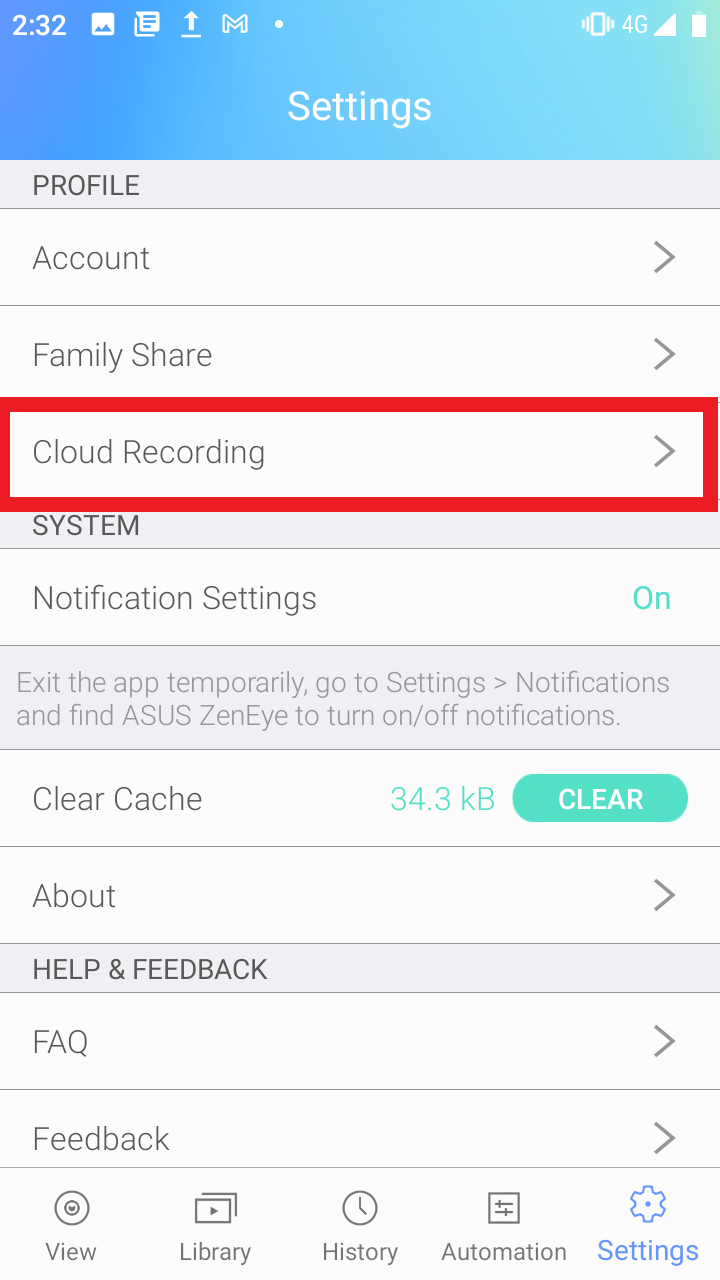
1. Open the ASUS ZenEye app and go to "Settings".
2. Go to "Cloud Recording".
3. Drag the Camera you wish to disable cloud recording for into the "Deactivated Cameras" area.
For more product information, please refer to https://www.asus.com/Networking-IoT-Servers/Smart-Home/All-series/ASUS-ZenEye/