Product
G3M-B1, ProArt Gimbal (G3M-B2)
[ASUS Gimbal] How do I set Facebook Live in ASUS Shot App?
Applicable models for this article: ZenGimBal (G3M-B1), ProArt Gimbal (G3M-B2)
Please follow steps below in ASUS Shot App:
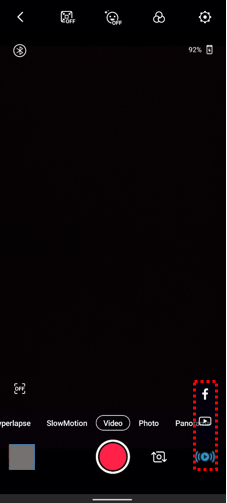
Step 1. Click on [Live] icon, and select [Facebook].
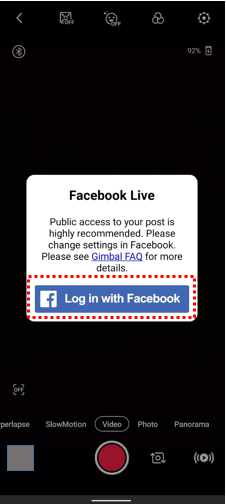
Step 2. Click on [Log in with Facebook].
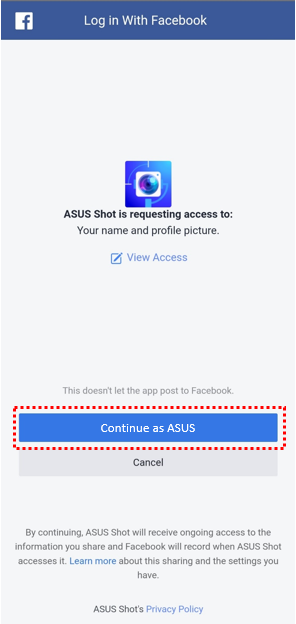
Step 3. Confirm access request from ASUS Shot App and click on [Continue].
Step 4. To have full livestreaming access, please set your posts as [Public].
Click on “OK” once finished.

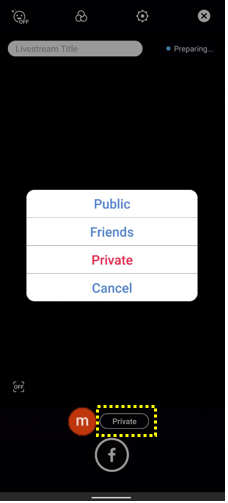
Step5. You can also change your livestreaming privacy to friends only or private as following afterwards.