[Desktop Chassis] ProArt PA602 chassis Graphics Card Holder disassembly and assembly precautions
Notice
1. Please wear gloves to protect your hands before disassembling and assembling, and pay attention to the corners of the parts to avoid scratches.
2. When the side panel is made of glass, please handle it with care when disassembling the side panel of the case to avoid collision/fall/stress.
3. When disassembling, please lay the casing flat on a flat surface to prevent the side panel from falling during disassembly and assembly.
Preparation
Phillips screwdriver PH2
1. Open the left side glass and remove it.
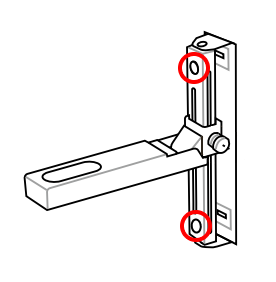
2. Unscrew the two screws from the upper and lower circular holes.

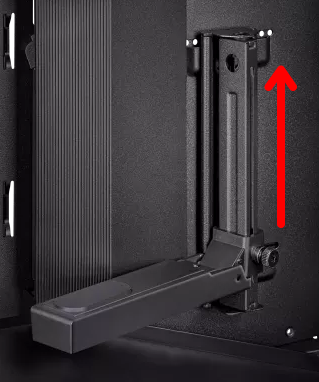
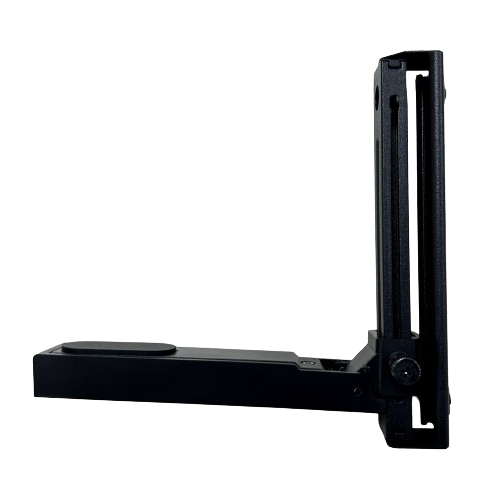
3. Lift graphics card holder up to remove.
Visit ASUS official website to learn more about ProArt PA602 https://www.asus.com/motherboards-components/gaming-cases/proart/proart-pa602/