


ZenScreen MB16AH
ASUS ZenScreen MB16AH 可攜式 USB Type-C 螢幕 - 15.6 吋、Full HD、USB Type-C、Micro-HDMI、不閃屏、濾藍光、防眩光
- USB-C 與 micro-HDMI 連接埠提供多功能連線能力,例如筆電、遊戲主機及攝影機等。
- 可自動感測其方向並切換為橫向或縱向模式。
- 15.6-inch Full HD 採用便攜式超薄防眩光IPS螢幕,可幫助您在旅途中更高效地完成工作
- 摺疊式保護套可變身為支架,以橫向或縱向模式支撐螢幕
- ASUS 護眼螢幕具備 TÜV Rheinland 認證的不閃屏及低藍光技術,以確保舒適的觀看體驗
比較
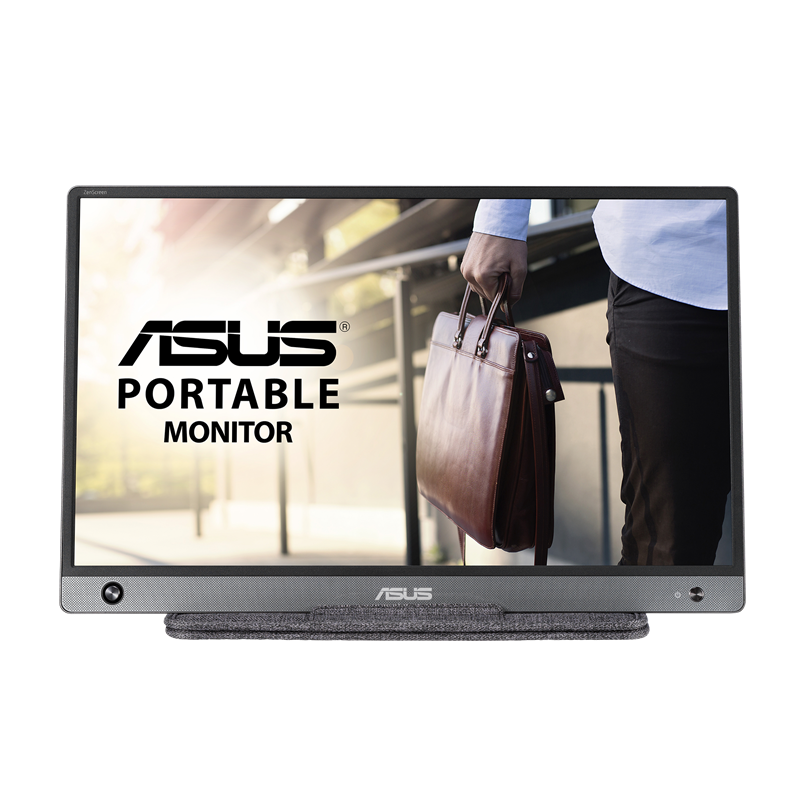


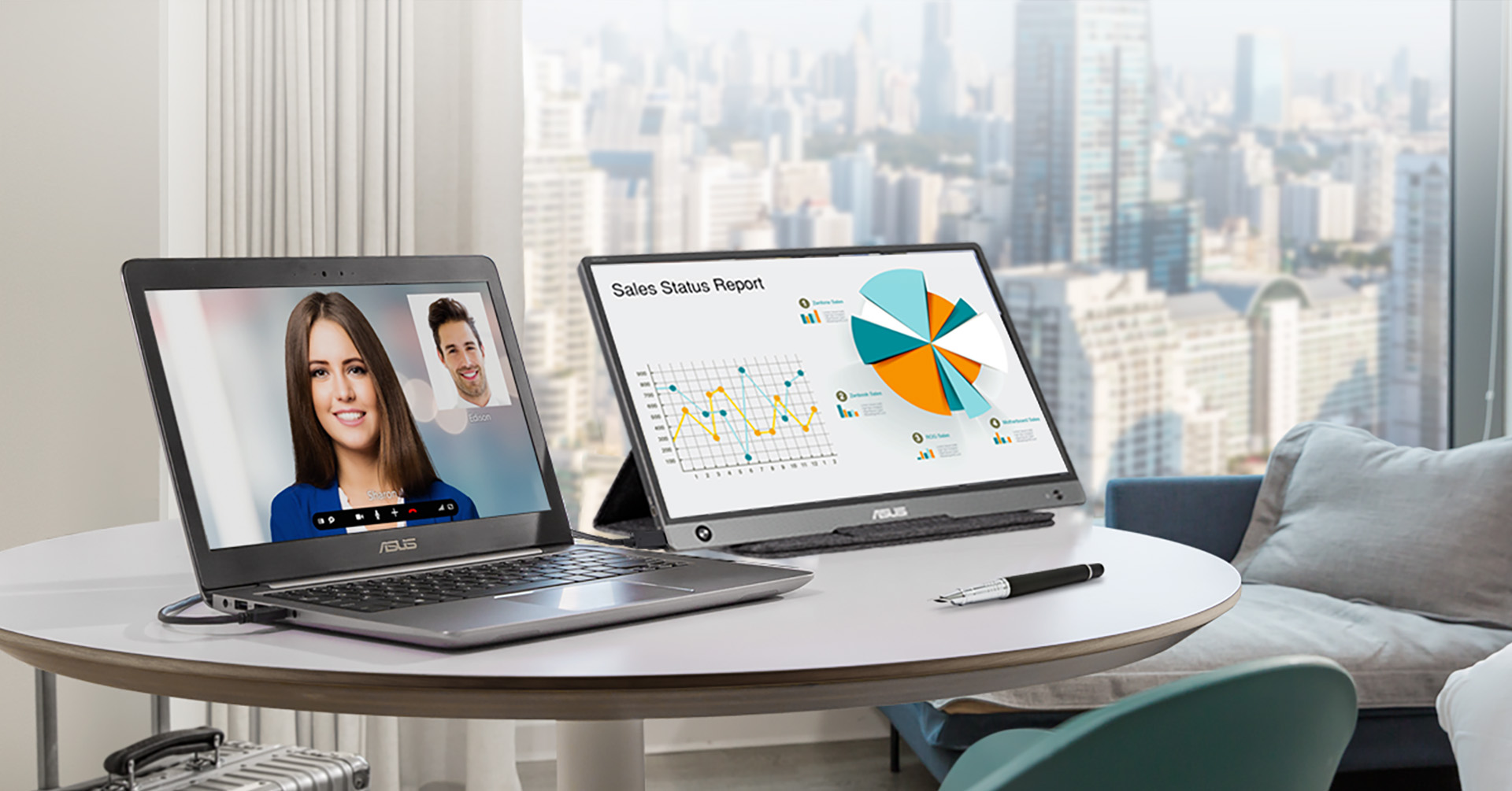
Extend your vision. Free your world.
ASUS ZenScreen™ MB16AH is designed to keep you productive, wherever you are. USB-C™
and microHDMI connectivity enables displaying content from a wide-range of portable devices, so you
can enjoy an expansive view for the best work and entertainment experiences
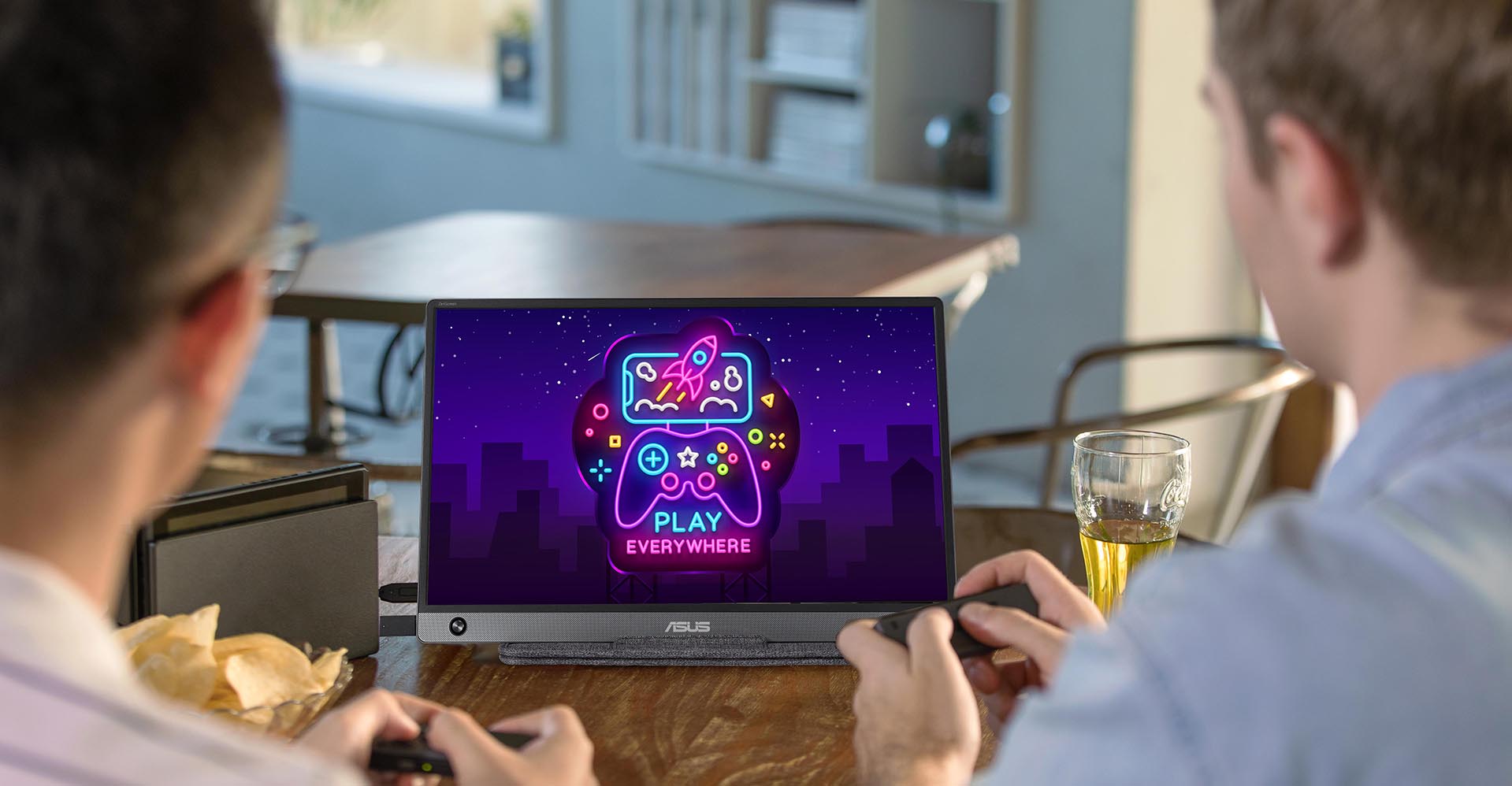
USB-C and micro-HDMI connectivity
Featuring USB-C™* and micro-HDMI connectivity, ZenScreen MB16AH lets you display
content from a wide variety of devices, including laptops, game consoles, and cameras, providing a
more expansive view for work or play. The reversible, any-way-up USB-C design enables quick,
hassle-free connection to any device.
*MB16AH supports USB-C DisplayPort Alternate Mode. A supported device is also required to enable this function.
How to identify your laptop USB-C port support DP out function?
Slim and stylish ultraportable design
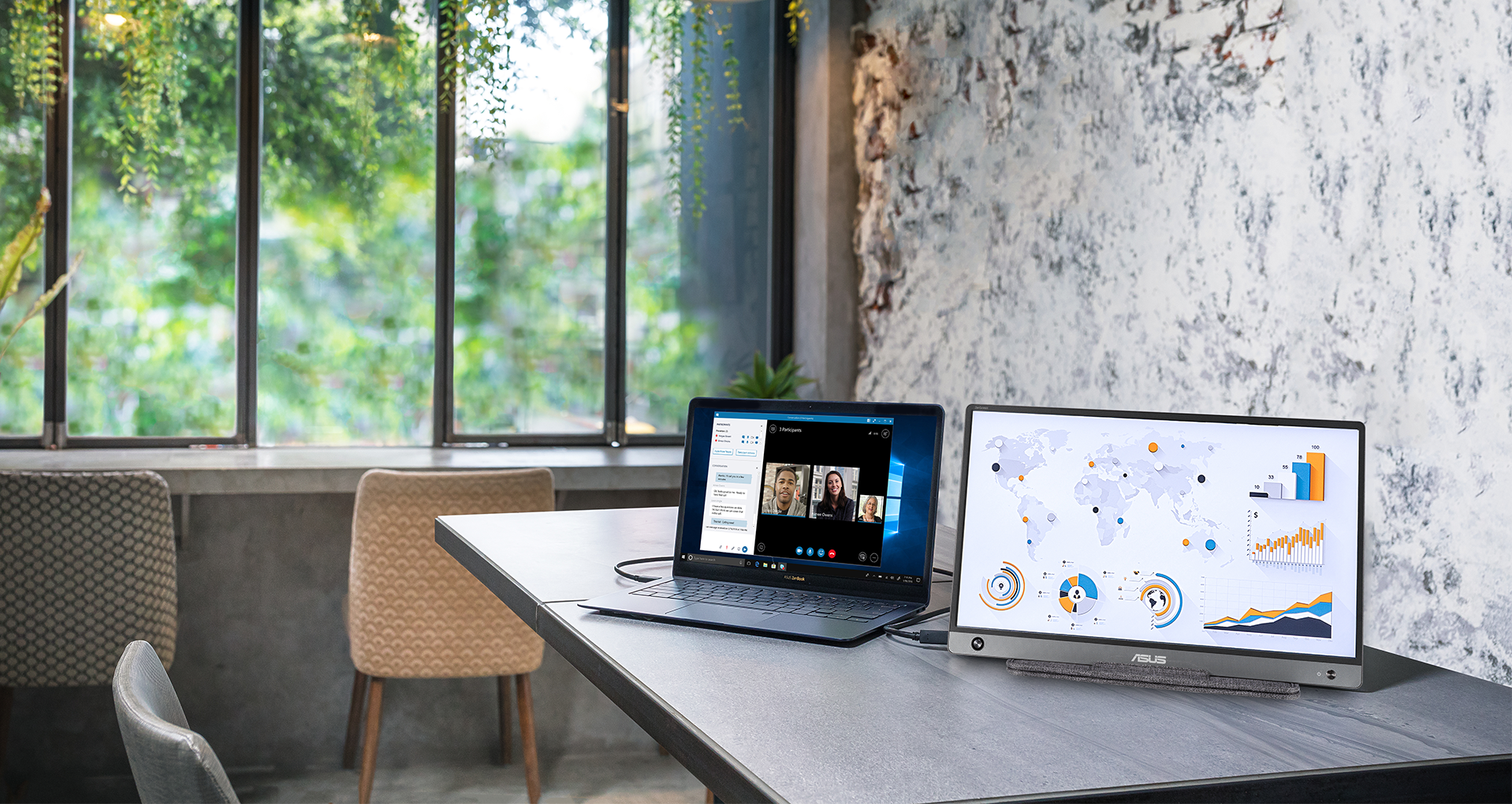
ZenScreen™ MB16AH is ideal for use as a secondary monitor for dual-monitor
presentations, and its versatility helps you get things done more efficiently when you're on the
go. It barely tips the scales at a lightweight 730g, and with its ultra-slim 9mm profile it fits
easily in any travel bag.

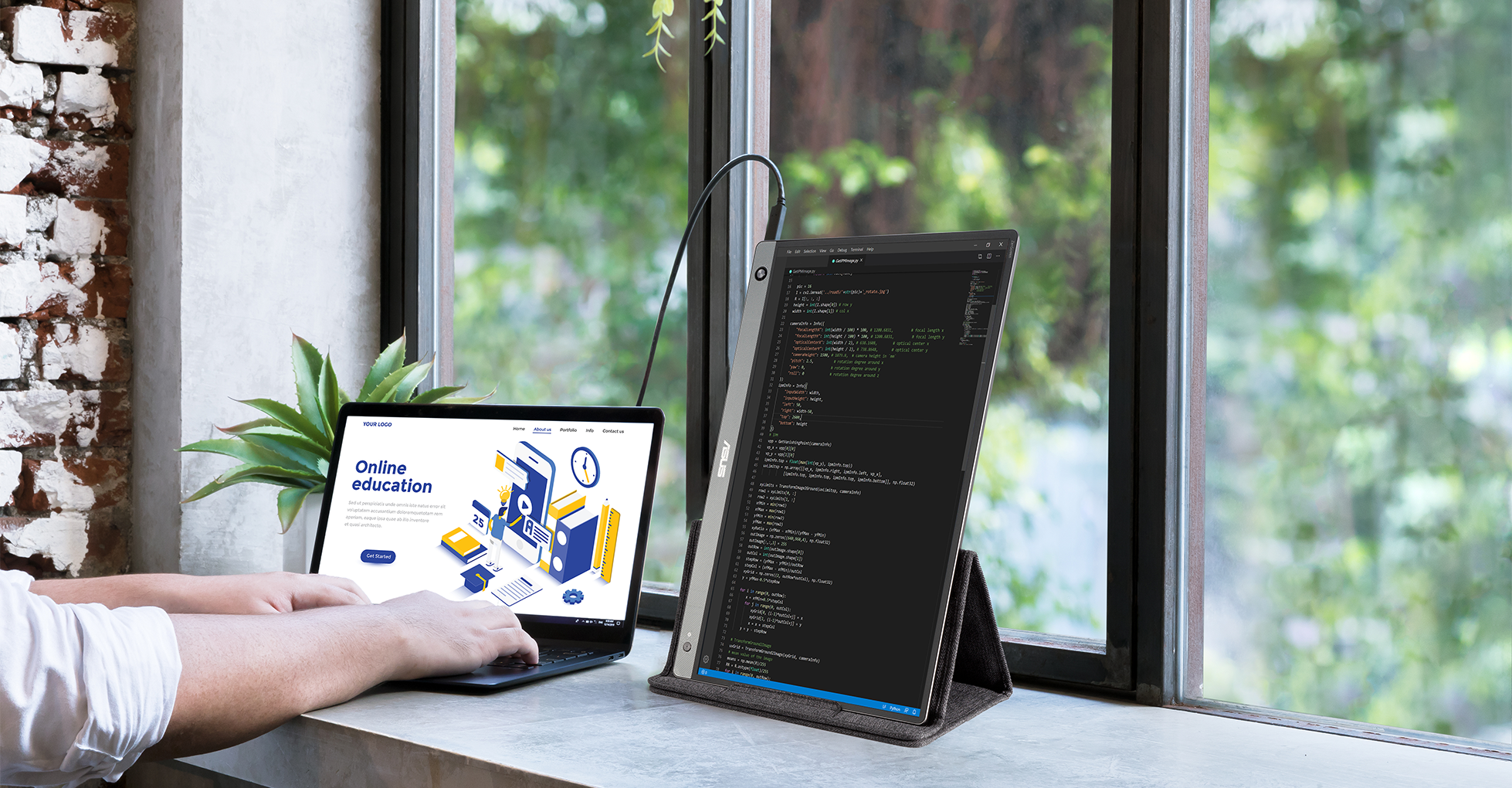
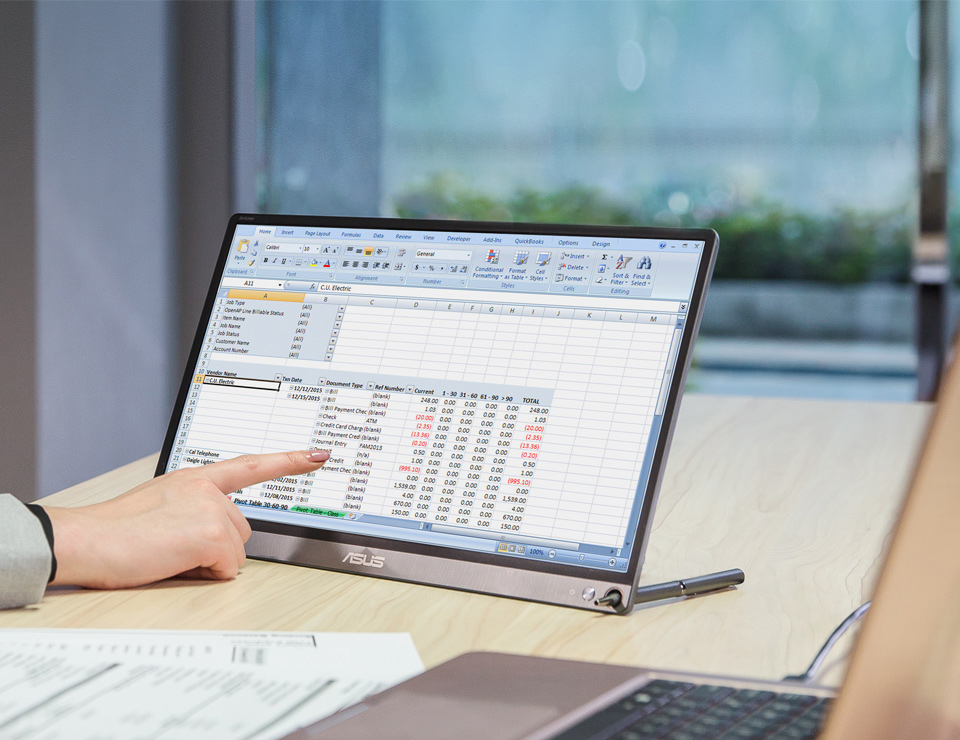
Automatic screen orientation
With DisplayWidget software*, ZenScreen™ MB16AH can automatically sense its
orientation and switch the monitor between landscape and portrait modes. Landscape mode is ideal
for presentations and Excel sheets, while Portrait mode gives you a perfect view of items such
as codes, documents, books or mobile websites.
*Driver required. Auto Rotate function only works with Windows OS
Wide viewing angles
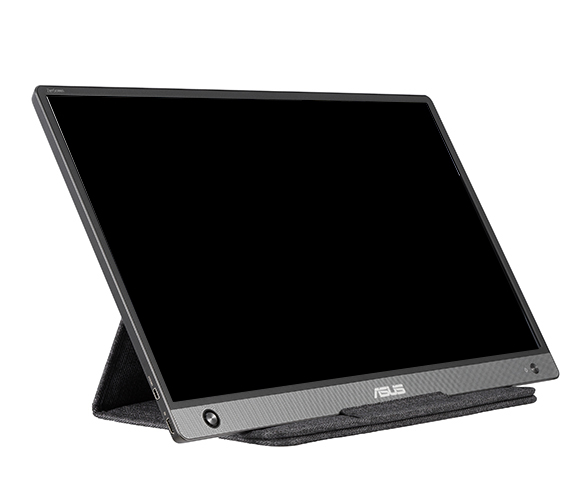
ZenScreen™ MB16AH features a Full HD panel that delivers stunning 1920 x 1080
resolution visuals with outstanding color reproduction. It uses IPS technology to give you more
flexibility when extending your screen, so you still get superb color and contrast - even from
extreme viewing positions.
Designed with versatility
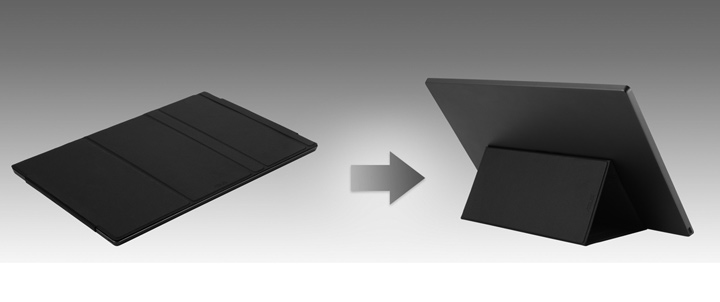
The new foldable sleeve protects ZenScreen™ MB16AH from dust and scratches
with lighter weight. The sleeve can be folded into a stand to prop the monitor up in either
portrait or landscape orientation. Besides, the exclusively designed mounting hole on the rear
cover, which supports standard 1/4 “ screw thread, lets you assemble a conventional tripod or
tabletop mounting system with ease.
Protect your eyes with ASUS Eye Care technology

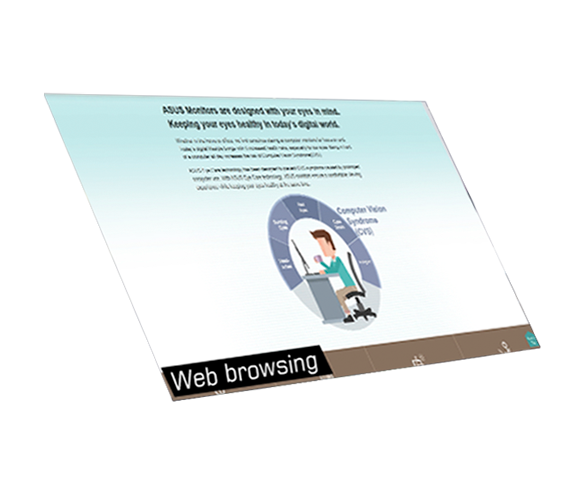

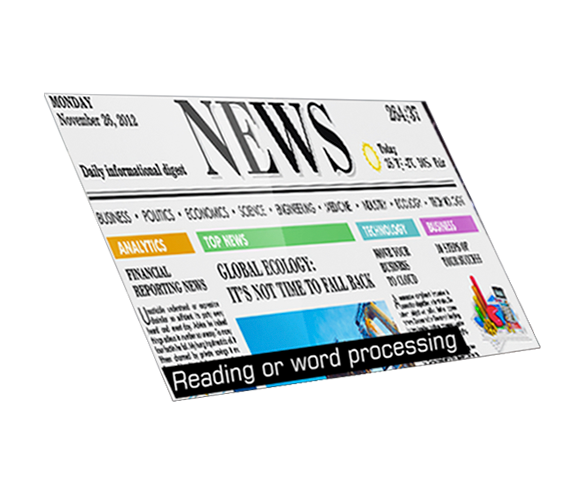
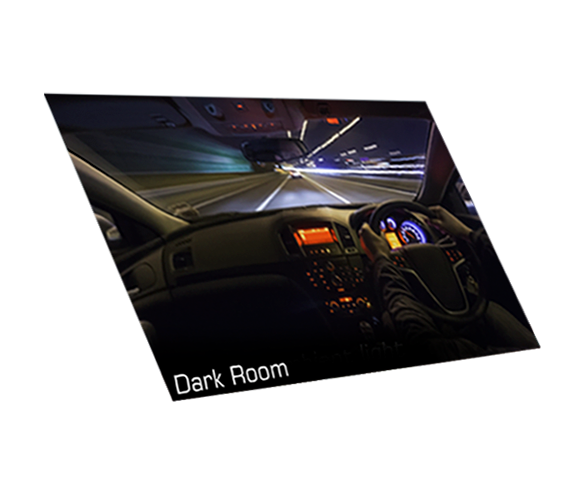
ASUS blue light filter
Exclusive ASUS Ultra-Low Blue Light technology protects you from harmful blue
light. It offers four blue-light filter settings that are easily accessed through the
onscreen display menu via the hotkey.
Blue Light Filter Level
- 0
- 1
- 2
- 3
- 4
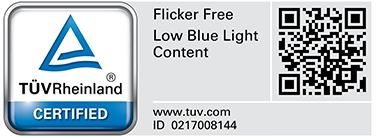
ASUS Flicker-free technology
It's time to say goodbye to those tired, strained eyes. ZenScreen MB16AH features TÜV
Rheinland-certified ASUS Flicker-free technology to reduce flicker for a comfortable viewing
experience. This technology helps minimize instances of eyestrain and other damaging ailments,
especially when you spend long, countless hours in front of a display watching favorite videos.
-

With ASUS Flicker-free technology
-

Without ASUS Flicker-free technology
- USB-C and micro-HDMI ports provide versatile connectivity with laptops, game consoles, and cameras.
- Can automatically sense its orientation and switch the monitor between landscape and portrait modes
- 15.6-inch Full HD portable anti-glare IPS display with an ultra-slim design helps you get things done more efficiently when you’re on the go
- Foldable sleeve case can be turned into a stand to prop the monitor up in either portrait or landscape mode
- ASUS Eye Care monitors feature TÜV Rheinland-certified Flicker-free and Low Blue Light technologies to ensure a comfortable viewing experience
- Requires NUC Compute Element
- NUC Assembly Elements are ideal for providers creating integrated systems.
- Pair an NUC Board/Assembly Element with a compatible NUC Compute Element to build a small, integrated, high-performance system for a range of verticals.
- Sustained operations and feature and an internal DC connector.
- With added rack and thermal solutions, they are qualified for 24x7 operation
檢視更少
- Requires NUC Assembly Element and Compute Element
- The modular design of NUC Elements simplifies serviceability and makes upgrading your systems easier.
- Small size for a wide range of deployments
- Easy upgrades with forward-compatible components
- Qualified for 24x7 operation
檢視更少
"Windows 11 Pro。
超小型迷你電腦搭載 AMD Ryzen™ 7000 & 6000 系列處理器和 AMD Radeon™ 顯示卡,支援四部 4K 顯示器和 8K 解析度、2 x PCIe® Gen4x4 M.2 NVMe® SSD、2.5 Gb LAN、WiFi 6E"
超小型迷你電腦搭載 AMD Ryzen™ 7000 & 6000 系列處理器和 AMD Radeon™ 顯示卡,支援四部 4K 顯示器和 8K 解析度、2 x PCIe® Gen4x4 M.2 NVMe® SSD、2.5 Gb LAN、WiFi 6E"
檢視更少
ASUS ZenScreen 支架 MTS02D - 符合人體工學的支架、傾斜、樞軸、高度調整、相容 1/4 吋腳架
檢視更少


- 經 FCC和加拿大工業部認證的產品將在美國和加拿大銷售。請參閱華碩美國和華碩加拿大網站,瞭解有關當地可用產品的資訊。
- 所有規格如有更改,恕不另行通知。請與您的供應商 / 經銷商確認確切的報價。產品可能並非在所有市場都可用。
- 規格和功能或內建軟體因型號而異,所有圖像僅供參考。有關完整詳細資訊,請參閱規格頁面。
- 印刷電路板顏色和內建軟體版本如有更改,恕不另行通知。
- 商標聲明:本網站所談論到的產品名稱僅做識別之用,而這些名稱可能是屬於其他公司的註冊商標或是版權。
- HDMI、HDMI High-Definition Multimedia Interface、HDMI 商業外觀及 HDMI 識別標章等詞彙均為 HDMI Licensing Administrator,Inc. 的商標或註冊商標。
- USB 3.0、USB3.1、USB3.2 以及Type-C的實際傳輸速度將依據您的使用情境而變化,包括電腦的設備、檔案的規格以及系統配置和操作相關的其他因素而影響處理速度。