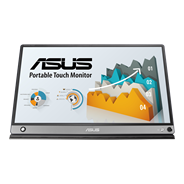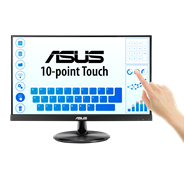
ASUS ZenScreen Touch MB16AHT Portable Monitor
Productivity at the tip of your fingers

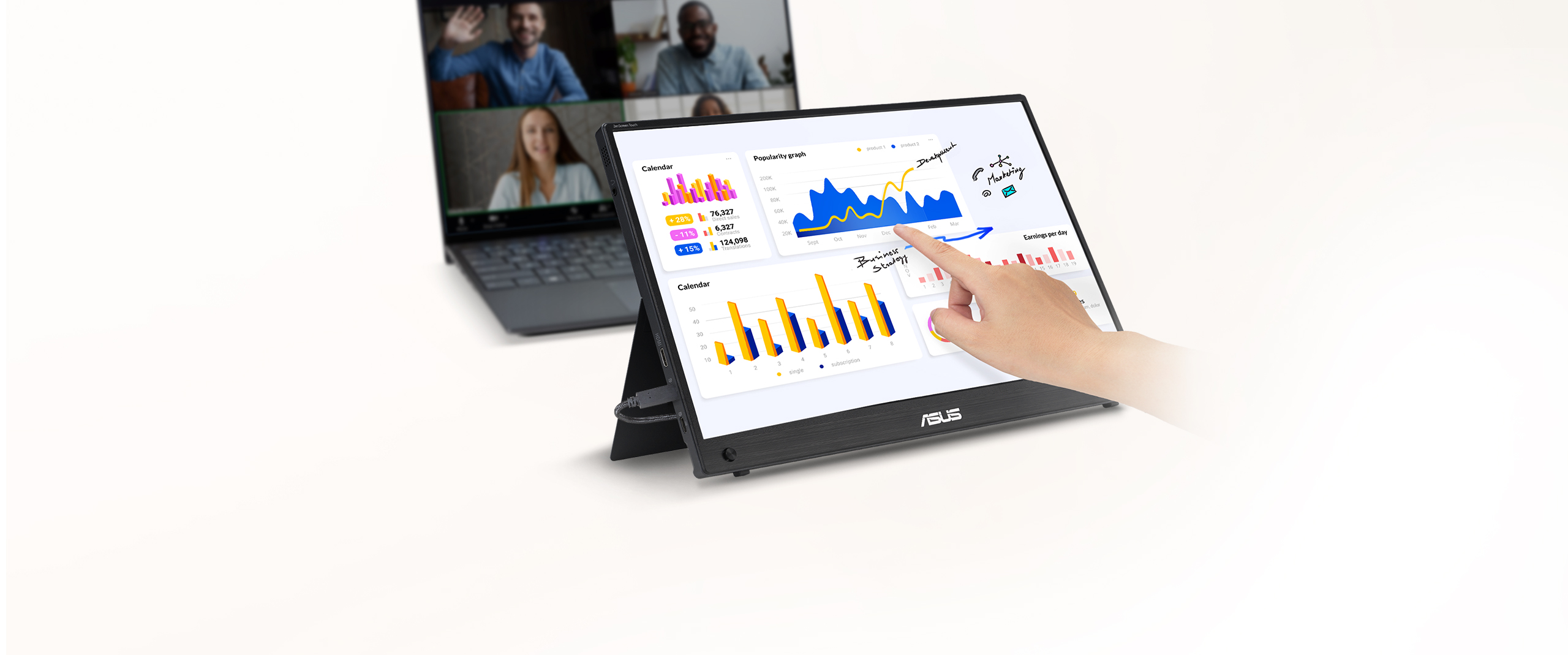
ASUS ZenScreen Touch MB16AHT is a 15.6-inch IPS FHD portable monitor with responsive and intuitive 10-point touch functionality* that allows users to swipe, scroll, drag and pinch gestures to help you get tasks done more efficiently. Dual USB-C™ and mini-HDMI connectivity enables displaying content from a wide-range of devices, so you can enjoy an expansive view for the best work and entertainment experiences, wherever you go.
*10-point touch functionality depends on operating system. 10-point touch functionality supports with Windows, Chrome and Linux. Single-point touch option is also available for macOS.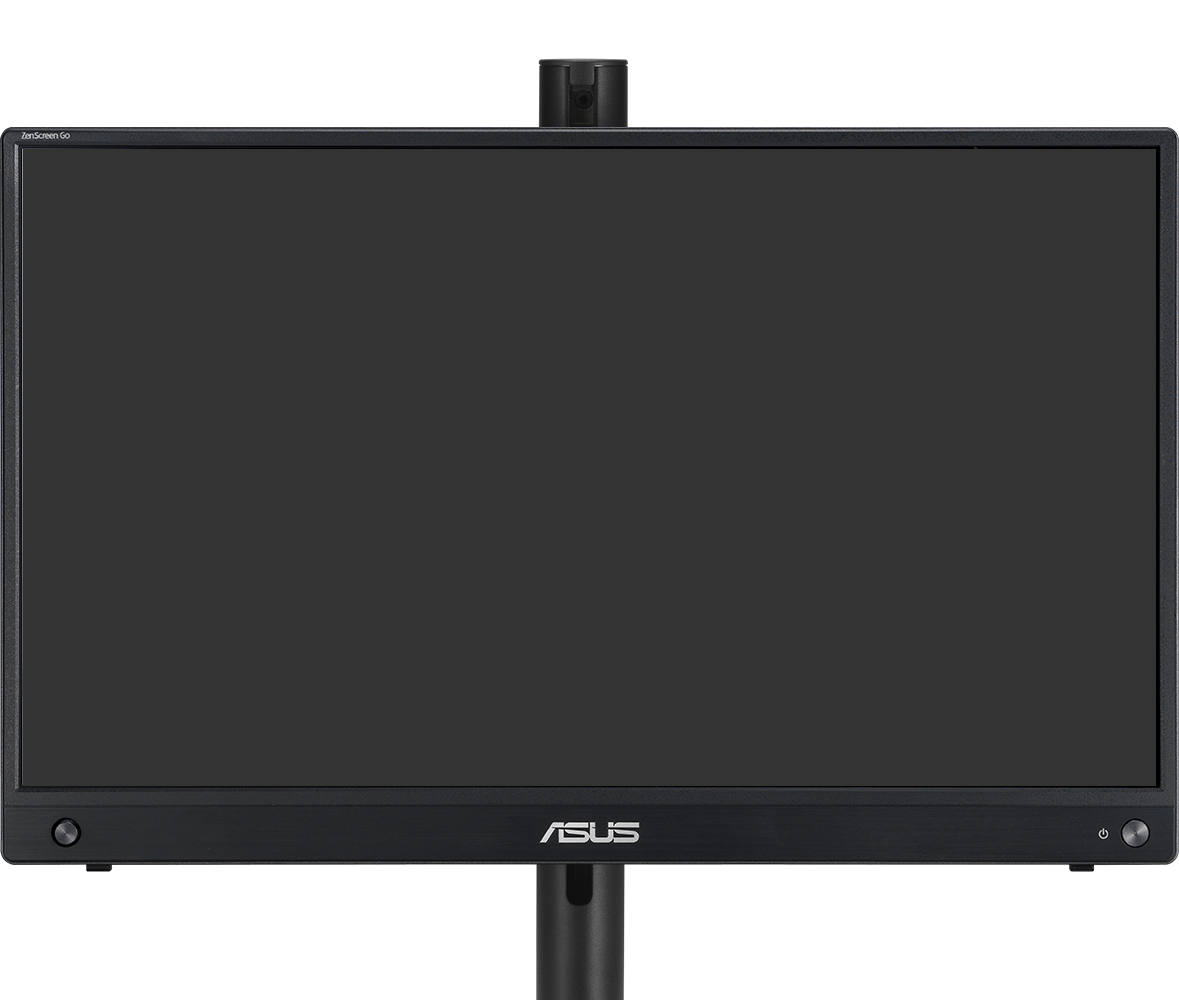
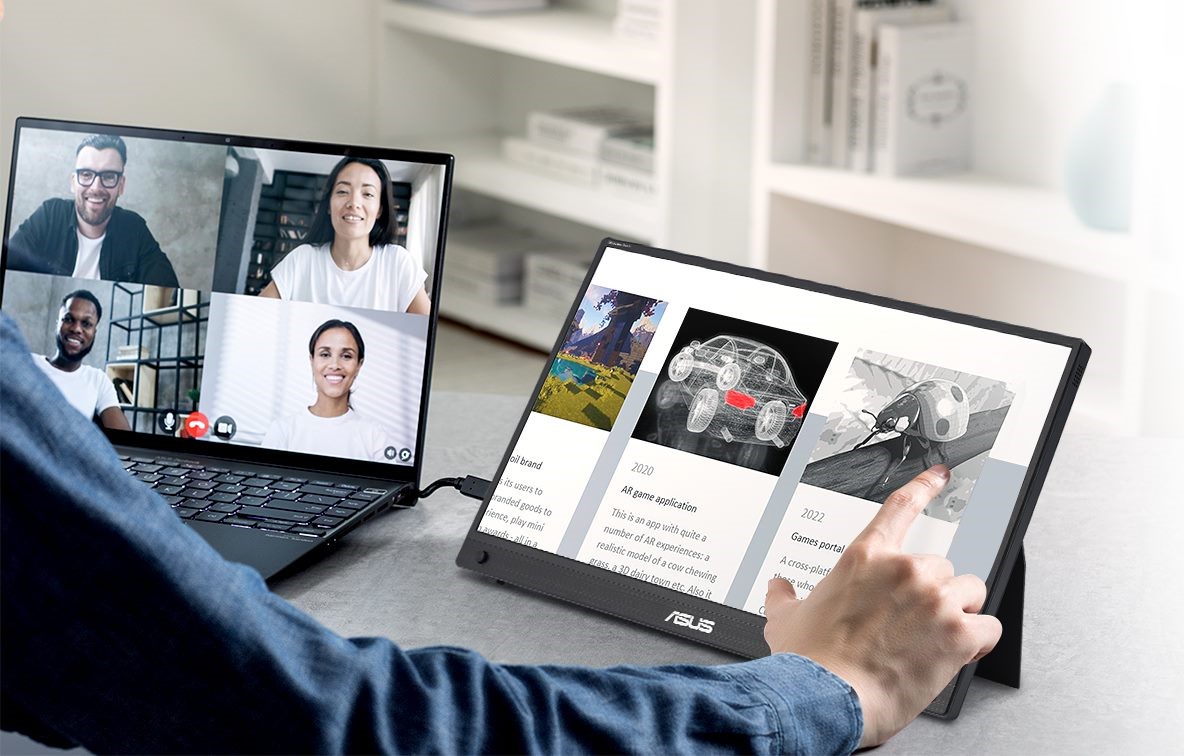
Tap into productivity
With its interactive 10-point touchscreen, ZenScreen Touch offers highly-accurate, responsive and seamless touch experiences*, enabling you to edit documents, draw on slides or play games with your fingertips. It is Windows 11 compatible, allowing you to work smarter and more efficiently.
* 10-point touch functionality depends on operating system. 10-point touch functionality supports with Windows, Chrome and Linux. Single-point touch option is also available for macOS.Designed for comfortable viewing
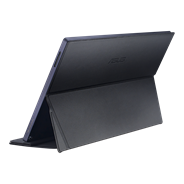
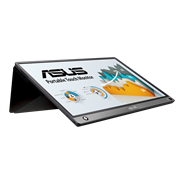
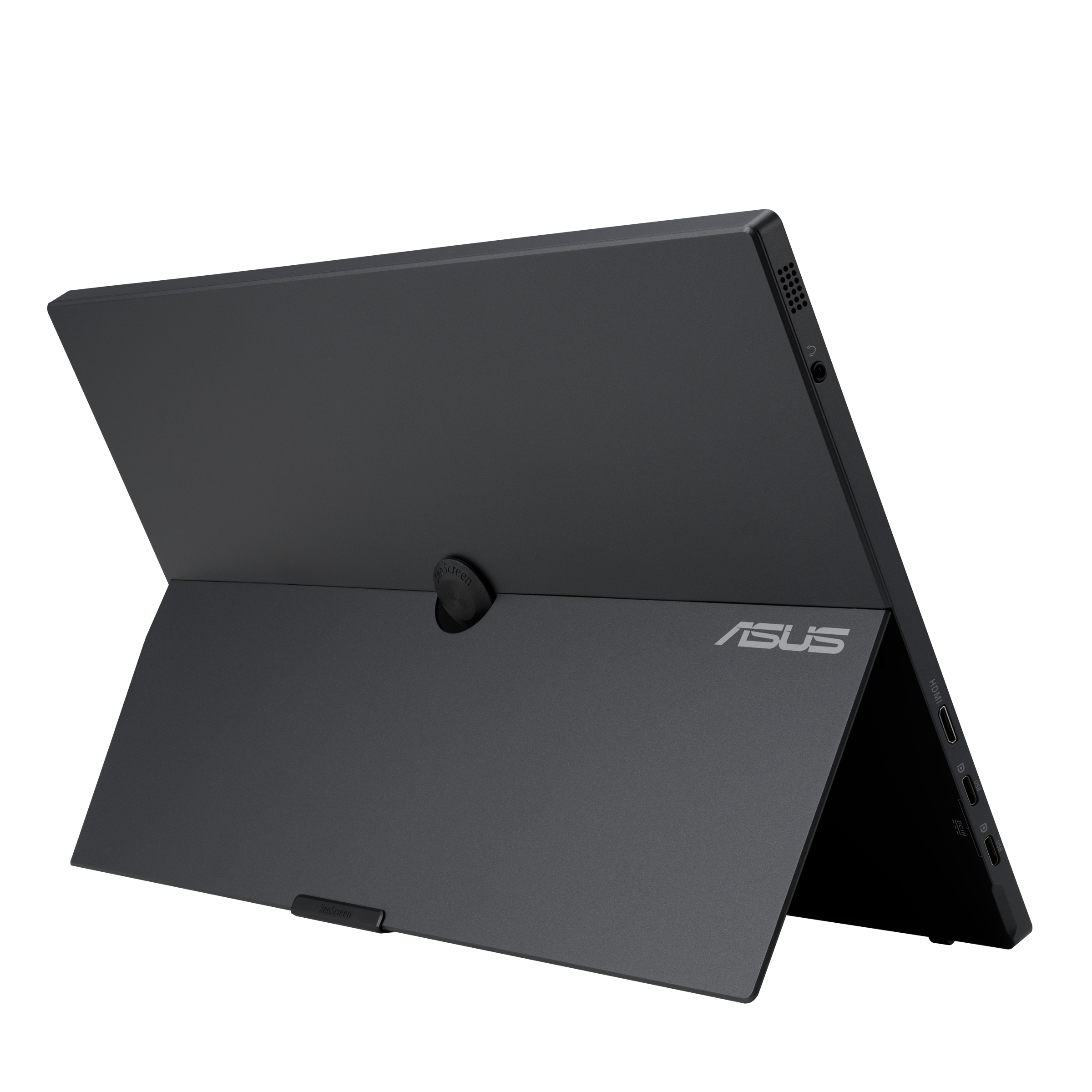
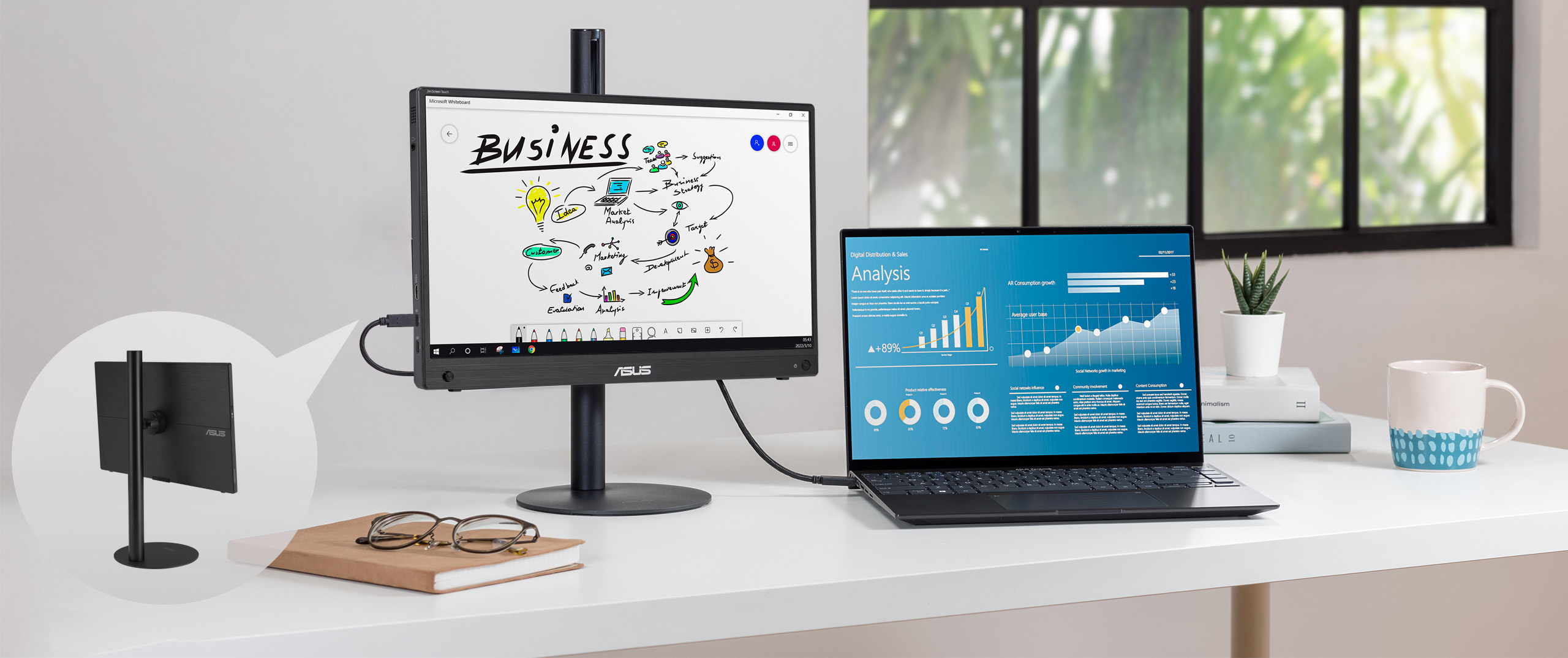
A fold-out kickstand props ZenScreen Touch MB16AHT up on any flat surface and offers easy tilt adjustments to ensure comfortable viewing angles and working positions. In addition, a ¼ -inch threaded tripod socket at the rear lets you attach the monitor to a standard tripod* or table mount.
*Tripod stand not included.
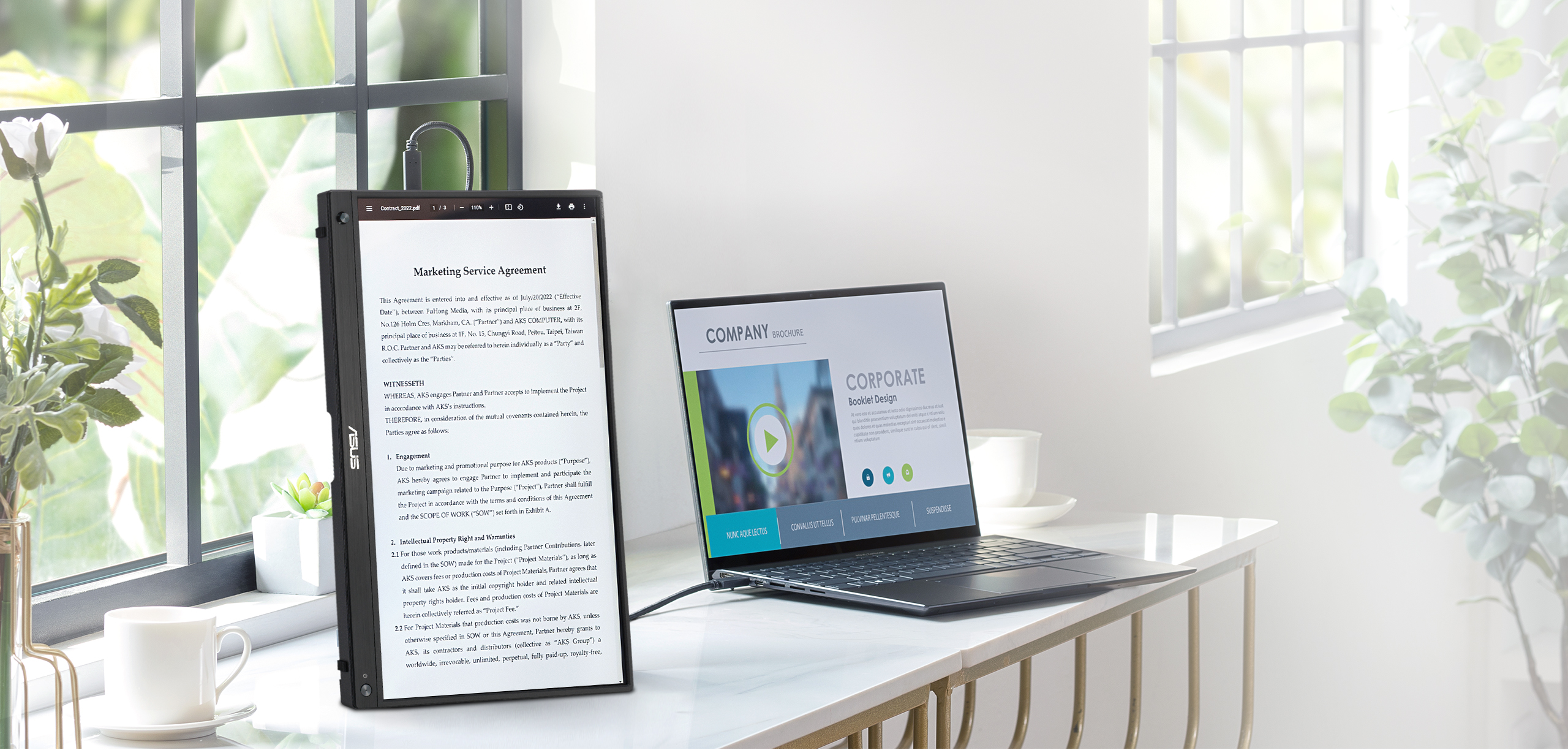
Automatic screen orientation
When connected to a Windows PC, the ASUS DisplayWidget Lite tool* enables ZenScreen to sense its orientation and automatically switches the display between landscape and portrait modes. Landscape mode is ideal for presentations and spreadsheets, while portrait style provides the perfect long view for documents, books or websites.
*Software required. Auto-rotate function works only with the Windows operating system.
Rich connectivity
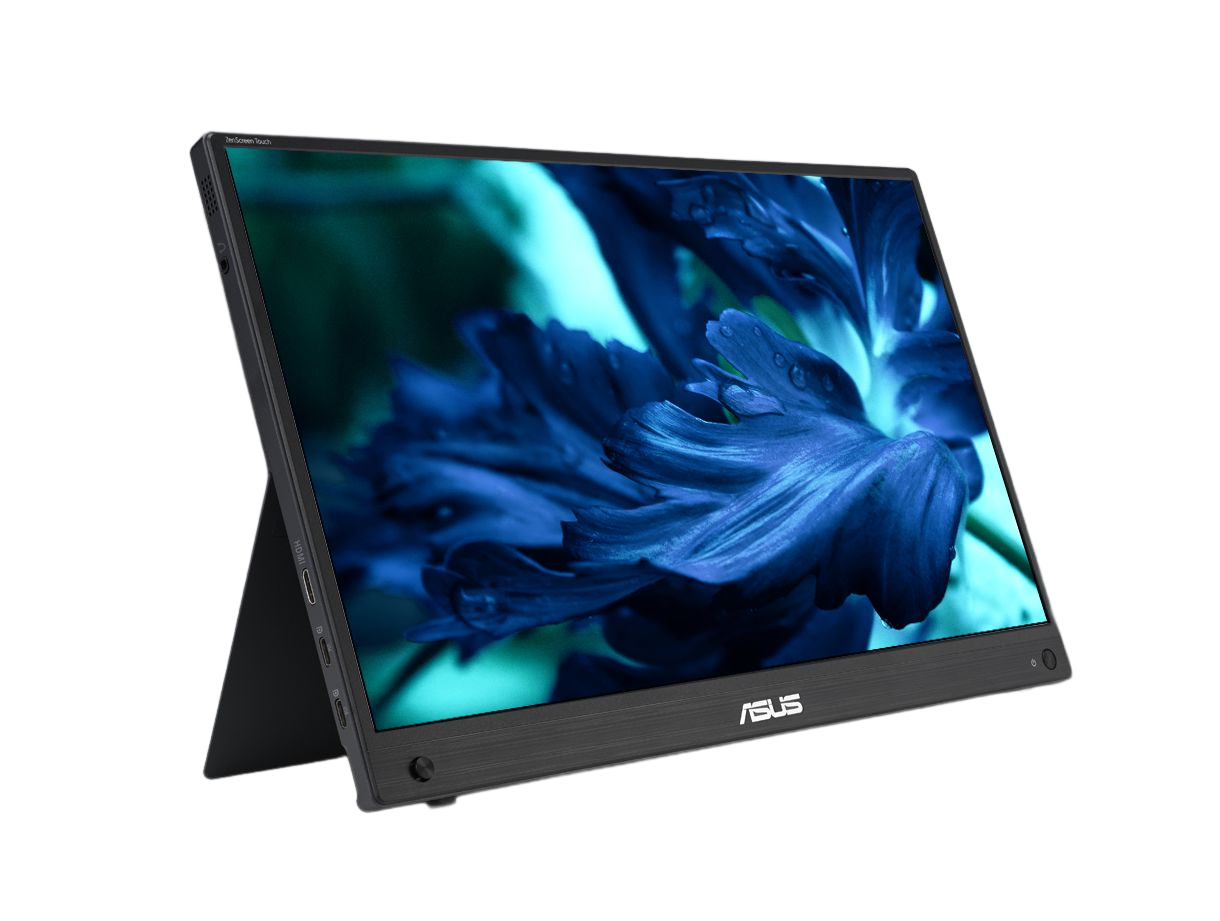
ZenScreen Touch MB16AHT includes a mini HDMI port and two USB-C* ports to allow audio-video signals, power input and data(for touch function) transmission.
How to identify your laptop USB-C port support DP out function?

-
Mini HDMI x 1
-
USB-C x 2(with DisplayPort Alt Mode and power input)
-
Headphone jack x 1
Protect your eyes with ASUS Eye Care technology
- Low Blue Light
- Flicker Free Technology
ASUS Ultra-Low Blue Light technology
The TÜV Rheinland-certified ASUS Blue Light Filter protects you from harmful blue light. It's easy to access, intuitive and flexible with seamless adjustment (0 to Maximum) via the OSD menu. ASUS displays has undergone stringent performance tests and has been certified by TÜV Rheinland laboratories, a global provider of technical, safety, and certification services.
 With Blue Light Filter
 Without Blue Light Filter
ASUS Flicker Free technology
TÜV Rheinland-certified ASUS Flicker Free technology eliminates flicker, ensuring comfortable viewing experiences. This technology helps minimize eyestrain and other ailments typically associated with extended hours of viewing.
 With ASUS Flicker Free technology
 Without ASUS Flicker Free technology
FAQ
-
Yes, all ASUS's portable monitors can support portrait mode. Here are two ways to enable this function:
- Use ASUS Software DisplayWidget Center
- Download the latest software from ASUS site https://www.asus.com/content/monitor-software-osd-displaywidgetcenter/
- Run the app on PC. Then The screen content will automatically adjust when the monitor is physically rotated between landscape and portrait modes.
- If the auto-rotation is disabled, manually adjust rotation degree angle under in Splendid -> Image -> Rotation in DisplayWidget Center.
-
Use OSD
- Manually adjust the OSD settings on your PC to switch enable portrait mode.
For Windows: Go to Display Settings -> Orientation -> Portrait
For MacOS: System Settings -> Displays-> Rotation - Use ASUS Software DisplayWidget Center
-
Not necessarily.
• For those device supports DisplayPort Alt Mode, when connected via USB-C to a laptop, it can draw power directly from the device.
• For HDMI connections, you'll need to supply power via the other USB-C port using a USB-C power adapter
✅ Tip: Using external power adaptor can improve brightness and stability.
✅ Tip: Use the bundled USB-C cable. It can transfer power and signal at the same time. -
Absolutely!
• USB-C laptops : Use a USB-C to USB-C cable. If your laptop does not support USB-C DP Alt mode (support power and video transmission), please use HDMI connection and USB-C adaptor as power outlet.
• HDMI laptops : Use a mini-HDMI to HDMI cable and connect power via HDMI port and external power supply through USB-C port.
✅ Tip: Most modern laptops are compatible. No drivers are needed for Windows/macOS/Linux.
✅ Tip: If your laptop's USB-C port can't support DP Alt Mode, use HDMI port for signal and USB-C adapter to supply power.
✅ Compatible USB-C Ports
Not all USB-C ports support power and video transmission—some only handle data or charging.
See the image below for which USB-C ports work with ASUS ZenScreen portable monitor.
-
Yes, you can connect via HDMI port with XBOX and PlayStation series or Nintendo switch with its included dock.