Filter results: 356 Devices
Sort by:
Recommend
Newest
Most Popular
Ratings
Sort Filter
Clear all
By Screen Size
By Brand / Series
Display Type
Panel Resolution
Aspect Ratio
Connectivity
High Refresh Rate
Variable Refresh Rate Technology
Color Gamut
Other Features
Expand All
Back to filter
NEW
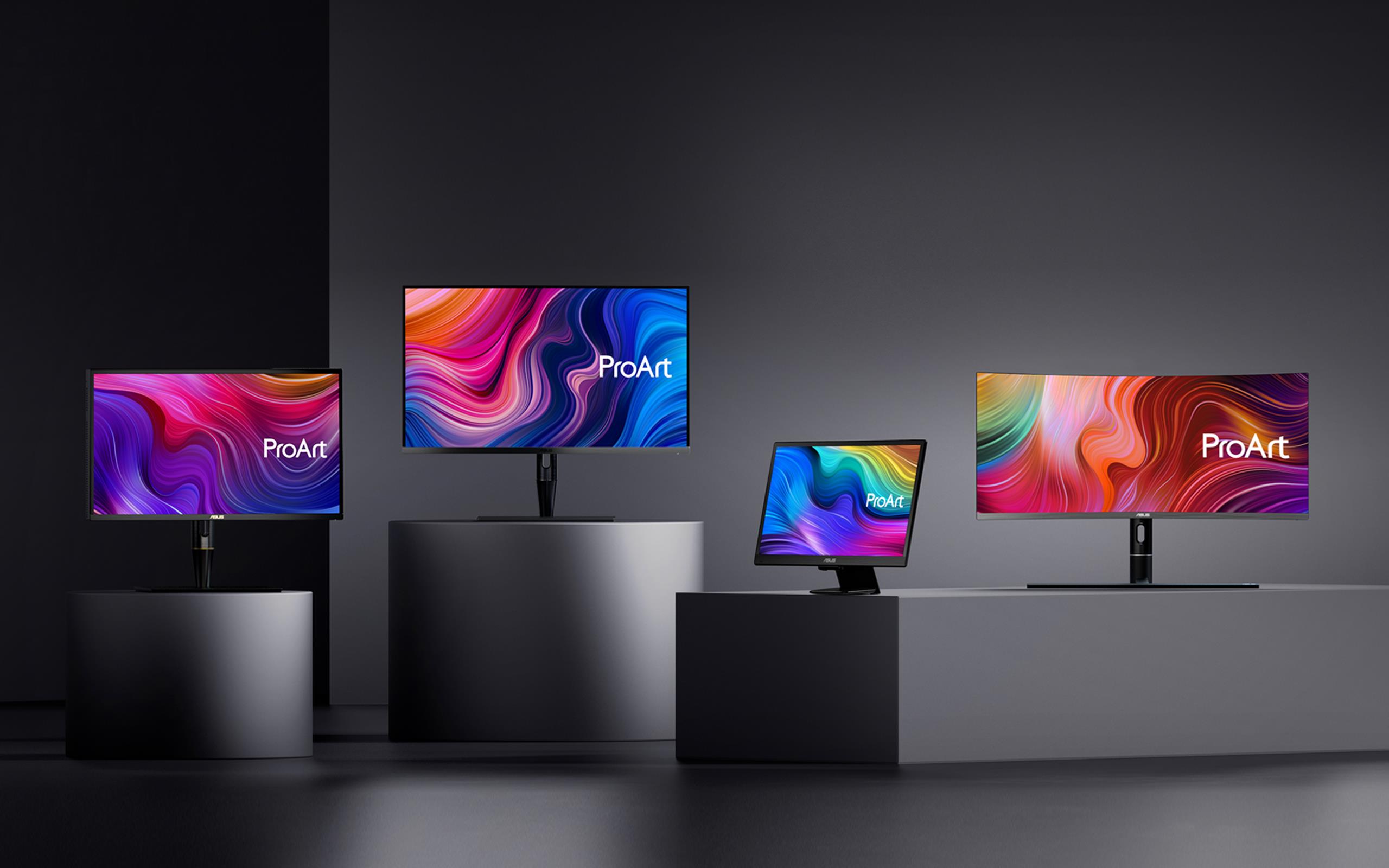
ASUS ProArt Display 5K PA27JCV Professional Monitor – 27-inch, IPS, 5K (5120 x 2880), 99% DCI-P3, LuxPixel™ AGLR, Light Sync, Color Accuracy ΔE < 2, Calman Verified, USB-C PD 96W, VESA DisplayHDR 500 and VESA MediaSync, Auto KVM, Ergonomic Stand, Green Sustainability
NEW
ASUS BE279QFK Video Conferencing Monitor - 27 inch, Full HD, IPS, 100Hz, Frameless, Full HD Webcam, Mic Array, Stereo Speakers, Height Adjustable, Ergonomic Design, HDMI, Eye Care, Low Blue Light, Flicker Free, Wall Mountable, Sustainability
NEW
ASUS BE249QFK Video Conferencing Monitor – 24 inch (23.8 inch viewable), Full HD, IPS, 100Hz, Frameless, Full HD Webcam, Mic Array, Stereo Speakers, Height Adjustable, Ergonomic Design, HDMI, Eye Care, Low Blue Light, Flicker Free, Wall Mountable, Sustainability
NEW
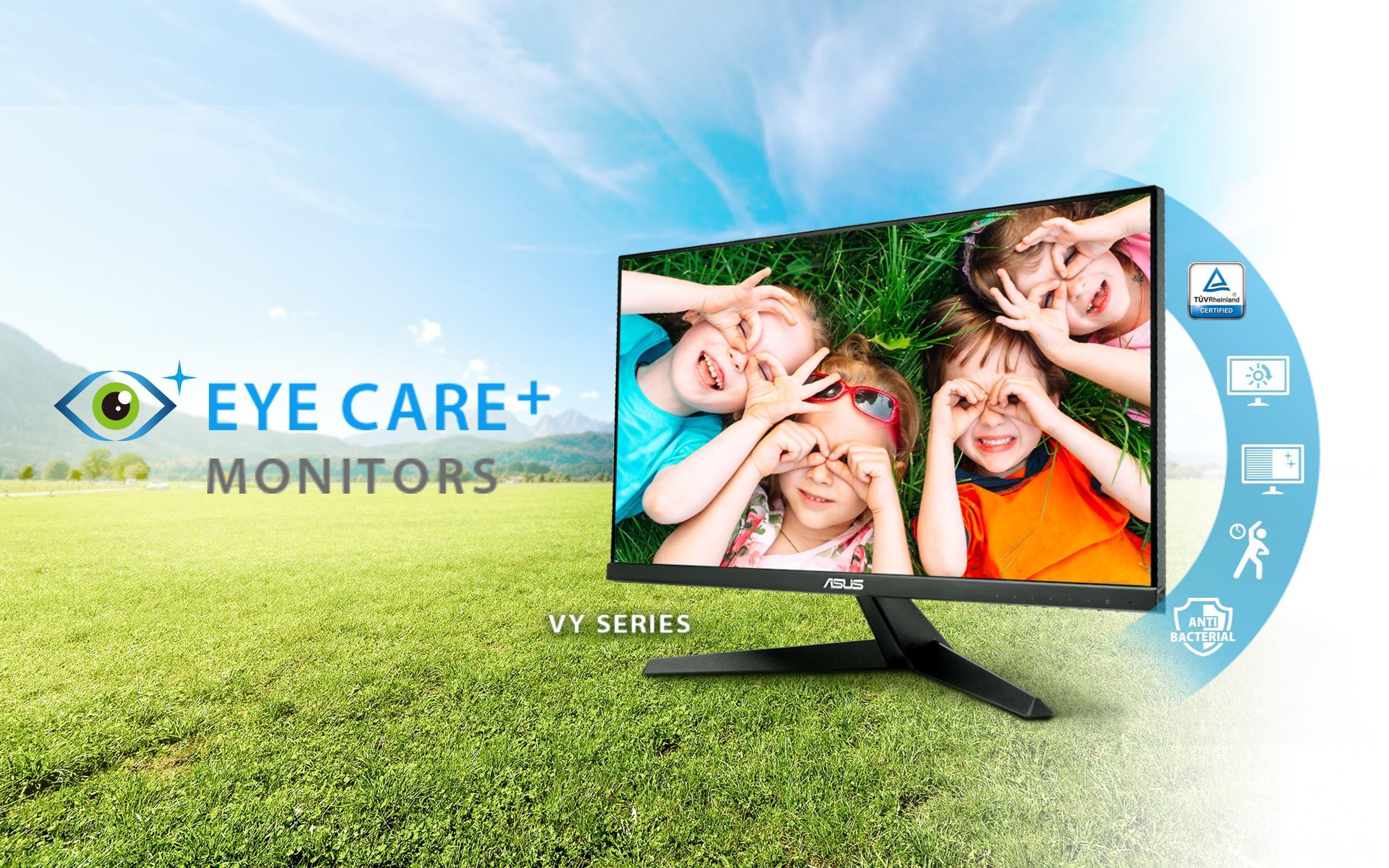
ASUS VY279HGR Eye Care Gaming Monitor – 27 inch FHD (1920 x 1080), IPS, 120Hz(OC), SmoothMotion, 1ms (MPRT), Adaptive Sync, Eye Care Plus technology, Blue Light Filter, Flicker Free, antibacterial treatment
NEW
ASUS VY249HGR Eye Care Gaming Monitor – 23.8 inch FHD (1920 x 1080), IPS, 120Hz(OC), SmoothMotion, 1ms (MPRT), Adaptive Sync, Eye Care Plus technology, Blue Light Filter, Flicker Free, antibacterial treatment
NEW
ROG Strix XG259QNG-W gaming monitor ― 25-inch (24.5-inch viewable) FHD (1920 x 1080), 380 Hz (OC), Fast IPS, 1 ms GTG (0.3 ms minimum), HDR, DisplayWidget Center
NEW
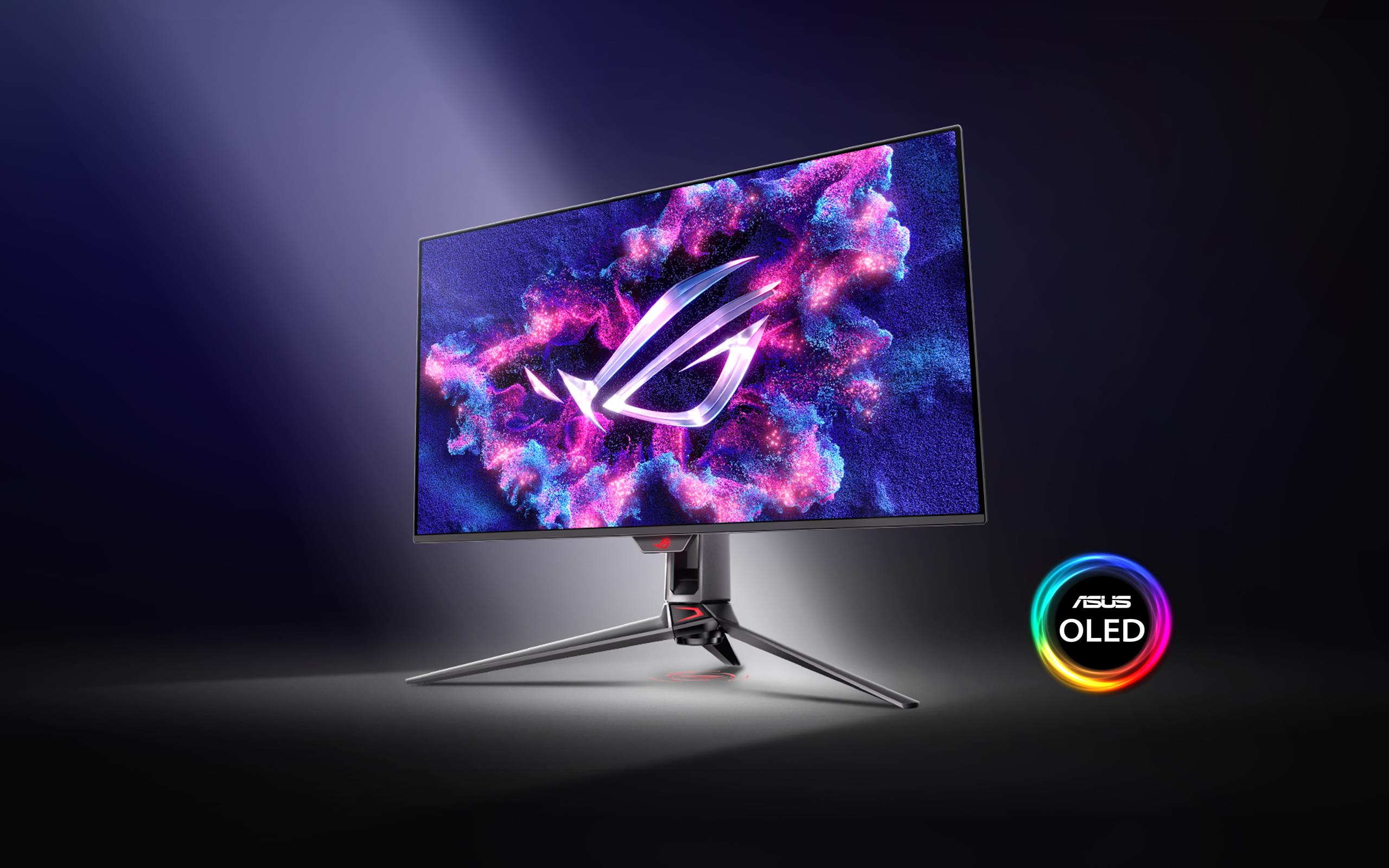
ROG Strix OLED XG27ACDNG gaming monitor ― 27-inch (26.5-inch viewable) 1440p QD-OLED panel, 360 Hz, 0.03 ms, custom heatsink, OLED Anti-flicker, ASUS OLED Care+, uniform brightness, G-SYNC® compatible, 99% DCI-P3, and DisplayWidget Center
NEW
ASUS VA27UCPS Business Monitor – 27-inch, 4K UHD (3840 x 2160), IPS, 99% sRGB, HDR-10, USB-C PD65W, Stereo Speakers, Flicker Free, Blue Light Filter, Ergonomic Design, Wall Mountable, Green Sustainability
NEW
ASUS VT169HE Touch Monitor - 16 inch (15.6 inch viewable) FHD (1920x1080), 10-point Touch, IPS, Wide Viewing Angle, Frameless, Flicker free, Low Blue Light, HDMI, Windows 11 compliance
NEW
ROG Swift OLED PG27AQDP gaming monitor ― 27-inch (26.5-inch viewable) WOLED panel, 480 Hz (above 360Hz), 0.03 ms (GTG), G-SYNC® compatible, custom heatsink, ASUS OLED Care+, AI Assistant, VESA DisplayHDR™ 400 True Black, uniform brightness, 99% DCI-P3, true 10-bit color, and DisplayWidget Center
NEW
TUF Gaming VG249Q3R Gaming Monitor – 23.8-inch, Full HD(1920x1080), 180Hz, Fast IPS, Extreme Low Motion Blur™, 1ms (GTG), FreeSync™, Variable Overdrive, 100% sRGB
NEW
ASUS ZenScreen Smart MS27UC – 27-inch UHD (3840 x 2160) IPS panel with 99% sRGB, Google TV, Harman Kardon speakers, USB Type-C® (90 W PD), HDMI™, DisplayPort™, USB hub, wireless display capabilities, multi-control, multi-platform live streaming
NEW
TUF Gaming VG249Q3A-W Gaming Monitor – 24-inch(23.8 inch viewable), Full HD(1920x1080), 180Hz, Fast IPS, ELMB, 1ms (GTG), FreeSync Premium™, Variable Overdrive, 99% sRGB
NEW
TUF Gaming VG279Q3A-W Gaming Monitor – 27-inch, Full HD(1920x1080), 180Hz, Fast IPS, ELMB Sync, 1ms (GTG), FreeSync Premium™, G-Sync compatible(under processing), Variable Overdrive, 99% sRGB
NEW
TUF Gaming VG279Q3R Gaming Monitor – 27-inch, Full HD(1920x1080), 180Hz, Fast IPS, Extreme Low Motion Blur™, 1ms (GTG), FreeSync™, Variable Overdrive, 100% sRGB
NEW
ROG Strix XG27UCG-W Dual mode Gaming Monitor – 27-inch 3840x2160, dual mode (4K 160Hz or FHD 320Hz), 1ms (GTG), Fast IPS, Extreme Low Motion Blur Sync, USB Type-C, G-Sync compatible (processing), DisplayWidget Center, tripod socket, HDR, Aura Sync
NEW
ASUS VA24DQFS Business Monitor – 24-inch (23.8-inch viewable), IPS, Full HD, Frameless, 100Hz, Adaptive-Sync, 1ms MPRT, HDMI, DisplayPort, VGA, Low Blue Light, Flicker Free, Ergonomic Design, Wall Mountable
NEW
ASUS VA27DQFS Business Monitor – 27-inch, IPS, Full HD, Frameless, 100Hz, Adaptive-Sync, 1ms MPRT, HDMI, DisplayPort, VGA, Low Blue Light, Flicker Free, Ergonomic Design, Wall Mountable
NEW
ROG Strix XG259CS USB Type-C Gaming Monitor – 24.5 inch 1920x1080, 180Hz (Above 144Hz), 1ms (GTG), Fast IPS, ELMB Sync, USB Type-C, tripod socket, DisplayWidget Center, tripod socket, HDR
NEW
ROG Strix XG27UCG Dual mode Gaming Monitor – 27-inch 3840x2160, dual mode (4K 160Hz or FHD 320Hz), 1ms (GTG), Fast IPS, Extreme Low Motion Blur Sync, USB Type-C, G-Sync compatible (processing), DisplayWidget Center, tripod socket, HDR, Aura Sync
Spotlight