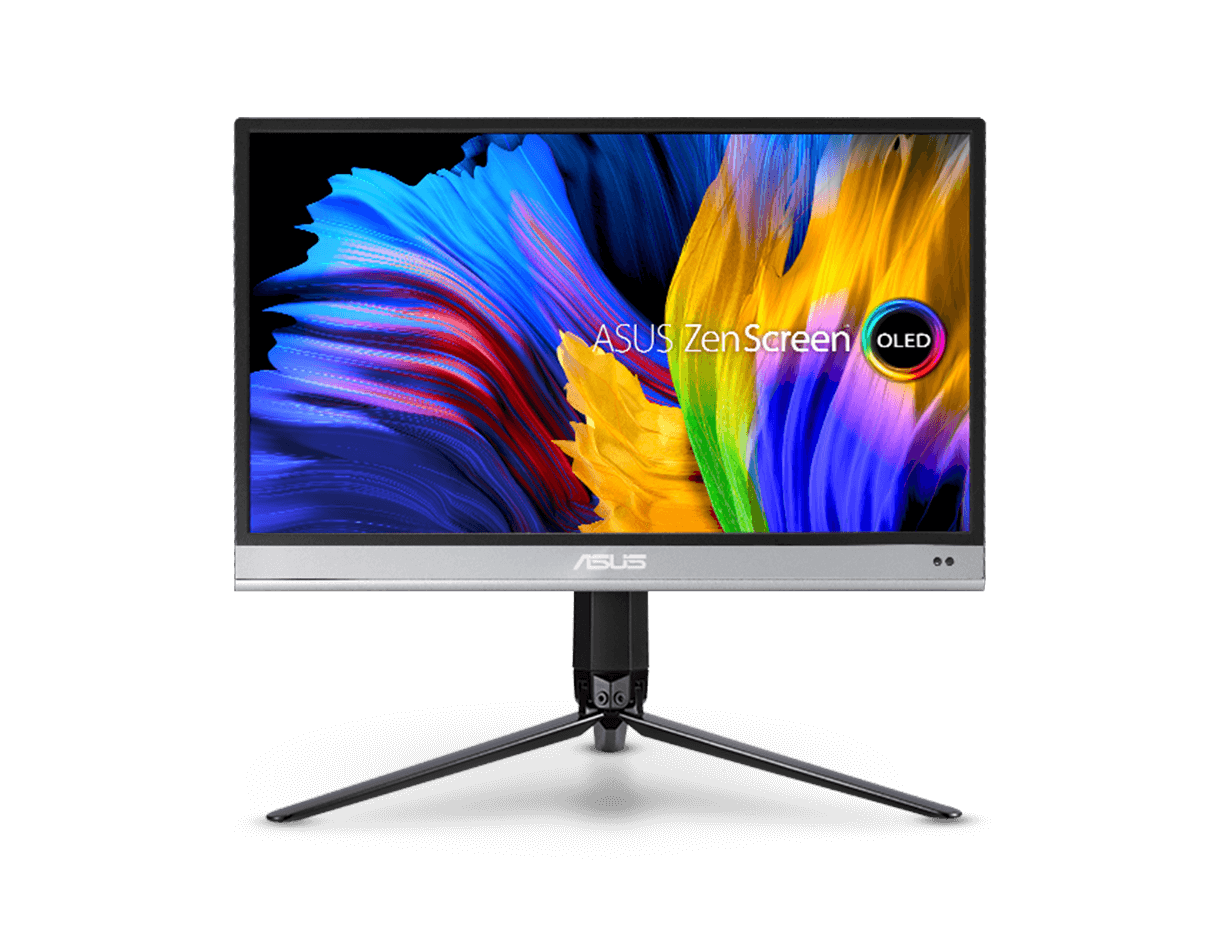
ASUS ZenScreen OLED MQ16AH
ASUS ZenScreen OLED MQ16AH portable monitor – 16 inch (15.6 inch viewable) FHD (1920 x 1080), OLED, 100% DCI-P3, 1 ms Response Time, Delta E < 2, HDR-10, USB Type-C, Mini HDMI , Proximity Sensor, Smart Case, Flicker Free, Low Blue Light
  • 15.6-inch FHD (1920 x 1080) OLED portable monitor with 100% DCI-P3 color gamut and Delta E < 2 color difference
  • Features extreme blacks, high perceptual brightness and superfast 1 ms response time for astonishing HDR performance
  • ASUS Smart Case and integral tripod socket allow flexible viewing positions
  • Mini HDMI® port and three USB Type-C® ports are side mounted for easier cable management and flexible device setup
  • Built-in proximity sensor dims the display when not in use, saving your device power
Adobe 1 month bundle
Adobe 3 month bundle
ASUS ZenScreen OLED MQ16AH
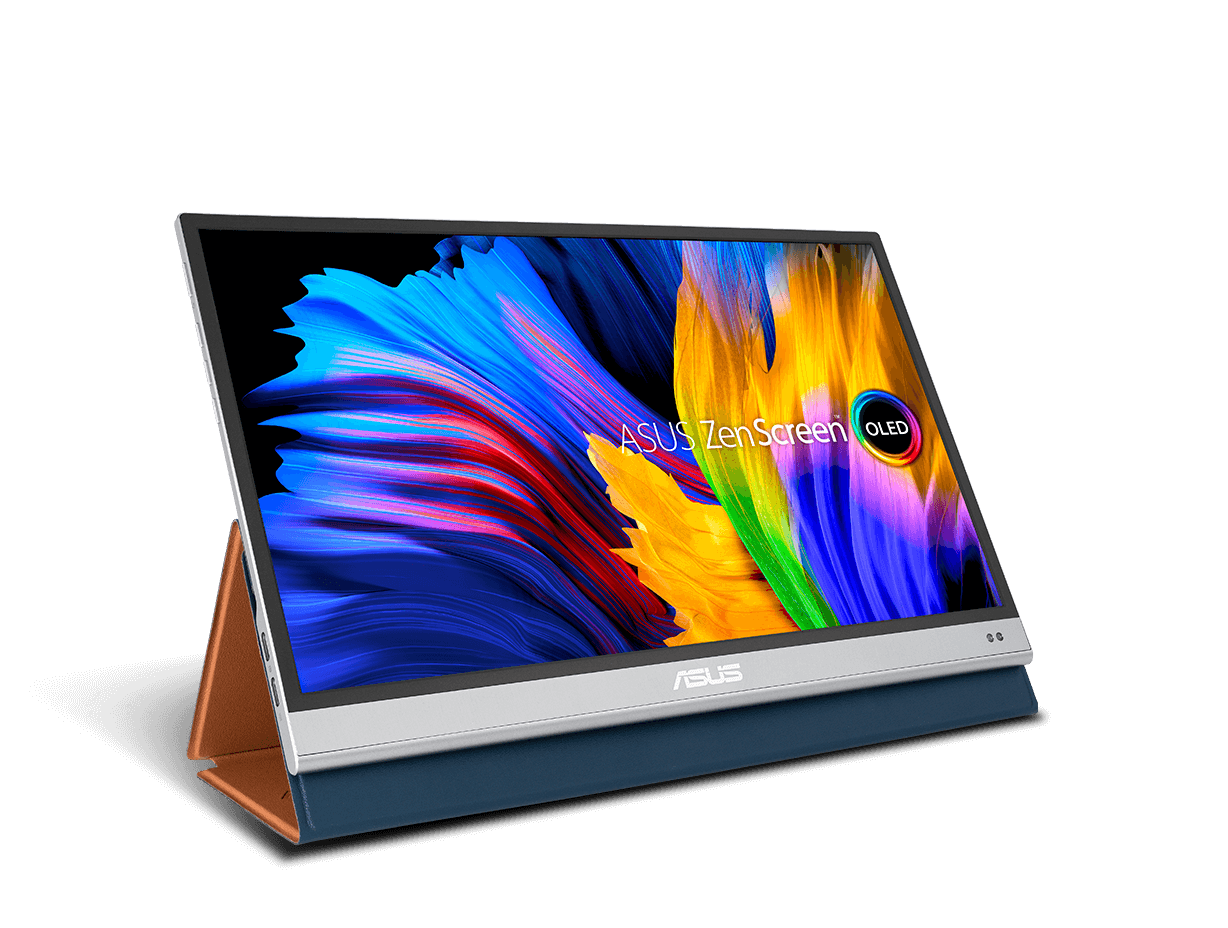
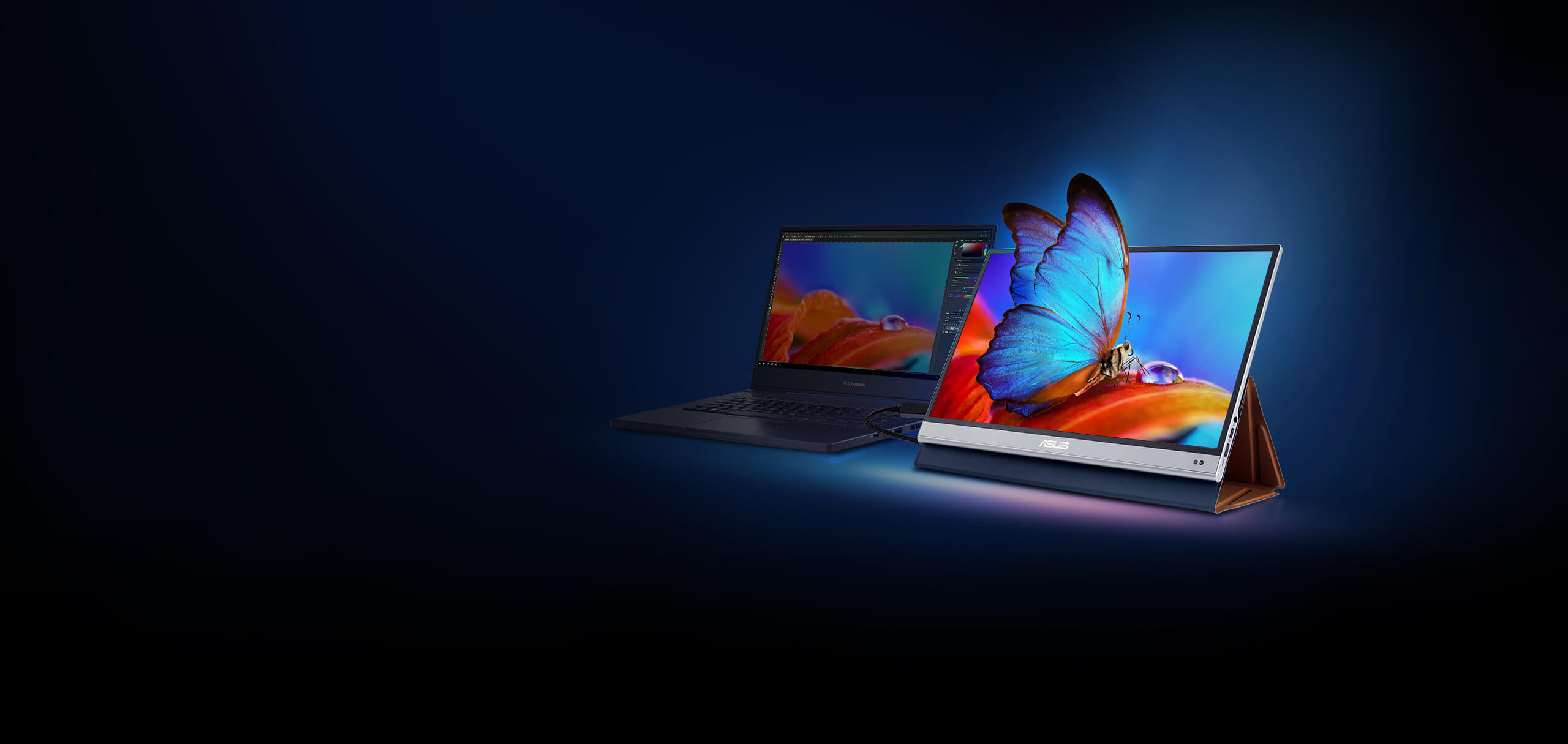
The ZenScreen OLED MQ16AH portable monitor delivers exceptional colors and the deepest black hues. Its compact, superslim profile makes it ideal for daily or business use.

ASUS ZenScreen OLED MQ16AH
Portable Monitor

Colors that pop.
Crafted to carry.

  • OLED icon: OLED panel
  • 100% DCI-P3: the monitor features 100% DCI-P3 color gamut
  • 20% Lighter*

    20% Lighter*

  • USB Type-C

*Compared to previous ZenScreen models

ASUS ZenScreen™ OLED MQ16AH is a 15.6-inch portable OLED monitor that delivers exceptional color performance, with a wide 100% DCI-P3 gamut and a 100,000:1 contrast ratio to ensure darker blacks and brighter whites. With a 1-millisecond response time, ZenScreen OLED MQ16AH displays blur-free animated and fast-action content. An ultralight, super-slim design and rich connectivity make this groundbreaking OLED portable monitor your perfect on-the-go companion.

The ideal portable solution

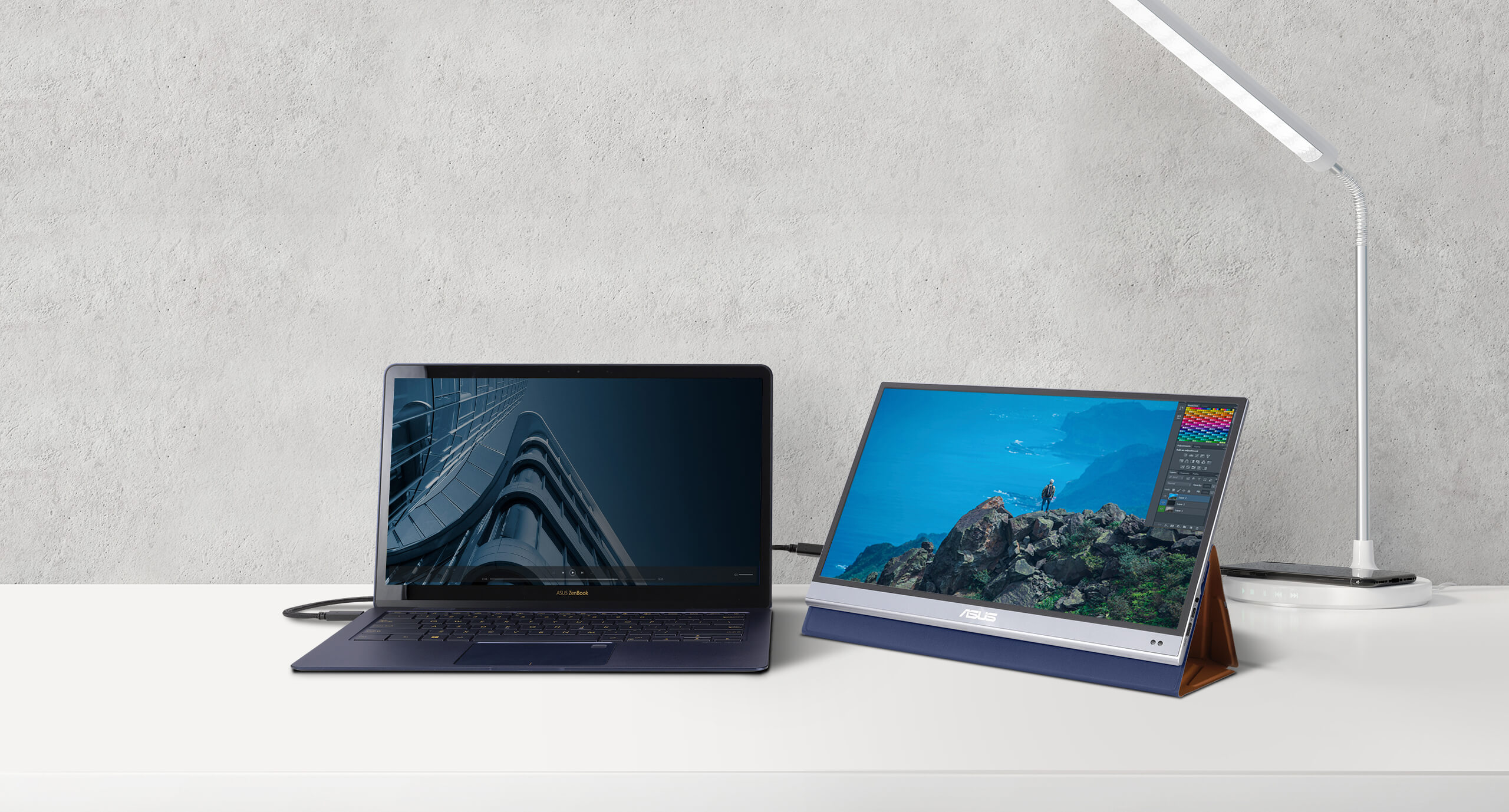
With its super-slim design, ultralight chassis, superb connectivity, and exceptional OLED visuals, ZenScreen OLED MQ16AH is the perfect companion for any mobile device. You can work more efficiently on the go with an extended display, or simply kick back and enjoy your favorite movies and videos wherever you are.

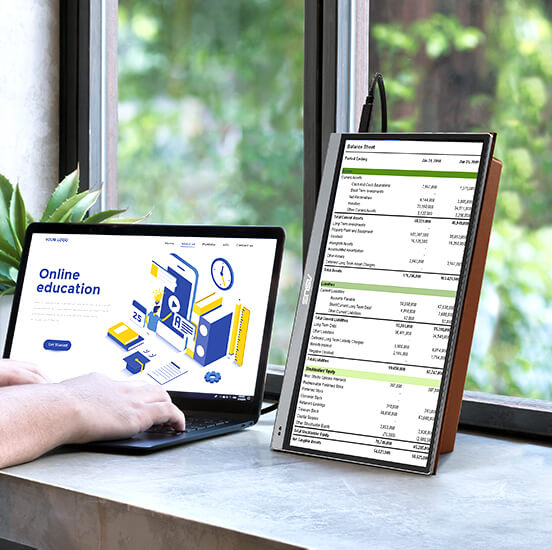
  • ZenScreen OLED MQ16AH is perfect for work.

    WORK

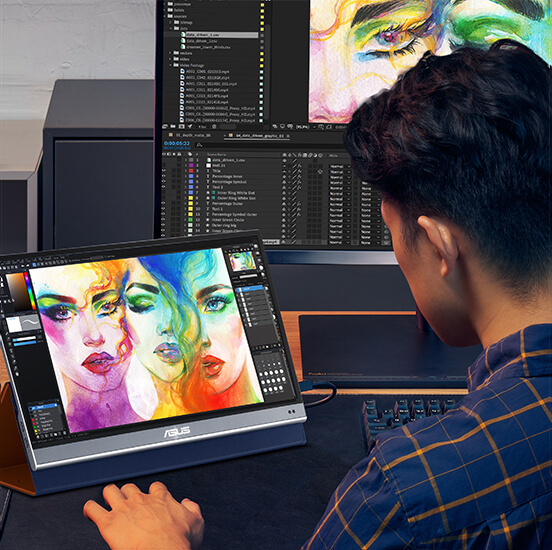
  • ZenScreen OLED MQ16AH is perfect for content creation.

    CREATE

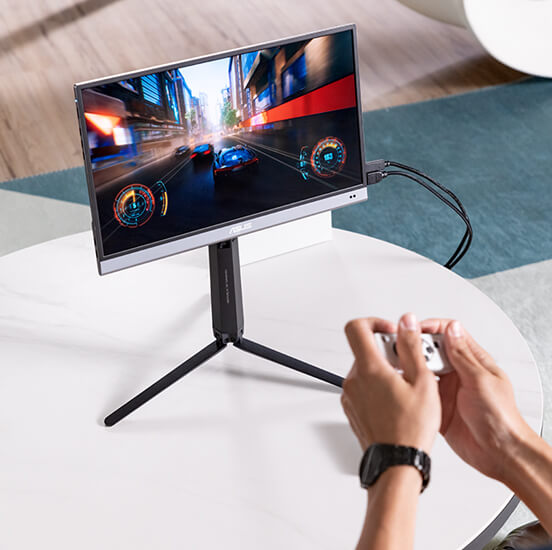
  • ZenScreen OLED MQ16AH is perfect for everyday entertainment.

    ENTERTAIN

    *Tripod is not included with ZenScreen OLED MQ16AH

OLED

Astonishing
true-to-life color

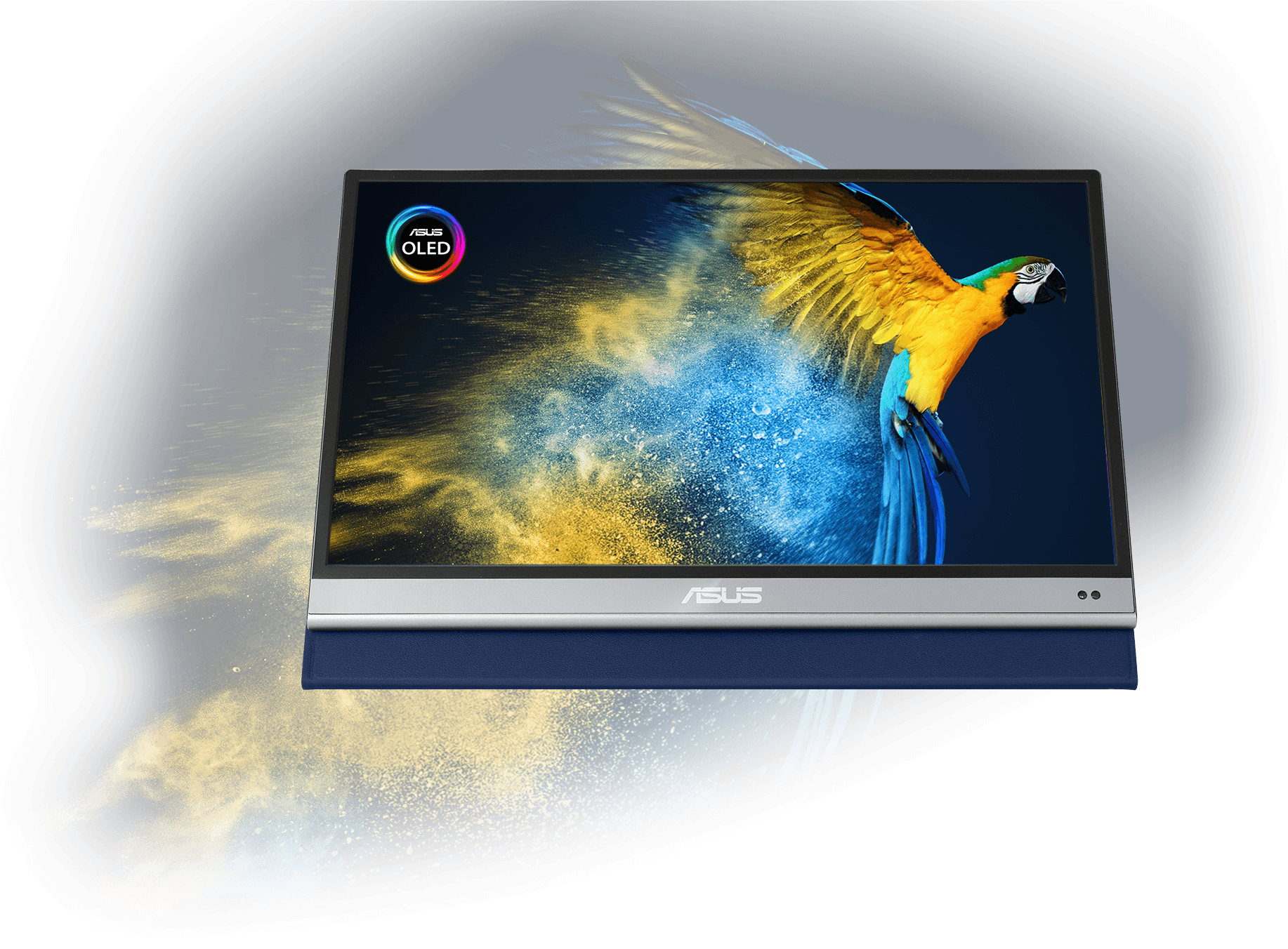
ZenScreen OLED MQ16AH provides amazing viewing experiences, with its brilliant OLED panel and HDR technology that can display over 1 billion colors. Its cinema-grade 100% DCI-P3 color gamut and Delta E < 2 color accuracy make it a superbly versatile all-rounder for anyone ― including professional creators.

  • OLED HDR

    vivid colors

  • Delta-E < 2

    color accuracy

  • 100%

    DCI-P3 color gamut

ZenScreen OLED MQ16AH with a visual of a parrot to showcase the display’s true-to-life color performance

OLED

Extreme blacks and
high perceptual brightness

The OLED technology in ZenScreen OLED MQ16AH produces the deepest blacks and ensures vivid colors at any brightness level. It also delivers extremely crisp and clear details, even in the darkest scenes.


  • 100,000 : 1

    contrast ratio

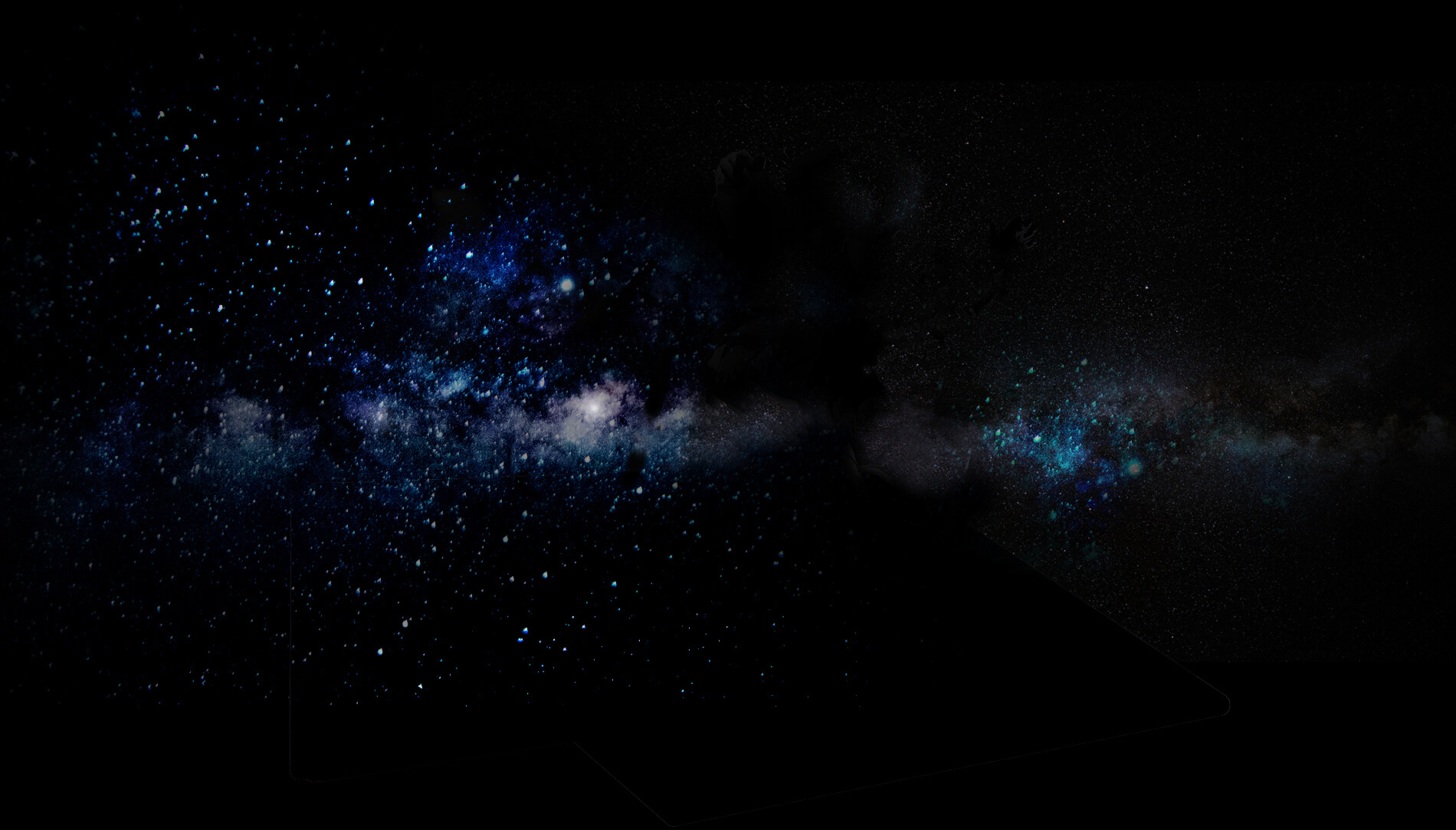
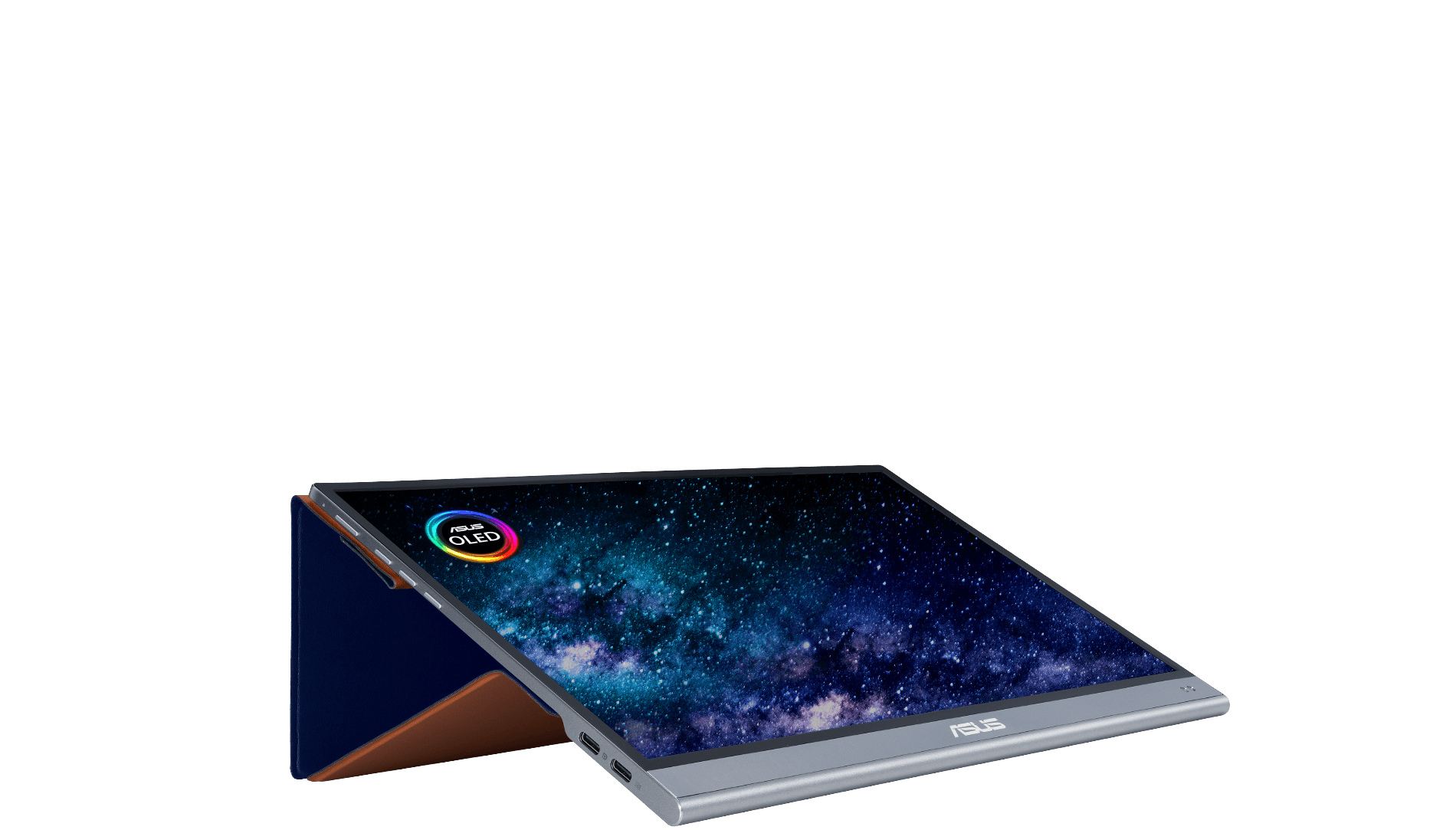
Outer space and constellations Astronaut Image of an astronaut in outer space. ZenScreen OLED MQ16AH produces the deepest blacks and offers high perceptual brightness.

OLED

Fast response time for smooth visuals

With a rapid response time — as low as 1 ms — ZenScreen OLED MQ16AH displays smooth fast-paced action scenes and ensures low-latency gameplay. You’ll also enjoy subtle benefits such as blur-free text scrolling.

OLED logo
A smooth, tear-free video of a snowboarder to demonstrate the fast response time of ZenScreen OLED MQ16AH.

Without fast 1 ms response time

With fast 1 ms response time

Super-slim, lightweight and portable

ZenScreen OLED MQ16AH is ideal for life on the road. It weighs just 650 grams* and measures only 5 millimeters at its thinnest part, so it fits easily in any travel bag and is ready for productivity, anytime and anywhere.

*Without Smart Case
  • 5mm

    length mark
  • 650g

    weight mark
ZenScreen OLED MQ16AH is a superslim and lightweight portable monitor.
  • 5mm

    length mark
  • 650g

    weight mark

Flexible viewing positions

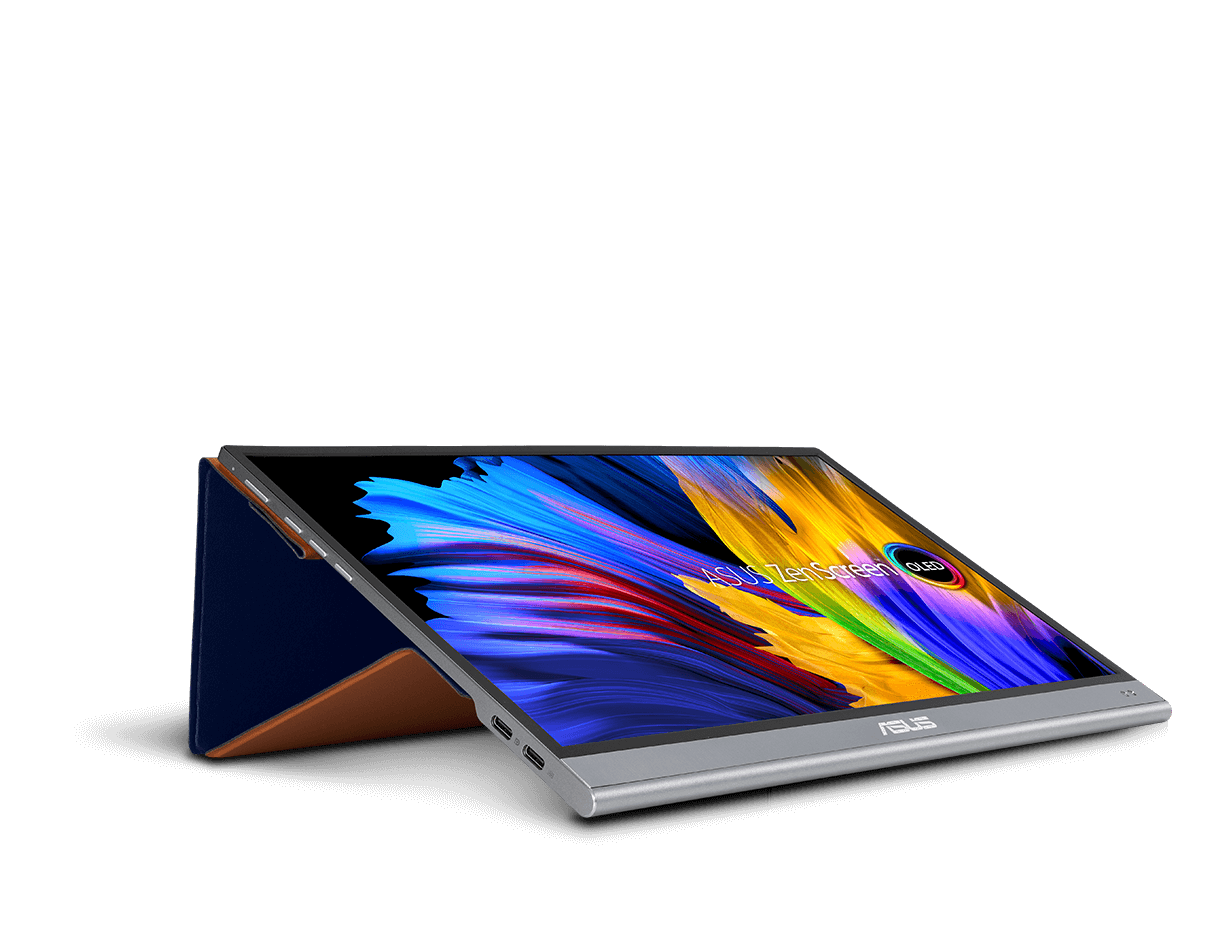
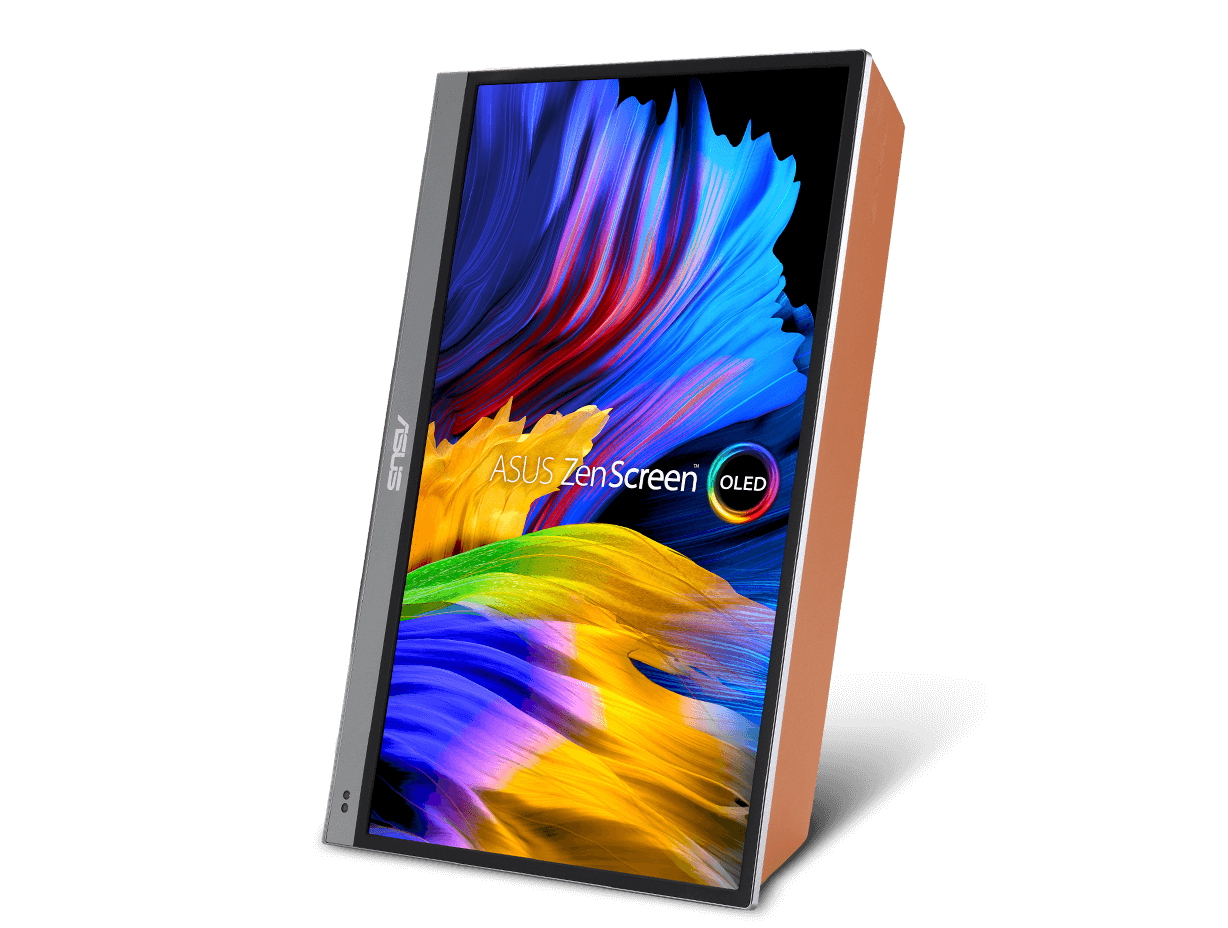
An innovative Smart Case protects ZenScreen OLED MQ16AH from dust and scratches, and the case can be folded into a stand to prop the monitor up in different positions. There's also a tripod socket built into the rear of the monitor.

  • the monitor is bundle with the Smart Case.

    Ergo Smart Case

  • the monitor includes an auto rotation feature.

    Auto Rotate

Don't throw away the box!

We've pulled out all the stops to create unique no-waste packaging for ZenScreen OLED MQ16AH. With just a few folds and tucks, you can turn the box into a super monitor hood* that reduces glare and distraction, and also improves perceived color accuracy. Even the protective foam inserts can be recycled for use as a handy stand for your monitor! Click here to see video
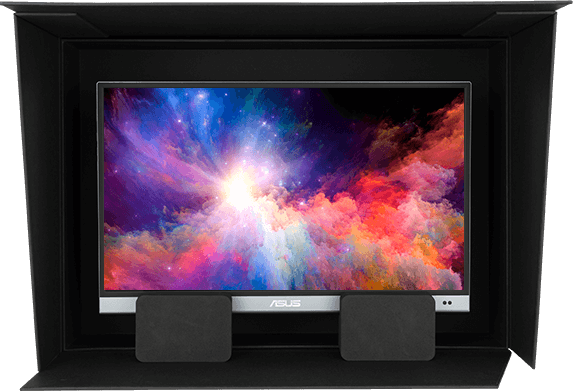
The protective foam inserts can be recycled for use as a handy stand for your monitor.
The packaging of the monitor can be folded into a monitor hood.
*Packaging is made of recycled paperboard. Do note that the condition of this material will naturally deteriorate over time and is not covered by the warranty. Please check the packaging regularly and when it is no longer suitable to be used as a hood, dispose of it responsibly.
The proximity sensor switches the monitor to power-saving mode when not in use.

Proximity sensor

An embedded proximity sensor provides added convenience, saving energy and preventing image burn-in when ZenScreen OLED MQ16AH is not in use. The sensor switches the monitor to a power-saving mode when it detects you've moved away, and then resumes normal operation when you return.

  • Proximity sensor

    Proximity sensor

Smart connectivity

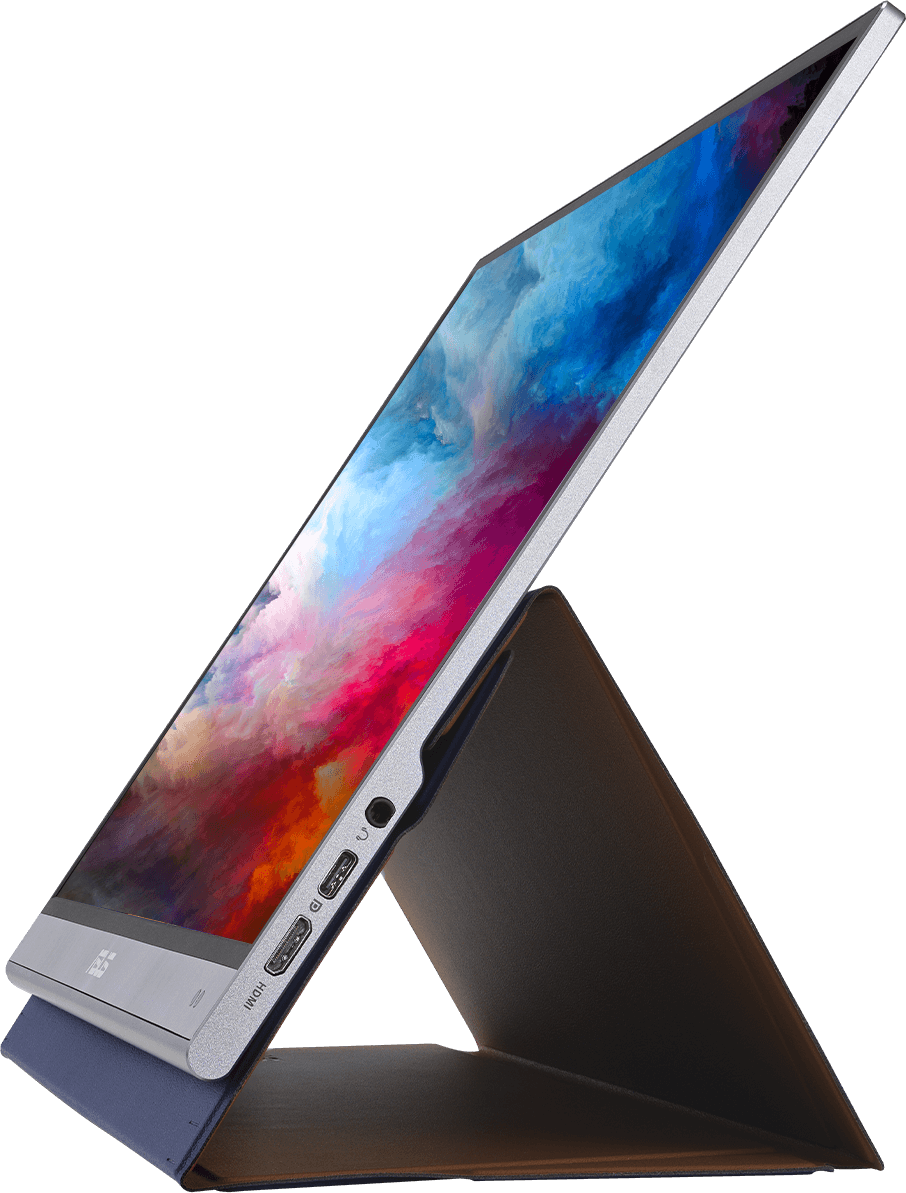
ZenScreen OLED MQ16AH includes a mini HDMI® port and three USB-C® ports — two of which support DisplayPort™ Alt Mode and used for power input, with the remaining USB-C port solely reserved for the power adaptor. The I/O ports are side mounted, making cable management easy and offering greater setup flexibility.


How to identify your laptop USB-C port support DP out function?
The monitor includes a mini HDMI® port and three USB-C® ports.
  • USB Type-C®
    (with DisplayPort Alt Mode and power input)

    USB Type-C®
  • USB Type-C®
    (for power input only)

    USB Type-C®
  • USB Type-C®
    (with DisplayPort Alt Mode and power input)

    USB Type-C®
  • Mini HDMI

    Mini HDMI

Protect your eyes with ASUS Eye Care technology

  • Flicker Free Technology

Low Blue Light

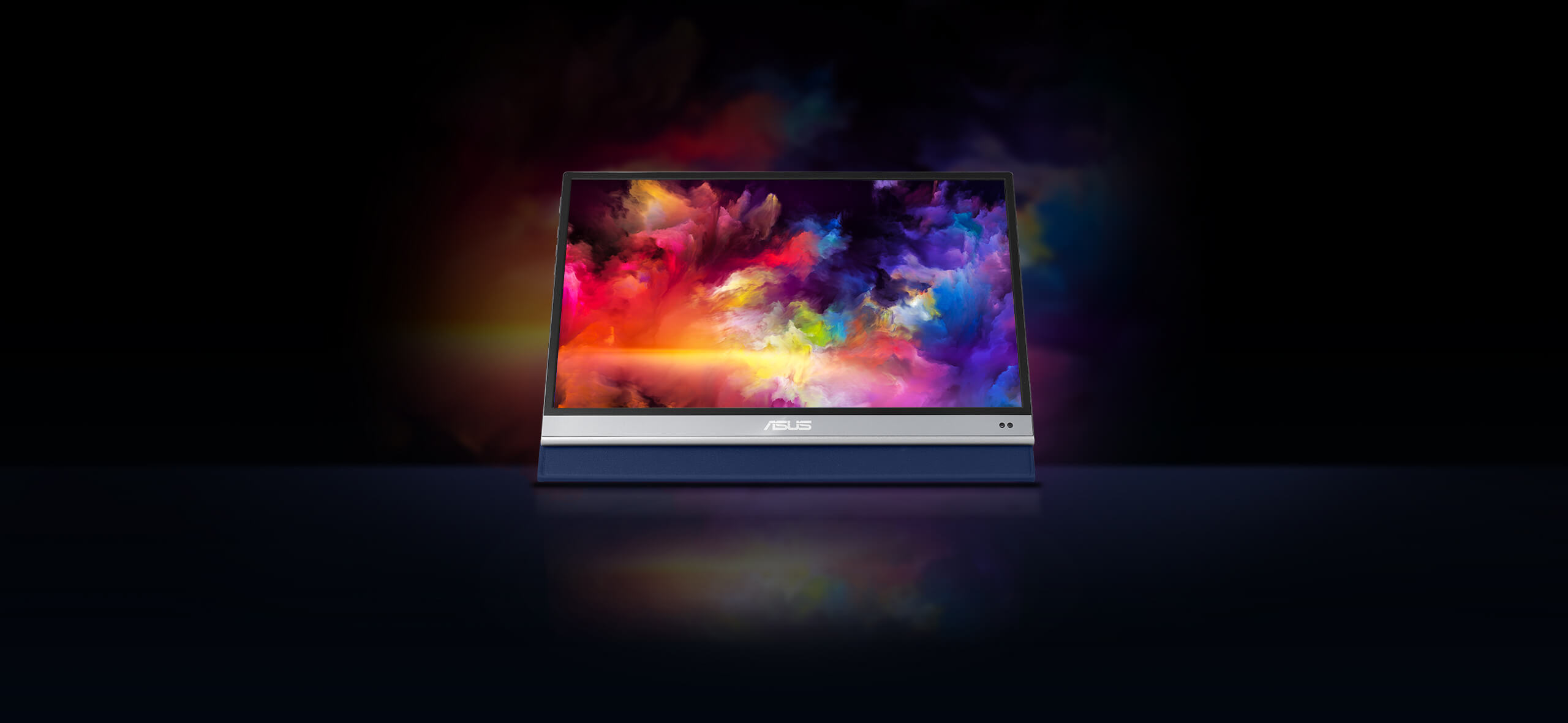
The new hardware-based ASUS Low Blue Light technology reduces potentially harmful high-energy blue-light emissions while offering color performance that’s better than monitors with software-only filtering solutions.

The monitor uses hardware-based Low Blue Light technology to reduce harmful blue light emissions and offer better color performance.

Low Blue Light

Monitors with conventional low blue light filters will add a yellowish tinge to the visuals.

Conventional blue light filter

FAQ

  • Yes, all ASUS's portable monitors can support portrait mode. Here are two ways to enable this function:


    • Use ASUS Software DisplayWidget Center
      • Download the latest software from ASUS site https://www.asus.com/fi/content/monitor-software-osd-displaywidgetcenter/
      • Run the app on PC. Then The screen content will automatically adjust when the monitor is physically rotated between landscape and portrait modes.
      • If the auto-rotation is disabled, manually adjust rotation degree angle under in Splendid -> Image -> Rotation in DisplayWidget Center.
    • Use OSD
      • Manually adjust the OSD settings on your PC to switch enable portrait mode.

    For Windows: Go to Display Settings -> Orientation -> Portrait

    For MacOS: System Settings -> Displays-> Rotation

  • Not necessarily.

    • For those device supports DisplayPort Alt Mode, when connected via USB-C to a laptop, it can draw power directly from the device.
    • For HDMI connections, you'll need to supply power via the other USB-C port using a USB-C power adapter

    ✅ Tip: Using external power adaptor can improve brightness and stability.

    ✅ Tip: Use the bundled USB-C cable. It can transfer power and signal at the same time.

  • Absolutely!

    USB-C laptops : Use a USB-C to USB-C cable. If your laptop does not support USB-C DP Alt mode (support power and video transmission), please use HDMI connection and USB-C adaptor as power outlet.
    HDMI laptops : Use a mini-HDMI to HDMI cable and connect power via HDMI port and external power supply through USB-C port.

    ✅ Tip: Most modern laptops are compatible. No drivers are needed for Windows/macOS/Linux.

    ✅ Tip: If your laptop's USB-C port can't support DP Alt Mode, use HDMI port for signal and USB-C adapter to supply power.

    ✅ Compatible USB-C Ports
    Not all USB-C ports support power and video transmission—some only handle data or charging.
    See the image below for which USB-C ports work with ASUS ZenScreen portable monitor.

    Supports Thunderbolt & DisplayPort Alt Mode: Ports labeled with the Thunderbolt (⚡) or DisplayPort (DP) symbol support video over USB-C. / Unmarked USB-C:Capability varies—check your device's manual/spec sheet to confirm DP Alt Mode support. / Not supported:Ports labeled only USB / SS / SS 5/10/20 are data-only and do not support video (no DP Alt Mode).
  • Yes, you can connect via HDMI port with XBOX and PlayStation series or Nintendo switch with its included dock.

The proximity sensor switches the monitor to power-saving mode when not in use.
Suosittele sinulle


ASUS ZenScreen MB16AH Portable USB Monitor- 16 inch (15.6 inch viewable), IPS, Full HD, USB Type-C, Micro-HDMI, Flicker Free, Blue Light Filter, Anti-glare surface
Katso vähemmän


ASUS ZenScreen MB16ACV Portable USB Monitor- 16 inch (15.6 inch viewable) Full HD, IPS, Hybrid Signal Solution, USB Type-C, Blue Light Filter, Anti-glare surface, Antibacterial treatment
Katso vähemmän


ASUS ZenScreen Touch MB16AMT USB portable monitor — 16 inch (15.6 inch viewable), IPS, Full HD, 10-point Touch, Built-in Battery, Hybrid Signal Solution, USB Type-C, Micro-HDMI, Compatible with Laptops, Smartphones, Gaming Consoles, and Cameras
Katso vähemmän


ASUS ZenScreen Stand MTS02D - Ergonomic stand, Tilt, Pivot, Height adjustments, 1/4” Tripod Socket compatible
Katso vähemmän


ASUS ZenScreen MB16AHVE Portable Monitor – 16-inch (15.6 inch viewable) FHD, IPS panel, Power Pass Through, Auto Rotate, tripod, USB Type-C®, mini-HDMI®, Flicker Free, Low Blue Light, FSC Mix-certified

Katso vähemmän


ASUS ZenScreen OLED MQ16FC Portable Monitor – 16-inch 16:10 WUXGA (1920 x 1200) OLED panel, Power Pass Through, Auto Rotate, tripod, USB Type-C®, mini-HDMI®, 95% DCI-P3, Flicker Free, Low Blue Light, FSC Mix-certified

Katso vähemmän


ASUS ZenScreen MB169CK Portable USB Monitor- 16 inch (15.6 inch viewable), Full HD, IPS, dual USB Type-C, Flicker Free, Blue Light Filter, Anti-glare surface, 360° kickstand
Katso vähemmän


ASUS ZenScreen OLED MQ16AHE portable monitor – 16 inch (15.6 inch viewable) FHD (1920 x 1080), OLED, 100% DCI-P3, 1 ms Response Time, HDR-10, USB Type-C, Mini HDMI , Proximity Sensor, 360° kickstand, Flicker Free, Low Blue Light
Katso vähemmän


ASUS ZenScreen MB166CR Portable USB Monitor- 16 inch (15.6 inch viewable), Full HD, IPS, USB Type-C, Flicker Free, Blue Light Filter, Anti-glare surface, 360° kickstand
Katso vähemmän


ASUS ZenScreen MB16AHV Portable Monitor- 16 inch (15.6 inch viewable) Full HD, IPS, HDMI, USB Type-C, Blue Light Filter, Anti-glare surface, Antibacterial treatment
Katso vähemmän


ASUS ZenScreen MB17AHG portable monitor – 17 inch (17.3 inch viewable) FHD (1920 x 1080) IPS panel, 144 Hz , SmoothMotion technology, L-shaped kickstand, tripod , USB Type-C®, HDMI®, Flicker Free, Low Blue Light, FSC
Katso vähemmän


ASUS ZenScreen MB16AHG portable monitor — 16 inch (15.6 inch viewable) FHD (1920 x 1080), IPS, 144Hz, USB-C, Mini-HDMI, Freesync Premium™, Ergo kickstand, Tripod socket, Flicker Free, Low Blue Light
Katso vähemmän
previous image
next image
Aiheeseen liittyvät tuotteet
previous image
next image
Tuotteessa on High-Definition Multimedia Interface.
  • Yhdysvaltain      Federal Communications Commissionin ja Kanadan Industry Canadan sertifioimia      tuotteita jaellaan Yhdysvalloissa ja Kanadassa. Lisätietoja paikallisesti      saatavista tuotteista saa ASUS USA- ja ASUS Canada -verkkosivustoilta.
  • Kaikkia teknisiä tietoja ja määrityksiä voidaan muuttaa ilman erillistä ilmoitusta. Tarkasta tarjouksen tiedot jälleenmyyjältäsi. Kaikki tuotteet eivät ehkä ole saatavilla kaikilla markkina-alueilla.
  • Tekniset tiedot ja ominaisuudet vaihtelevat malleittain, ja kaikki kuvat ovat suuntaa antavia. Katso täydelliset tiedot tekniset tiedot -sivuilta.
  • Emolevyjen ja lisäkorttien värit ja tietokoneiden mukana toimitettavien ohjelmien versiotiedot voivat muuttua ilman erillistä ilmoitusta.
  • Tekstissä mainitut tuotemerkit ja tuotenimet ovat omistajiensa tavaramerkkejä.
  • Termit HDMI ja HDMI High-Definition Multimedia Interface, HDMI-kauppamekko ja HDMI-logot ovat HDMI Licensing Administrator, Inc.:n tavaramerkkejä tai rekisteröityjä tavaramerkkejä Yhdysvalloissa ja muissa maissa.
  • Tuoteturvapäivitysten tukijaksot: 3 vuotta (31.12.2026 asti)
  • USB 3.0:n, 3.1:n, 3.2:n ja Type-C:n todellinen tiedonsiirtonopeus vaihtelee riippuen monista tekijöistä, mukaan lukien isäntälaitteen nopeus, tiedosto-ominaisuudet ja muut järjestelmän kokoonpanoon ja käyttöympäristöön liittyvät ominaisuudet.