TUF Gaming VG35VQ
TUF Gaming VG35VQ
- 35-inch WQHD (3440x1440) 1800R curved gaming monitor with fast 100Hz refresh rate designed for professional gamers and immersive gameplay
- ASUS Extreme Low Motion Blur (ELMB ™) technology enables a 1ms response time (MPRT) together with Adaptive-sync, eliminating ghosting and tearing for sharp gaming visuals with high frame rates.
- Adaptive-Sync technology to eliminate screen tearing and choppy frame rates
- Features an ergonomically designed stand to offer extensive swivel, tilt and height adjustments
- Compatible with industry-standard HDR10 high dynamic range for color and brightness levels that exceed the capabilities of ordinary monitors
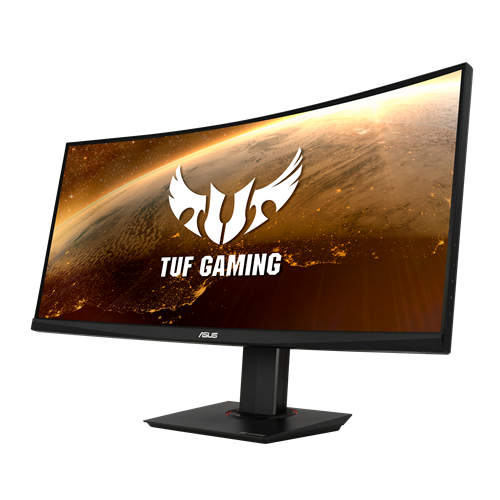
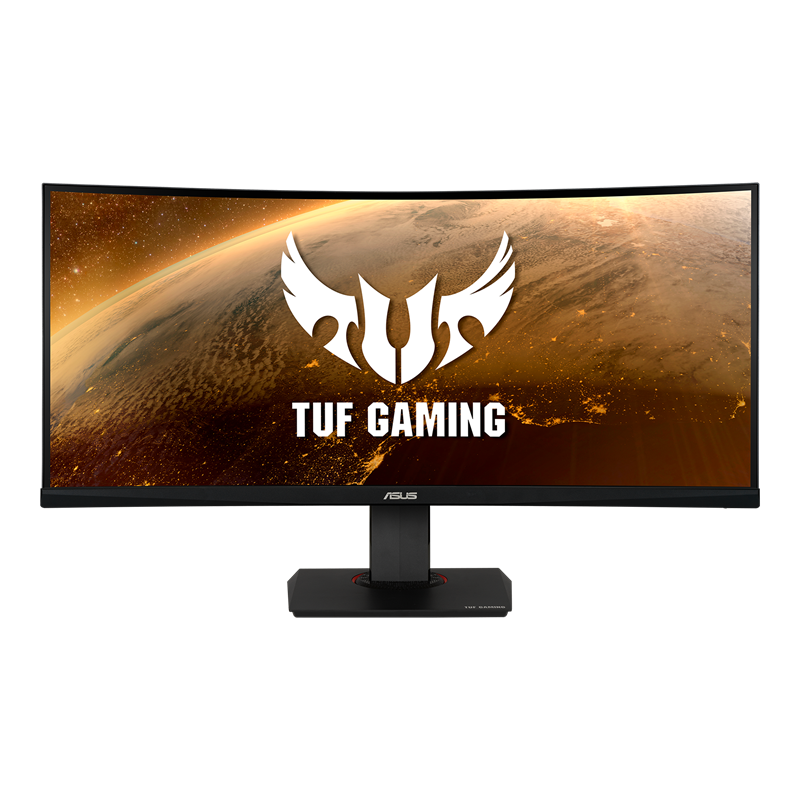


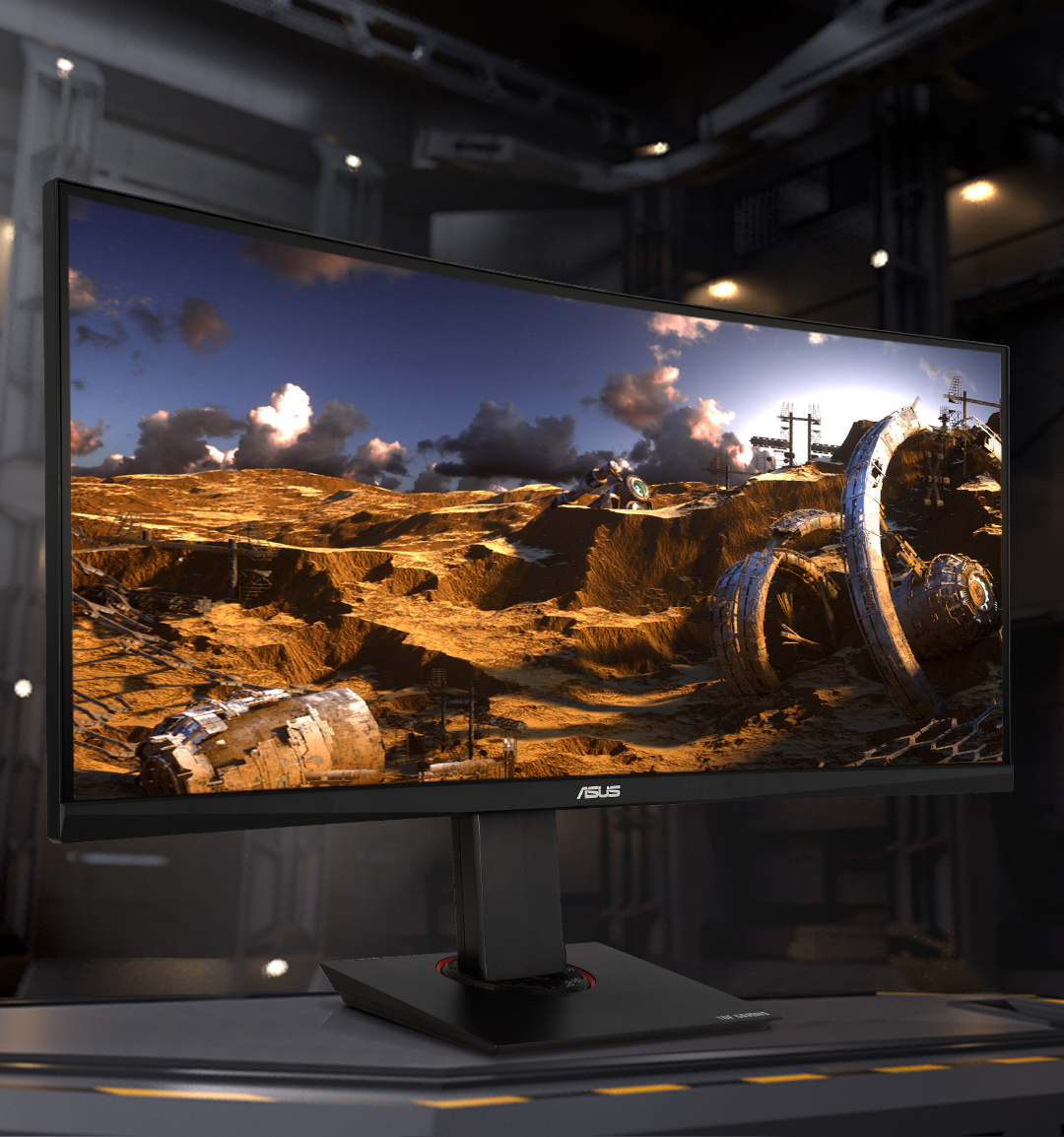
TUF gaming VG35VQ

TUF Gaming VG35VQ is a 35-inch, WQHD(3440x1440), 21:9 curved display with a fast 100Hz refresh rate designed for professional gamers and those seeking immersive gameplay. Those are some serious specs, but not even the most exciting thing the VG35VQ has in store.
Its impressive curved display features 1ms MPRT response time and Adaptive-Sync technology, for extremely fluid gameplay without tearing and stuttering.
35-inch immersive curvature
The 35-inch WQHD (3440 X 1440) panel of TUF Gaming VG35VQ delivers stunning visuals from all angles with an 1800R curvature that ensures every point is equidistant to your eyes. This contributes to greater viewing comfort — even during extended use —and lets you enjoy a wide viewing angle with less distortion and color shift when gaming and watching movies. It also features Picture-in-Picture (PiP) and Picture-by-Picture (PbP), enabling multiple content sources to enhance productivity.
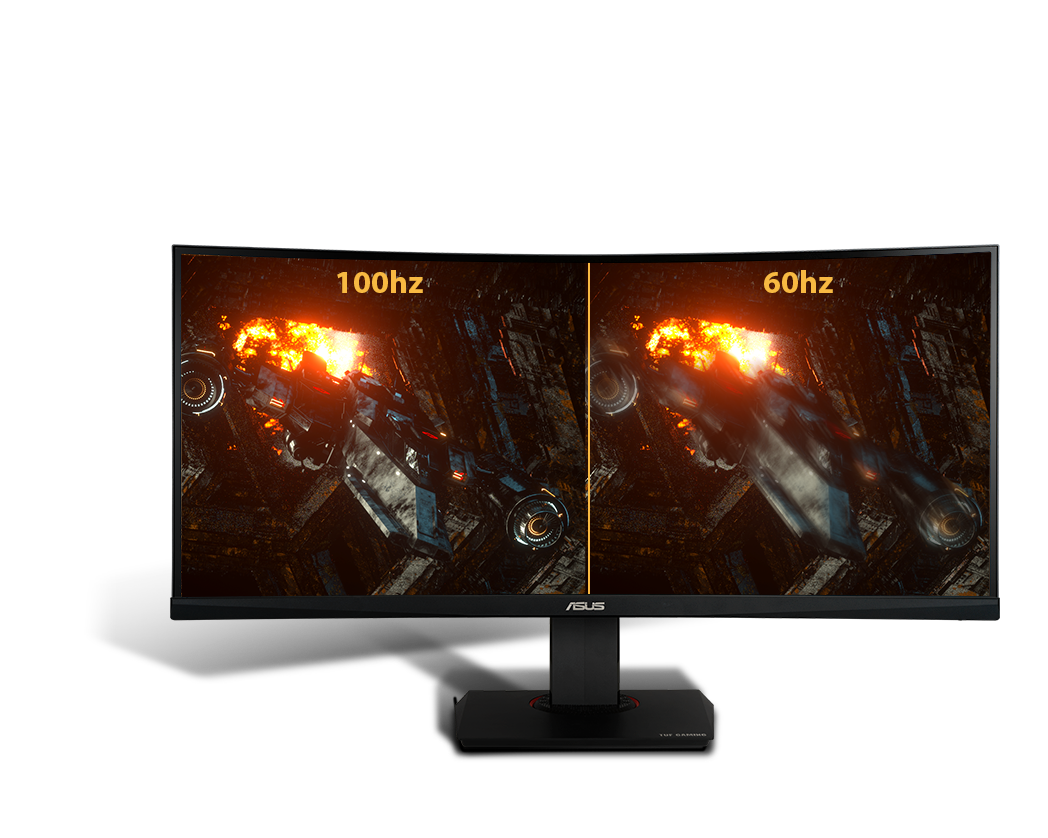
100Hz Refresh Rate
TUF Gaming VG35VQ has a fast 100Hz refresh rate, ensuring that even fast-paced games played at the highest visual settings look buttery smooth and completely lag-free. Get the upper hand in first-person-shooters, racing, real-time strategy and sports titles.
EXTREME LOW MOTION BLUR
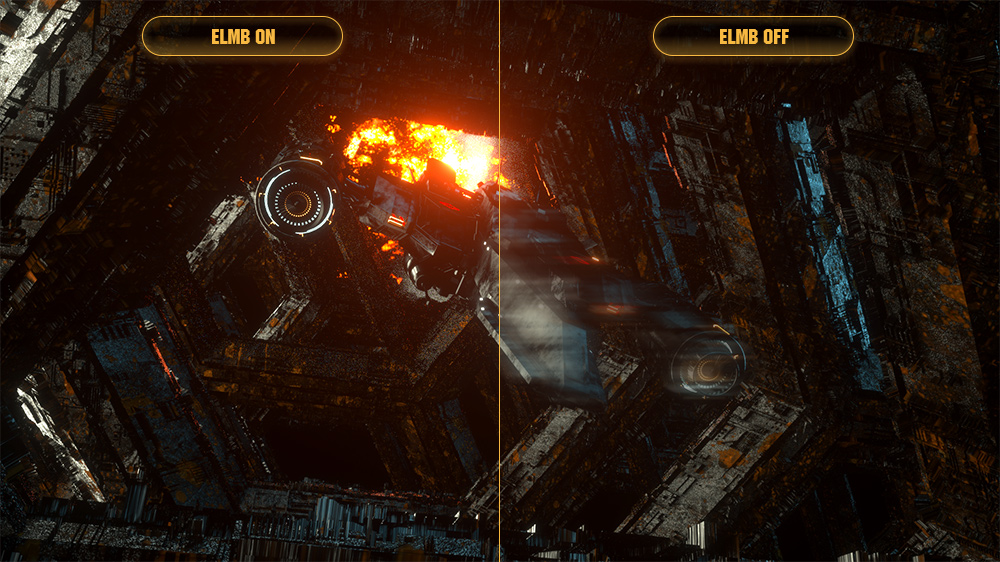
VG35VQ features the latest ASUS-exclusive Extreme Low Motion Blur technology, which achieves 1ms MPRT to eliminate smearing and motion blur, and makes objects in motion look sharper, so gameplay is more fluid and responsive.
In−game enhancements
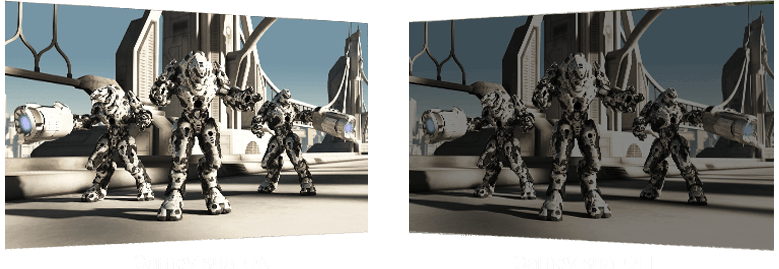
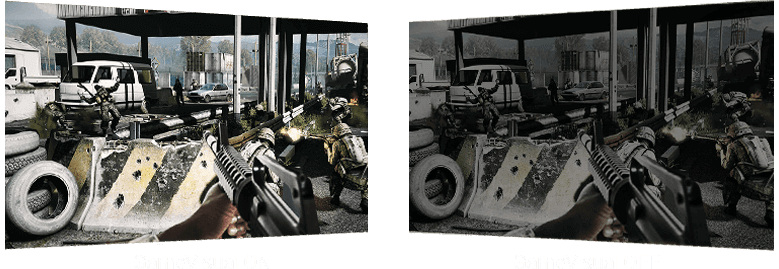
Shadow Boost
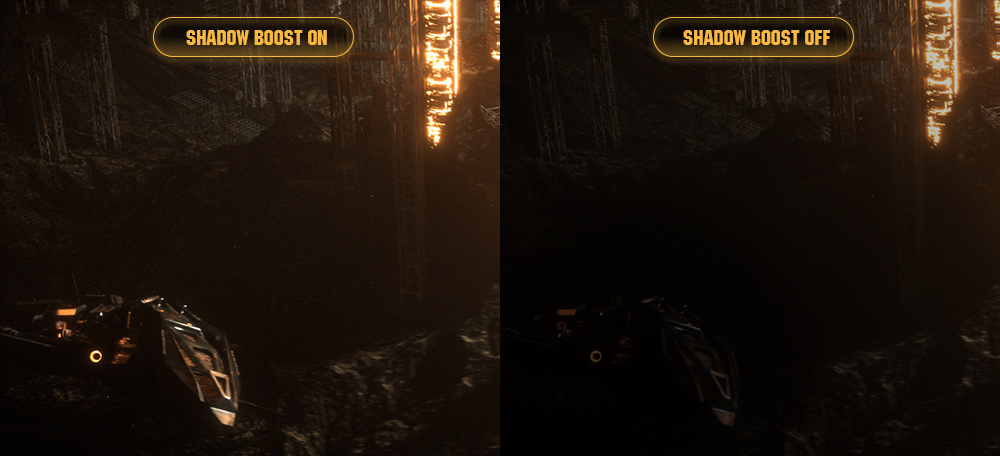
ASUS Shadow Boost technology clarifies dark areas of the game without overexposing brighter areas, improving overall viewing while also making it easier to spot enemies hidden in dark areas of the map.
GamePlus
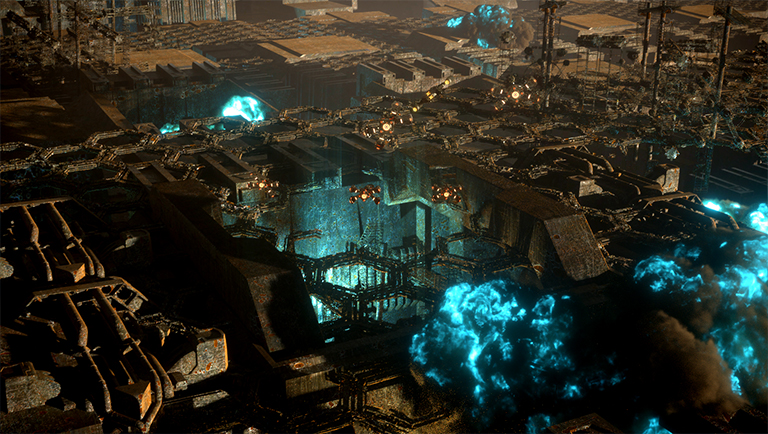
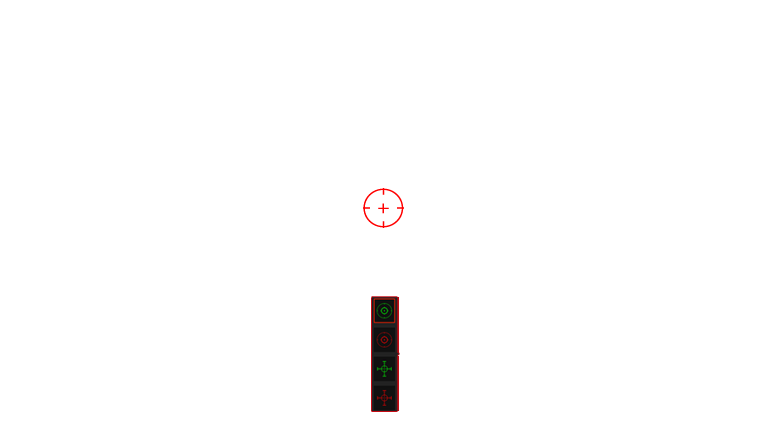
The ASUS-exclusive, integrated GamePlus hotkey offers in-game enhancements that help you get more out of your game. This function is co-developed with input from pro gamers, allowing them to practice and improve their gaming skills.






GameVisual
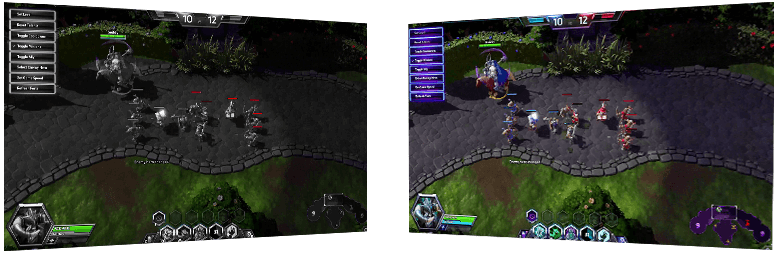
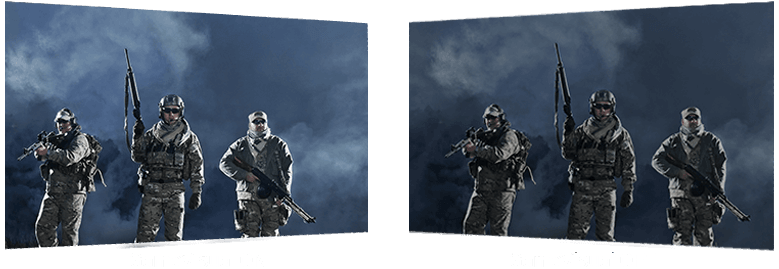
ASUS GameVisual Technology has seven pre-set display modes to optimize visuals for different types of content. This unique feature can be easily accessed through a hotkey or the on-screen display settings menu
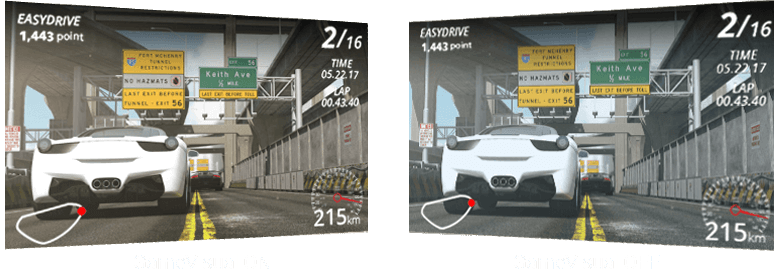


Reduces input lag for real time racing and fast gaming experience.
Enhances the color of your opponents' health/mana bars, so that you can simultaneously respond and be the first to destroy the opposing team's main.
Enhances contrast and color saturation for lively, vivid visuals — ideal for viewing movies.
Enhances color saturation and contrast sharpness to give you better, brighter colors and detailed visuals for real-time strategy (RTS) or RPG games.
High contrast settings enhance the visibility even in dark scenes to clearly see your enemies.
Ideal settings for viewing photos and graphics online.
Provides a greater brightness range and introduces more contrast gradations. It tweaks color saturation for greens and blues, making it ideal for viewing photos and videos that depict scenery.
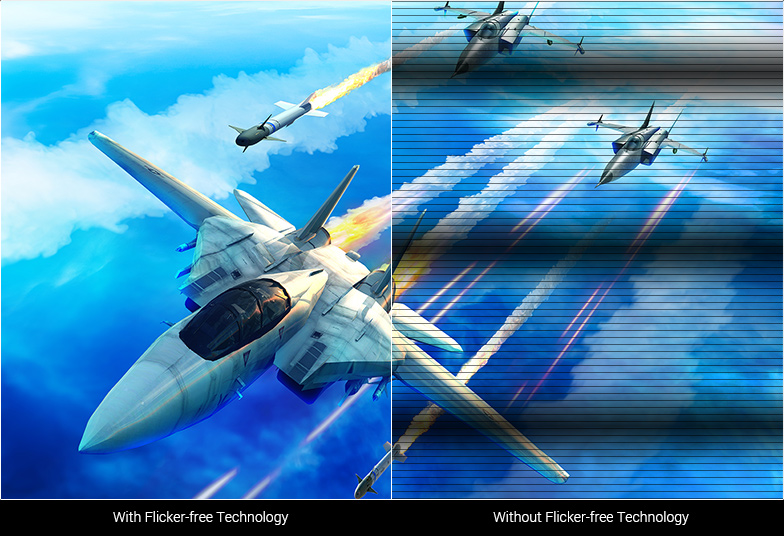
Flicker-Free technology
Flicker-Free technology reduces flicker to minimize eyestrain for improved comfort when you're embroiled in long gaming sessions.

Ultra-Low Blue Light technology
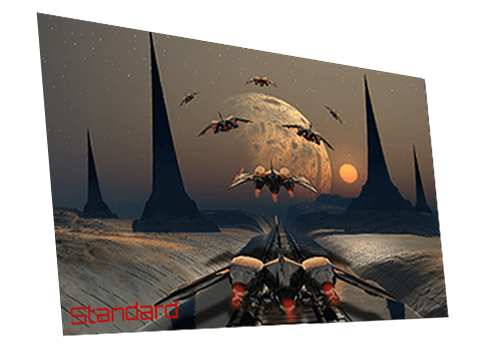
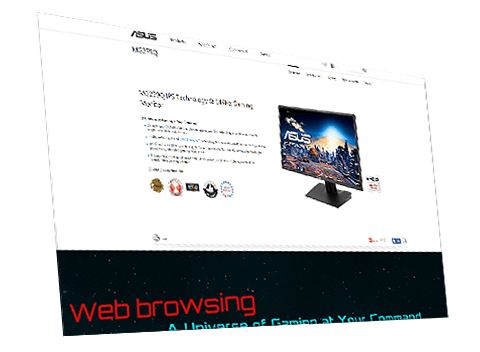
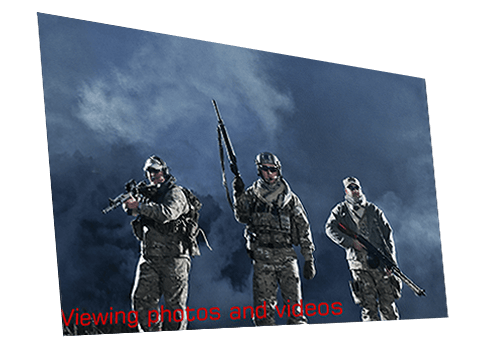
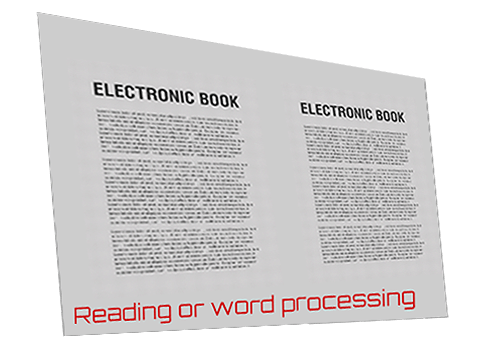
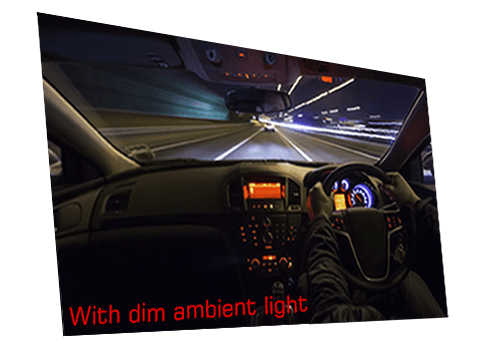
ASUS Ultra-Low Blue Light technology reduces the amount of potentially harmful blue light emitted by the display. Four different filter settings are available to control the amount of blue light reduction.
Low Blue Light Level






Engineering
Rich connectivity
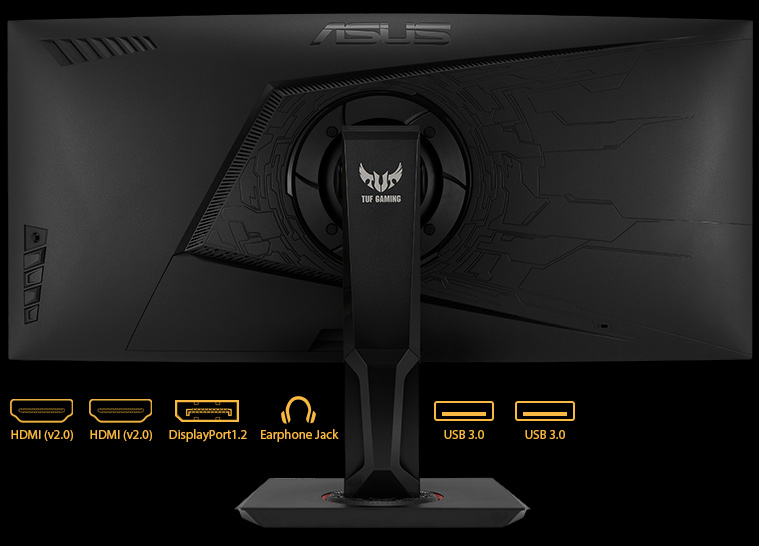
Extensive connectivity options, including, HDMI (v2.0)x2, DP 1.2x1, USB 3.0x2 and 3.5mm earphone out support a wide array of multimedia devices.
Ergonomic design
With an ergonomically-designed stand, TUF Gaming VG35VQ provides tilt, swivel and height adjustments so you can easily find your ideal viewing position. The display is also VESA-compatible for wall mounting.
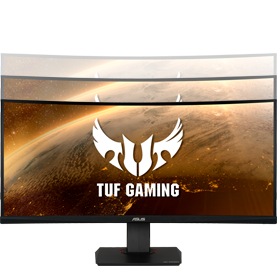
Height adjustment (0~100mm)
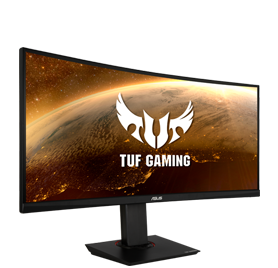
Swivel (+45°~-45°)
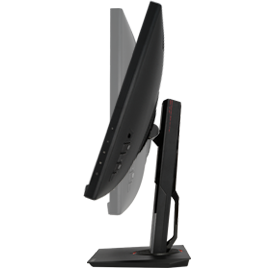
Tilt (+20° ~ -5°)