Sleek and portable design
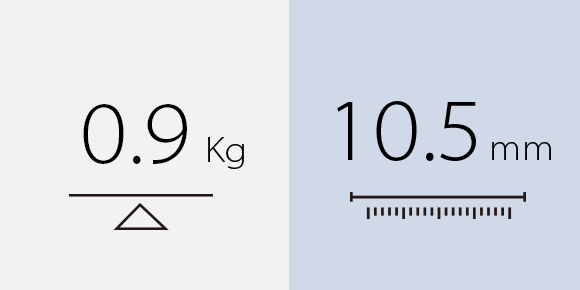
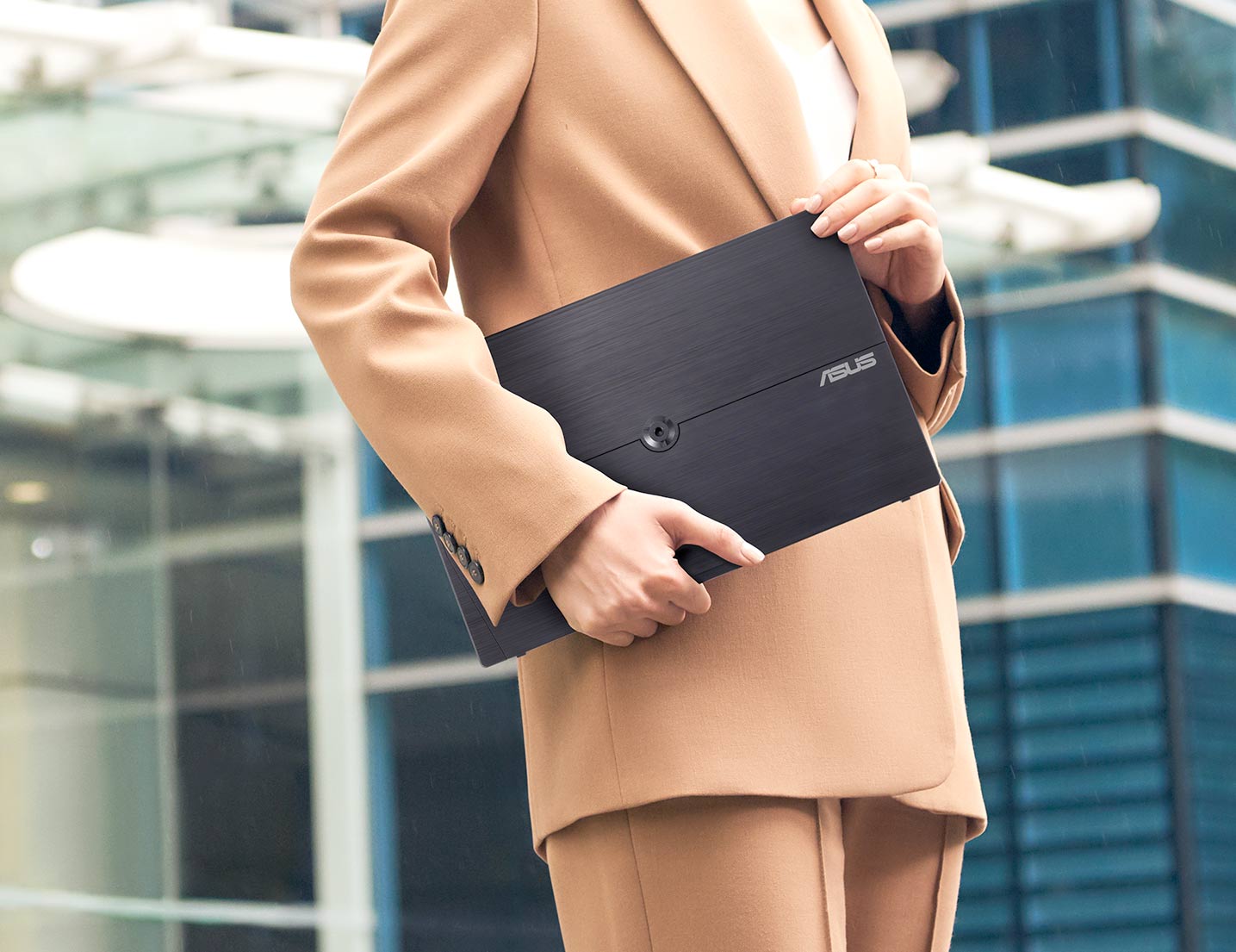
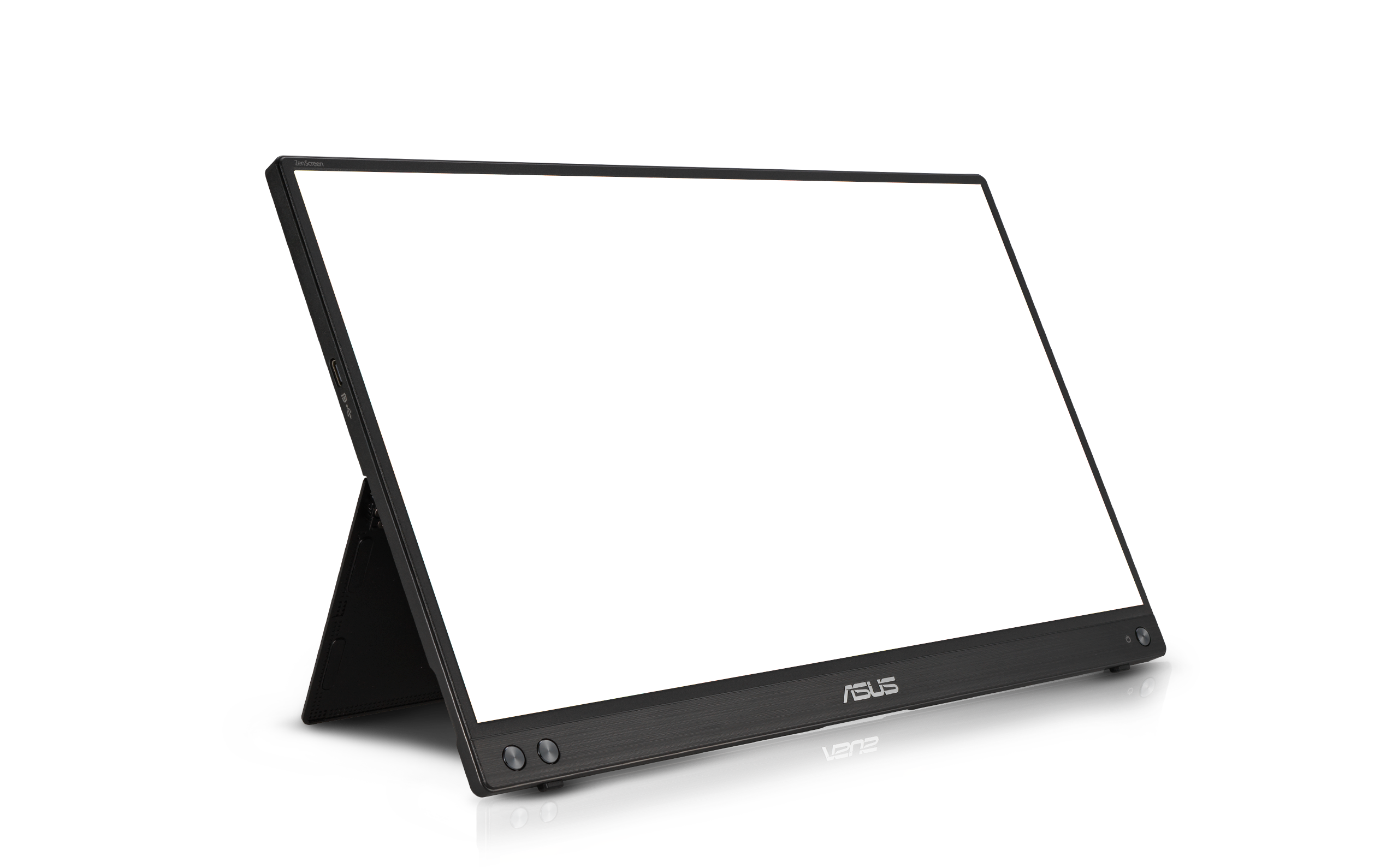
ASUS ZenScreen™ MB16ACV is ideal for life on the road. This sleek portable display weighs just 0.9kg and has an 10.5 mm slim profile, so it fits easily in any travel bag and is ready for productivity, anytime and anywhere.
One cable is all you need
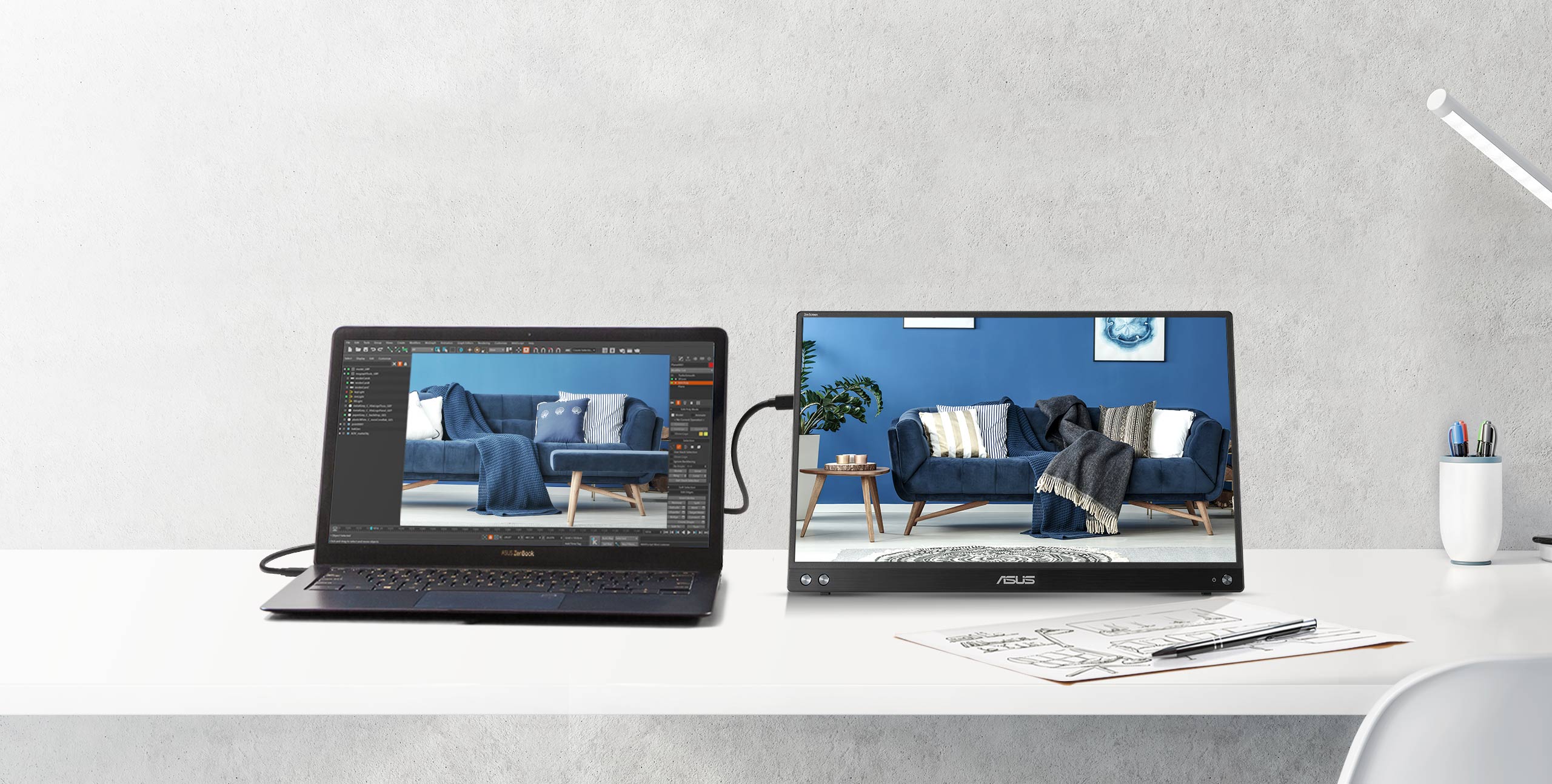
ZenScreen MB16ACV uses an innovative USB-C hybrid-signal connection that handles both power and video signals. Its reversible, any-way-up USB-C design allows for quick connections to compatible devices, and there's also a driver1 that enables support for USB Type-A connectors.
How to identify your laptop USB-C port support DP out function?
Work in comfort
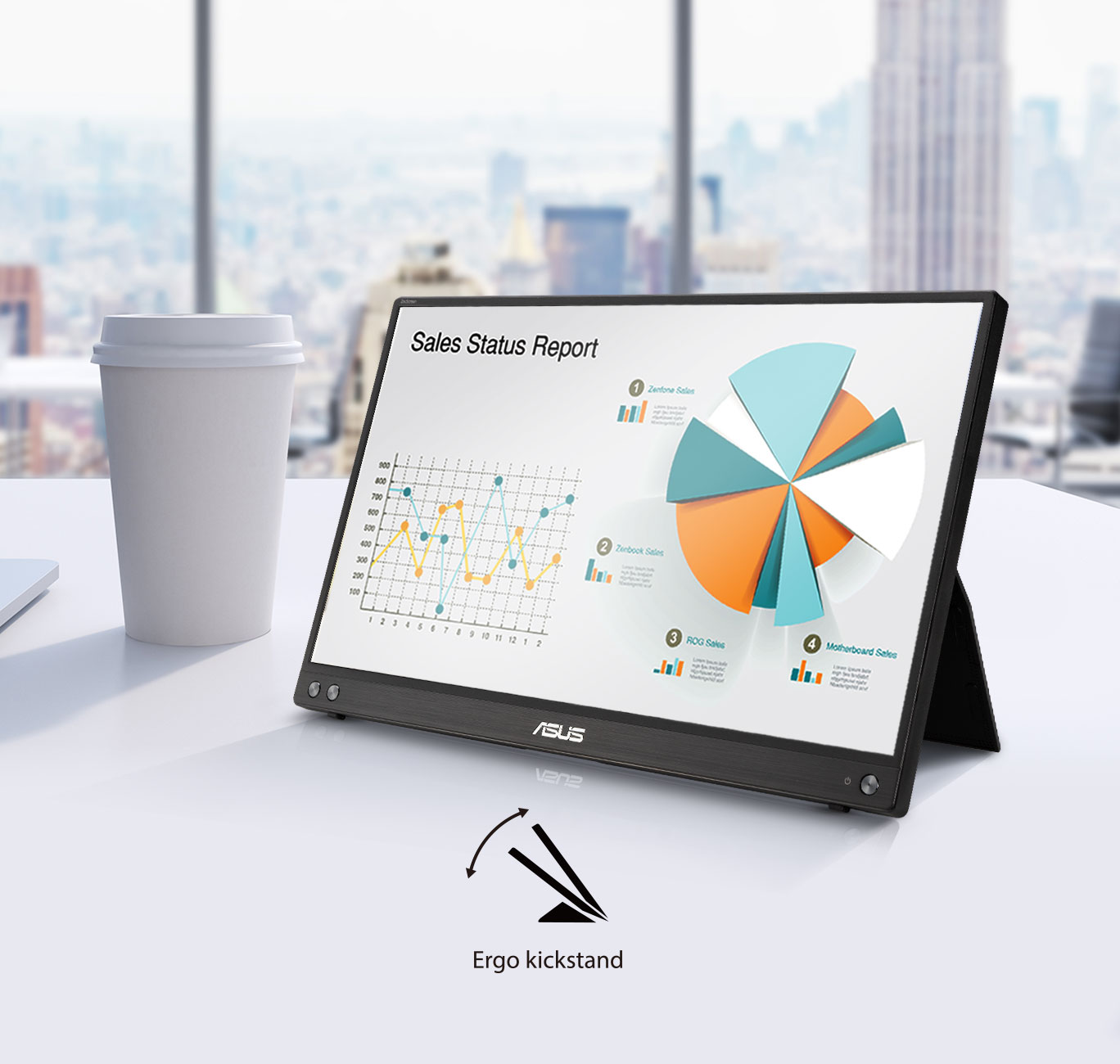
A fold-out kickstand props the monitor up on any flat surface, enabling easy tilt adjustments to ensure comfortable viewing angles and working positions.
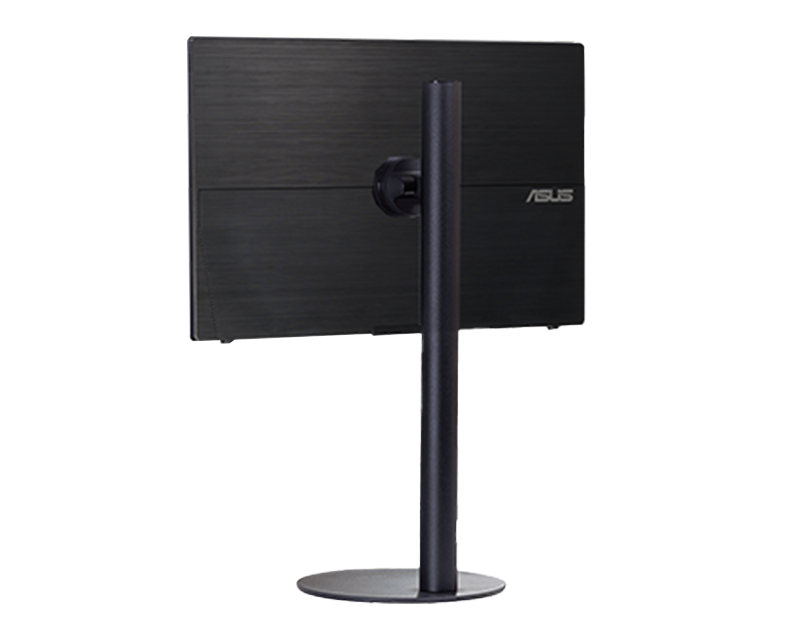
A ¼”-threaded hole at the rear of the monitor lets you to attach ZenScreen MB16ACV to a conventional tripod2 or table-mount easily.
Compatible tripod stand: ASUS ZenScreen Stand MTS02D
Work efficiently in portrait and landscape modes
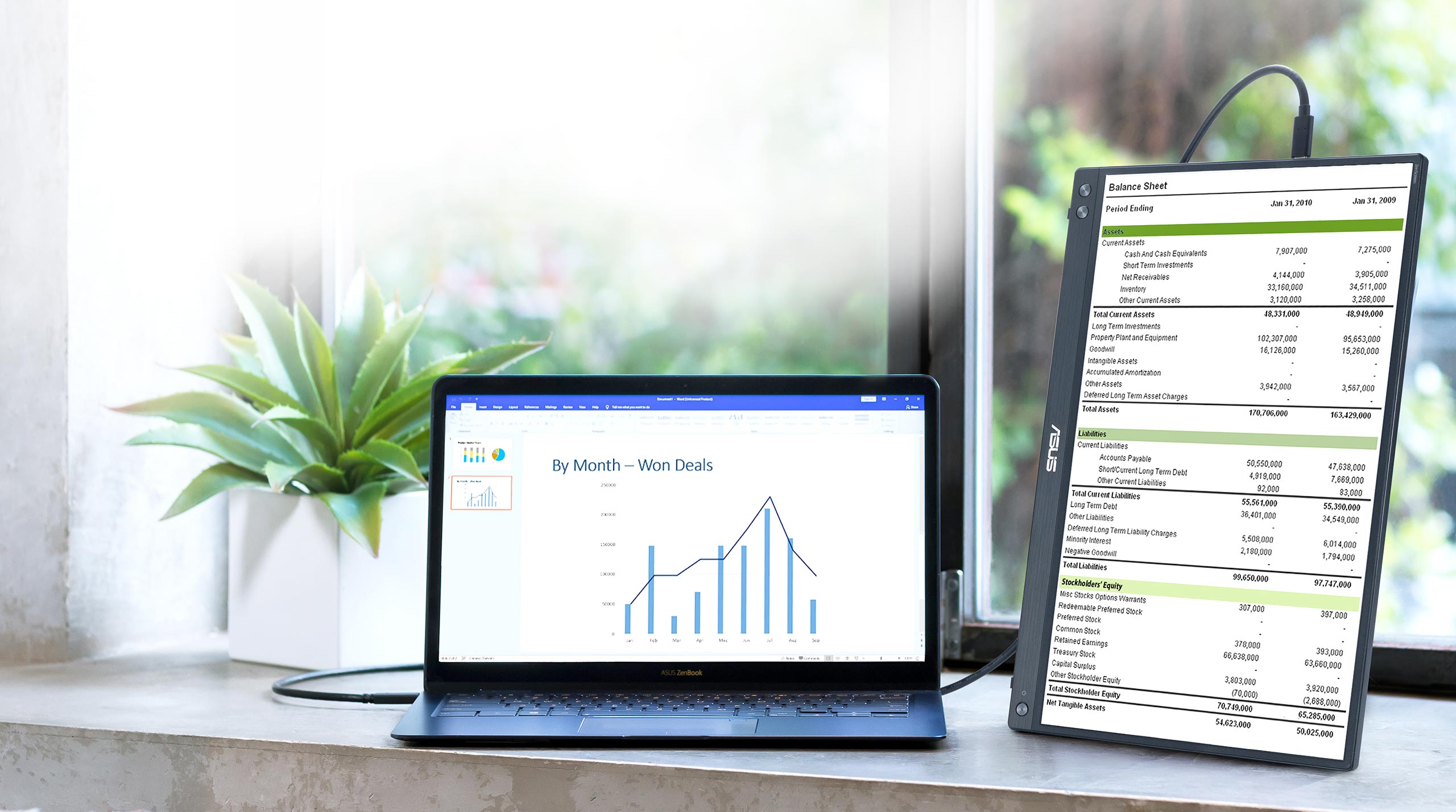
With ASUS DisplayWidget software3, ZenScreen MB16ACV can automatically sense its orientation and switch the display between landscape and portrait modes while connected to your laptop. Landscape mode is ideal for presentations and spreadsheets, while Portrait mode gives you a perfect view of items such as documents, books or websites.
Embedded antibacterial treatment to keep you safe
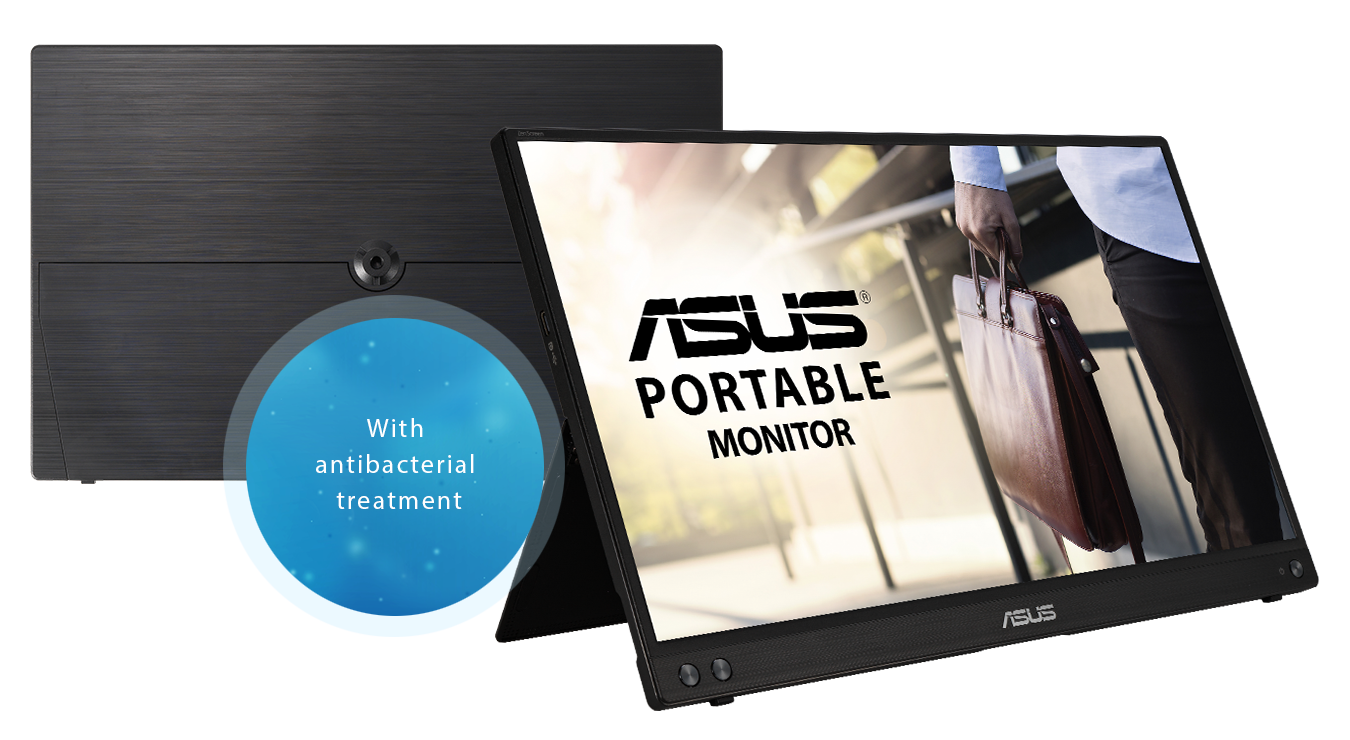
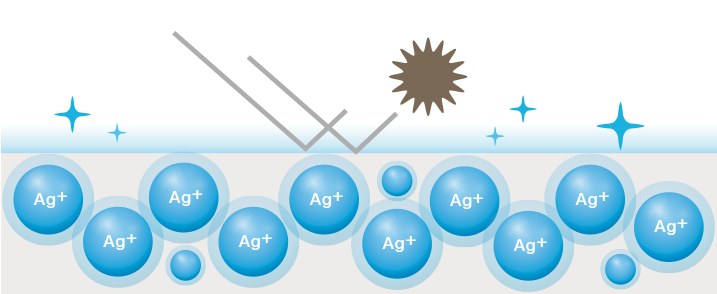
A proprietary antibacterial ionic silver treatment4 embedded in the bezels and rear of ZenScreen MB16ACV offers long-lasting protection, inhibiting up to 99.9% bacterial5 growth and adhesion to keep key areas of the monitor clean and hygienic. It potentially reduces the spread of harmful bacteria so you can feel safe while working on the go.
JIS Z 2801 / ISO 22196
Tested by independent testing lab.
How Ionic Silver works
Positively charged silver (Ag+) ions bind with the cell walls of negatively charged microbes and bacteria, disrupting their internal functions and killing them off.
Extend your workspace
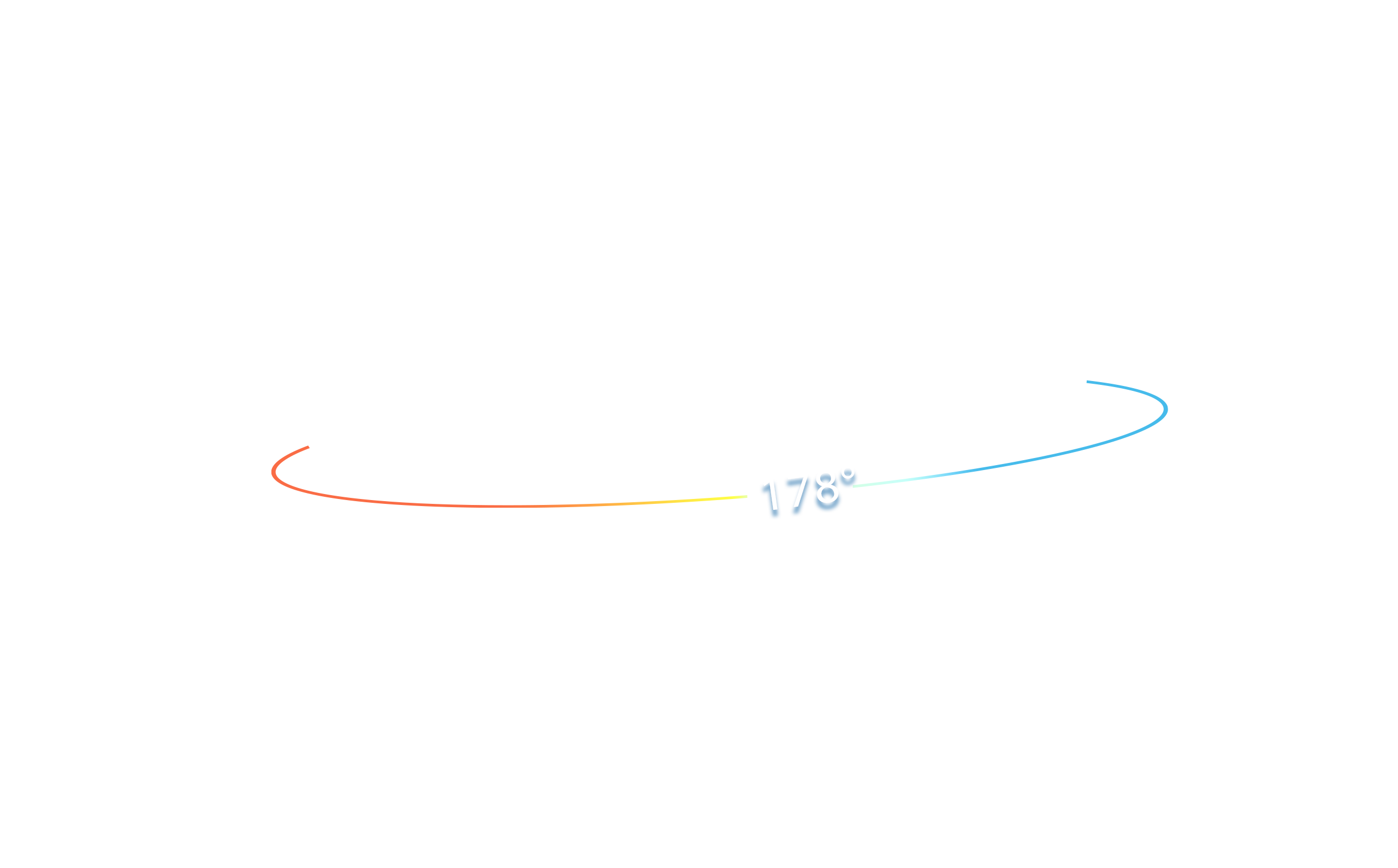
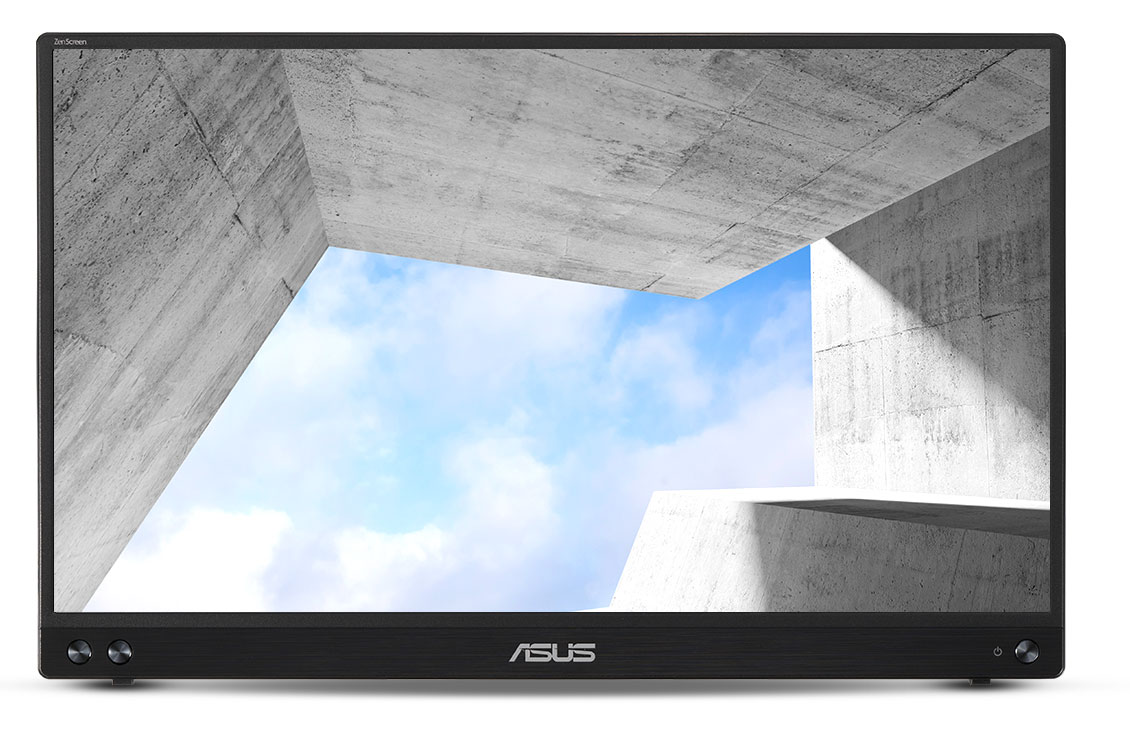
The FHD (1920 x 1080) IPS panel delivers stunning visuals and 178° viewing angles, ensuring you get superb color and contrast even when viewing the screen from off-center positions.
Protect your eyes with ASUS Eye Care technology
ASUS Flicker-free technology
ZenScreen MB16ACV features TÜV Rheinland-certified ASUS Flicker-free technology to reduce flicker, ensuring comfortable viewing experiences. This technology helps minimize eyestrain and other ailments typically associated with extended hours of viewing.
FAQ
-
Yes, it is compatible with most MacBooks that support USB-C with DisplayPort Alt Mode. Simply connect the monitor to your MacBook using a USB-C to USB-C cable (included). No additional drivers are needed for macOS.
Further information 1): All MacBooks with Thunderbolt 3, Thunderbolt 4, Thunderbolt 5, or USB4 ports support DisplayPort Alt Mode. This includes:
MacBook Pro
MacBook Pro (13", 15", 16") - 2016 and later
All models from 2016 onward feature Thunderbolt 3 or later via USB-C.
Example: MacBook Pro 16" (2019, Intel) - confirmed to support DP Alt Mode 1.
MacBook Air
MacBook Air - 2018 and later
Starting with the 2018 Retina MacBook Air, all models include USB-C with Thunderbolt 3 or later.
Apple Silicon Macs
MacBook Air and MacBook Pro with M1, M2, M3, M4 chips
All Apple Silicon models support DisplayPort Alt Mode over USB-C.
Further information 2): If you don't know how to identify the ports on the MacBook, please refer to https://support.apple.com/109523
✅ Tip: For older MacBooks without USB-C, you can use the mini-HDMI port with a appropriate compatible adapter. -
Yes, all ASUS's portable monitors can support portrait mode. Here are two ways to enable this function:
- Use ASUS Software DisplayWidget Center
- Download the latest software from ASUS site https://www.asus.com/content/monitor-software-osd-displaywidgetcenter/
- Run the app on PC. Then The screen content will automatically adjust when the monitor is physically rotated between landscape and portrait modes.
- If the auto-rotation is disabled, manually adjust rotation degree angle under in Splendid -> Image -> Rotation in DisplayWidget Center.
-
Use OSD
- Manually adjust the OSD settings on your PC to switch enable portrait mode.
For Windows: Go to Display Settings -> Orientation -> Portrait
For MacOS: System Settings -> Displays-> Rotation - Use ASUS Software DisplayWidget Center
-
Not necessarily.
• For those device supports DisplayPort Alt Mode, when connected via USB-C to a laptop, it can draw power directly from the device.
• For HDMI connections, you'll need to supply power via the other USB-C port using a USB-C power adapter
✅ Tip: Using external power adaptor can improve brightness and stability.
✅ Tip: Use the bundled USB-C cable. It can transfer power and signal at the same time. -
Absolutely!
• USB-C laptops : Use a USB-C to USB-C cable. If your laptop does not support USB-C DP Alt mode (support power and video transmission), please use HDMI connection and USB-C adaptor as power outlet.
• HDMI laptops : Use a mini-HDMI to HDMI cable and connect power via HDMI port and external power supply through USB-C port.
✅ Tip: Most modern laptops are compatible. No drivers are needed for Windows/macOS/Linux.
✅ Tip: If your laptop's USB-C port can't support DP Alt Mode, use HDMI port for signal and USB-C adapter to supply power.
✅ Compatible USB-C Ports
Not all USB-C ports support power and video transmission—some only handle data or charging.
See the image below for which USB-C ports work with ASUS ZenScreen portable monitor.

-
Yes, you can connect via HDMI port with XBOX and PlayStation series or Nintendo switch with its included dock.
- DisplayLink driver required for hybrid-signal connections via USB Type-A. Please visit the Support site to get the download information.
- Tripod is not included with ZenScreen MB16ACV
- Driver required. Auto Rotate function only works with Windows OS.
- ASUS antibacterial treatment is registered by US EPA and authorized under EU BPR.
- Tested by an independent third-party laboratory according to the ISO 22196 standard (Measurement of antibacterial activity on plastics and other non-porous surfaces), using bacterial cultures that include Escherichia coli and Staphylococcus aureus, with an antibacterial activity result of R > 2 compared to an untreated surface. R = 2 indicates a 99% reduction in bacterial activity.