


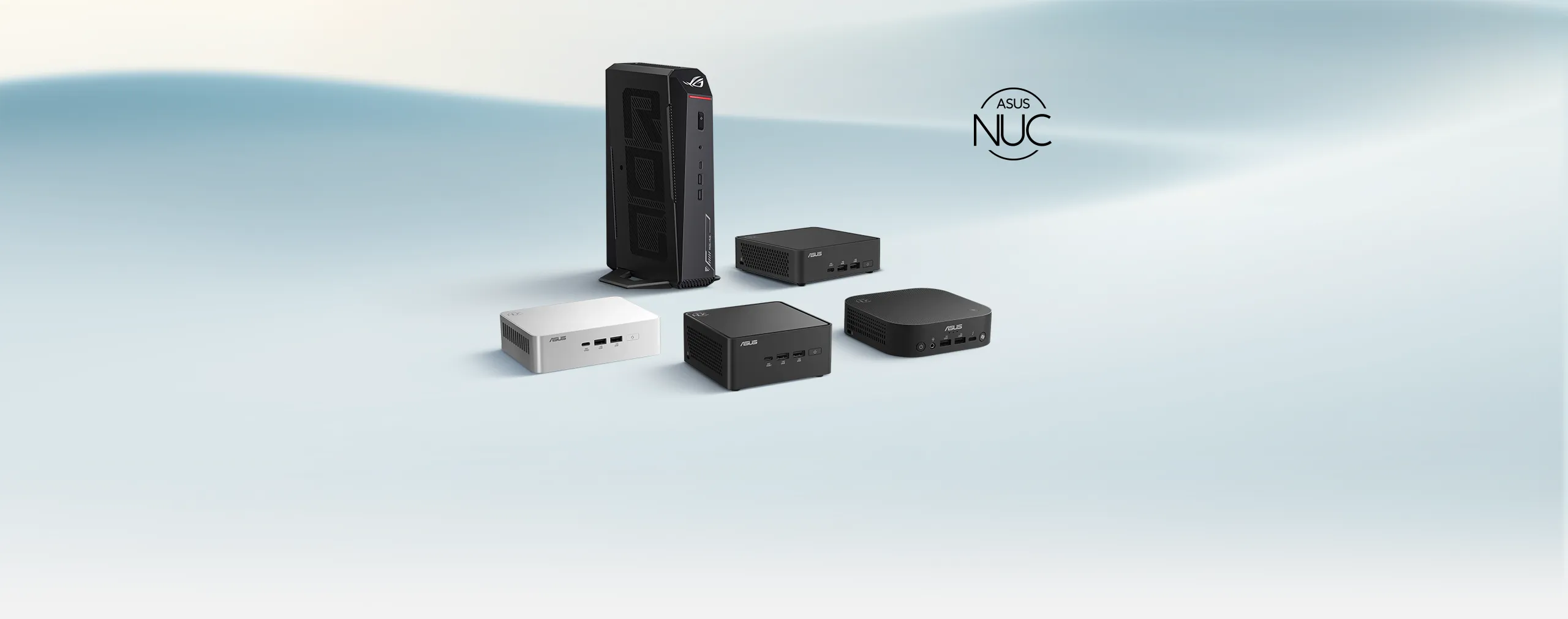
ASUS AI NUC
Nová definícia všestrannosti a inovácie
ASUS AI NUC. Rad 2025 ASUS NUC je ideálny pre tvorcov obsahu, hráčov a firemných profesionálov. Ponúka výkonné komponenty, výnimočnú konektivitu a rozsiahlu podporu aplikácií. To všetko v kompaktnom prevedení, ktoré zaisťuje špičkový výkon na liter.

Intel® Core™ Ultra novej generácie
Windows 11
Architektúra troch AI enginov
Kompaktná veľkosť
necelé 3 litre

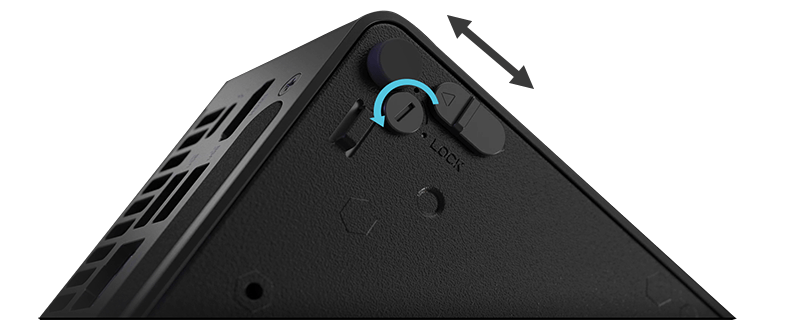
Konštrukcia prístupná bez náradia
AI ZÁŽITOK
Naplňte svoj deň pomocou AI
Prečo zvoliť ASUS AI NUC? Snažíme sa o rovnováhu medzi veľkosťou, výkonom, chladením, hlučnosťou a nákladmi, aby sme ponúkli riešenia, ktoré excelujú v akomkoľvek scenári. Naše mini PC NUC sú vybavené pôsobivými AI funkciami v priestorovo úspornom prevedení. Ponúkajú výkonné komponenty, špičkové možnosti pripojenia a robustnú podporu aplikácií.
Objavte najlepší výkon na liter s počítačom ASUS NUC, v ktorom sa kompaktné prevedenie prepája so špičkovou technológiou.
AI na každý deň
Inteligentnejšia AI pre každodennú prácu

Ďalšia úroveň AI
Kompaktný Copilot+ PC

Advanced AI
NPU + RTX radu 50 GPU
TRI ENGÍNY
Architektúra troch AI enginov
GPU Intel® Arc™: Toto integrované grafické riešenie ponúka špičkový výkon pre rýchlu tvorbu obsahu a pohlcujúce hranie, dokonca aj na cestách.
Intel® AI Boost: Táto funkcia, vybavená špeciálnou Neural Processing Unit (NPU), vylepšuje AI úlohy, ako je potlačenie hluku počas schôdzok, a zaisťuje plynulý výkon a dlhšiu výdrž batérie.

Čo pre nás môže AI PC urobiť?

Vyššia produktivita AI

Inteligentná úspora energie

Pokročilé zabezpečenie

Kolaboratívny AI asistent
THE COMPLETE AI TOOLKIT
One NUC. Every Kind of AI.
Discover AI tools designed for ASUS NUC, from easy-to-use AI agents and local model development to open-source experimentation and connected AI workflows. Choose the tools that fit your needs and bring AI into your everyday workflow.

ASUS Zenni Claw BETA
Agentic AI, easier to start — guided setup and ready-to-use skills from ASUS. Run it in the cloud, on your device (on supported hardware), or split tasks between both with flexible mode switching.

Intel® SuperClaw
Intel's security-first hybrid AI — save up to 80% on cloud costs and retain ~90% of cloud-model intelligence through intelligent orchestration, with 100% PII privacy: substitution before transmission, reassembly on-device.
 View on GitHib

OpenClaw
A widely adopted open-source AI agent project offering full control and community-built skills. One-click setup with ASUS EZ Installer for OpenClaw — no command line.

ASUS AI SuperBuild
Toolkit to cultivate and customize local LLMs, with built-in RAG over your own documents — fully local, no internet needed.
Intel's Hybrid AI Agent Platform · Detail
Intel® SuperClaw
Hybrid AI, Engineered for Trust.
Intel® SuperClaw is Intel's hybrid AI agent platform, integrated with OpenShell for security-first, OS-independent operation. It runs everyday AI tasks locally on your ASUS NUC and calls on cloud models only when they add value, cutting cloud token costs by up to 80% while retaining about 90% of cloud-model intelligence. And when a request must reach the cloud, personally identifiable information (PII) is substituted before it leaves your device, with responses reassembled locally — 100% PII privacy, by design.
Local LLM Toolkit · Detail
ASUS AI SuperBuild
Cultivate and customize local large language models with built-in RAG over your own documents — fully local, no internet required. Built to help developers and IT teams deploy enterprise-ready AI on ASUS NUC.
Languages
- V2.4.0 User Manual (English) > Download Here
- V2.4.0 User Manual (Traditional Chinese) > Download Here
- V2.4.0 User Manual (Simplified Chinese) > Download Here
Enhancements
- Improved security and fix potential vulnerabilities.
Enhancements
- Dynamic Resizing & Adaptive Display : Enables free window resizing for seamless multitasking. The interfaceautomatically adapts to any screen size or multi-monitor setup.
- Installer Improvements for Easier Set up:
1. Automatic Driver Updates: During setup, the installer can find anddownload the latest drivers for supported devices.
2. Installation Failure Alerts: If something goes wrong during installation,you’ll see a clear message right away.
New Features
- LLM Model Type Tagging: Adds visual tags (e.g., Text, Image) to the LLM list, enabling quick identification of model capabilities.
- Vision-Language Model (VLM): Image Analysis Supports receipt OCR and screenshot interpretation as image input types for LLM queries.
Enhancements
- Post-Import Summary: Displays counts of added/updated Assistants and KB entries, success rates, and provides a downloadable error log for failed items.
- Import Rollback Protection: Ensures data integrity by executing a full rollback (or minimal safe update) if corrupted files are detected during import.
- MCP Security: Adds robust encryption and decryption for MCP module exports and imports.
New Features
- In-App Version Update Checker: Introduces an automated, in-app version checking mechanism for seamless application updates and tracking.
- Customer Feedback Integration: Adds an automated feedback channel with usage-based pop-ups that redirect users to a Google Forms survey.
- Streamlined Bug Reporting: Provides a dedicated UI entry point for bug reporting via Google Forms to easily gather user feedback and system information.
- gRPC API Service for Third-Party Applications: Exposes a gRPC-based API that enables third-party developers to integrate AI SuperBuild capabilities directly into their own applications through standard API calls.
Enhancements
- Backend Upgrade to Intel Service 2.8.0: Improves overall performance and compatibility through an upgrade to the Intel Service 2.8.0 backend.
New Features
- MCP Marketplace Integration: Introduces support for discovering and managing MCP modules through the integrated marketplace.
- WIX-based Installation Support: Adds a new installer framework based on WIX, enabling a more reliable and configurable installation process.
- One-click Import/Export: Provides a streamlined, single-action workflow for importing and exporting system configurations or datasets.
- Folder Import to Knowledge Base: Allows users to import an entire folder (including multiple files/subdirectories) directly into the Knowledge Base.
Enhancements
- Configuration File Pre-shared Key (PSK) Protection: Strengthens configuration security by supporting pre-shared key–based protection for exported configuration files.
- Backend Upgrade to Intel Service 2.7.0: Improves overall performance and compatibility through an upgrade to the Intel Service 2.7.0 backend.
Súvisiace produkty

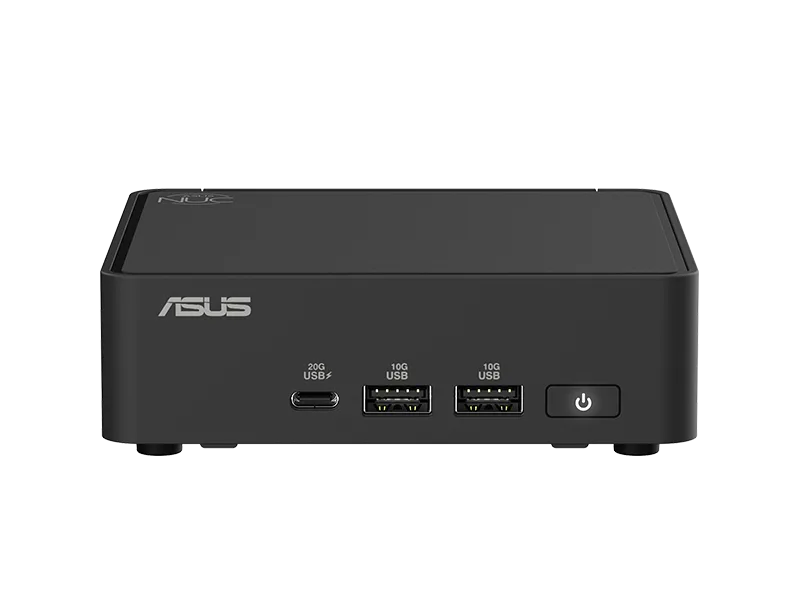
NUC 16 Pro
- Využíva procesor až Intel® Core™ Ultra Series 3, ktorý ponúka 180 platformových TOPS
- Až 96 GB pamäte LPDDR5x 9600 MT/s s o 20 % vyššou rýchlosťou a o 50 % nižšou spotrebou
- Chladenie dvoma ventilátormi
- Intel® Wi-Fi 7, Bluetooth 6.0
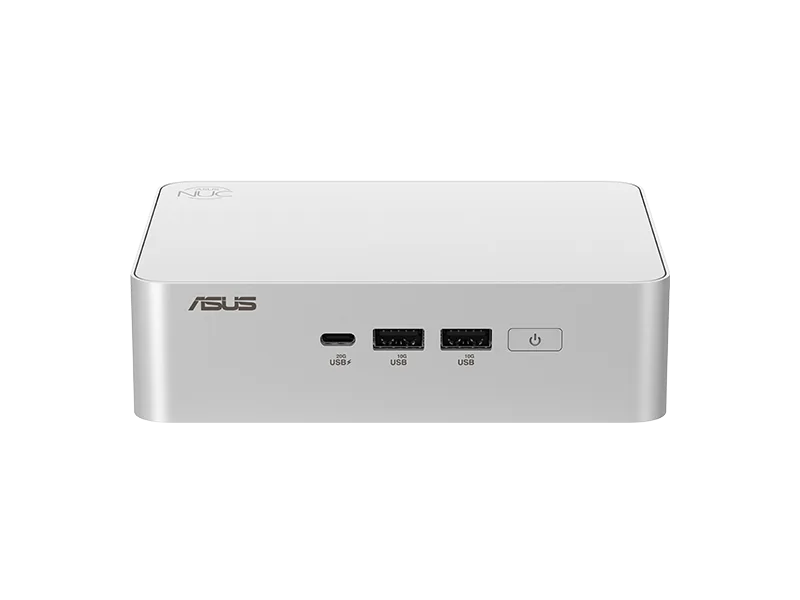
NUC 15 Pro
- Využíva procesor Intel® Core™ Ultra 3/5/7 (
Series 2 ) - GPU Intel® Arc™
- Intel vPro® Enterprise (voliteľne)
- Intel® Wi-Fi 7 a Bluetooth 5.4
NUC 15 Pro+
- Využíva procesor Intel® Core™ Ultra 7/9 (Series 2)
- GPU Intel® Arc™
- Intel vPro® Enterprise (voliteľne)
- Intel® Wi-Fi 7 a Bluetooth 5.4
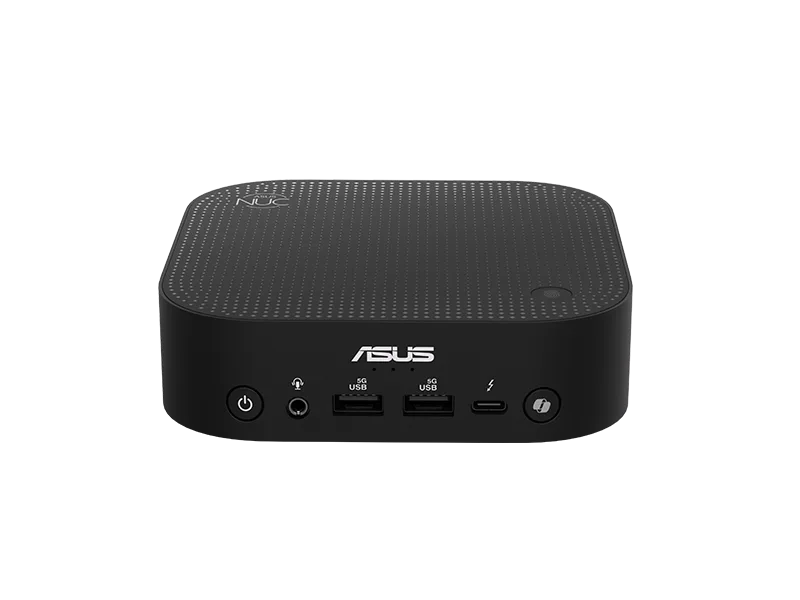
NUC 14 Pro AI
- Využíva procesor Intel® Core™ Ultra (Series 2), ponúka 120 platformových TOPS
- Integrovaný GPU Intel® Arc™ s výkonom až 67 TOPS.
- NPU až 48 TOPS, trojnásobný výkon AI oproti predchádzajúcej generácii a nižšia spotreba energie
- Vstavaný mikrofón a reproduktor podporujú hlasové príkazy pre aktiváciu AI aplikácií.
- Intel® Wi-Fi 7 (5 Gig), Bluetooth 5.4, Thunderbolt™ 4 (DP2.1)
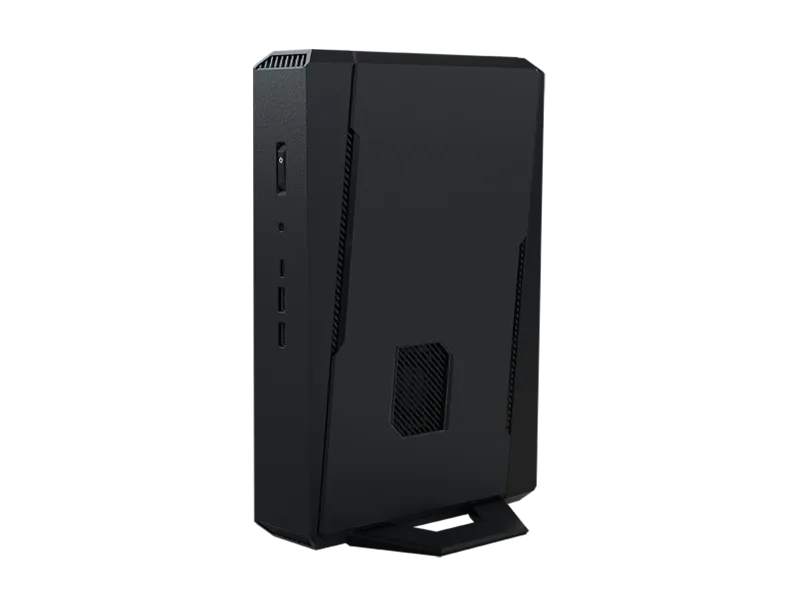
NUC 15 Performance
- Využíva procesor Intel® Core™ Ultra 7 255-HX alebo Ultra 9 275-HX
- GPU NVIDIA® GeForce RTX™ 5070/5060 pre notebooky
- Plynulé pripojenie Intel® Killer™ Wi‑Fi 7 a Bluetooth® 5.4
- Podpora až piatich 4K monitorov
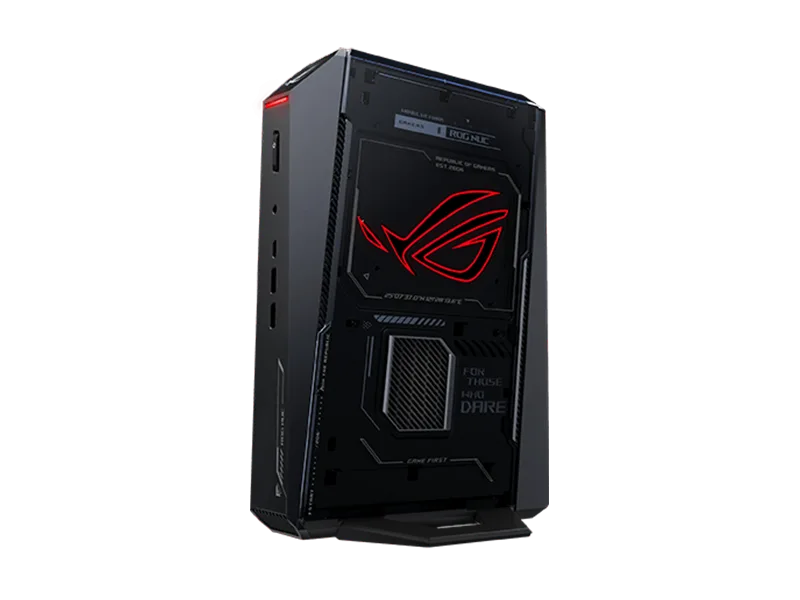
ROG NUC 2025
- Využíva procesor Intel® Core™ Ultra 9 (Series 2)
- GPU NVIDIA RTX™ 5080 pre notebooky
- NVIDIA DLSS 4
- Intel® Wi-Fi 7 a Bluetooth 5.4