Related Topics
- [Wireless Router] How to use ASUS Device Discovery to find the IP address of ASUS router?
- [Wireless Router] How to use ASUS Device Discovery to find the IP address of ASUS router?
- [Wireless Router] How to use ASUS Device Discovery to find the IP address of ASUS router?
- [Wireless Router] How to use ASUS Device Discovery to find the IP address of ASUS router?
- [Wireless Router] How to use ASUS Device Discovery to find the IP address of ASUS router?
[ASUS Device Discovery] Find the IP address of your device (for Mac OS X)
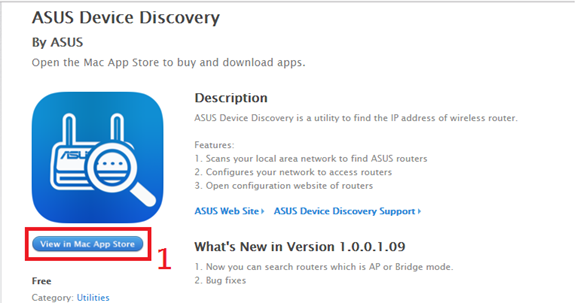
1. Go to the App Store via the below link and download the app.
https://apps.apple.com/app/asus-device-discovery/id995124504
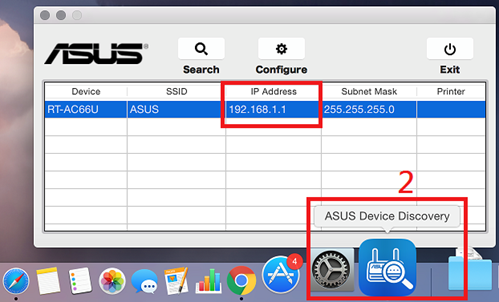
2. After the installation is completed, launch the app and you will find the IP address of your device.