Product
PRT-BE5000, RT-AX59U
[Wireless Router] PRT-BE5000/RT-AX59U Mounting Guide
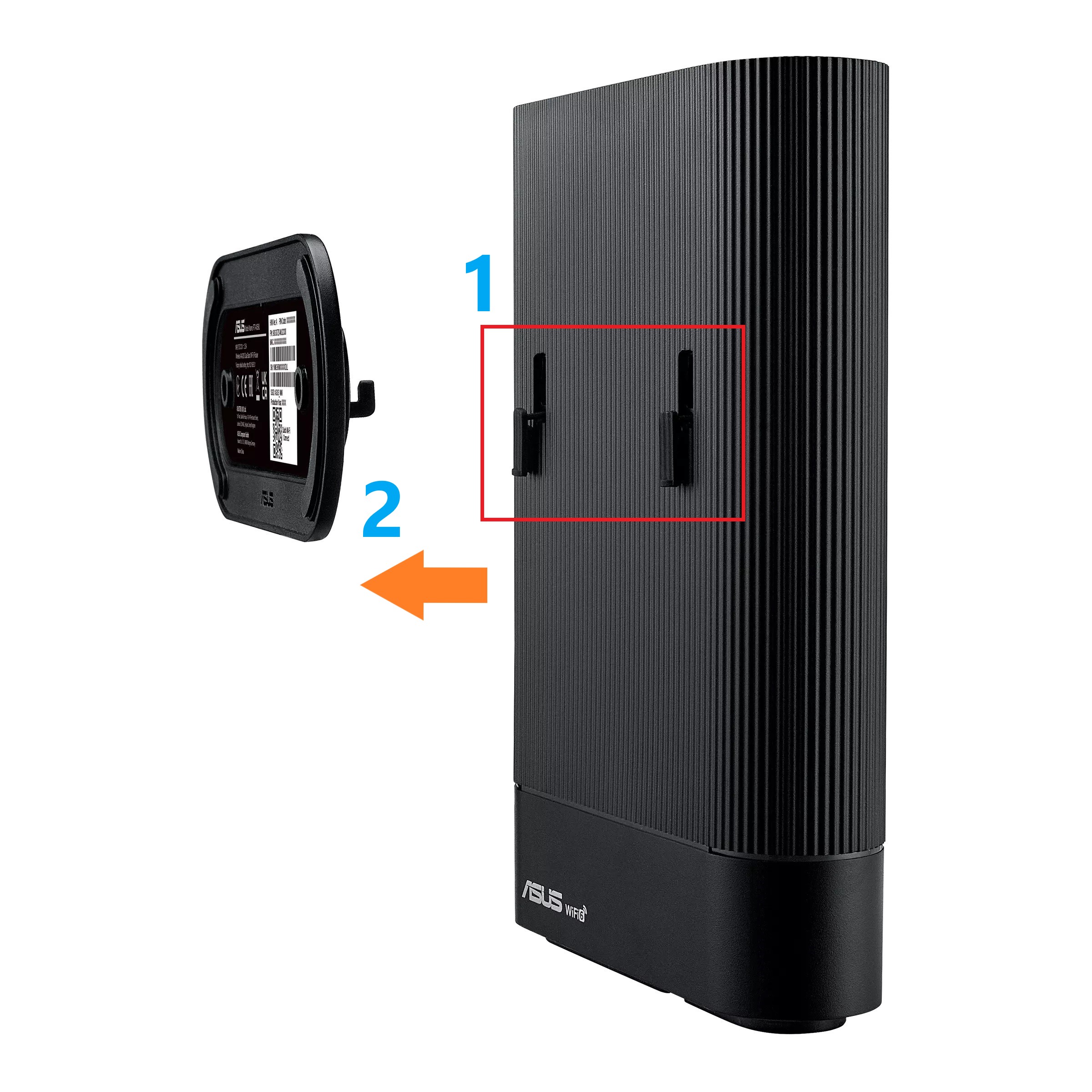
The foot stand of PRT-BE5000/RT-AX59U can serve as a mounting bracket for installation. Please follow below steps.
Step 1. Detach stand bracket.
Note. The stand bracket is detachable without removing the warranty label and screws.

Step 2. Mount the router to the desk or wall.
Note. DO NOT install the router on the ceiling or mount it higher than 2 meters.
Method 1: Desk-mount

Method 2: Wall-mount
How to get the (Utility / Firmware)?
You can download the latest drivers, software, firmware and user manuals in the ASUS Download Center.
If you need more information about the ASUS Download Center, please refer this link.