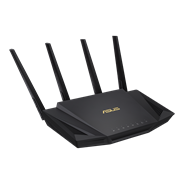
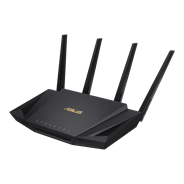
RT-AX86U Pro
- 新一代 WiFi 6 以最新 WiFi 6 (802.11ax) 和 160MHz 通道享受高達 5700 Mbps 的超快速度
- 手機遊戲模式 只需在 ASUS Router App 上按一下,即可為手機遊戲大幅降低遲滯和延遲。
- 真正的 2 Gbps 有線和無線速度 聚合的 2 Gbps WAN 連線、有線 2.5 Gbps 連接埠和 WiFi 6*
- 支援AiMesh 透過相容於 AiMesh的路由器建立彈性且無縫漫遊的全屋網狀網路
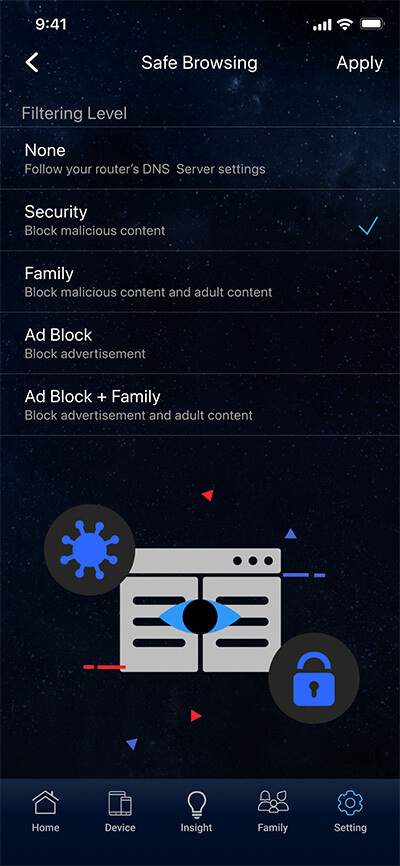
- 更安全的上網行為 使用 ASUS Safe Browsing 有效阻擋,可透過搜索結果來過濾不當內容來保護您的孩子上網
- 全方位商用級網路安全性 由 Trend Micro™ 提供的終身免費 ASUS AiProtection Pro,搭配ASUS Instant Guard提供使用公共網路的一鍵式VPN防護
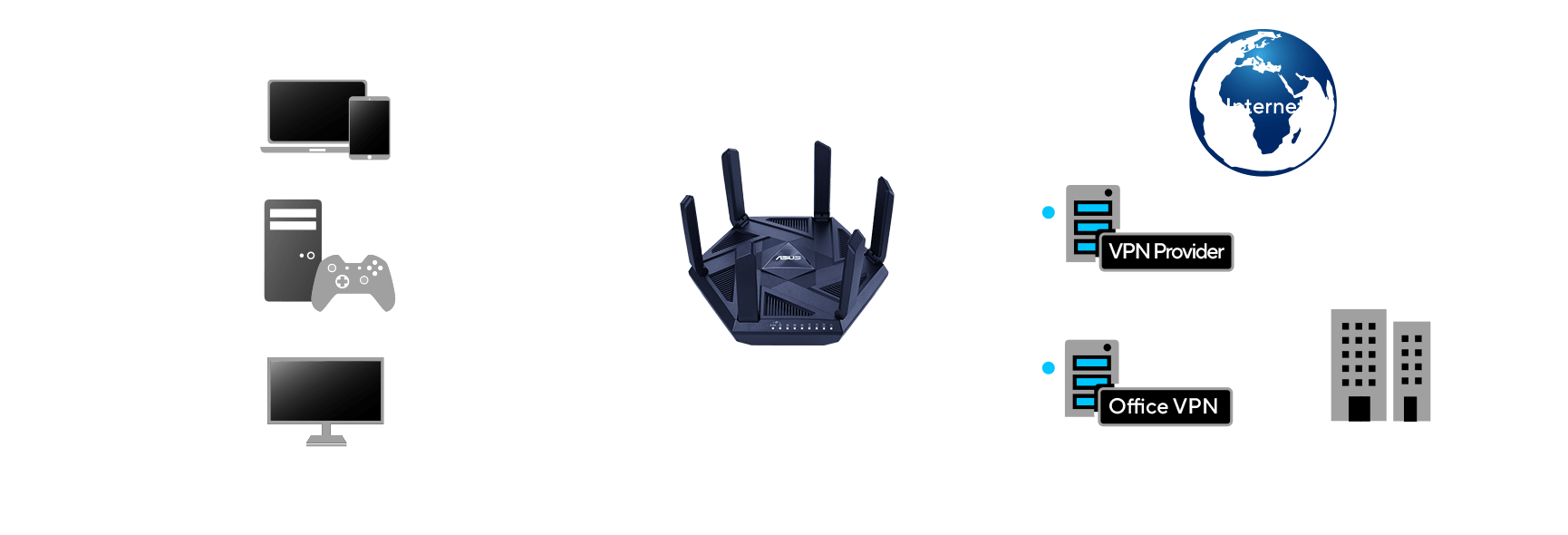
VPN Fusion
支援 VPN Fusion 的連網設備可讓您同時運用VPN 和一般網路做連接,同時不會干擾其他用戶的連網體驗。





您的手機遊戲
致勝選擇!
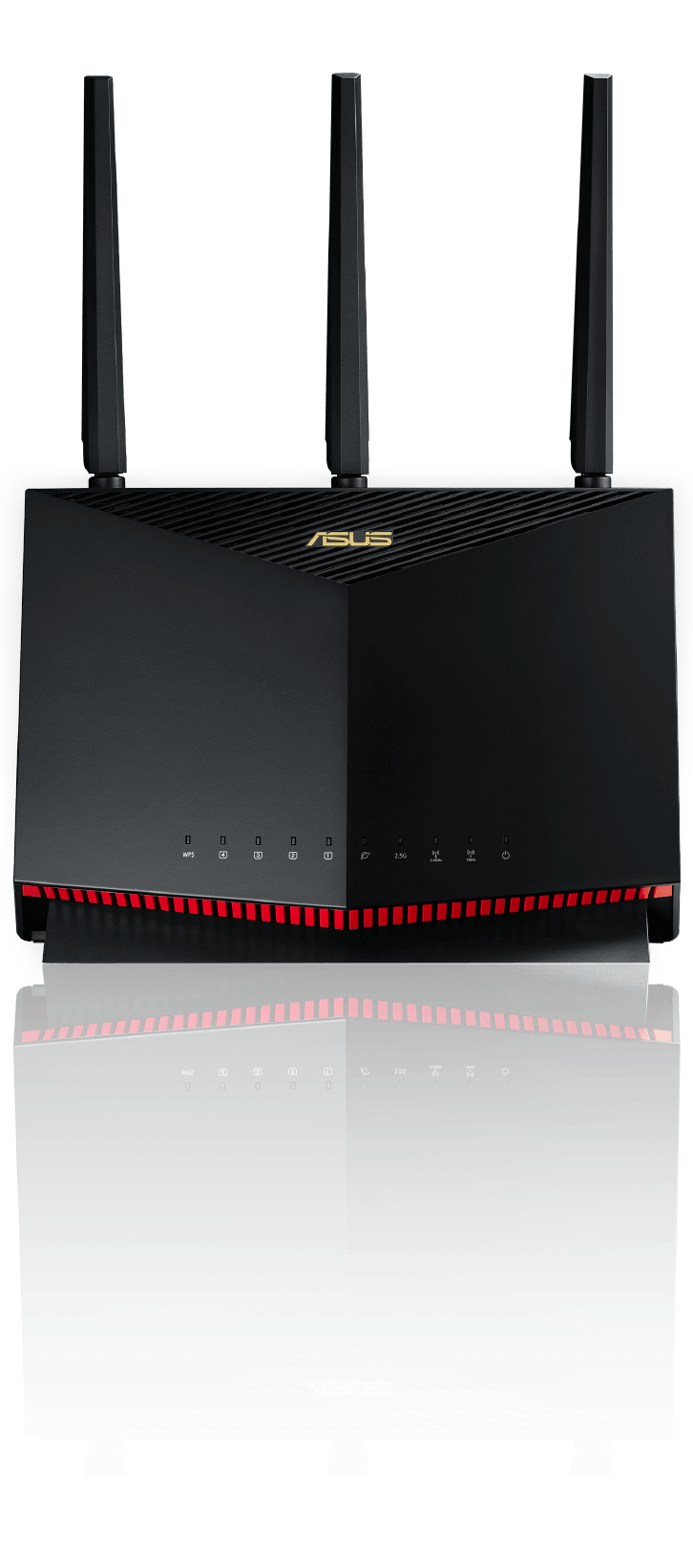
使用 RT-AX86U Pro WiFi 6 路由器享受前所未有最快速流暢的 WiFi 遊戲連線。它提供高達 5700 Mbps 的超快 WiFi 速度,並包含多項先進技術,包括手機遊戲模式,可提供毫無遲滯且低延遲的手機遊戲體驗。
超強大的 WiFi 6
更低的延遲 更快的速度
能源效率 更大的範圍
RT-AX86U Pro 提供您 WiFi 6 (802.11ax) 的所有好處,並可完美搭配您現有的所有 WiFi 裝置!
什麼是 WiFi 6 ?
*













大幅提升手機遊戲速度
只需在 ASUS Router App 上按一下,即可為手機遊戲大幅降低遲滯和延遲。

*
遊戲速度不受限
透過遊戲連接埠設定優先順序
透過裝置加速器設定優先順序
消除 WiFi 擁塞
透過遊戲連接埠設定優先順序
透過裝置加速器設定優先順序
消除 WiFi 擁塞
*
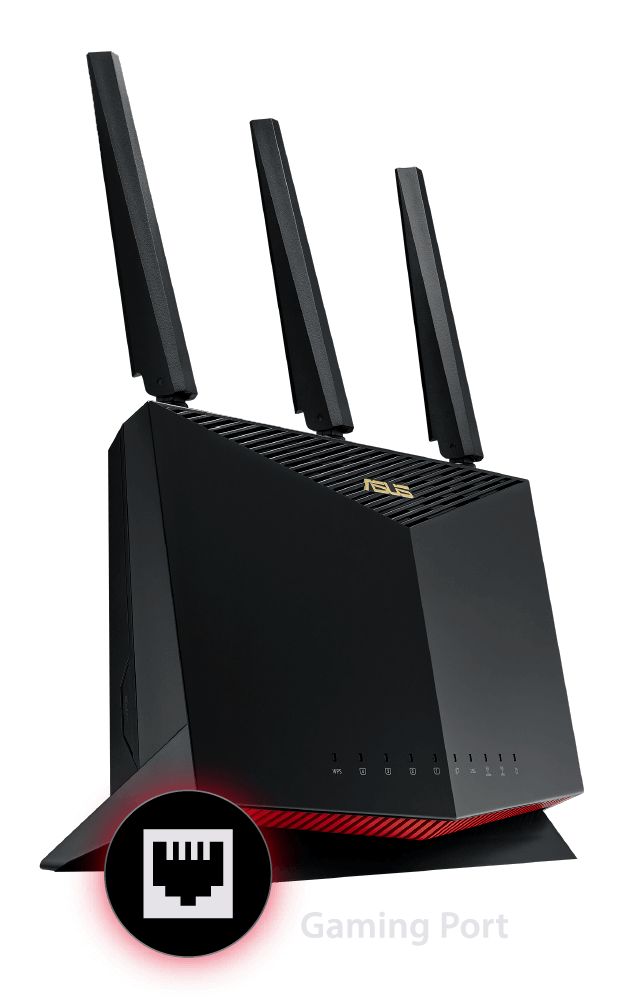



RT-AX86U Pro 的遊戲專屬連接埠可提高所連接任何有線裝置的網路優先順序。無需複雜的設定,只要將您的電競 PC 或遊戲主機連接至此 LAN 連接埠,即可提供您快速穩定的連線,讓連線的裝置永遠位居最高的網路優先順序。
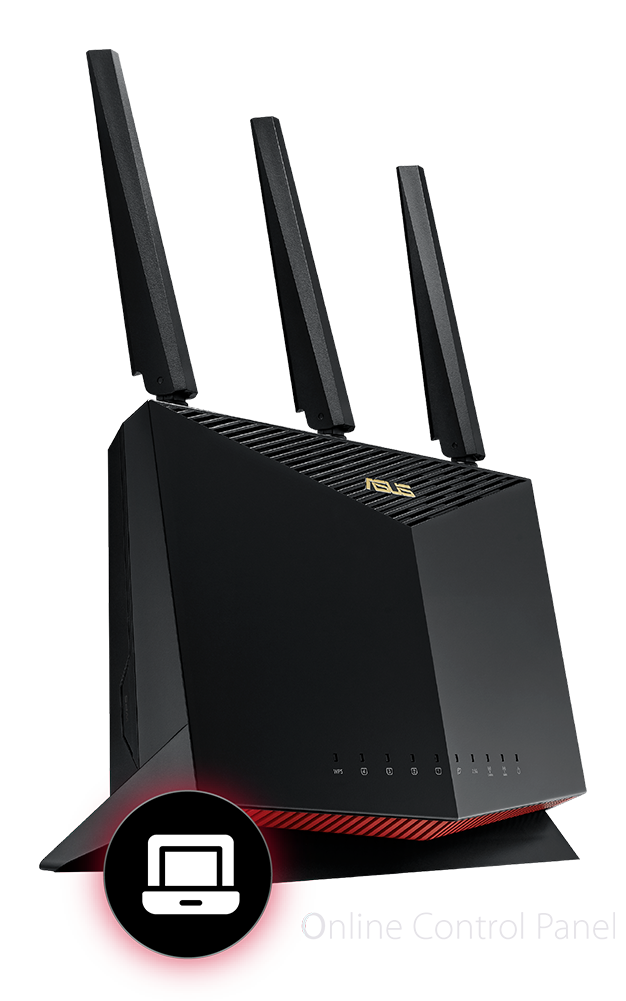


裝置加速器 (Gear Accelerator) 可讓您透過 RT-AX86U Pro 的線上控制面板,以無線方式設定裝置的優先順序。其簡易的介面可讓您設定裝置的優先順序,以大幅提升其速度,並避免與其他裝置競爭取得頻寬。
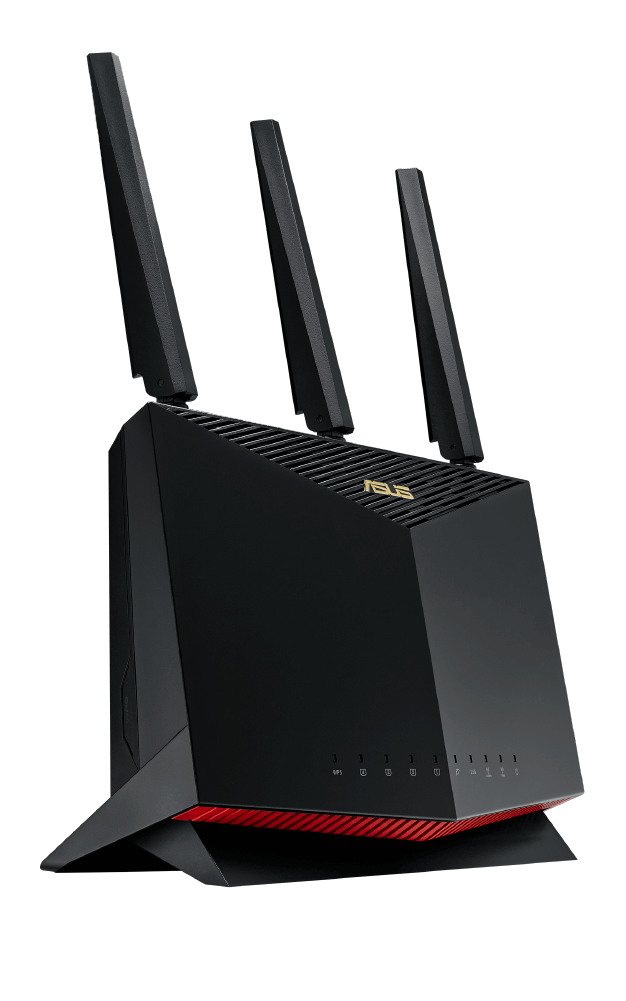


將您的裝置連接至 5 GHz 頻段並避開經常擁塞的 2.4 GHz 頻段,享受高達 5.6 倍的 WiFi 速度。另外,選擇性的動態頻道選擇 (DFS) 功能可釋放 5GHz 頻段上高達 15 個最不容易擁塞的頻道,提供您更多的遊戲頻寬。
效能更進化
RT-AX86U Pro 配備 2.0 GHz 四核心 64 位元 CPU,具備強大效能,即使是要求最嚴苛的遊戲網路也能輕鬆應對。提供 18%* 的最大網路傳輸量,可實現閃電般快速的資料傳輸,為您帶來最佳化的遊戲體驗。
*免責聲明:與之前的 WiFi 6 平台相比

閃電般加速
2 Gbps 網際網路
RT-AX86U Pro 的設計可突破拖慢您遊戲速度的所有障礙。它最高支援 2 Gbps 網際網路連線,讓您可以完全釋放有線和 WiFi 連線的高速網路潛力。
如何釋放網際網路速度?
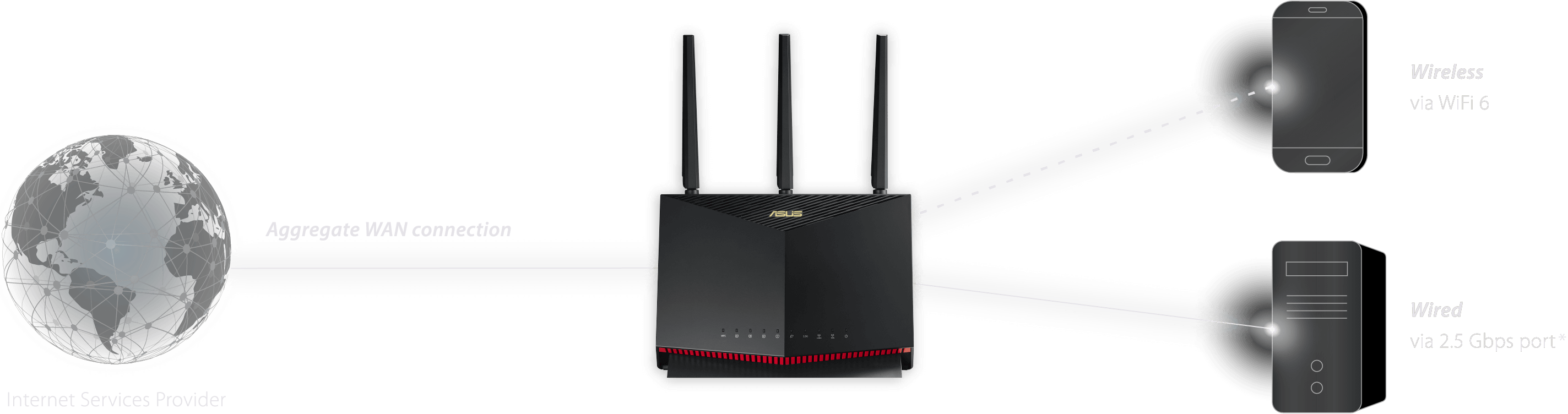
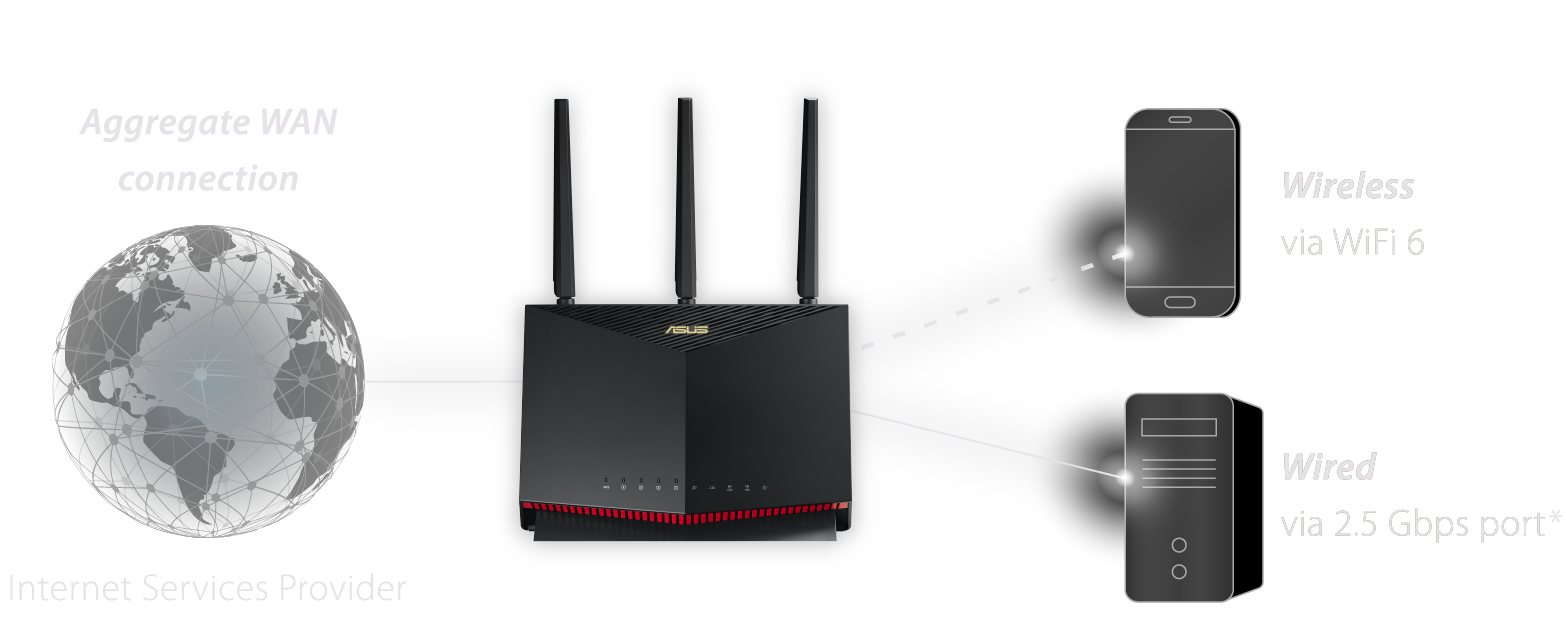
網際網路速度不受限
RT-AX86U Pro 可利用 WAN 連接埠和 1 Gbps LAN 連接埠,將兩個 1 Gbps 網際網路服務彙整為一個 2 Gbps 網際網路頻寬,使最高網際網路連線速度加倍達到 2 Gbps!接著即可透過 WiFi 6 或 2.5 Gbps 有線網絡連接埠,分享如此龐大的網際網路頻寬。為提供更高的多功能性,2.5 Gbps 連接埠可透過 WAN 或 LAN 連線使用。
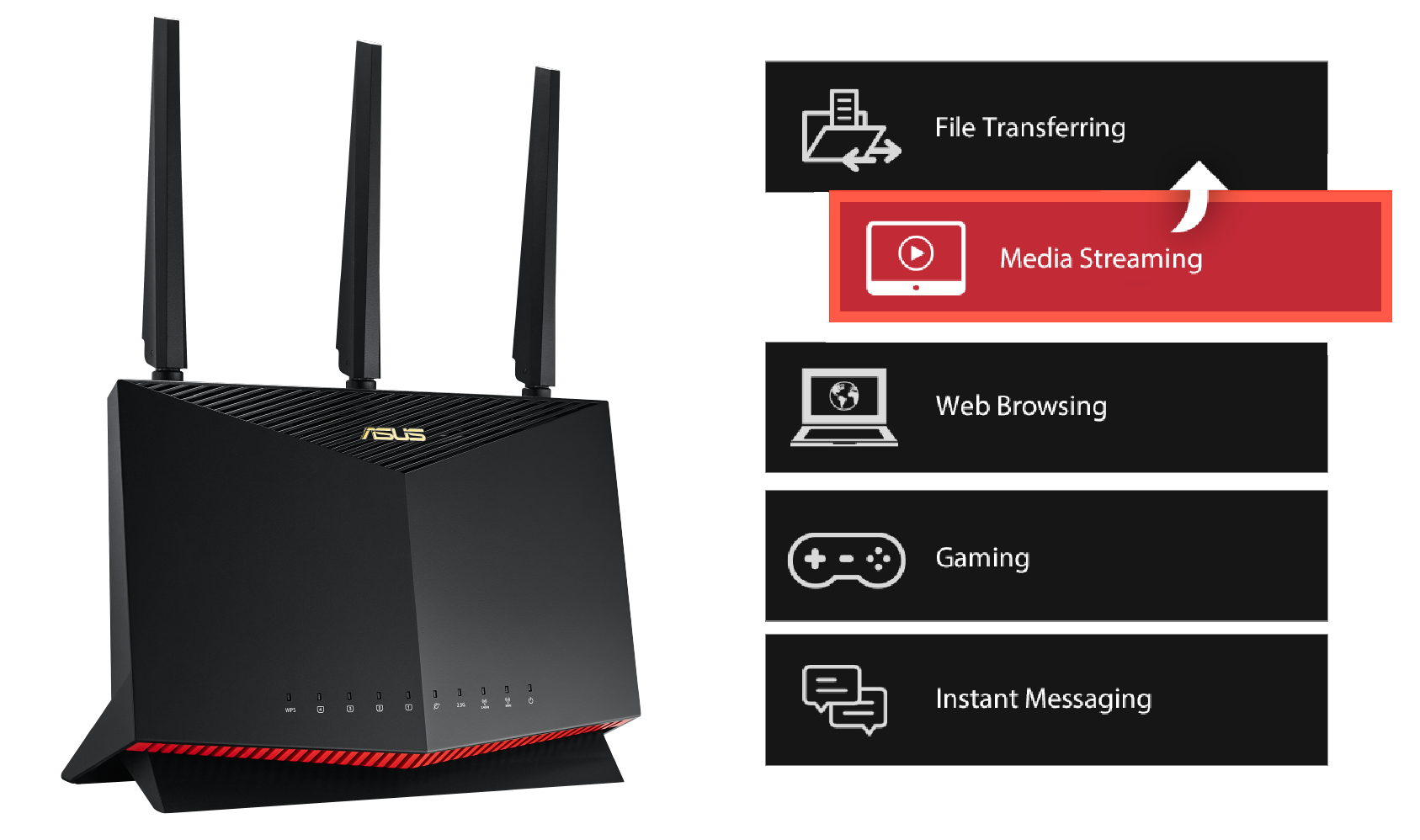
消除網路瓶頸
Adaptive QoS 可讓您透過調整網路流量的優先順序,保持網路運行順暢。您可以提高各種應用程式的優先順序,例如串流影片、瀏覽網站及遊戲。它是您想在家中任何位置提供低延遲 WiFi 時的最佳工具。


打造全屋網路無縫漫遊
您的路由器是否有 WiFi 訊號死角?RT-AX86U Pro 支援 ASUS AiMesh,這項獨特的網狀網路技術可利用多部 ASUS 路由器建立全住宅網路。它提供簡單的集中式控制和無接縫的漫遊功能,非專業人士也能利用自有的任何 AiMesh 路由器完成設定。告別 WiFi 訊號死角!
更安全的瀏覽體驗
網際網路可能包含不當的內容、擾人的廣告或其他危險和安全風險。華碩安全瀏覽功能讓使用者點擊一下即可封鎖不必要的內容,無需額外的應用程式。其基於 DNS 且精簡的過濾*功能不會影響路由器效能。它甚至可以過濾搜尋引擎結果中露骨的內容,保護您孩子上網的安全。
*使用安全瀏覽功能即表示您承認並同意用於阻擋和過濾內容的標準由第三方 DNS 供應商制定。
-

惡意網站
-

不當內容
-

廣告


隨時隨地強化安全性
為您的家庭網路提供完整的安全性
除了最新的 WPA3 安全協定,ASUS RT-AX86U Pro 還具備由 Trend Micro™ 提供的 AiProtection Pro, 可自動定期更新安全病毒碼,保護您的裝置與個人資料以避免網際網路威脅。
-

AiProtection Pro
-

WPA3
安全協定


輕鬆使用家長控制功能
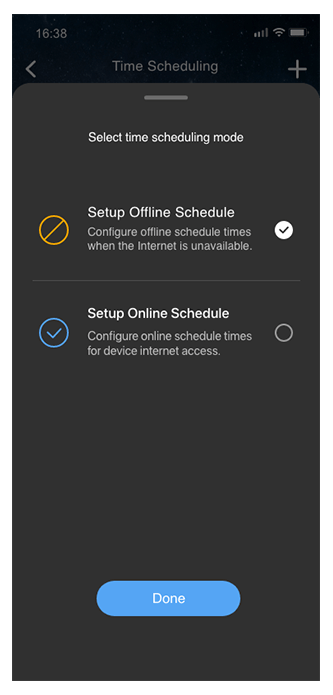
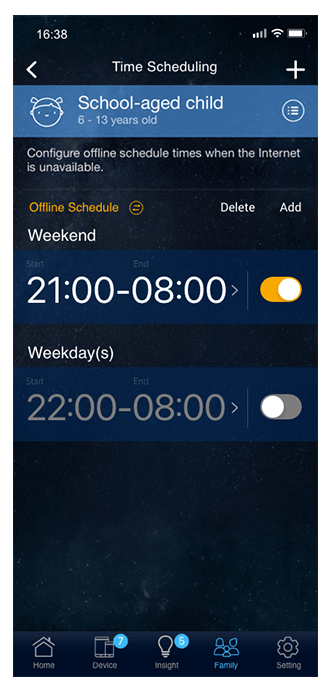
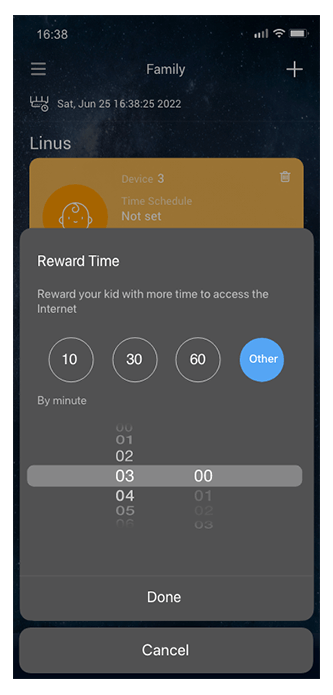
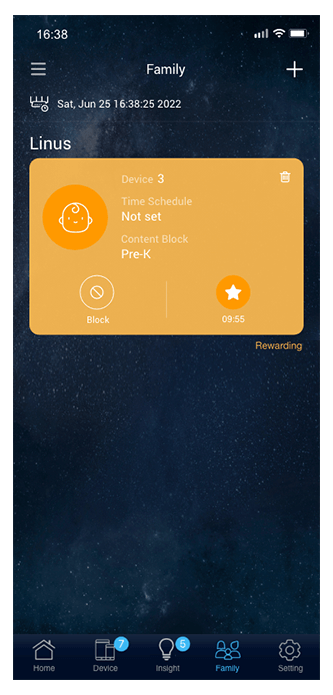
使用 RT-AX86U Pro 強大的家中控制功能,掌握您孩子的上網活動,並針對不同年齡層自訂各種設定。您也可以輕鬆點擊來彈性設定使用網際網路的時段,或授予額外的上網時間作為孩子表現良好的獎勵。


透過 Instant Guard 享受免費的 WiFi 安全性
當您離開家中,ASUS Instant Guard 行動應用程式可透過 RT-AX86U Pro 路由器*,讓您輕觸一下即可實現安全的網際網路存取,因為它採用加密的 VPN 通道技術。我們全新升級的應用程式甚至可讓您透過網址連結,將此安全的網路連線分享給親朋好友。
*路由器必須擁有公共 WAN IP 位址。
進一步瞭解 ASUS Instant Guard
下載 ASUS Instant Guard 應用程式




以您的方式使用 VPN
透過 ASUS RT-AX86U Pro 享受安全快速的 VPN 存取,進行串流、遊戲及其他活動。透過 ASUS Router 應用程式和網頁介面,您可以輕鬆設定和管理您的 VPN 連線,包括 OpenVPN 和 WireGuard,滿足您更多的 VPN 使用場景。

加密遠端連線
ASUS RT-AX86U Pro 路由器可讓遠端工作者安全地存取公司網路,無需為各個裝置安裝 VPN 軟體。您可以建立不同的 VPN 連線類型,包括 PPTP、L2TP、OpenVPN 或 WireGuard。透過 VPN Fusion,您也可以將各種裝置指派至不同的 VPN 通道,同時保持一般的網際網路連線以供日常使用。

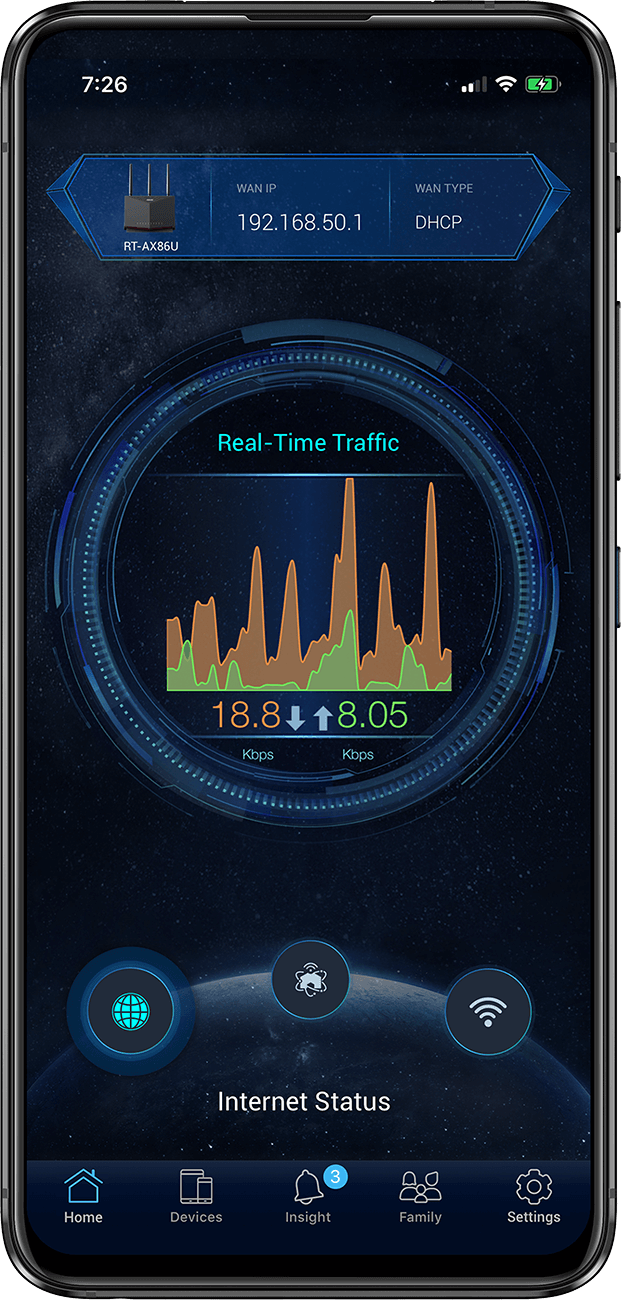
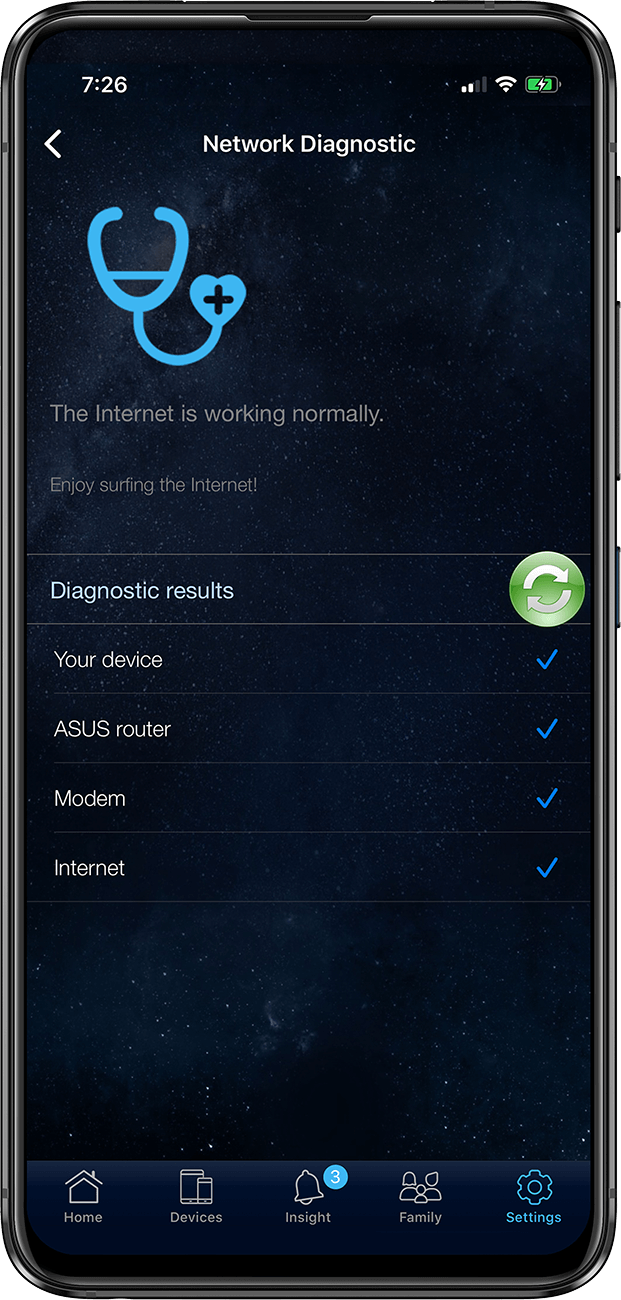
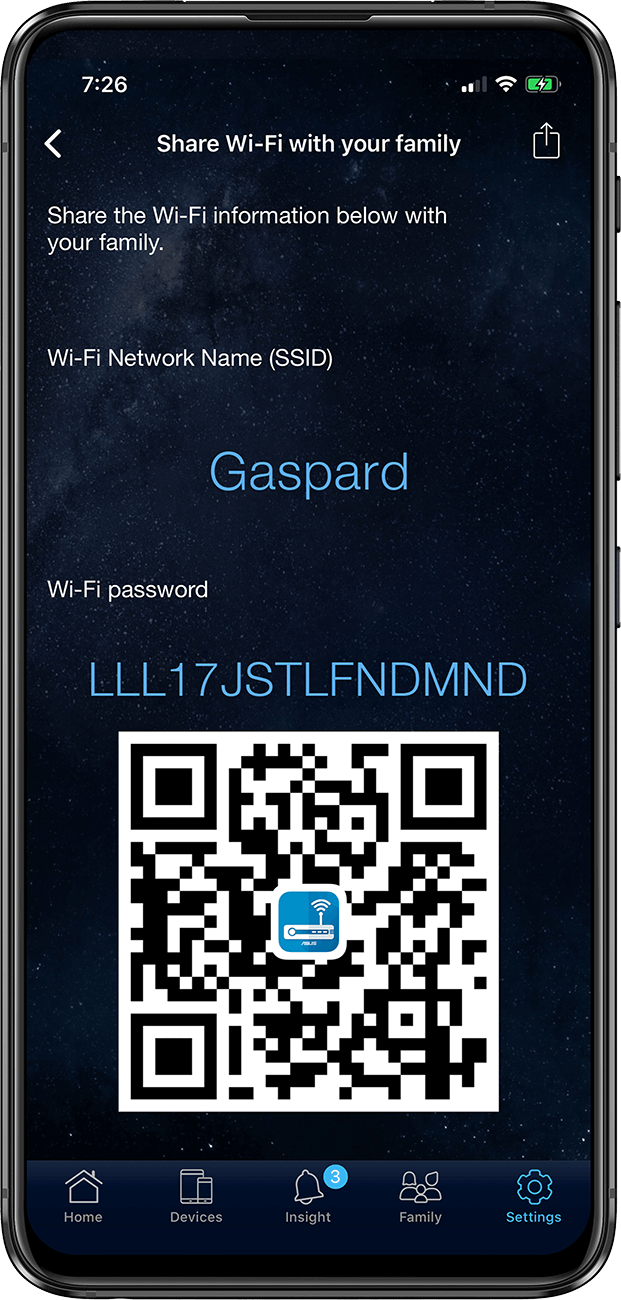
透過手機App程式輕鬆管理
流量分析工具
圖形化即時流量監控
網路診斷
只需點擊一下即可找出網路問題所在。
訪客 WiFi
輕鬆且安全地分享 WiFi 的方法,無需複雜的密碼。
流量分析工具
圖形化即時流量監控
網路診斷
只需點擊一下即可找出網路問題所在。
訪客 WiFi
輕鬆且安全地分享 WiFi 的方法,無需複雜的密碼。
免責聲明:
>
實際資料傳輸速率和 WiFi 涵蓋範圍依據網路條件和環境因素而有不同,包括網路流量的大小、建築物材質及結構,以及網路使用率等,皆可能導致較低的實際資料傳輸速率和無線網路涵蓋範圍。
若要獲得 WiFi 6 功能的好處,WiFi 用戶端必須具備 WiFi 6 的功能。
此速度數值以 2.4 GHz 頻段和 5 GHz 頻段計算,分別為 861 和 4804 Mbps。部分國家可能會因為當地法規而不支援 DFS 頻道。
- 新一代 WiFi 6 - 以最新 WiFi 6 (802.11ax) 和 160MHz 通道享受高達 5400 Mbps 的超快速度
- 手機遊戲模式 - 只需在 ASUS Router App 上按一下,即可為手機遊戲大幅降低遲滯和延遲。
- 選擇您的燈光氛圍 - 配備 ASUS Aura RGB 燈光效果可讓您選擇各種燈效,並可自訂燈光以呈現特定模式。
- 支援 ASUS AiMesh – 透過相容於 AiMesh 的路由器建立彈性且無接縫的全住宅網狀網路
- 商用級家庭網路安全性 – 由 Trend Micro™ 提供的終身免費 ASUS AiProtection Pro,具備 WPA3 和進階家長控制功能以保護您的家庭
- WiFi 6
- AX5400,2.4GHz AX:2x2 + 5GHz AX:4x4
- 適用於大空間
- 遊戲功能:遊戲連接埠、手機遊戲模式
- ASUS 功能:AiMesh、AiProtection