Product
VivoWatch
[Healthcare system] How to install the font on Vivo watch
1. Please download the VivoWatchFontPack.zip file from the ASUS Download Center.
2. Uncompressing VivoWatchFontPack.zip, and double click [VivoWatchFontPack.exe] to run the utility. A screenshot is shown as below:
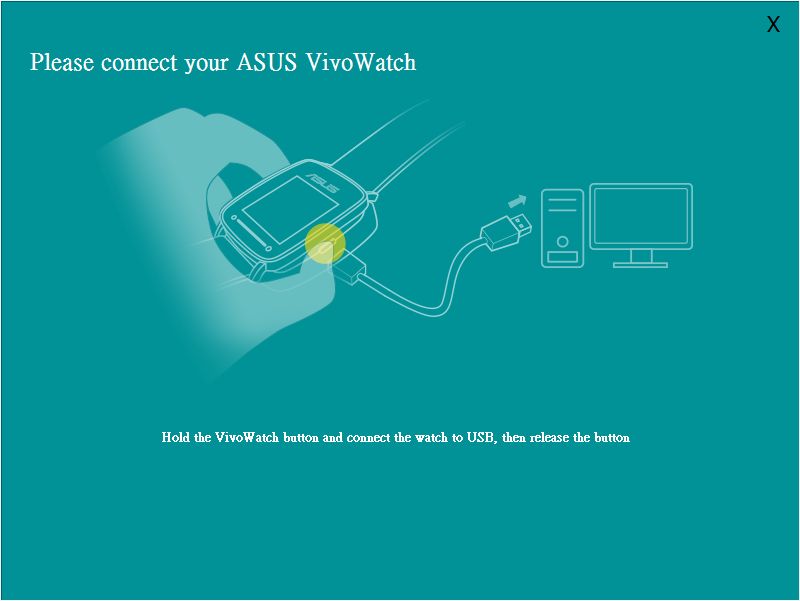
3. Follow the instructions on the screen, keep pressing Home Button on Vivowatch, and connect VivoWatch to PC. A screenshot is shown below:

4. Click Install, the progress of installation will be shown on PC screen.
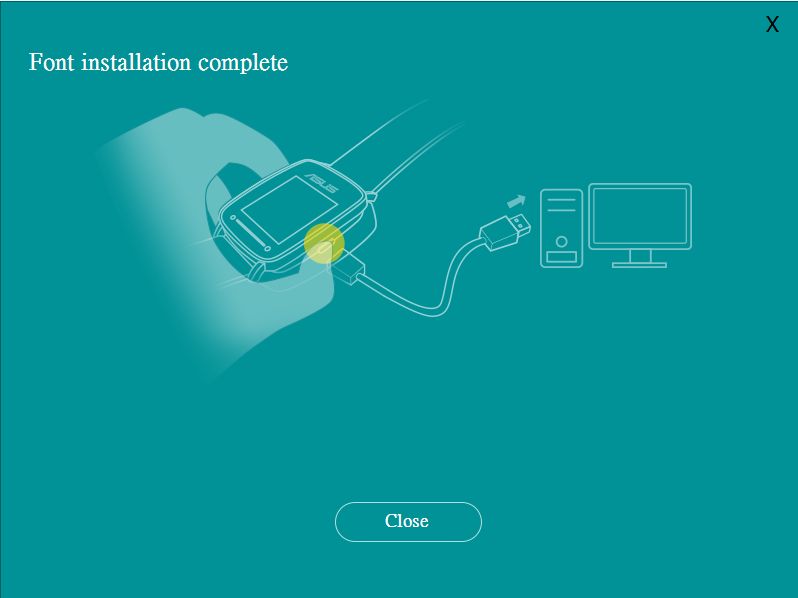
5. While the installation is completed, click Close to finish installing Font Pack.