Laptops
Best Laptop for Programming 2026
January 08, 2026
Author: ASUS India Reading time: 6 minutes

Quick read:
- Get 16GB RAM minimum - 8GB causes slowdowns when running code editors, browsers and testing tools together.
- Choose SSDs over hard drives - SSDs load programs instantly while traditional hard drives waste hours with slow loading times.
- Pick multiple processor cores - Multi-core processors compile code, run tests and handle virtual machines without freezing or lagging.
- Need 8+ hour battery life - A long battery lets you code anywhere without constantly hunting for power outlets and interruptions.
- Start with 512GB storage - 256GB fills quickly with development tools and projects, forcing constant file deletion and management.
- Minimum specs you need - Get 6+ cores processor, 16GB RAM (32GB for professional), 512GB SSD, 14-16’ display, 8+ hours battery and integrated graphics handles most coding tasks.
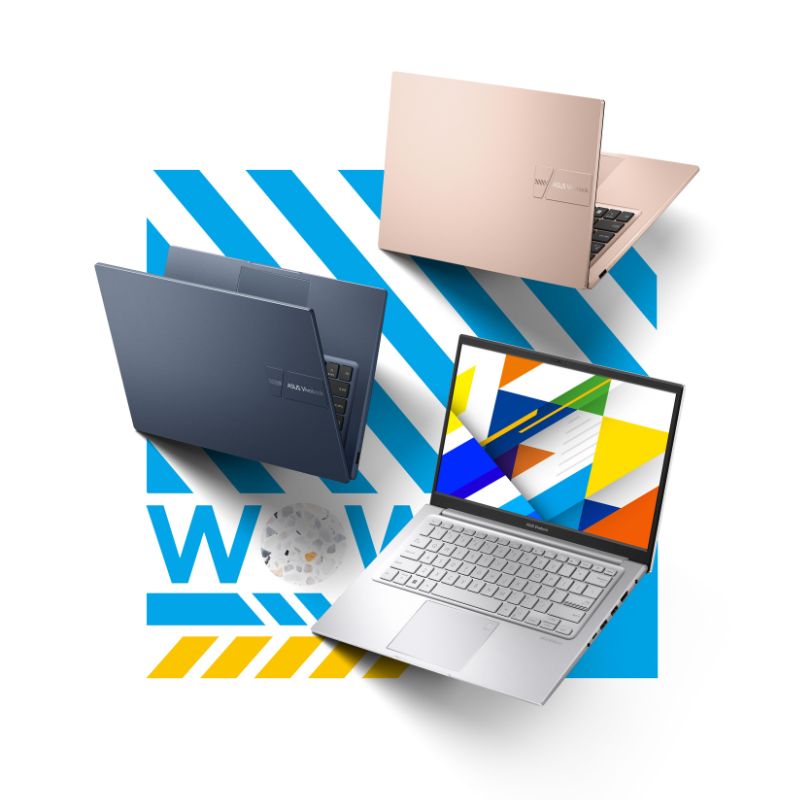
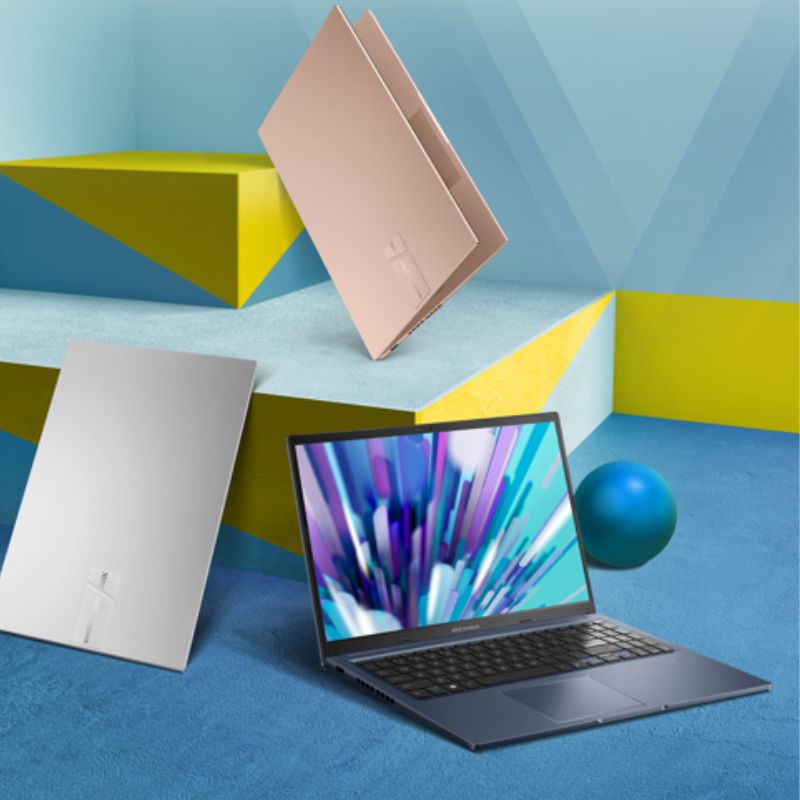
- Best ASUS laptops - Zenbook 14 for long battery. Zenbook S14 for heavy work. Vivobook S14 for good value. Vivobook 16 for a big screen. Vivobook 14 for students.
Choosing the best laptop for programming means looking at processing power, memory and how well it's built. Whether you need the best budget laptop for programming or a high-end machine, your choice affects how smoothly you can write code. Laptops designed specifically for programming these days strike a balance between mobility and computing power. This provides developers with the resources needed to produce software compatible with a wide range of fields.
Top ASUS laptops for programming in 2026
ASUS Zenbook 14 (UX3405)
This best laptop for computer programming delivers powerful performance in an ultra-portable package. The ASUS Zenbook 14’s beautiful OLED screen makes it easy to read codes, and the lightweight design makes it easy to carry around. Perfect for developers who work from home or other places and need a battery that will last all day so they can keep writing code anywhere.
|
Feature |
Specifications |
|
Processor |
Intel Core Ultra 5 225H (up to 4.9 GHz, 14 cores) |
|
RAM |
16GB LPDDR5X |
|
Storage |
1TB PCIe 4.0 SSD |
|
Display |
Up to 14" 3K (2880 x 1800)Lumina OLED Display (Touchscreen as option), 120Hz |
|
Graphics |
Intel Arc Graphics |
|
Battery |
75WHrs, 18+ hours battery life* |
|
Weight |
1.28 kg |
|
Price |
₹89,990 |
Disclaimer: Prices are subject to change, kindly visit the product website for actual costing. Battery life depends on usage patterns and may vary based on your workload
ASUS Zenbook S 14 (UX5406)
Premium developers seeking the best laptop for programming will love this powerhouse machine. The ASUS Zenbook S14 handles intensive machine learning and data science work smoothly with whisper-quiet cooling. The beautiful Ceraluminum design stays lightweight while offering exceptional performance for complex projects requiring maximum processing power and memory capacity.
|
Feature |
Specifications |
|
Processor |
Up to Intel Core Ultra 7 258V (up to 4.8 GHz, 8 cores) |
|
RAM |
32GB LPDDR5X onboard memory |
|
Storage |
Up to 1TB PCIe 4.0 SSD |
|
Display |
14" 3K Lumia OLED Touchscreen (2880 x 1800), 120Hz, up to 500 nits peak brightness, 100% DCI-P3 color gamut |
|
Graphics |
Intel Arc Graphics |
|
Battery |
72WHrs, up to 27 hours battery life* |
|
Weight |
1.20 kg |
|
Price |
₹134,990 |
Disclaimer: Prices are subject to change, kindly visit the product website for actual costing. Battery life depends on usage patterns and may vary based on your workload
ASUS Vivobook S14 (S3407)
This machine offers good laptops for programming performance at a reasonable price. The sophisticated metallic style and long battery life enable full-day coding. Expandable memory lets you upgrade later. The ASUS Vivobook S14 is perfect for students and professionals handling web development, mobile apps and general programming tasks comfortably.
|
Feature |
Specifications |
|
Processor |
Intel Core Ultra 7 255H (up to 5.1 GHz, 16 cores) |
|
RAM |
16GB DDR5 (expandable to 32GB) |
|
Storage |
512GB PCIe 4.0 SSD |
|
Display |
14" FHD+ (1920 x 1200), 60Hz |
|
Graphics |
Intel Graphics |
|
Battery |
70WHrs, excellent battery life |
|
Weight |
1.40 kg |
|
Price |
₹60,990 |
Disclaimer: Prices are subject to change, kindly visit the product website for actual costing. Battery life depends on usage patterns and may vary based on your workload
ASUS Vivobook 16 (X1607)
Developers wanting larger screens will find this the best programming laptop. The spacious display lets you view code and documentation together without constantly switching windows. Fast charging gets you back to work quickly. The ASUS Vivobook 16 is perfect for backend developers and engineers multitasking across multiple applications daily.
|
Feature |
Specifications |
|
Processor |
Intel Core Ultra 5 225H (up to 4.9 GHz, 14 cores) |
|
RAM |
16GB DDR5 (expandable to 24GB) |
|
Storage |
512GB PCIe 4.0 SSD |
|
Display |
16" FHD+(1920 x 1200), 60Hz |
|
Graphics |
Intel Graphics |
|
Battery |
42WHrs with fast charging |
|
Weight |
1.88 kg |
|
Price |
₹70,990 |
Disclaimer: Prices are subject to change, kindly visit the product website for actual costing. Battery life depends on usage patterns and may vary based on your workload
ASUS Vivobook 14 (X1407)
Students and beginners seeking a budget laptop for programming will appreciate this affordable, reliable machine. Long study sessions are easy on the comfy keyboard, and the military-grade sturdiness of ASUS Vivobook 14 means it will last for years of study. Effectively manages coding environments and development tools for beginners and programming students.
|
Feature |
Specifications |
|
Processor |
Intel Core Ultra 5 225H (up to 4.9 GHz, 14 cores) |
|
RAM |
16GB DDR5 (expandable to 24GB) |
|
Storage |
512GB PCIe 4.0 SSD |
|
Display |
14" FHD+(1920 x 1200), 60Hz |
|
Graphics |
Intel Graphics |
|
Battery |
42WHrs with fast charging |
|
Weight |
1.46 kg |
|
Price |
₹70,990 |
Disclaimer: Prices are subject to change, kindly visit the product website for actual costing. Battery life depends on usage patterns and may vary based on your workload
ASUS TUF Gaming F16 (FX607)
If you make games or work with data, you need a laptop with good graphics. The ASUS TUF Gaming F16 is the best laptop for Python programming because it has a powerful NVIDIA RTX 3050A graphics card. This laptop is built to last through tough daily use. The super-smooth 144Hz screen makes testing your games and running data work feel quick and easy without any slowdowns.
|
Feature |
Specifications |
|
Processor |
Intel Core 5 210H (up to 4.8 GHz, 8 cores) |
|
RAM |
16GB DDR4-3200 (expandable to 32GB) |
|
Storage |
512GB PCIe 4.0 SSD |
|
Display |
16" FHD+ (1920 x 1200), 144Hz, 3ms response time |
|
Graphics |
NVIDIA GeForce RTX 3050A (4GB GDDR6) |
|
Battery |
56WHrs with fast charging (0-50% in 30 minutes) |
|
Weight |
2.20 kg |
|
Price |
₹69,990 |
Disclaimer: Prices are subject to change, kindly visit the product website for actual costing. Battery life depends on usage patterns and may vary based on your workload
Recommended specifications for programming
When you're shopping for a laptop for software development, you need to understand which parts actually make your coding work easier and faster. Let's break down what really matters so you can make a smart choice.
Processor
For basic coding and learning, an Intel Core Ultra 5 with 6 or more cores will handle your needs just fine. But if you're working as a developer full-time, you'll want to upgrade to a Core Ultra 7 with 8 or more cores so everything runs smoothly even when you're juggling multiple tasks. For i5 vs i7 laptop for programming, i7 works faster for professional development.
RAM (Memory)
If you're just starting out or doing simple projects, 16GB gives you enough space to work comfortably. However, once you start using professional tools like Docker or running databases alongside your code editor, you'll really appreciate having 32GB because everything stays fast and responsive.
Storage
Start with at least 512GB so you have room for all your coding tools and projects without constantly deleting things. As your work grows and you start handling bigger projects or running virtual machines, stepping up to 1TB or more means you'll never feel cramped for space.
Display
A 14-inch Full HD screen gives students and beginners plenty of space to learn and work effectively. But if you're coding professionally, investing in a larger QHD screen pays off because you can see way more lines of code at once and won't waste time constantly switching between windows.
Battery Life
You need at least 8 hours to get through a full workday or study session without interruption. Even better, laptops that last 10 hours or longer give you the freedom to code anywhere - coffee shops, libraries, parks, without worrying about running out of juice.
Graphics
For most coding work, like web development or software engineering, the built-in graphics that come with your laptop work perfectly fine. But if you're getting into game development or working with AI and machine learning, you'll need a dedicated graphics card with at least 4GB of memory to handle the heavy lifting.
Pick a laptop for coding and development that handles what you're doing today, but also gives you room to tackle bigger and more complex projects as your skills grow over time.
What makes a good programming laptop?
- Powerful processor: A strong CPU makes your code compile faster and lets you run multiple programs at once without your laptop slowing down or freezing, which makes it essential for a laptop for Java developers handling large-scale enterprise applications.
- Sufficient RAM: Adequate memory allows running multiple applications, virtual machines and development environments simultaneously without performance degradation or annoying system crashes.
- Quality keyboard: A comfortable typing experience reduces strain during extended coding sessions, with responsive keys enabling faster and more accurate programming work throughout your day.
- Long battery life: Extended battery performance supports uninterrupted coding sessions away from power outlets, which is very important for students and professionals working remotely or on the go.
- SSD storage: Solid-state drives provide faster boot times, quicker application launches and improved overall system responsiveness compared to traditional hard drives for better productivity.
- Display quality: Sharp, high-resolution screens reduce eye strain and allow viewing more code simultaneously, which enhances productivity during those long development sessions.
- Build quality: Durable construction ensures your investment withstands daily wear, travel demands and the rigors of constant professional or academic use over the years.
Top factors to consider when buying
Processing power
Your processor is your laptop's brain, it controls how fast your code runs and how many tasks you can handle at once. For best laptops for programming students and working developers, processors with at least six cores handle tough jobs like running test environments, building large projects, and testing apps all at the same time. More cores mean smoother work when you're juggling multiple tasks.
Memory (RAM)
RAM controls how many programs you can run together without things getting slow. Good laptops for programming usually have at least 16GB, though people working with data science or AI need 32GB or more. Having enough RAM stops annoying crashes when you're running Docker, databases, your code editor and web browsers all at once.
Storage type and capacity
SSDs are much faster than old hard drives, which makes them essential for programming work. You'll want at least 512GB to fit your operating system, coding tools, projects, and databases comfortably. Even cheaper options should have SSD storage instead of slower hard drives for better speed.
Battery longevity
You'll often code in places without easy power access, like cafes, study rooms or while traveling. Good machines run for 8-10 hours on one charge, so you can code without interruptions. Students especially benefit from long battery life during classes, group projects and studying around campus.
Display characteristics
When you're working for long periods of time, the quality of your device is important. A 14-inch or larger screen with Full HD resolution provides adequate area to see code, help pages and testing windows simultaneously. Matte screens cut down on glare, while IPS panels give you better viewing angles than basic screens.
Operating system compatibility
The coding languages and tools that you use will determine which operating system is the most effective. The best Windows laptop for programming excels at .NET development, while macOS is great for building iOS apps. Laptops compatible with Linux give backend developers more control.
Port selection and connectivity
Modern coding work requires connecting external screens, storage drives and other devices at the same time. You won't need any extra adapters if your computer has enough USB ports (including USB-C), HDMI outputs and card readers. Quality machines balance thin designs with practical ports that support your different hardware needs.
Best laptop for programming type
Web development
- Lightweight thin laptops with 16GB RAM easily run local test servers, multiple web browsers and code editors together for building websites.
- High-quality screens show accurate colors when designing interfaces and testing how layouts look on different screen sizes.
- Long battery life (8+ hours) lets you work remotely, coding from cafes, shared workspaces or client meetings without power worries.
- Fast SSDs help you switch between projects quickly and open applications instantly, making your workflow smoother during testing.
Mobile app development
- High RAM amounts (32GB) let Android developers run Android Studio smoothly with multiple phone simulators for testing different devices.
- Plenty of storage (512GB+) fits large development kits, simulator files and multiple app versions across different platforms.
Data science & machine learning
- Dedicated NVIDIA graphics cards with CUDA support speed up model training, deep learning work and complex data charts significantly.
- At least 32GB RAM handles huge datasets, multiple Jupyter notebooks and heavy libraries like TensorFlow and PyTorch smoothly.
- Large SSDs (1TB+) store massive datasets, trained models and research files while keeping fast speeds for processing data.
- Powerful cooling systems maintain the best laptop for Python programming running during tough machine learning work without overheating.
Game development
- High-end graphics cards render 3D worlds smoothly in Unity, Unreal Engine and custom game engines during building and testing.
- 32GB+ RAM runs development tools, compiles complex graphics code, manages game assets and tests game builds together without slowdowns.
- High-refresh screens (120Hz+) help you accurately test gameplay smoothness, animations and frame rate improvements during development.
Backend/DevOps
- Powerfulprocessors (8+ cores) efficiently run Docker containers, Kubernetes clusters and virtual machines together for testing deployment systems.
- 16-32GB RAM runs multiple development setups, databases and containerized services at once during backend system building.
- Linux compatibility ensures seamless Ubuntu or other system operation, important for replicating actual server settings during development.
- The best laptop under 1 lakh for programming backend systems combines solid build quality with tough construction.
Common mistakes when buying a programming laptop
- Choosing insufficient RAM: Many developers pick 8GB RAM to save money, but this causes constant slowdowns. You need 16GB minimum to run your code editor, browser and testing tools smoothly at the same time.
- Ignoring processor cores: Don't focus only on speed numbers. You need multiple cores to compile code, run tests and use virtual machines together without your laptop freezing or lagging.
- Selecting hard drives over SSDs: Traditional hard drives make everything painfully slow. SSDs load your programs and files instantly, saving you hours of waiting time every week.
- Overlooking battery capacity: Short battery life means hunting for outlets constantly. Your coding laptop needs at least 8 hours of battery so you can code anywhere without interruptions or losing your work progress.
- Buying inadequate storage space: Even the best programming laptop under your budget should have at least 512GB, as 256GB fills up fast with your tools and projects, forcing you to constantly delete files or move things to external drives.
- Neglecting keyboard comfort: You'll type thousands of lines daily. A bad keyboard causes hand pain and slows you down. Test the keyboard before buying to ensure it feels comfortable.
- Skipping port availability: You need ports for monitors, drives, and devices. Too few ports means buying dongles and constantly unplugging things, which wastes time and breaks your focus.
Wrapping up
Finding the right laptop for programming depends on your specific development needs and budget. Whether you are a student or a professional, ASUS offers excellent options across all price ranges. A quality machine balances processing power, sufficient RAM, quality display and reliable battery life.
Consider your programming type, evaluate specifications carefully and avoid common purchasing mistakes. The device you choose should last you years and help you with everything from learning to working on business projects, in a smooth, easy way.
Frequently asked questions
- Which processor is best for coding?
Intel Core Ultra 5 or Core Ultra 7 processors with at least 6-8 cores work excellently for programming. These handle multiple development tools, virtual machines and compilation tasks efficiently without slowdowns during your coding sessions. - How much RAM should a laptop have in 2026?
16GB RAM is the minimum standard for comfortable programming in 2026. For data science, machine learning or running multiple virtual machines, 32GB RAM ensures smooth performance across demanding workflows without system crashes or slowdowns. - Do I need a powerful laptop for programming?
Your programming type determines power requirements. Web development works fine on mid-range machines, while machine learning, game development and mobile app creation demand higher specifications. The best laptop for programming matches your specific development needs and workflow. - What screen size is best for coding?
14-inch to 16-inch displays offer an optimal balance between portability and workspace. Larger displays allow you to look at code and documentation simultaneously, reducing window switching and improving productivity during extended coding sessions with many programs. - Which processor is best for CSE students?
Intel Core Ultra 5 provides excellent performance for computer science students. It handles coding assignments, project compilation, multiple IDEs and learning environments efficiently. A budget laptop for programming with this processor offers great value throughout academic years.
Popular Searches on Intel Core Laptops:
i5 core laptop | i7 core laptop | i9 core laptop |
Popular Searches on Laptop Prices:
Laptops Under 40000 | Laptops Under 60000 | Laptops Under 1 Lakh | Laptop Under 1.5 Lakh